


Uber Gift Card CA Top Up: Fast CAD Balance for Rides and Eats
An Uber Gift Card (CA) provides an easy, prepaid method to fund your transportation and meal delivery needs throughout Canada. When you complete an Uber Gift Card CA top up, you receive a digital code denominated in Canadian Dollars (CAD) that converts directly into your unified Uber Cash balance. This balance applies automatically to both ride requests through the Uber app and meal orders through Uber Eats.
Prepaid digital codes remove the need to link your primary credit card or bank details directly to your daily transport and food accounts. Whether managing personal spending budgets or sending practical gifts to friends and family in Canada, digital gift vouchers deliver instant utility without recurring subscription obligations.
How to Recharge Your Uber and Uber Eats Account with a Canadian Gift Card
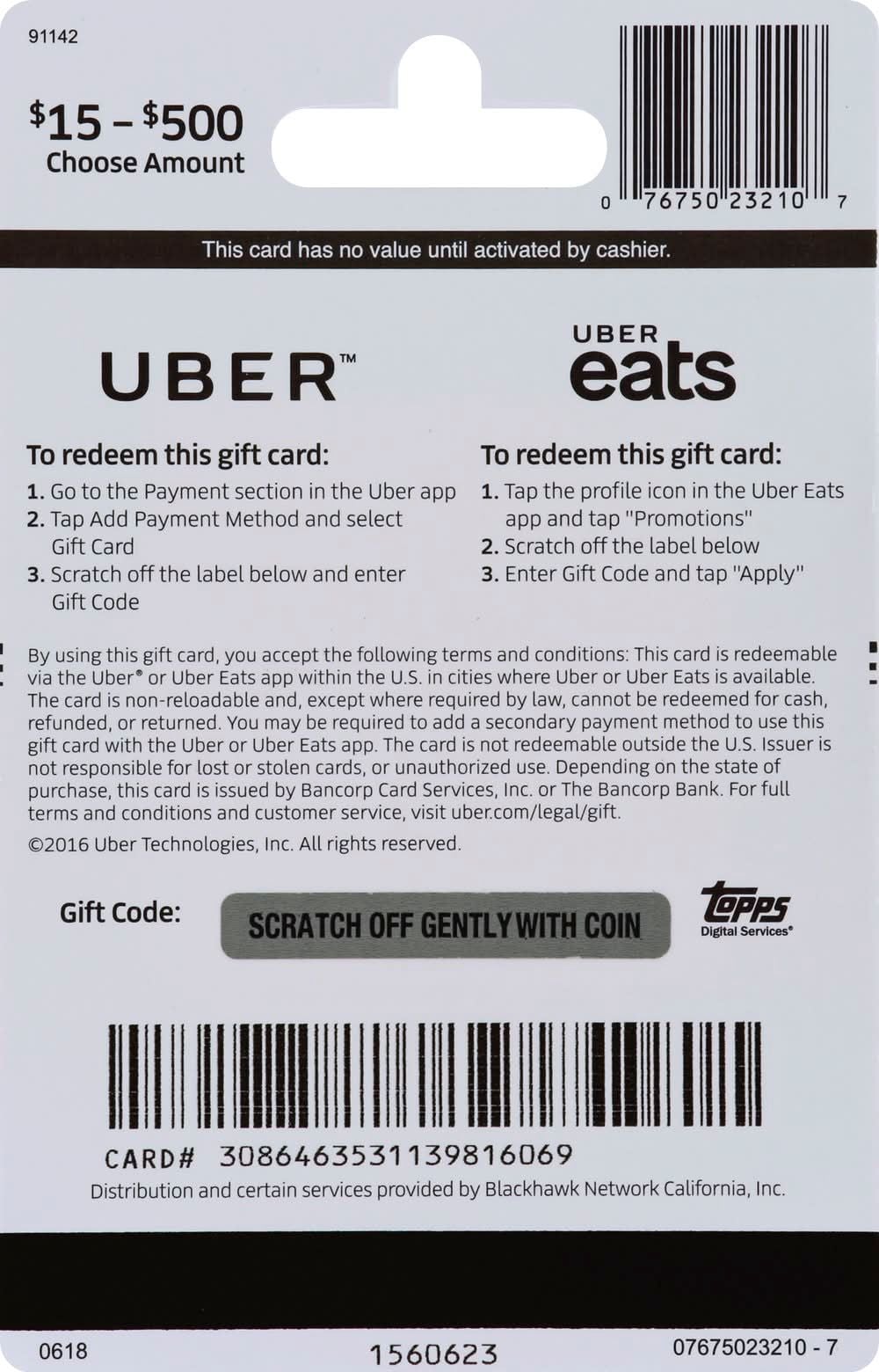
Redeeming your Canadian gift card code takes less than a minute on any mobile device running the official Uber or Uber Eats application. Because Uber integrates your digital wallet across its ecosystem, claiming a code in one app automatically makes the funds available in both.
Follow these steps to redeem your voucher:
- Open the Uber or Uber Eats app on your iOS or Android device.
- Tap the Account tab located at the bottom-right corner of the home screen.
- Select Wallet (labeled as Payment on some app versions).
- Under the Uber Cash section, tap Add Funds or choose + Add Payment Method.
- Select Gift Card from the list of available funding sources.
- Enter your 16-digit alphanumeric gift code exactly as received. Do not include spaces or extra punctuation.
- Tap Save or Add to confirm. Your updated CAD balance will display immediately in your Uber Cash total.
How to Locate Your Uber Account and Wallet Details
Unlike gaming platforms, Uber does not assign a public numerical player UID. Your account identity is tied directly to your registered Canadian phone number and email address. Ensuring your app profile is set to Canada is necessary to apply CAD currency vouchers without regional conflicts.
To check your account profile and verify your wallet status:
- Tap Account in the bottom menu.
- Look at the top banner to confirm your verified name, phone number, and account email.
- Open Wallet to view your current Uber Cash balance and see all active payment profiles.
- Ensure your default currency indicates CAD before attempting redemption.
Difference Between Reloading a Card and Adding New Uber Gift Codes
A frequent question regarding digital transport balances is whether you can directly reload an old physical or digital gift card. Uber gift cards operate as single-use balance vouchers. You do not add funds back onto an existing card number; instead, you acquire a new voucher code from BitTopup and add it to your unified Uber Cash account.
| Feature | Physical Card Reload | Digital Gift Code (BitTopup) |
|---|---|---|
| Reusability | Non-reusable after initial claim | Single-use secure code |
| Balance Destination | Merged into Uber Cash balance | Merged into Uber Cash balance |
| Delivery Speed | Requires store visit | Instant digital code on screen & email |
| Expiration Policy | No expiration date in Canada | No expiration date in Canada |
| Applicable Services | Uber Rides & Uber Eats (Canada) | Uber Rides & Uber Eats (Canada) |
| Balance Stacking | Allowed up to account limits | Allowed up to account limits |
Every time you apply a new voucher code, the face value is added on top of your existing Uber Cash balance. The app automatically pulls from this credit before charging any secondary payment methods on file.
Regional Restrictions and Uber Cash Balance Rules in Canada
Uber enforces strict currency-lock and geographic policies on all gift vouchers to comply with international financial regulations:
- Currency Specificity: Uber Gift Card (CA) vouchers are issued strictly in Canadian Dollars (CAD). They can only be claimed on accounts where the user profile and primary region are set to Canada.
- Geographic Usage: CAD Uber Cash balances can only be spent on rides initiated within Canadian cities and food orders placed through Canadian merchants on Uber Eats. If you travel outside Canada, the app temporarily hides your CAD Uber Cash and requires a local currency payment method until you return.
- Account Limits: Canadian Uber accounts are subject to a maximum Uber Cash holding limit (typically up to 2,000 CAD). If a new card's value would cause your balance to exceed the account ceiling, the redemption will be rejected until your current balance decreases.
- No Expiry: Under Canadian consumer protection regulations, digital gift card funds added to your balance do not expire and carry no inactivity fees.
Troubleshooting Uber Gift Card Code Redemption Errors
If you encounter an issue when entering your gift code, use these troubleshooting steps to resolve the problem quickly:
- "Invalid Code" or "Code Not Found": Manually re-enter the code rather than relying on copy-paste, which can introduce hidden whitespace. Watch out for easily confused characters like the number
0and letterO, or number1and uppercaseI. - "Currency or Region Mismatch": This occurs if your Uber account was created in another country or if your device is running a VPN routed outside Canada. Turn off active VPNs, verify your phone number has a Canadian country code (+1), and check your regional settings under account settings.
- "Balance Limit Exceeded": Verify your current Uber Cash total. If adding the card puts your wallet over the maximum allowed CAD threshold, spend down a portion of your existing balance before applying the new code.
- App Display Glitches: If the balance does not refresh after a successful confirmation message, force-close the Uber or Uber Eats app, check for app updates in the Google Play Store or Apple App Store, and reopen your wallet.
Secure Account Recharges and Instant Delivery on BitTopup
BitTopup provides a streamlined, dependable checkout process for purchasing Canadian Uber gift vouchers:
- Instant Digital Delivery: Digital codes are displayed directly on your confirmation screen and emailed to you immediately after purchase for rapid redemption.
- Account Safety Guaranteed: BitTopup never asks for your Uber password, login details, or sensitive account credentials. You receive a clean voucher code to enter directly into your own app.
- Flexible Live Checkout: Check current rates and available CAD denominations directly on the live checkout screen.
- 24/7 Dedicated Support: If you ever need help with order tracking or code delivery, customer service is available around the clock.
Frequently Asked Questions
Can you top up or reload an existing Uber gift card?
No, physical and digital Uber gift cards cannot be reloaded with additional funds once their initial value is claimed. To add more credit to your Uber account, purchase a new digital gift card code on BitTopup and redeem it directly in your app's Wallet section. The new value automatically merges into your existing Uber Cash balance.
How do I add money from an Uber gift card to my account in Canada?
Open your Uber or Uber Eats app, tap Account, select Wallet, then choose Add Funds or + Add Payment Method. Select Gift Card, type in the 16-digit code provided with your BitTopup order, and tap Save. The CAD balance is credited to your wallet instantly.
Can a Canadian Uber gift card (CAD) be used outside Canada?
No. Uber gift cards are region-locked and currency-locked. A card purchased in CAD can only be redeemed on an account configured for Canada and used for rides or Uber Eats deliveries within Canadian borders. It cannot be converted to USD or other foreign currencies.
Does an Uber Gift Card (CA) work for both Uber rides and Uber Eats?
Yes. Once redeemed, the funds exist as Uber Cash in your unified account wallet. You can spend this balance seamlessly on Uber ride bookings, Uber Comfort, UberXL, and on restaurant deliveries or pickup orders placed through Uber Eats across Canada.
What is the maximum gift card balance an Uber account can hold?
In Canada, an Uber account can typically hold a maximum balance of up to 2,000 CAD in Uber Cash at any given time. If your existing balance is close to the limit, ensure your new card value does not exceed this total before redeeming.
How do I check my remaining Uber Cash balance after redemption?
Open the Uber or Uber Eats app and tap the Account icon in the bottom right corner. Select Wallet (or Payment). Your total remaining CAD balance is displayed prominently at the top of the screen under the Uber Cash header. During checkout for any ride or meal, your available Uber Cash balance will also appear as the primary payment option.