Choosing between direct Player ID web recharge and native in-game purchases in Dead by Daylight Mobile (SEA) depends on your authentication preference, payment access, and account region. Direct UID top-up requires only your public numeric Personal ID and server cluster—eliminating password sharing and avoiding NetEase foreign IP lockouts—while native Google Play and Apple App Store in-app purchases handle billing automatically through your linked mobile wallet.
Core Differences Between Direct Player ID Recharge and Mobile App Stores
Dead by Daylight Mobile in Southeast Asia runs under NetEase Games rather than Behaviour Interactive. This distinct regional architecture directly dictates how purchases process. When buying through Google Play or the iOS App Store, the game client communicates with your platform account. Direct top-up bypasses the mobile store interface entirely, querying the NetEase regional database using public profile parameters.
| Purchase Channel | Image | Required Credentials | Regional Server Binding | Account Sharing & Security Risk | Source |
|---|---|---|---|---|---|
| Direct UID Web Top-Up |  | Public numeric Personal ID, Server selection, Character Name | Southeast Asia, HKMOTW, Japan, or Korea clusters only | Zero password exposure; eliminates foreign IP login bans | BitTopup SEA Recharge |
| Native In-Game Purchase (IAP) | 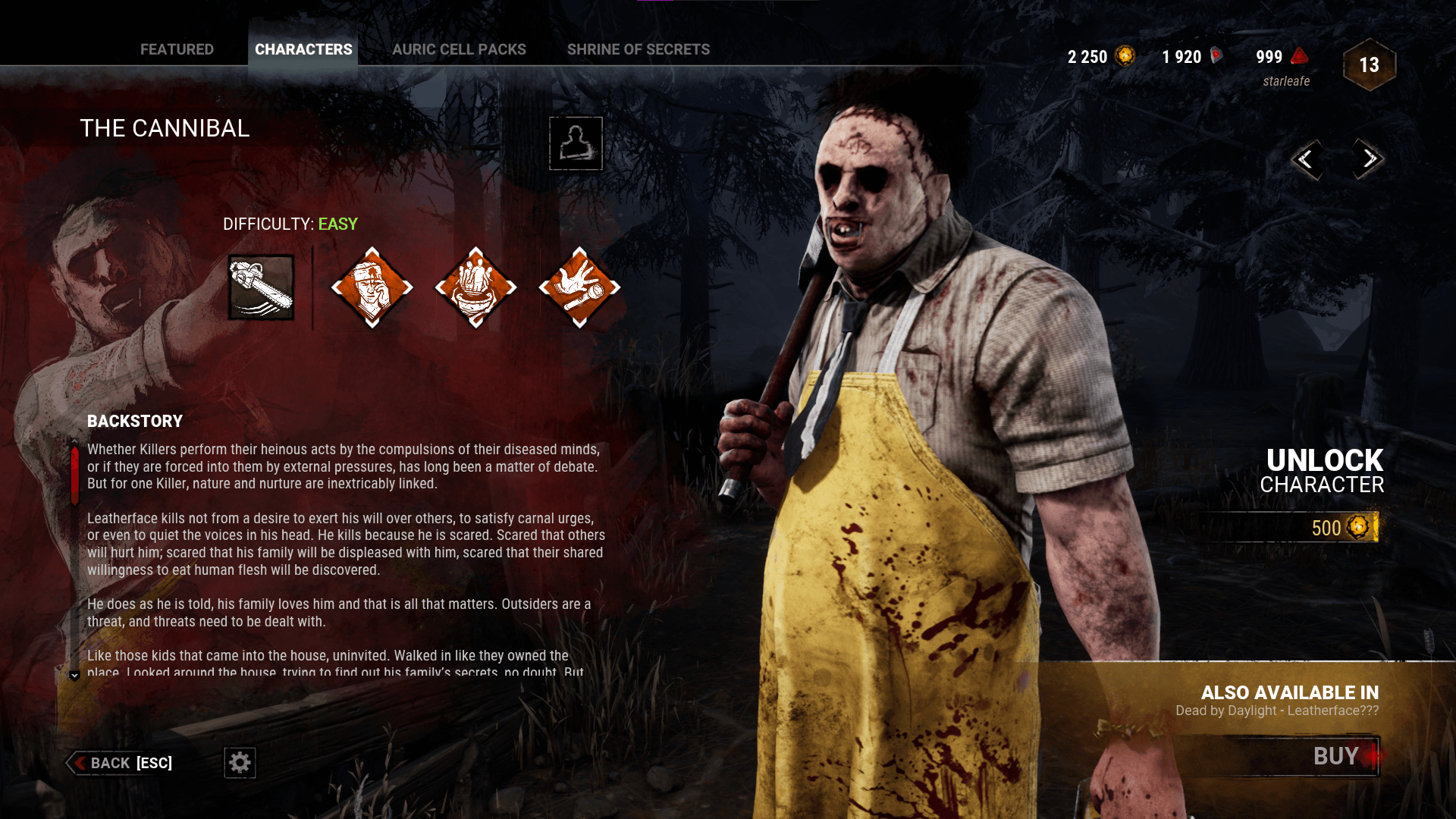 | Google Play or Apple ID account credentials | Handled automatically by app build and linked store country | Local device billing; 12-month lock if attempting store country swaps | Google Play Developer Policy |
Because direct top-up requires no login credentials, players never need to share sensitive Google, Apple, Facebook, or NetEase passwords. Handing login details to unverified third parties can trigger automated NetEase security defenses or temporary bans when access originates from unfamiliar foreign IP addresses. Direct web shops eliminate this risk by operating strictly with public identifiers.
However, direct UID recharges require strict precision. If you submit a mistyped Personal ID and the transaction settles, currency delivers irreversibly to a stranger's account according to documented transaction mechanisms reported by KrostyShop Guide.
Standard In-Game Pack Tiers and Auric Cell Bonus Scaling
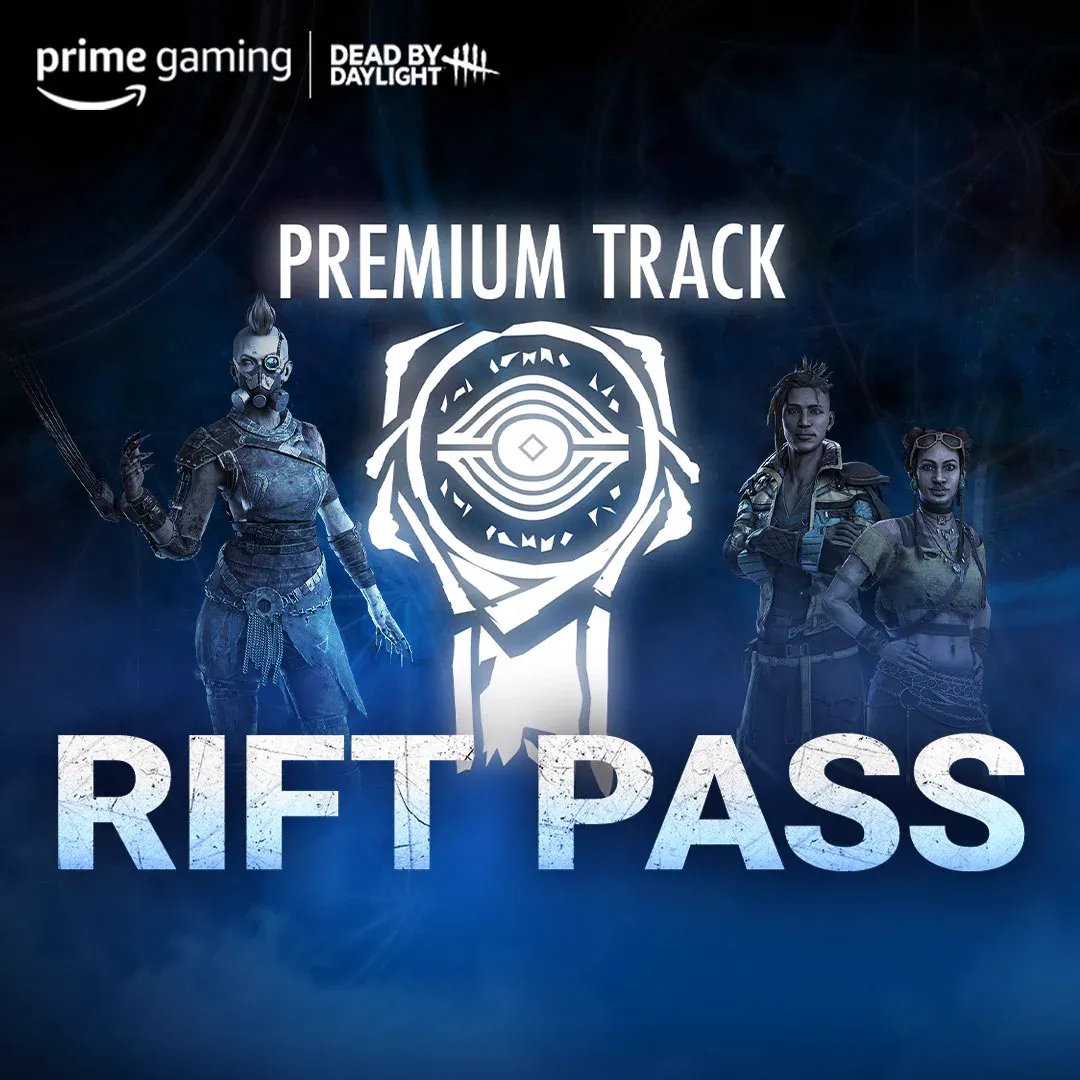
Auric Cells serve as the core currency in Dead by Daylight Mobile (SEA). Players use them to unlock licensed Killers and Survivors, buy the Premium Rift Pass, purchase cosmetic outfits, and draw on Entity's Treasure gachas. Standard in-game storefronts provide structured packs that reward higher upfront spending with tiered bonus cells.
Base in-game pricing documented by Alphr's Auric Cell Guide shows six core tiers:
| Auric Cell Package | Base Quantity | Volume Bonus Percentage | Documented Base Price (USD) | Source |
|---|---|---|---|---|
Direct UID web storefronts often list these exact bundle sizes alongside individual custom amounts. When assessing web storefront rates against Google Play or the iOS App Store, compare the total cell count delivered after bonus calculation rather than the listed pack label alone.
Regional Lockouts, Google Play Restrictions, and Account Safety
Regional compatibility represents the most critical divide between direct top-up and mobile app billing. NetEase operates the Asian regional version of Dead by Daylight Mobile across designated clusters: Southeast Asia (including the Philippines, Indonesia, Malaysia, Thailand, and Singapore), HKMOTW (Hong Kong, Macau, Taiwan), Japan, and Korea.
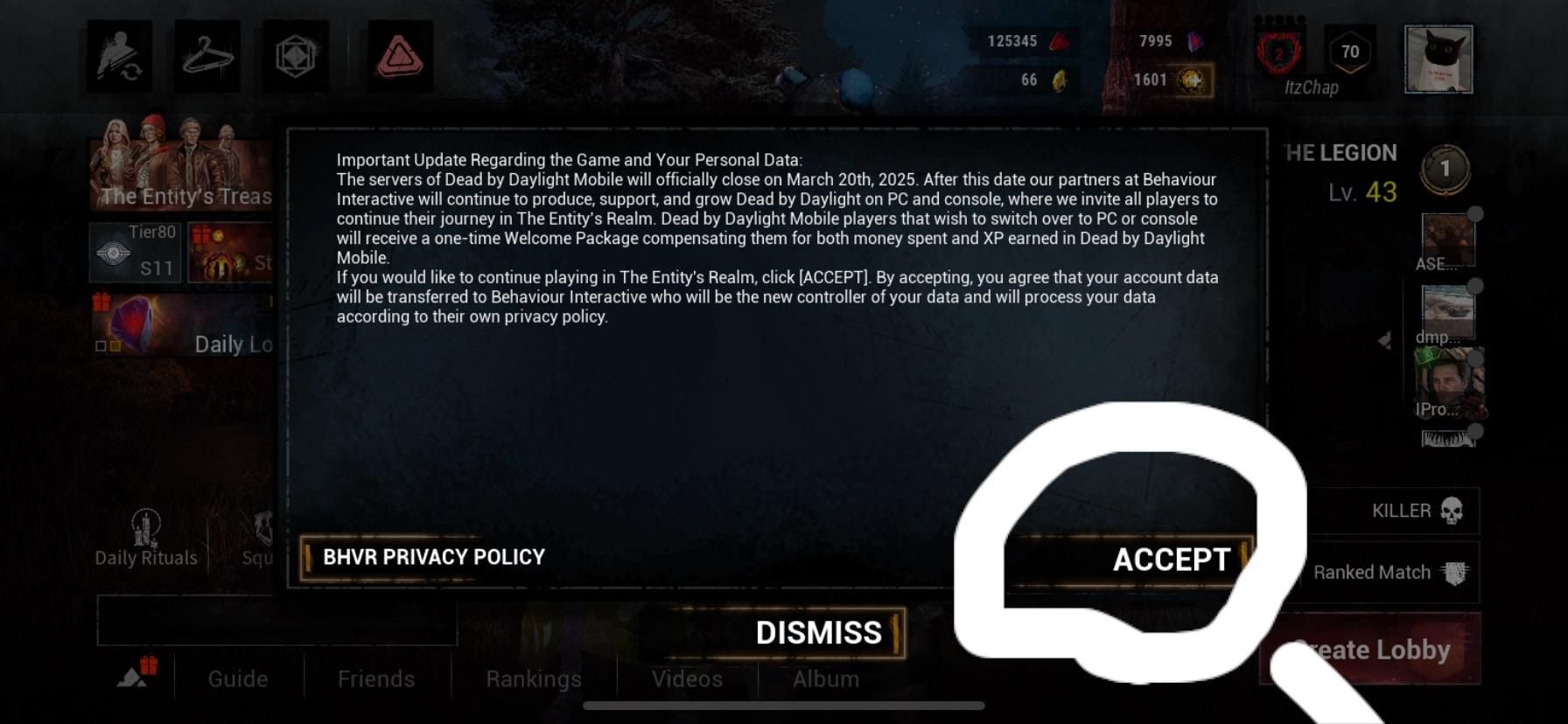
Historically, NetEase Games scheduled the separate Global version of Dead by Daylight Mobile to leave app stores on January 16, 2025, and cease operations on March 20, 2025, offering migration packages to displaced players as documented by PCGamesN. The NetEase-published SEA and East Asia regional service remains active. However, Global version accounts published by Behaviour Interactive for North America, Europe, or Oceania cannot receive recharges routed through NetEase direct ID services, as confirmed by BitTopup's DBD SEA Product Guide.
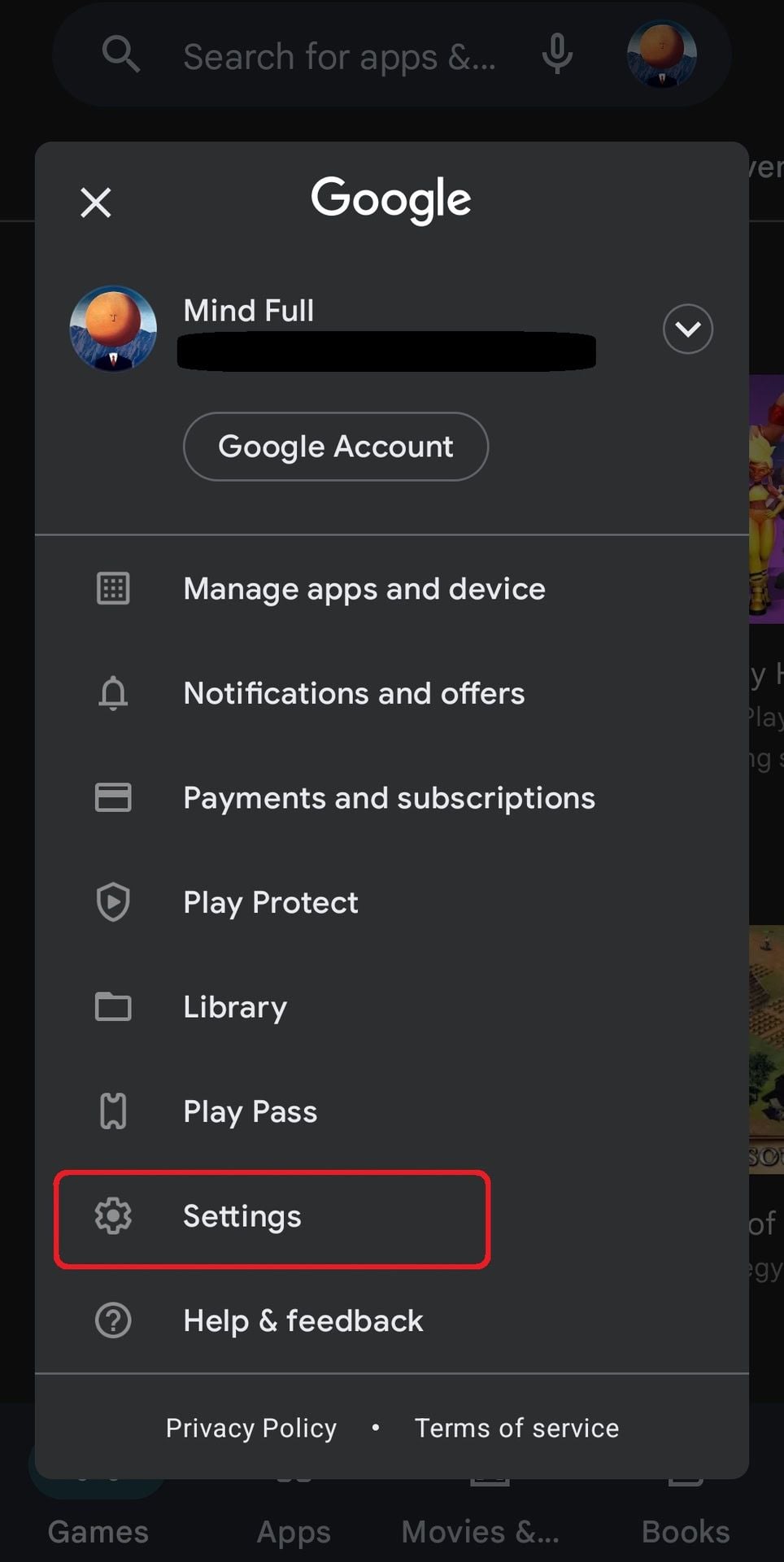
Trying to bypass regional mobile pricing through app store settings introduces severe friction. Packsify's Store Policy Analysis notes that Google Play restricts country switching to once per 12 months. Changing your store region requires a physical presence and an active local payment method from that territory. Once switched, your account is locked to that country for a full year.
Tax presentation also differs by channel. In major Southeast Asian jurisdictions such as Malaysia, the Philippines, Singapore, and Thailand, Google Play Billing Policies enforce tax-inclusive storefront pricing, bundling Value-Added Tax (VAT) or Goods and Services Tax (GST) into the displayed figure. Web payment gateways, by contrast, frequently display tax-exclusive base prices and append regional payment processing fees during checkout, shifting the final charge.
How to Find Your NetEase Personal ID and Confirm Your Server Cluster
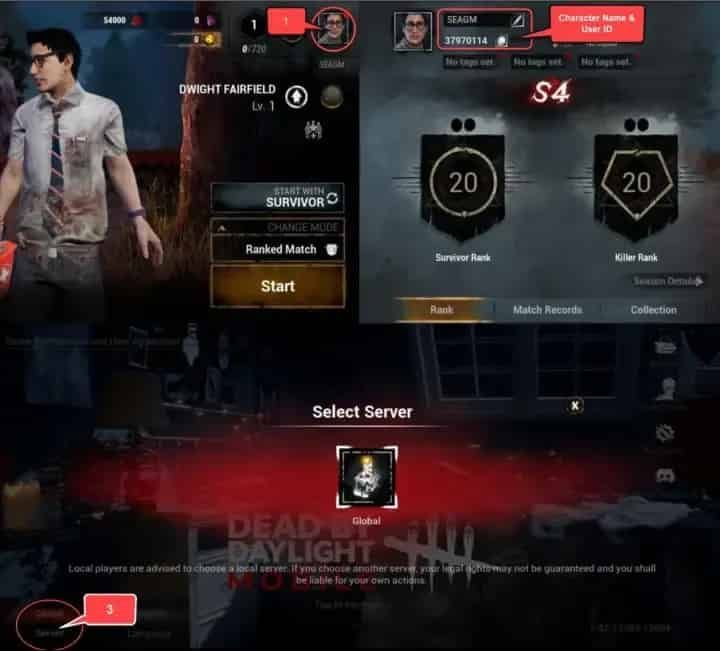
To top up via player ID without errors, you must gather your exact account parameters directly from the game client.
- Launch Dead by Daylight Mobile on your mobile device.
- Tap your Profile Avatar located in the top-left corner of the main lobby screen.
- Open the User Profile / Player Card tab.
- Find the Personal ID—a continuous sequence of numbers displayed directly beneath your profile avatar.
- Copy or transcribe the exact digits. Avoid typing from memory.
- Note your exact in-game Character Name, matching capitalization and special characters.
- Check your login screen or settings tab to verify your active regional Server cluster (Southeast Asia, HKMOTW, Japan, or Korea).
Double-check each number before placing an order on Dead by Daylight Mobile Auric Cells (SEA). If you submit an invalid numeric ID that does not exist in the selected server cluster, the transaction will fail to route; if the ID belongs to another active player, the currency credits permanently to them.
Delivery Delays and Troubleshooting Post-Purchase Sync
Most direct top-up orders route automatically through publisher application interfaces once your payment settles. If your Auric Cell balance does not refresh immediately, follow these documented troubleshooting steps:
- Force Server Synchronization: Completely close Dead by Daylight Mobile from your device's recent applications switcher. Relaunching forces the client to query NetEase servers and refresh your balance.
- Inspect the In-Game Mailbox: Certain promotional Auric Cell bundles, event tokens, or first-recharge perks arrive via in-game mail rather than crediting directly to the currency header. Open your mailbox and select Claim All.
- Verify Server Selection: If currency fails to arrive, confirm whether you accidentally selected HKMOTW, Japan, or Korea instead of Southeast Asia during checkout.
Frequently Asked Questions
Can I use NetEase SEA direct UID top-up for a Global DBD Mobile account?
No. NetEase direct top-up channels are built specifically for accounts on the Southeast Asia, HKMOTW, Japan, and Korea regional clusters. They cannot deliver Auric Cells to Behaviour Interactive Global version accounts, as verified by BitTopup's Service Terms.
Does direct UID top-up require sharing my account password?
No. Legitimate player ID recharges require only your public numeric Personal ID, character name, and server cluster. You should never disclose passwords, two-factor authentication codes, or linked social media credentials for a direct top-up.
What happens if I type the wrong Personal ID during a direct recharge?
Transactions routed to an incorrect but active player ID cannot be refunded or reversed once delivered to the NetEase server. Always copy the numeric sequence directly from your user profile card rather than typing it manually.







![[Identity V] New Frieren Collaboration Content Revealed! Log in to Get 10 Free Draws!](https://pic.bittopup.com/apiUpload/c2833de478d9ded0c3dca2444d795ea6.jpg?imageView2/0/w/80/h/80/format/webp/ignore-error/1 "[Identity V] New Frieren Collaboration Content Revealed! Log in to Get 10 Free Draws!")