To collect your daily diamond payout from an active MU Archangel Monthly Card on Android, open your in-game mailbox rather than searching for an event banner. Daily diamond allocations and dungeon perks do not use a manual "tap-to-claim" calendar interface; they arrive directly as system letters every morning at the official 05:00 server reset. Open the envelope icon on your main HUD, open the reward message, and transfer the bound diamonds to your inventory before the mail expiration timer lapses.
Where to find Monthly Card daily diamonds in the Android client
Many mobile RPGs place monthly subscription payouts inside a dedicated "Privilege" or "Welfare" tab with a daily check-in button. Spin-offs like Conquer Online or MU: Dark Epoch use dedicated interface triggers like "Month Card Plus" menus. MU Archangel does not use that mechanic.

When your subscription is active, the game automates delivery on the server side according to BitTopup's MU Archangel documentation:
- Launch MU Archangel on your Android device and enter your active server.
- Look at the primary heads-up display (HUD). Locate the envelope icon representing your in-game mailbox (typically tucked near the chat interface or side system tray).
- Open the mailbox list and select the system notification containing your daily bound diamond allowance.
- Tap the claim button at the bottom of the message to move the diamonds into your character's active inventory.
If your mailbox is cluttered with dungeon sweep confirmations or event notices, use the batch collect function. The system will deposit your subscription diamonds along with other pending items instantly.
Server reset schedules and mail expiration rules
Daily diamond allocations do not run on a rolling 24-hour countdown from the moment of purchase. Instead, they synchronize strictly with the game's internal server clock.
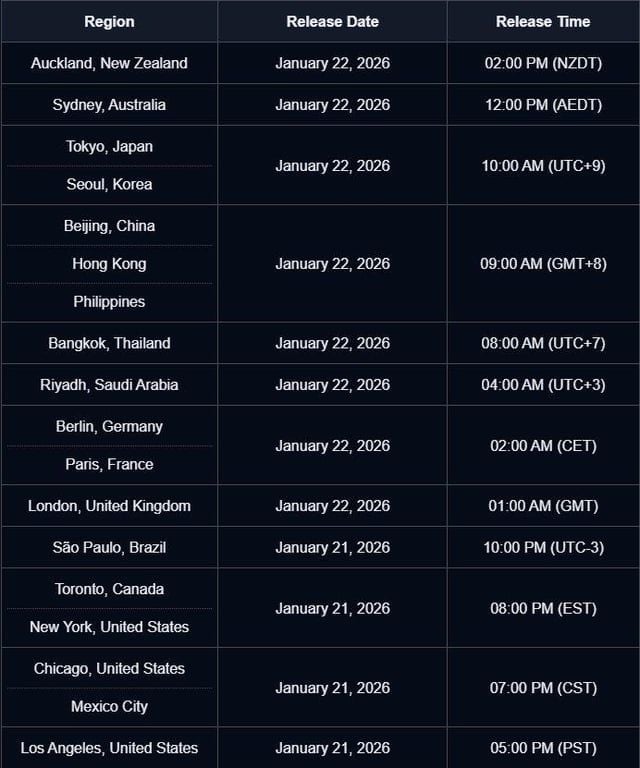
Official Webzen patch documentation confirms that daily attempt counters, dungeons, and scheduled mechanics reset each morning at 05:00 game server time. Your daily card allowance arrives in the mailbox right at this 05:00 threshold.
While your upfront diamond package credits immediately upon purchase, the daily packages remain subject to standard in-game mailbox deletion timers per BitTopup's Monthly Card rules. If you leave letters unopened past the designated claim window, those messages expire, and the server will not back-credit lost days.
Stacking Monthly Card 1 and Monthly Card 2 rewards
MU Archangel features two separate tiers: Monthly Card 1 and Monthly Card 2. Activating one does not lock you out of the other, nor does buying the second card merely extend your timeline to 60 days.
Both subscriptions run concurrently for 30 days. When you run both simultaneously, the server treats them as independent reward streams:
| Subscription Option | Active Duration | Reward Delivery Mechanic | Progression Focus |
|---|
| Monthly Card 1 | 30 Days | Instant base diamonds upfront; daily bound diamonds via mailbox at 05:00 reset | Steady daily progression (BitTopup Source) |
| Monthly Card 2 | 30 Days | Higher base diamonds upfront; premium daily bound diamonds via mailbox at 05:00 reset | Rapid progression and enhanced privilege bonuses (BitTopup Source) |
| Dual Activation (Stacked) | 30 Days (Concurrent) | Combined upfront diamonds; two stacked daily diamond letters delivered simultaneously at 05:00 reset | Maximum yield; full cumulative daily perks (BitTopup Source) |
Dual-card players receive two separate payout letters in their mailbox every morning at 05:00, doubling the daily diamond influx without overwriting either tier's perks.
Troubleshooting missing daily diamonds on Android
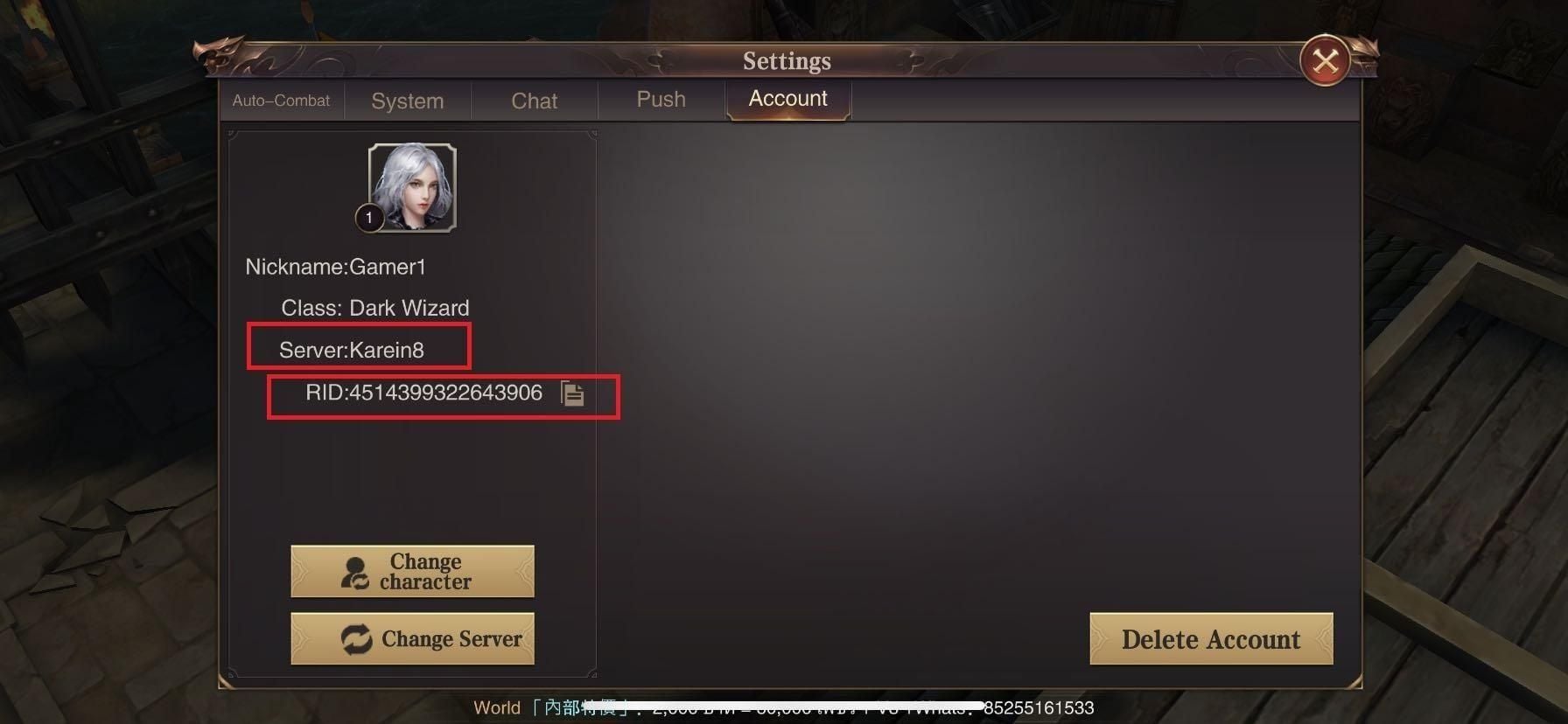
If the clock passes 05:00 server time and your mailbox shows no incoming subscription message, your game client is likely out of sync with the server cluster. This occurs frequently on Android when the app remains open in the background across the morning rollover.
Resolve synchronization failures using the following sequence documented by BitTopup:
- Force close the application: Swipe MU Archangel out of your Android recent apps tray. Do not simply minimize it.
- Relaunch and log in: Restart the client completely, allowing the game to pass through the initial authentication and server handshake screens.
- Inspect the mailbox: Open the mail tab immediately after spawning into the game world. The server resynchronization forces any queued subscription letters or confirmation packages to populate.
- Check inventory bags: If the mail appears empty, confirm whether an automated claim or batch sweep already transferred the bound diamonds directly into your currency totals.
If a full restart does not surface your daily diamonds, verify that your 30-day card cycle has not lapsed. Each card expires exactly 30 days from the moment of activation, stopping the 05:00 automated delivery cycle until renewed.