If you are searching for active PlayStation Stars October campaigns to complete for points, none exist. Sony officially discontinued all campaign objectives, monthly check-ins, and point earnings on July 23, 2025, at 7:59 am PT, with the entire loyalty program scheduled for permanent shutdown on November 2, 2026 (Sony PlayStation Stars Terms of Service). Account holders cannot start new campaign tasks; you can only view existing digital collectibles and redeem remaining unexpired points for US PlayStation Network wallet funds before the program terminates.
Why Are PlayStation Stars Campaigns Not Tracking or Appearing?
Players checking the PlayStation App for October campaign objectives often assume an app glitch or network error is blocking task progress.
No app refresh, cache clearing, or network reset will restore them.
Sony froze all earning mechanics across the ecosystem in mid-2025. You will not see active campaign cards, purchase incentives, or progress bars in the mobile app interface. If your app displays blank tabs under the campaign section, the software is functioning as designed under current service terms rather than suffering from a local tracking bug.
| Program Phase | Status & Dates | Details & Rules | Interface Visual |
|---|
| New Enrollments | Closed May 21, 2025 | Sony halted new membership applications permanently. Leaving voluntarily forfeits remaining balances (PlayStation Terms). | 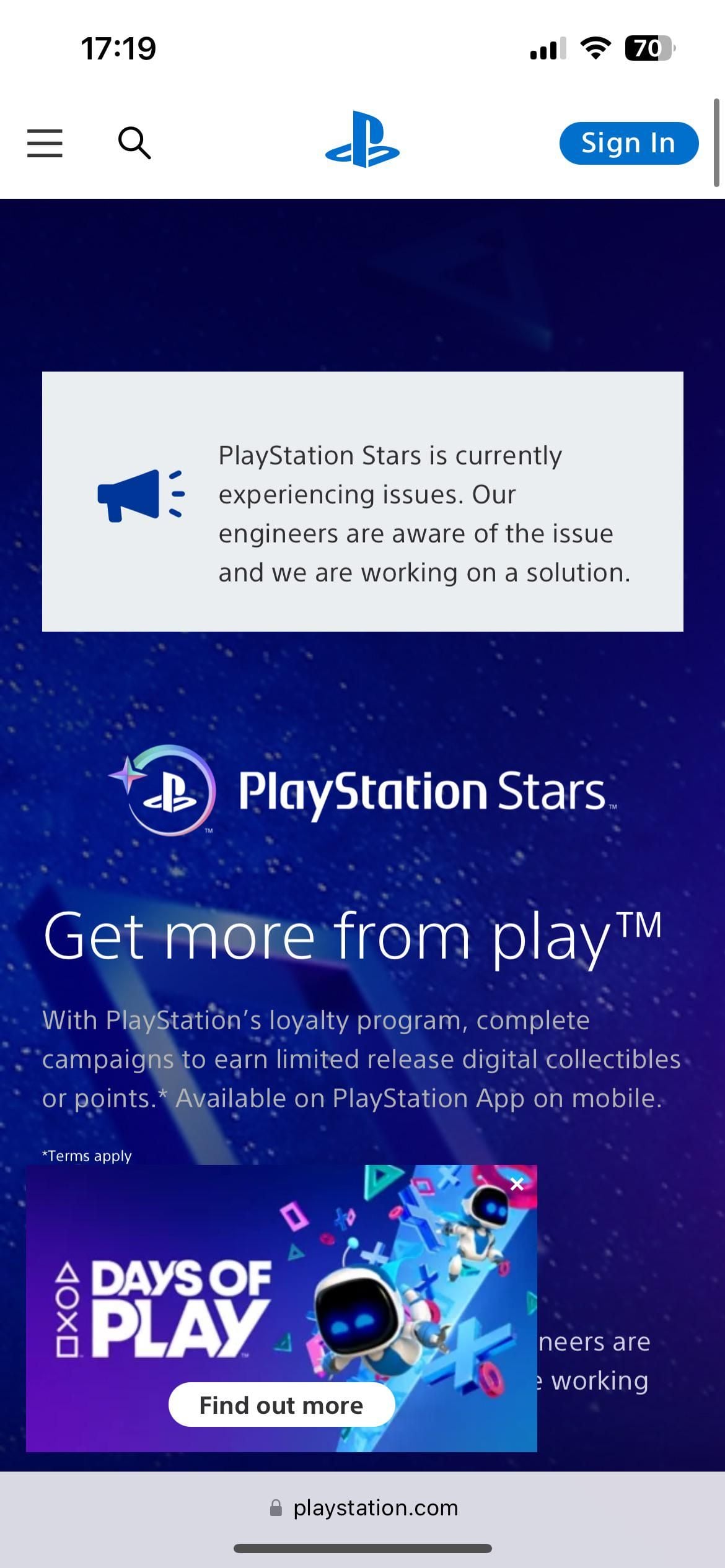 |
| Subscription Earning | Discontinued March 1, 2025 | PS Store subscription payments (PlayStation Plus renewals) stopped granting points (PlayStation Terms). |  |
| Campaign Tasks & Earning | Concluded July 23, 2025 (7:59 am PT) | All gameplay objectives, trophy tasks, and purchase-based point rewards terminated (PlayStation Terms). | 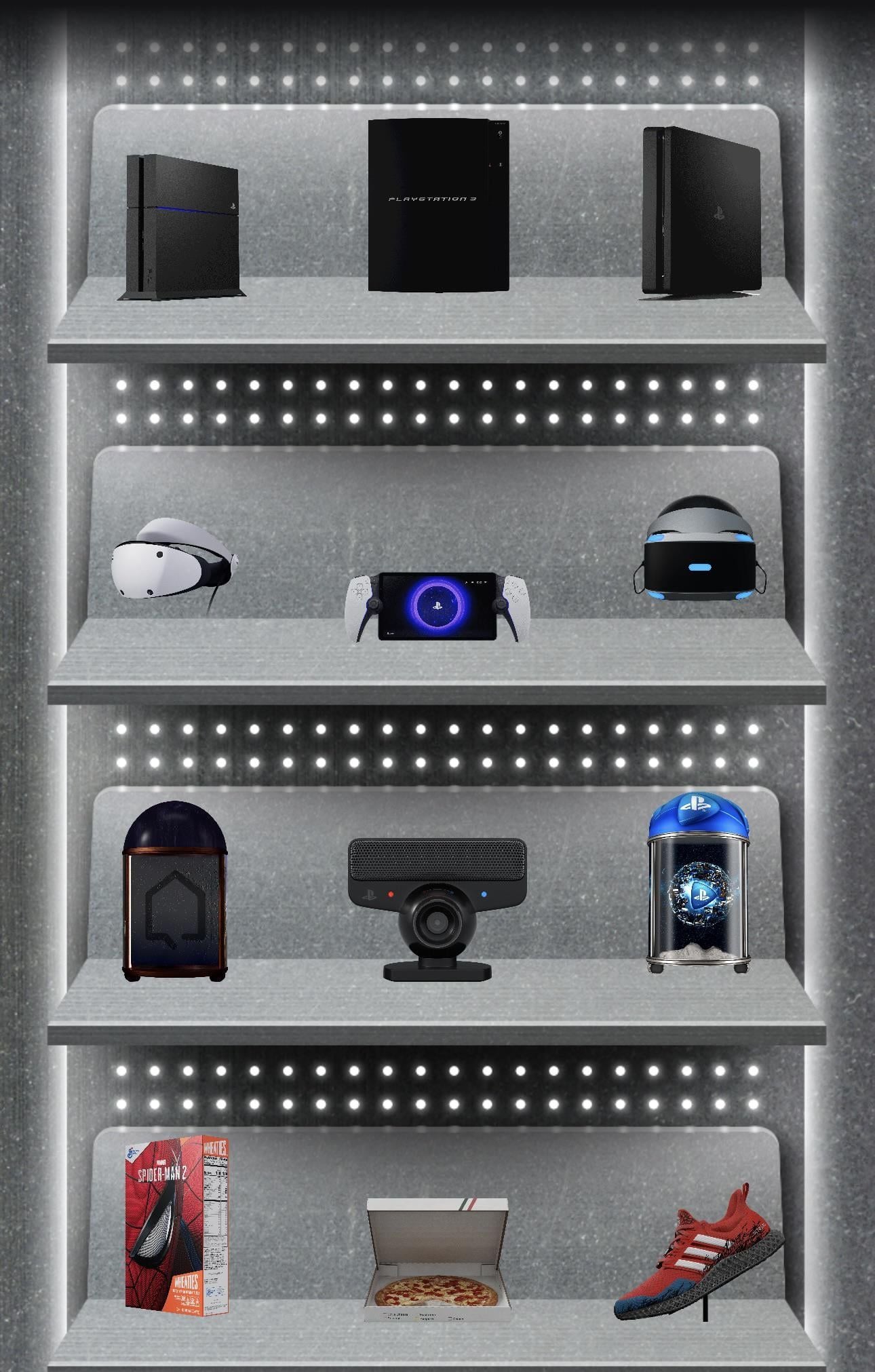 |
| Final Redemption Window | Closes November 2, 2026 | Existing members may redeem valid, unexpired point balances for store credit (PlayStation Terms). |  |
How the Program Sunsetting Alters Account Balances
Sony dismantled the loyalty system across three distinct 2025 deadlines.
On March 1, 2025, Sony stripped loyalty point earnings from recurring payments. Any initial purchase or automated renewal for PlayStation Plus or third-party subscriptions stopped generating points on the PlayStation Store (Sony PlayStation Stars Terms of Service).
On May 21, 2025, Sony closed registration to new members. If an existing member cancels their enrollment, Sony immediately cancels all accumulated points with no option to re-register.
The final earning phase shut down on July 23, 2025, at 7:59 am PT. From that minute onward, no game purchase, monthly check-in, or trophy trigger could generate a single point.
Program documentation contains a conflict regarding point lifespans. Original terms allowed points to remain valid for 24 months, whereas revised rules reported by outlet coverage enforce a 12-month expiration window (PlayStation LifeStyle). Because unredeemed points earned before July 2025 continue to age out, banked balances expire each month.
A minor discrepancy also appears regarding the final termination date: official terms list November 2, 2026 as the formal shutoff (Sony PlayStation Stars Terms of Service), while secondary reports cite November 3, 2026. Treat November 2, 2026 as your hard operational deadline.
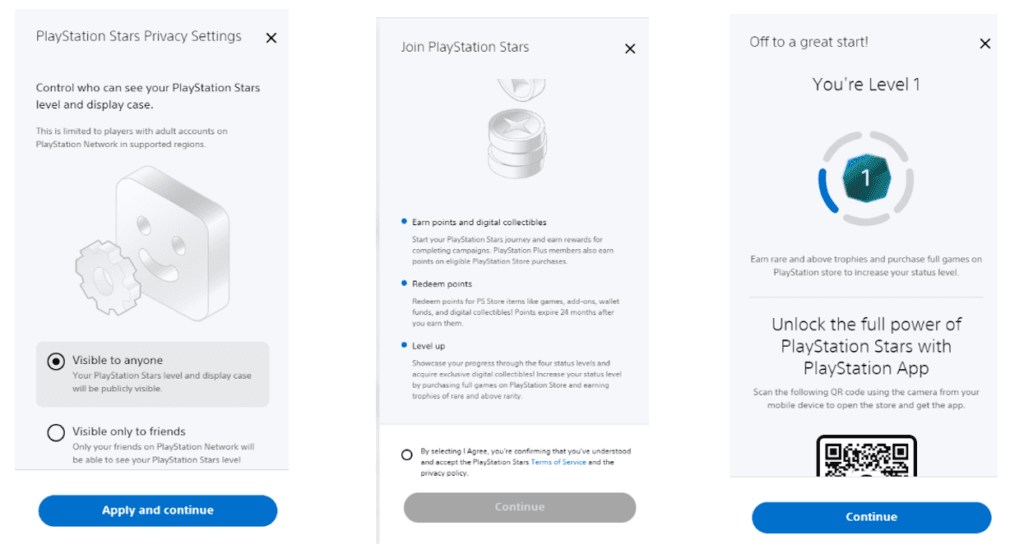
Step-by-Step: How to Redeem Banked Points for US PSN Wallet Funds
If you have an unexpired point reserve, convert it into PSN wallet funds immediately. Do not hold points until the final termination deadline.
- Open the PlayStation App on your iOS or Android device.
- Tap your Player Profile icon on the home screen.
- Tap the PlayStation Stars icon beside your profile avatar.
- Select the Rewards tab to enter the catalog.
- Scroll past digital game listings to locate PlayStation Store Credit denominations.
- Select your preferred wallet value, tap Redeem, and confirm the transaction.
The credit applies automatically to your linked PlayStation Network wallet. If an error surfaces during conversion, check whether your balance has expired or if your account has reached platform funding limits.
US PSN Wallet Limits and Common Redemption Errors
Converting points or redeeming digital vouchers requires staying within platform balance ceilings. Redemptions fail immediately if a transaction pushes an account over Sony's allowable wallet maximum.
| Account Parameter | Documented Specification | Impact on Redemptions | Source Reference |
|---|
| US Account Wallet Cap | $250.00 USD total limit | Redemptions halt if incoming funds push the total balance past $250.00 USD. | BitTopup PSN Card Guide |
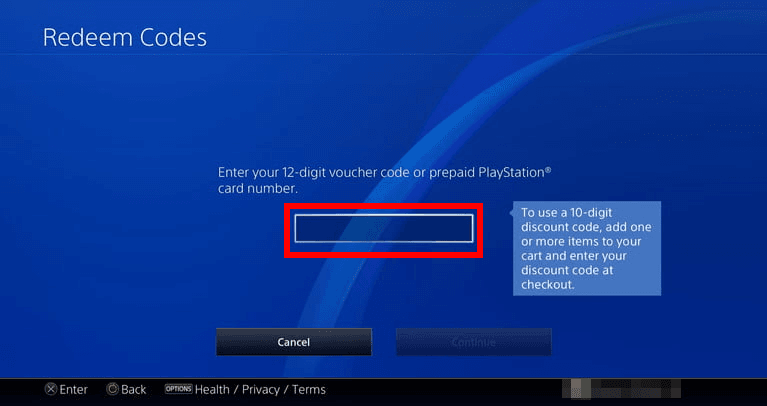
| Voucher Code Format | 12-digit alphanumeric string | System rejects codes missing digits or containing incorrect characters. | BitTopup PSN Card Guide |
| Excluded Alphanumeric Letters | Letters I, O, and Z omitted | Sony omits these letters to prevent visual confusion with numbers 1, 0, and 2. | BitTopup PSN Card Guide |
| Code Input Error Code | Error WS-45486-7 | Triggered by typos, spaces, or entering disallowed characters. | BitTopup PSN Card Guide |
| Prepaid Voucher Expiration | No expiration date on unredeemed funds | Value on unredeemed digital gift cards remains intact indefinitely. | BitTopup PSN Card Guide |
| Stars Points Expiration | 12-month rolling lifespan | Loyalty points expire if unspent, unlike prepaid store voucher funds. | PlayStation LifeStyle |

Resolving Error WS-45486-7 and Input Mistakes
The PlayStation Store returns error code WS-45486-7 whenever a 12-digit code string fails validation.
Sony designs all PlayStation Network prepaid vouchers without the letters I, O, or Z. This deliberate choice avoids confusion with the numbers 1, 0, and 2. If your voucher appears to contain an "O", enter the number zero. If it looks like an "I", input the number one. Verify that no accidental spaces exist at the beginning or end of your string.
Managing the $250.00 USD Wallet Balance Ceiling
Sony enforces a hard maximum wallet balance cap of $250.00 USD on all United States PSN accounts (BitTopup PSN Card Guide). This ceiling applies across all incoming balance adjustments, including loyalty point conversions and prepaid store cards.
The system does not accept partial redemptions. To resolve this block, spend down your existing funds on digital titles or add-ons until your balance drops low enough to absorb the full value of the credit voucher.
If you have already exhausted your loyalty balance or need supplemental store credit beyond what points provided, purchasing a digital PlayStation Network Card (US) provides direct wallet funding without relying on retired campaign tasks. Unlike expiring Stars points, standard prepaid funds do not carry a 12-month expiration timer.
Frequently Asked Questions
Can US PSN users complete active PlayStation Stars campaigns in October 2026?
No. All PlayStation Stars campaign objectives and point-earning capabilities ceased on July 23, 2025, at 7:59 am PT (Sony PlayStation Stars Terms of Service). No active campaigns exist in October 2026.
How can existing members redeem remaining points for PSN wallet funds?
Open the PlayStation App, navigate to Player Profile > PlayStation Stars > Rewards Catalog, and convert any remaining valid points into available PSN wallet credit denominations before the final shutdown on November 2, 2026 (Sony PlayStation Stars Terms of Service).
What causes voucher redemption failure when adding funds to a US PSN account?
Redemption failures occur when an account hits the strict $250.00 USD maximum wallet ceiling, when a 12-digit code is mistyped (triggering error WS-45486-7), or when a voucher region mismatches the US account region (BitTopup PSN Card Guide).