Your Singapore Dollar (SGD) balance does not appear on your console because Microsoft isolates wallet balances by country rather than converting them. When you adjust your Xbox console's regional location, you only alter the local storefront display and currency presentation on your TV screen; your underlying Microsoft billing account remains unchanged. An Xbox Live Gift Card (SG) deposits funds strictly into a Singapore regional wallet capped at SGD 1,000, and Microsoft prevents those stored funds from transferring, converting, or displaying in storefronts set to other regional currencies.
The Wall Between Console Region and Account Billing
Many players assume that changing their console's location changes their entire financial account. It does not.
As explained in Eneba's Xbox region guide, altering your console location via System settings updates only the local hardware storefront, pricing catalog, and interface language. Your underlying Microsoft account country and billing wallet remain untouched. If your console is switched to the United States or the United Kingdom, the console store expects United States Dollars (USD) or British Pounds (GBP). It completely ignores your Singapore Dollar wallet.
Microsoft maintains strict multi-currency wallet partitioning. Funds are not a unified pool converted on the fly. Instead, your Microsoft account maintains isolated currency silos. A balance denominated in SGD can only be read and consumed by a storefront operating in SGD.
| Setting Type | Storefront Impact | Restrictions & Limits | Sourced Reference | Store Visual |
|---|
| Xbox Console Location | Adjusts on-screen storefront display, localized pricing currency, and catalog availability. | No cooldown restriction. Does not update billing wallet or account profile country. | Eneba Region Guide | 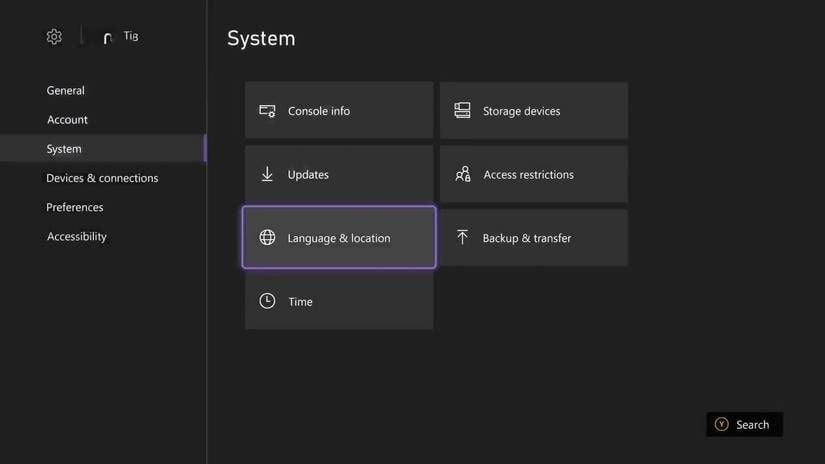 |
| Microsoft Account Region | Updates central account profile, default billing currency, and accepted payment methods. | Restricted to once every three months. Balances do not migrate across regions. | Microsoft Support Region Rules | 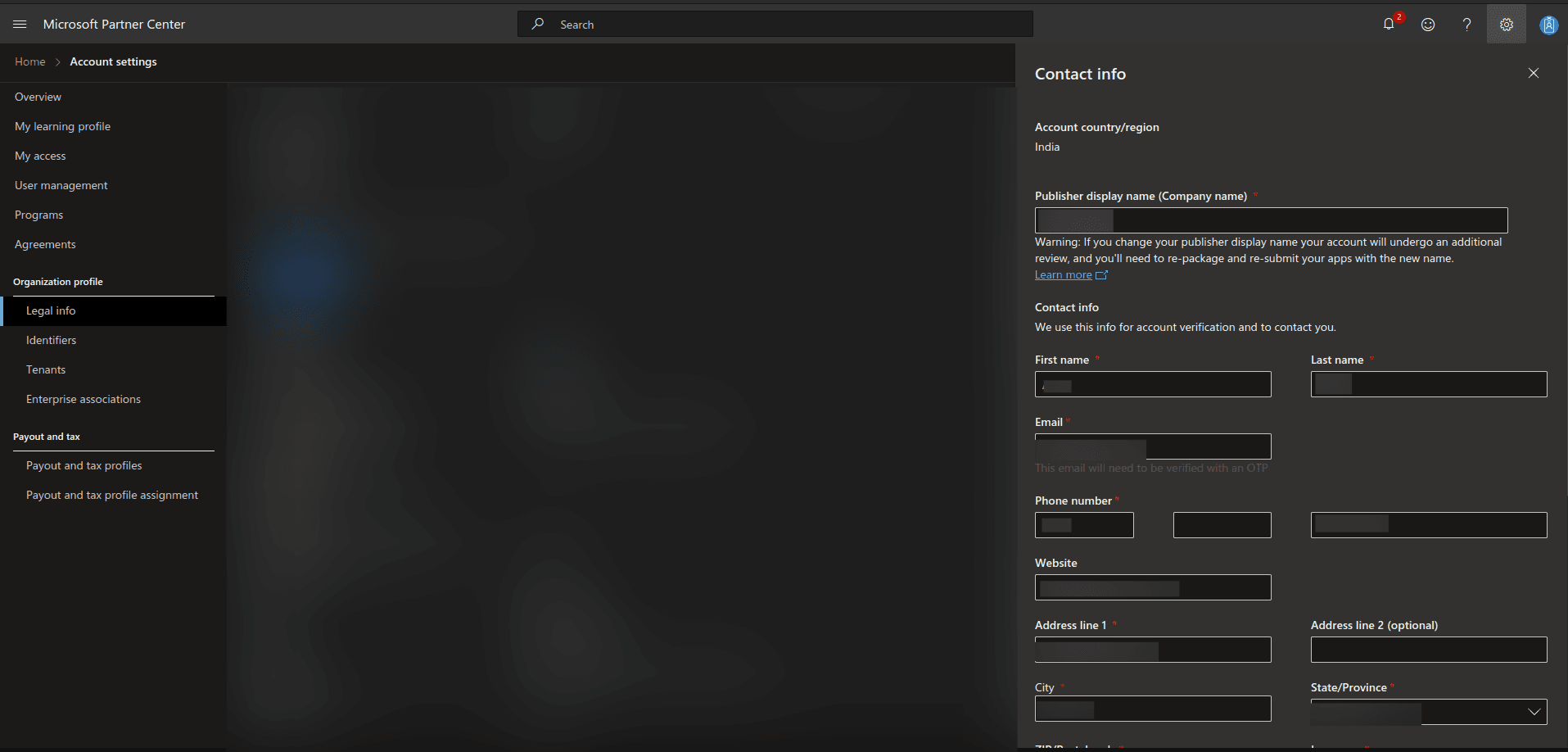 |
| Singapore Stored Wallet | Adds Singapore Dollar (SGD) store credit usable across Xbox, PC, and digital Microsoft web stores. | Hard balance holding cap of SGD 1,000. Rejects foreign currency cards. | Microsoft Account Balance Limits | 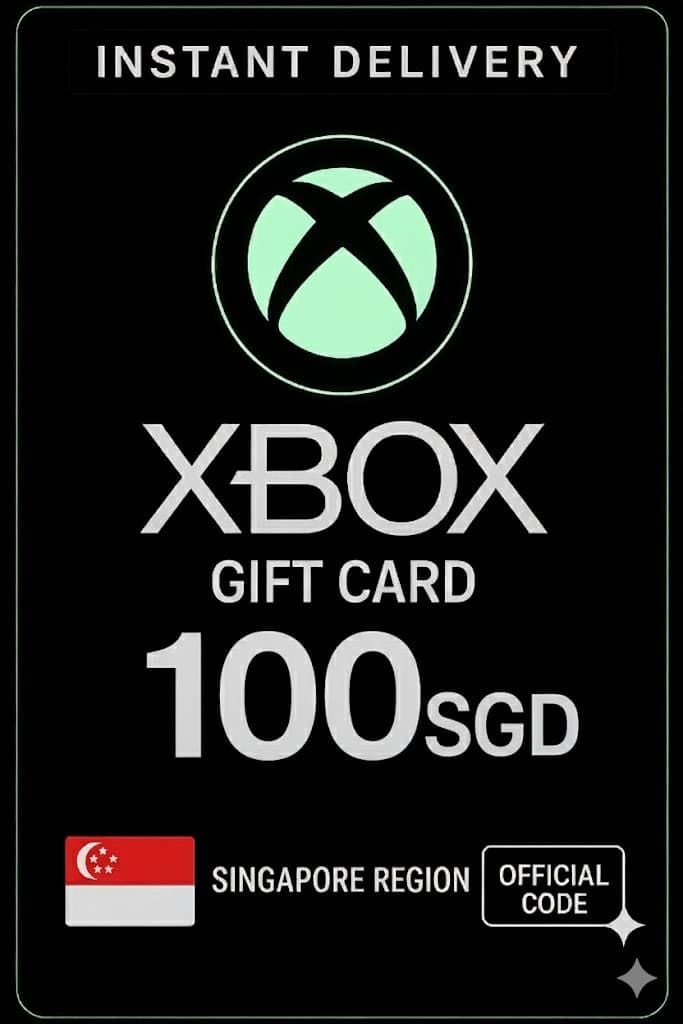 |
The Silent Trap: Account Migration Rules
When players realize their console switch did not bring their wallet along, the next instinct is to change their account's core profile region. This is where users encounter serious account restrictions.
Official Microsoft Support documentation issues an explicit policy: "The funds in your Microsoft account will not move with you. Be sure to spend the money in your Microsoft account before you change your account location. We can't transfer money between regions."
If you migrate an account from Singapore to another jurisdiction while holding an active balance, those funds do not convert. They remain stranded in the Singapore profile.
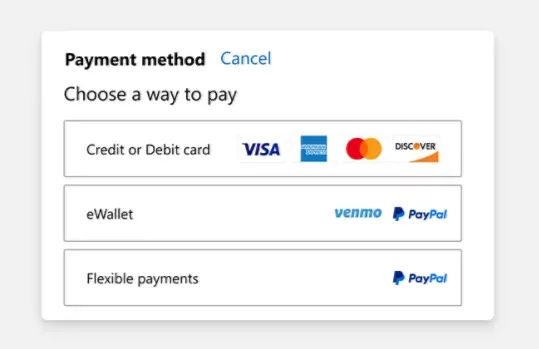
Compounding this issue is Microsoft's account modification cooldown. You can only switch your account country or region once every three months. This conflicts with Microsoft's documented policy, which enforces a mandatory three-month cooldown if a change was completed recently. If you jump your account into another country without planning, you risk locking yourself out of your home storefront for ninety days.
| Action | Outcome on SGD Wallet | Risk Factor | Source |
|---|
| Change Console Location to Singapore | Restores visibility of SGD balance on the console interface. | None. Can be switched back at any time without a cooldown. | Eneba |
| Attempt Direct Foreign Store Checkout | SGD wallet is hidden; transaction demands foreign credit card or local gift card. | Transaction fails due to currency mismatch. | BitTopup SG Gift Card Terms |
How Redemption Checks Handle Singapore Dollar Vouchers
Xbox gift cards are strictly locked to their issued currency and country. According to BitTopup's gift card documentation, attempting to redeem an SGD-denominated digital voucher on a Microsoft account registered to the United States, Malaysia, or the United Kingdom causes the redemption engine to reject the code with an explicit locale mismatch error.
As verified by MyGiftCardSupply, the redemption check reads the country/region setting configured on your Microsoft account. The account profile must be set to Singapore for the voucher to deposit funds. Once accepted, the SGD lands in your digital balance, subject to the official Microsoft balance limit of SGD 1,000.
There is a technical disagreement among retail platforms regarding network routing during code entry. SEAGM claims a local Singapore IP is required to access certain URLs, while BitTopup advises turning off VPNs to prevent web redemption errors. MyGiftCardSupply notes that IP address or physical location does not matter as long as the account country setting matches Singapore. If you hit a web rejection, entering the code directly through a console whose location is configured to Singapore bypasses browser IP conflicts.
Keep in mind that all genuine Microsoft 25-character digital codes omit specific alphanumeric characters to reduce entry mistakes. As detailed by BitTopup, Microsoft codes never contain the vowels A, E, I, O, U, the consonants L and S, or the digits 0, 1, and 5.
Checking and Spending Your Isolated Singapore Balance
If you cannot locate your funds on your console, confirm whether the money actually exists on your account profile before adjusting hardware settings.
| Verification & Spending Step | Action Required | Expected Screen / Result | Source |
|---|
| 1. Direct Wallet Audit | Sign in directly at account.microsoft.com/billing/payments. | Displays current stored balances by currency, confirming active SGD funds. | Microsoft Account Balance Check |
To spend your Singapore funds when you are physically outside Singapore, do not try to migrate your billing account to your current home country. That traps the funds.
Instead, keep your Microsoft account country set to Singapore, switch your Xbox console's location setting to Singapore, and restart the hardware. The console storefront will reload in Singapore Dollars. When you proceed to checkout for digital Xbox games, add-ons, or subscriptions, the system automatically draws against your SGD balance ahead of any linked payment methods, letting you use your credit regardless of your physical location.