


PlayStation Network Card (SA) Top Up: What It Is and What You Can Buy
A PlayStation Network Card (SA) is a prepaid digital voucher used to add funds directly to your Saudi Arabian PlayStation Store wallet. Denominated in Saudi Riyal (SAR), this digital card gives console players a safe, straightforward payment method that avoids linking personal credit cards or bank accounts directly to the console.
Once you redeem the 12-digit digital code, your PSN wallet balance updates immediately. You can spend your Saudi Riyal balance across the entire official Saudi PlayStation Store catalog, including:
- Full PS5 and PS4 Digital Games: Pre-order upcoming blockbusters, download standard releases, and purchase digital deluxe editions.
- Downloadable Content (DLC) and Expansions: Pick up season passes, story expansions, extra maps, and cosmetic skin packs.
- In-Game Currencies: Add credits directly to popular titles, such as EA Sports FC Points, Fortnite V-Bucks, Call of Duty COD Points, and Genshin Impact Genesis Crystals.
- PlayStation Plus Memberships: Fund your monthly or yearly tier subscriptions for Essential, Extra, or Deluxe plans.
- Media and Add-Ons: Access digital movies, avatars, and custom console themes available in the regional storefront.
Saudi Arabia (SA) Account Region Requirements and Currency Restrictions
Sony enforces strict regional boundaries on all PlayStation Network digital codes. A PlayStation Network Card (SA) will only redeem on an account where the country or region is set to Saudi Arabia and the store currency is SAR (Saudi Riyal).
| Feature | Saudi Arabia (SA) PSN Card | Non-Saudi PSN Account |
|---|---|---|
| Region Code | SA / KSA | US, UK, UAE, EU, etc. |
| Wallet Currency | Saudi Riyal (SAR) | USD, GBP, AED, EUR, etc. |
| Cross-Region Redemption | Supported on SA accounts only | Not supported (Error Code) |
| PlayStation Plus Compatibility | Saudi PS Plus Tiers | Incompatible |
| Content Censorship / Ratings | Saudi GCAM Regulated | Local region regulations |
Before purchasing, confirm that your Sony account is registered in Saudi Arabia. You cannot transfer wallet funds between accounts from different countries, nor can you change an existing PSN account's country setting after creation.
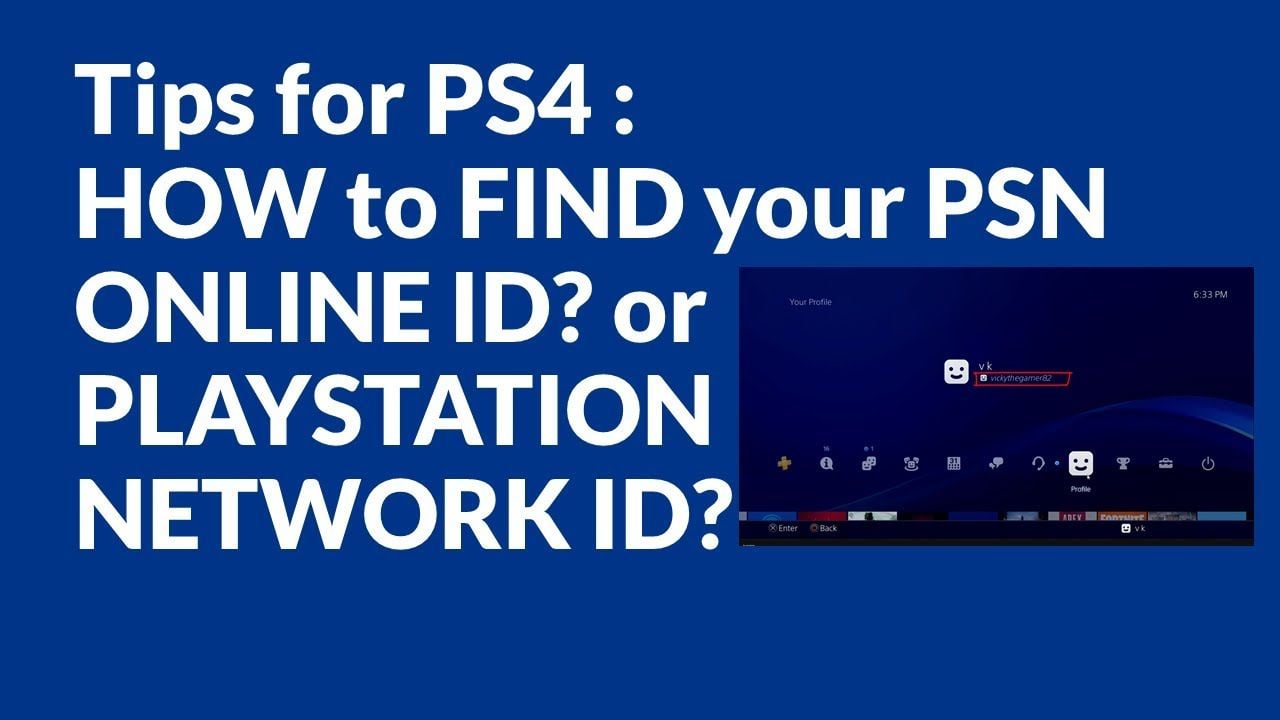
How to Check Your PSN Account Region and Online ID
To ensure your voucher code works smoothly, verify your account's country registration before attempting a redemption.
- Open your web browser and log in to the official Sony PlayStation Account Management portal.
- Navigate to the Account tab and select Basic Information.
- Scroll down to the Location section.
- Check the Country / Region field. It must state Saudi Arabia.
If your account is registered to another country, create a secondary Saudi Arabia PSN account on your console to redeem SA codes and download regional content.
Step-by-Step Guide: How to Redeem PSN SA Cards on PS5, PS4, and Web Browser
Redeeming your 12-digit voucher code takes less than a minute. Choose the platform you prefer and follow the step-by-step instructions below.
Redeeming on PlayStation 5 (PS5)
- Power on your PS5 and log in to your Saudi Arabian user profile.
- Open Settings (gear icon) from the top-right corner of the home screen.
- Select Users and Accounts > Account > Payment and Subscriptions.
- Select Redeem Codes.
- Carefully enter the 12-digit alphanumeric code received from BitTopup.
- Select Redeem. The funds will immediately reflect in your SAR wallet balance.
Redeeming on PlayStation 4 (PS4)
- Log in to your Saudi PSN profile on your PS4 console.
- Open the PlayStation Store from the main dashboard.
- Scroll down the left sidebar menu and click Redeem Codes.
- Enter the 12-digit digital code.
- Press Continue to confirm the credit addition.
Redeeming via Web Browser (PC or Mobile)
- Visit the official PlayStation Store website and sign in to your Saudi PSN account.
- Click on your profile avatar in the upper-right corner of the screen.
- Select Redeem Code from the drop-down menu.
- Enter your 12-character voucher code and select Next.
- Confirm the transaction to credit your wallet.
Redeeming on the PlayStation App (iOS / Android)
- Open the PlayStation App on your smartphone and ensure you are logged in to your SA account.
- Tap the PlayStation Store icon at the bottom center of the screen.
- Tap the three-line menu icon in the upper-right corner.
- Select Redeem Code.
- Type in the code or use your phone camera to scan the code text, then tap Confirm.
How to Use PSN Wallet Funds for PlayStation Plus Subscriptions in Saudi Arabia
You can use your PlayStation Network Card (SA) wallet balance to purchase or extend any PlayStation Plus membership plan directly through the Saudi PlayStation Store:
- PlayStation Plus Essential: Grants core online multiplayer access, monthly downloadable games, cloud save storage, and exclusive store discounts.
- PlayStation Plus Extra: Includes all Essential benefits plus access to a catalog of hundreds of downloadable PS4 and PS5 titles.
- PlayStation Plus Deluxe: Designed specifically for regions without full cloud streaming (including Saudi Arabia). It provides all Extra benefits alongside classic game access (PS1, PS2, PSP), remastered titles, and time-limited game trials.
To subscribe using your wallet balance, top up your wallet with enough SAR to cover the subscription cost, navigate to the PlayStation Plus hub on your console or browser, choose your tier and billing interval (1 month, 3 months, or 12 months), and select PSN Wallet as your payment method at checkout.
Instant Digital Code Delivery and Safe Checkout on BitTopup
BitTopup provides a streamlined, dependable service for acquiring your digital codes:
- Direct Code Delivery: Your valid 12-digit PSN SA code is generated directly on your order confirmation screen and delivered to your email instantly after payment.
- Maximum Account Safety: BitTopup operates strictly through official digital prepaid vouchers. You never need to share your PSN password, account email, or console credentials.
- Transparent Live Pricing: Check all available SAR denominations with live, transparent checkout rates. The price you see on the live checkout screen is what you pay.
- 24/7 Customer Support: If you ever need help with order processing or voucher redemption, our customer support team is available around the clock to assist you.
Troubleshooting Common PSN Voucher Code and Wallet Top-Up Errors
If you encounter an issue when entering your voucher code, review these common solutions:
- Incorrect Code / Typo Errors: PSN codes contain 12 alphanumeric characters. Double-check for easily confused characters: letters like I, O, and Z are often mistaken for numbers 1, 0, and 2. Copy and paste the code directly when redeeming via web or mobile to prevent typing mistakes.
- Region Mismatch Error (WC-40376-0 / WS-45485-6): This error occurs if you attempt to redeem a Saudi Arabia (SAR) card on an account registered to a different country (such as the US, UK, or UAE). Confirm your account region in Account Management.
- Wallet Limit Exceeded: Sony maintains a maximum wallet balance cap for Saudi accounts. If adding the card balance causes your account to exceed this threshold, spend a portion of your existing balance before redeeming the new voucher.
- Voucher Already Redeemed: Check your Transaction History under Account Management. If the funds already appear in your wallet or were recently applied to a cart purchase, the code has been successfully processed.
Frequently Asked Questions
Can I redeem a PlayStation Network Card (SA) on a non-Saudi PSN account?
No. PlayStation Network gift cards are strictly region-locked. A card denominated in SAR for Saudi Arabia can only be redeemed on a PSN account whose region is officially set to Saudi Arabia.
How do I add money to my PlayStation Network Saudi Arabia account?
Purchase a PlayStation Network Card (SA) on BitTopup. Once you receive your 12-digit code, go to the PlayStation Store on your PS5, PS4, PlayStation App, or web browser, select Redeem Code, enter the voucher, and the SAR funds will instantly credit to your wallet.
Are PlayStation Network gift cards reloadable?
No. PlayStation Network cards are single-use digital vouchers. Once the 12-digit code is redeemed, its full value is permanently transferred to your PSN wallet, and the code becomes inactive. To add more funds later, purchase another card.
Can I use my PlayStation Network Card (SA) balance to buy PlayStation Plus?
Yes. You can use your Saudi PSN wallet balance to purchase or renew PlayStation Plus Essential, Extra, or Deluxe subscriptions directly on the Saudi PlayStation Store without needing a credit card.
What should I do if my PSN voucher code displays an error during redemption?
First, verify each of the 12 characters carefully to ensure there are no typos. Second, confirm that your PSN account country is set to Saudi Arabia. If the issue persists, check your Account Transaction History to see if the funds were already credited, or contact BitTopup support for assistance.
How do I check my PlayStation Store Saudi Arabia wallet balance?
On PS5 or PS4, open the PlayStation Store; your current SAR balance is displayed in the upper menu bar. On a web browser or the PlayStation App, click your profile avatar to view your active wallet balance.