




Amazon Gift Card (ES) Top Up: Instant Digital Balance for Spain
An Amazon Gift Card (ES) allows you to instantly reload your Amazon Spain account balance without linking a personal credit card or bank account. Denominated in Euros (€), this digital prepaid voucher applies directly to your Amazon.es profile, giving you immediate spending power across millions of physical products, Kindle digital books, Prime subscriptions, and digital media.
Buying a digital code through BitTopup gives you immediate access to your funds with zero account sharing and 100% verified digital codes delivered straight to your screen and email.
Amazon Gift Card (ES) Available Denominations and Delivery Process
When buying an Amazon Spain gift voucher on BitTopup, you can select from a wide range of standard EUR denominations to match your exact budget. Live product pricing, local currency conversions, and available payment methods are shown dynamically during the checkout step.
Digital Delivery Workflow
- Select Denomination: Choose your preferred EUR balance amount.
- Direct Checkout: Complete the order using your preferred payment method. No Amazon password or account linking is ever requested.
- Instant Code Retrieval: Your 14- to 15-character alphanumeric claim code appears on your BitTopup order confirmation screen and is sent simultaneously to your email address.
- Apply and Spend: Enter the code into your Amazon.es account to credit your balance immediately.
Regional Compatibility: Amazon.es vs Other Amazon Storefronts
Amazon gift cards are strictly region-locked and currency-specific. An Amazon ES gift card code functions exclusively on the Spanish storefront (Amazon.es).
| Amazon Storefront | Domain | Accepted Currency | Amazon.es Code Valid? |
|---|---|---|---|
| Spain | Amazon.es | EUR (€) | Yes |
| Germany | Amazon.de | EUR (€) | No |
| France | Amazon.fr | EUR (€) | No |
| Italy | Amazon.it | EUR (€) | No |
| United Kingdom | Amazon.co.uk | GBP (£) | No |
| United States | Amazon.com | USD ($) | No |
Even though several European Amazon stores operate in Euros, account balances do not transfer between national domains. Ensure your Amazon account country setting is configured to Spain before attempting to redeem your code.
How to Recharge Your Amazon.es Balance with a Digital Gift Card
You do not need to provide your Amazon username or password to BitTopup. You only need your digital claim code received after checkout.
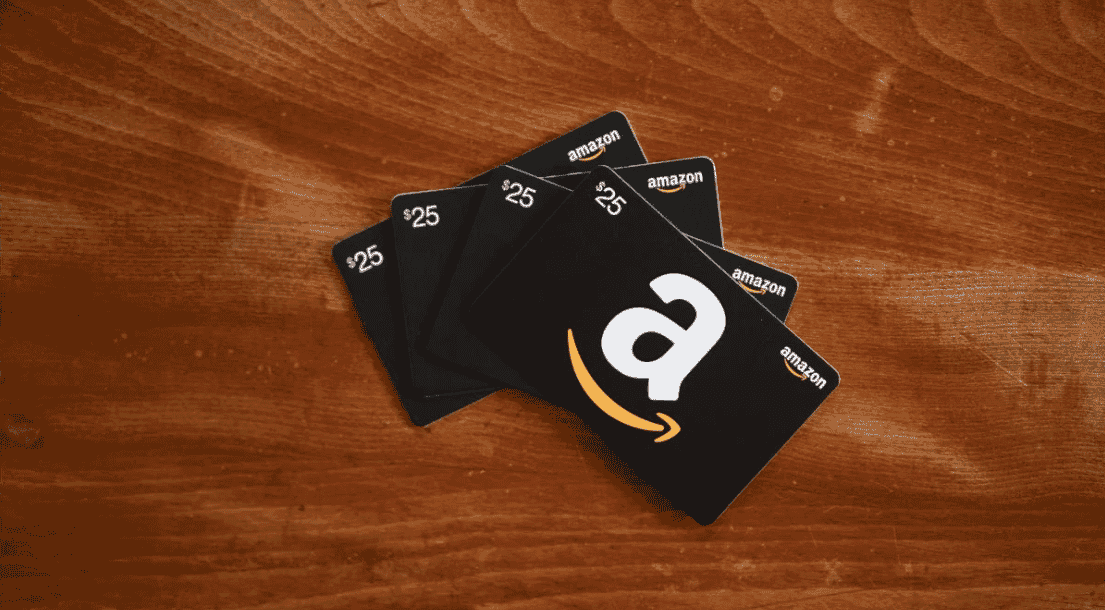
Method 1: Redeem via Web Browser (Desktop or Mobile)
- Visit Amazon.es and sign in to your account.
- Hover over Cuenta y listas (Account & Lists) in the top navigation bar and select Mi cuenta (Your Account).
- Click on Cheques regalo y recargar cuenta (Gift Cards & Top Up).
- Click Canjear un cheque regalo (Redeem a Gift Card).
- Type or paste the 14- or 15-character claim code provided by BitTopup.
- Click Aplicar a mi saldo (Apply to your balance). The funds will credit your account instantly.
Method 2: Redeem via the Amazon Spain Mobile App
- Open the Amazon shopping app on your mobile device.
- Tap the Profile icon (the person icon in the bottom menu bar).
- Scroll to the Pagos (Payments) section and select Gestionar saldo de cheques regalo (Manage Gift Card Balance).
- Tap Canjear otro cheque regalo (Redeem another gift card).
- Enter your claim code manually or paste it from your BitTopup order confirmation.
- Tap Aplicar a mi saldo to finish the recharge.
Step-by-Step Guide to Check Your Amazon Spain Balance
After applying your code, you can verify your updated balance at any time:
- Go to Amazon.es and log in.
- Navigate to Mi cuenta > Cheques regalo y recargar cuenta.
- Your total available EUR balance appears at the top of the page under Tu saldo de cheques regalo.
- Scroll down to review your transaction log, which lists recent gift card redemptions, purchase deductions, and dates.
During checkout for physical or digital items on Amazon.es, your gift card balance automatically applies as the primary payment method unless you choose to uncheck the balance box.
Common Redemption Errors and Troubleshooting Solutions
If you experience an issue while redeeming your code, review these standard fixes:
- "Code already redeemed": Refresh your account balance page. If the code was entered previously, the balance may already be applied. Check your transaction history under Cheques regalo to confirm.
- "Invalid claim code": Check for typing errors. Common mistakes include confusing the letter
Owith the number0, or the letterIwith the number1. Ensure you do not include accidental spaces before or after the code. - "Geographic / Storefront mismatch": Verify you are logged into Amazon.es, not Amazon.com, Amazon.de, or another regional site. Switch your country settings to Spain if prompted.
- Browser Cache Glitches: Clear your browser cache or switch to an incognito window, then attempt redemption again.
Gift Card Validity, Expiration Dates, and Usage Rules
- 10-Year Expiration: Amazon.es gift card balances remain valid for 10 years from the date of issuance under Spanish terms of service.
- Non-Transferable: Once a gift card is redeemed to a specific Amazon.es account, the balance cannot be transferred to another user account or converted to cash.
- Allowed Purchases: Use your balance for physical items shipped to Spain or eligible international addresses, digital downloads, Kindle books, and Amazon Prime membership fees.
- Exclusions: You cannot use an Amazon balance to purchase other third-party gift cards (such as Google Play, Apple, or PlayStation cards) on Amazon.es.
- Fraud Safety: Never provide your gift card code to third parties requesting payment for taxes, utility bills, or unexpected services. Codes should only be redeemed directly inside your official Amazon account.
Why Choose BitTopup for Amazon ES Recharge
- Instant Digital Delivery: Receive your digital voucher code on screen immediately after checkout.
- Complete Account Security: We never ask for your Amazon login details, password, or security questions.
- Dynamic Live Checkout: View real-time rates and localized payment options tailored to your preferences.
- Reliable Customer Service: Access 24/7 support for fast order verification and code assistance whenever you need it.
Frequently Asked Questions
Can I use an Amazon.es gift card on other Amazon country websites?
No. Amazon gift cards are country-specific. A gift card purchased for Amazon.es can only be redeemed and spent on the Amazon Spain website or through the Amazon mobile app configured to Spain.
How do I add money into my Amazon gift card balance?
Purchase an Amazon Gift Card (ES) on BitTopup to receive a unique digital claim code. Then, go to Amazon.es, open the Cheques regalo section in your account settings, and enter the code to add the EUR funds to your available balance.
Do Amazon Spain (ES) gift cards expire?
Amazon.es gift cards and credited balances are valid for 10 years from the date of issue, giving you ample time to spend your funds on eligible orders.
Can I convert an Amazon e-gift card into cash?
No. Amazon gift card balances cannot be refunded, exchanged, or withdrawn as physical cash. They must be used to purchase eligible goods and services on Amazon.es.
How do I check my available Amazon.es gift card balance?
Log in to your Amazon.es account, click on Mi cuenta, and select Cheques regalo y recargar cuenta. Your active balance and recent redemption history will be displayed on screen.
What should I do if my Amazon gift card code is not working?
First, verify that you are entering the code on Amazon.es and check for typographical errors (such as mistaking letters for numbers). If the system still rejects the code, contact BitTopup customer support with your order number for fast verification.