How Poppo Live's Category System Really Works
Let's start with the basics that trip up most new streamers. When you tap that Live icon and hit the prep screen, your category choice isn't just a label—it's literally telling the algorithm which viewer pool to drop you into.
The discovery system operates on profile completeness signals. Keyword-rich bios paired with consistent category alignment create what I call algorithmic confidence. The platform knows exactly who you are and who wants to watch you.
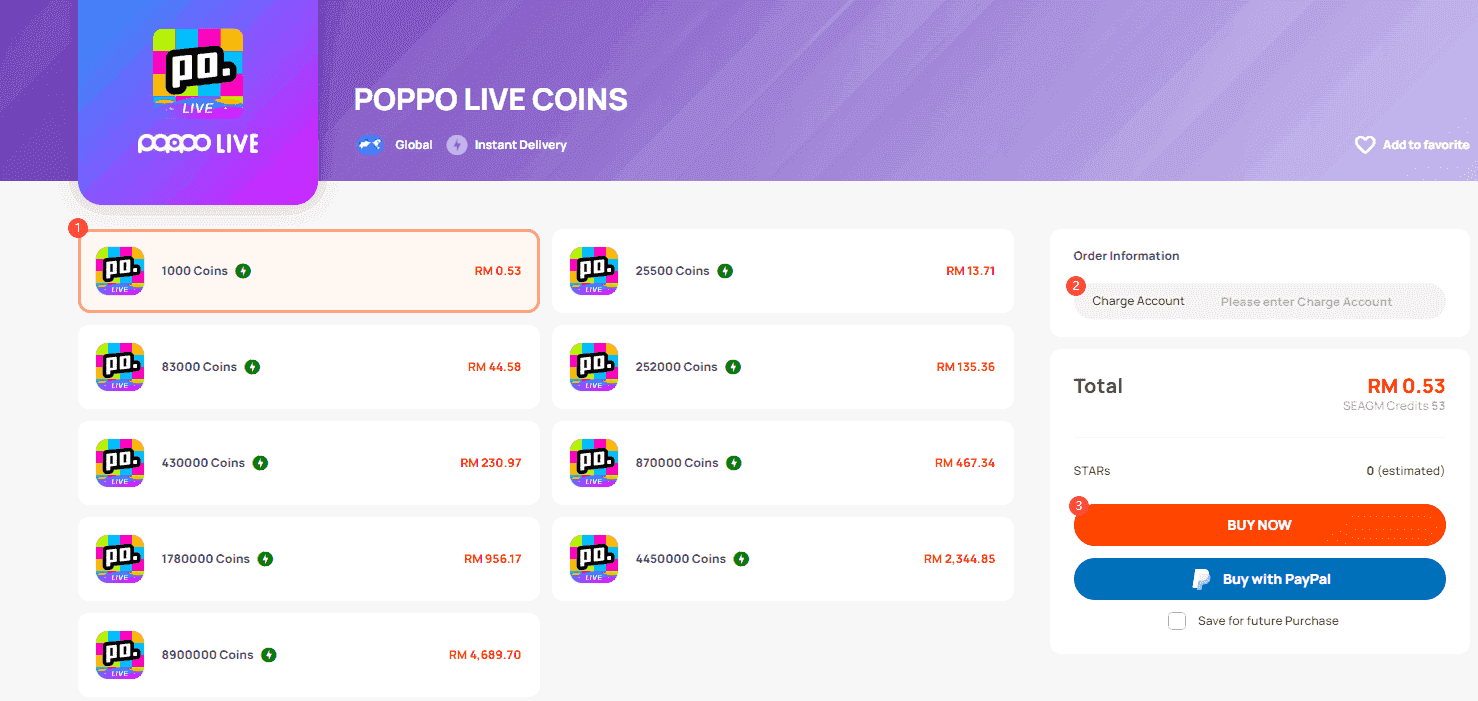
For streamers serious about growth, Poppo Live coins top up for homepage exposure boosts through BitTopup adds promotional firepower while you're optimizing these foundational elements.
The Viewer Routing Reality
Categories function as traffic directors. Think of them as highway on-ramps—choose the wrong one, and you're heading toward an audience that doesn't want what you're offering.
The system analyzes several signals simultaneously: your selected category during Go Live, your streaming history (consistency matters more than you'd think), engagement rates within specific categories, and how complete your profile appears to the algorithm.
Why Tags Are Your Secret Weapon
Tags work as precision targeting beyond broad categories. When you optimize titles with specific keywords like 'Live Music,' you're not just describing content—you're speaking the algorithm's language.
Here's what tags actually do: match your content with viewer searches, suggest your stream to users browsing related content, influence trending priority during those crucial 8-11 PM peak hours, and cross-reference your stream with similar successful broadcasts.
The Visibility Problem Most Streamers Face
Home screen discovery is brutally competitive. During peak evening hours and weekends, only properly categorized profiles break through the noise. I've seen streamers with great content languish in obscurity simply because they treated categorization as an afterthought.
What Different Categories Actually Want
Each category has distinct audience expectations—and the algorithm knows this:
Music categories expect covers, live requests, and interactive song selection. Viewers come for participation, not passive listening.
Gaming categories want commentary, challenges, and skill demonstrations. Silent gameplay rarely performs well.
Cooking categories seek ingredient lists, step-by-step tutorials, and recipe sharing. Educational value drives engagement.
Dance categories thrive on request fulfillment and technique instruction. Interactive teaching beats pure performance.
High-traffic categories like general entertainment? They're oversaturated. New broadcasters often struggle there, while strategic niche experimentation reveals underutilized opportunities where consistent creators quickly establish authority.
Setting Up Your First Real Experiment
Document Your Starting Point
Before changing anything, capture these baseline metrics: average viewers per stream in your current category, home screen discovery percentage (check your broadcaster dashboard), viewer demographics and engagement patterns, time-to-discovery for new followers, and peak concurrent viewers during different time slots.
The Systematic Approach That Works
Don't change everything at once—that's amateur hour. Here's the timeline that produces measurable results:
Week 1: Change primary category only. Keep everything else constant. Week 2: Adjust bio keywords to match your new category. Week 3: Optimize streaming schedule for category-specific peak hours. Week 4: Analyze results and plan your next move.
This controlled approach lets you identify what's actually moving the needle.
Broad vs. Niche: The Strategic Choice
Broad categories like Entertainment offer massive audiences but intense competition from established broadcasters. You're a small fish in an ocean.
Niche categories such as Educational Content or Cooking Tutorials provide smaller but highly engaged audiences with better conversion potential. Sometimes smaller is smarter.
Content That Actually Converts by Category
Music: Live covers, request fulfillment, instrument tutorials work best. Original compositions often struggle unless you're already established.
Gaming: Commentary with challenges, viewer game suggestions, educational gameplay. Pure skill showcases need existing audience.
Cooking: Ingredient lists, step-by-step demonstrations, recipe sharing. Quick tips and hacks perform surprisingly well.
Dance: Request fulfillment, technique instruction, choreography teaching. Interactive elements are non-negotiable.
For streamers investing in serious growth, buy Poppo Live virtual coin recharge for room upgrades through BitTopup enhances premium features during these testing phases.
Tag Optimization That Actually Works
High-Performance Combinations I've Tested
Music Content: Primary - Live Music,Acoustic,Covers. Secondary - specific genres, instruments, song types. Include trending songs when genuinely relevant.
Gaming Content: Primary - Gaming,Live Gaming, specific game titles. Secondary - Commentary,Tutorial,Challenge. Skill indicators - Beginner Friendly,Pro Tips,Strategy.
Lifestyle Content: Primary - Cooking,DIY,Daily Life. Secondary - specific activities, ingredients, themes. Interactive elements - Q&A,Tutorial,Tips.
The 3-5 Tag Rule
More isn't better. Use exactly 3-5 highly relevant tags: one primary category-defining tag, two content-specific descriptive tags, one engagement-style tag (Interactive,Q&A,Requests), and one timing or audience tag (Evening Show,Beginner Friendly).
The algorithm prioritizes relevance and engagement over tag quantity. Tag stuffing actually hurts performance.
Profile Configuration for Maximum Impact
Bio Keywords That Move the Algorithm
Strategic bio construction creates multiple classification signals. Include your streaming schedule, primary content focus, equipment setup (builds credibility), clear call-to-action for follows, and personality elements that encourage engagement.
Keywords like 'Live Music' and 'Game Stream' aren't just descriptive—they're algorithmic signals.
The Completeness Advantage
Complete profiles receive significant algorithmic boosts: comprehensive bio with keywords and schedule, high-quality profile image aligned with your content, verified contact information and age verification, connected social media accounts, maintained regular streaming schedule, and active engagement with platform community features.
Incomplete profiles get deprioritized. It's that simple.
Measuring What Actually Matters
Discovery Metrics Worth Tracking
Monitor your broadcaster dashboard for: home screen discovery percentage changes, category-specific viewer acquisition rates, search result appearance frequency, trending section inclusion during peak hours, and viewer retention rates from different discovery sources.

Also track demographic shifts—they indicate successful audience targeting. Age ranges, geographic distribution, and engagement pattern changes tell the real story.
Different categories generate varying engagement patterns. Music categories typically show higher comment rates, while gaming categories often produce longer viewing sessions.
Mistakes That Kill Your Visibility
The Tag Stuffing Trap
Don't include tags unrelated to actual content, use trending tags that don't match your streams, change tags frequently during streams, copy tag strategies without content alignment, or use misleading tags that attract the wrong audiences.
The algorithm punishes inconsistency and irrelevance.
Recovery When Experiments Go Wrong
When visibility drops: return to baseline configuration immediately, wait 1-2 weeks for algorithmic readjustment, make smaller incremental changes going forward, prioritize viewer interaction over discovery metrics, and maintain stable category and schedule patterns.
Patience during recovery is crucial. Panic changes make things worse.
Advanced Tactics for Serious Streamers
Peak Performance by Time of Day
Different categories have distinct peak periods:
Morning (6-10 AM): Educational content, lifestyle streams, morning routines perform best. Afternoon (12-5 PM): Gaming, tutorials, interactive content find engaged audiences. Evening (8-11 PM): Music, entertainment, social interaction hit peak engagement. Late night (11 PM-2 AM): Gaming, international audiences, casual chat work well.
Building Long-Term Category Authority
Establish yourself through: consistent content quality within your chosen category, regular engagement with category-specific audiences, participation in trending topics relevant to your niche, relationship building with successful category broadcasters, and maintaining professional standards that reflect positively on your category.
Authority builds over months, not days.
FAQ
How do categories actually affect home screen visibility? Categories serve as the primary viewer routing mechanism, matching your content classification with viewer preferences and determining trending priority. Wrong category = wrong audience = poor performance.
What's the best category for new broadcasters? Choose categories that align with your natural content style and have moderate competition. Music, gaming with commentary, and cooking tutorials offer solid engagement opportunities if you can maintain consistent, interactive content.
How many tags should I actually use? Stick to 3-5 highly relevant tags: one primary category tag, two content-specific tags, one engagement tag, and one audience/timing tag. More tags don't improve performance—relevance does.
Can changing categories hurt my visibility? Frequent category changes signal inconsistency to the algorithm and reduce visibility. Maintain consistency for at least 2-3 weeks before evaluating results. Make sure changes align with your actual content.
How long before category changes affect discovery? Initial algorithmic adjustment takes 3-7 days, but full optimization effects become visible after 2-3 weeks of consistent performance in new categories. Don't expect overnight results.
Should I use broad or specific tags? Balance is key—use one broad classification tag and 2-3 specific tags describing your unique content style and target audience. Pure broad tags get lost in competition; pure specific tags limit discovery.