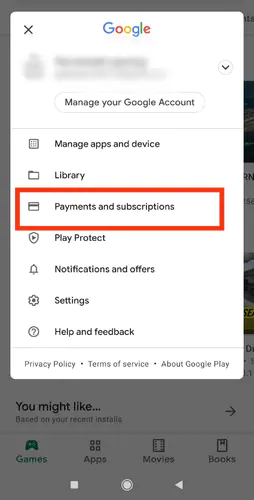
If your Crystal of Atlan Asia top-up has cleared your bank but shows zero progress in your account, don't panic. Direct recharges deliver Vouchers rather than raw Opals within minutes under normal conditions. Before assuming your money is gone, check your Voucher balance—which converts at a 1:1 ratio to Opals—and inspect your in-game mailbox. In most reported cases, missing deliveries stem from an overfilled mailbox, ongoing publisher server maintenance, a regional server mismatch between Asia and other regions, or a typo in your numeric UID.
Use this checklist to determine whether you are facing a standard processing lag, a server mismatch, or a jammed dispatch queue.
First Check: Did You Receive Vouchers Instead of Opals?
A frequent panic point happens right in the shop interface. You bought a pack expecting Opals to roll on banners immediately, opened your inventory, and saw your Opal tally sitting untouched.
According to BitTopup's Crystal of Atlan store documentation, top-up packs credit Vouchers directly to your account balance, not Opals. Vouchers are the game's core store tender. They can be spent straight away on limited-time promotional packs, character skins, and Phantasium Pass subscriptions. If your goal was gacha pulls, you must manually convert your Vouchers into Opals inside the store interface at a fixed 1:1 ratio.
Before lodging a ticket about missing currency, look at your top-bar balance for Vouchers. If the Voucher number matches your order total, your top-up did not fail at all.

Five Common Failure Points and How to Clear Them
If neither your balance nor your mailbox shows those Vouchers, the hold-up almost always traces to one of five operational bottlenecks.
| Issue / Symptom | Interface Check | Root Cause | Immediate Action | Sourced Reference |
|---|
| Missing bundle or voucher receipt | 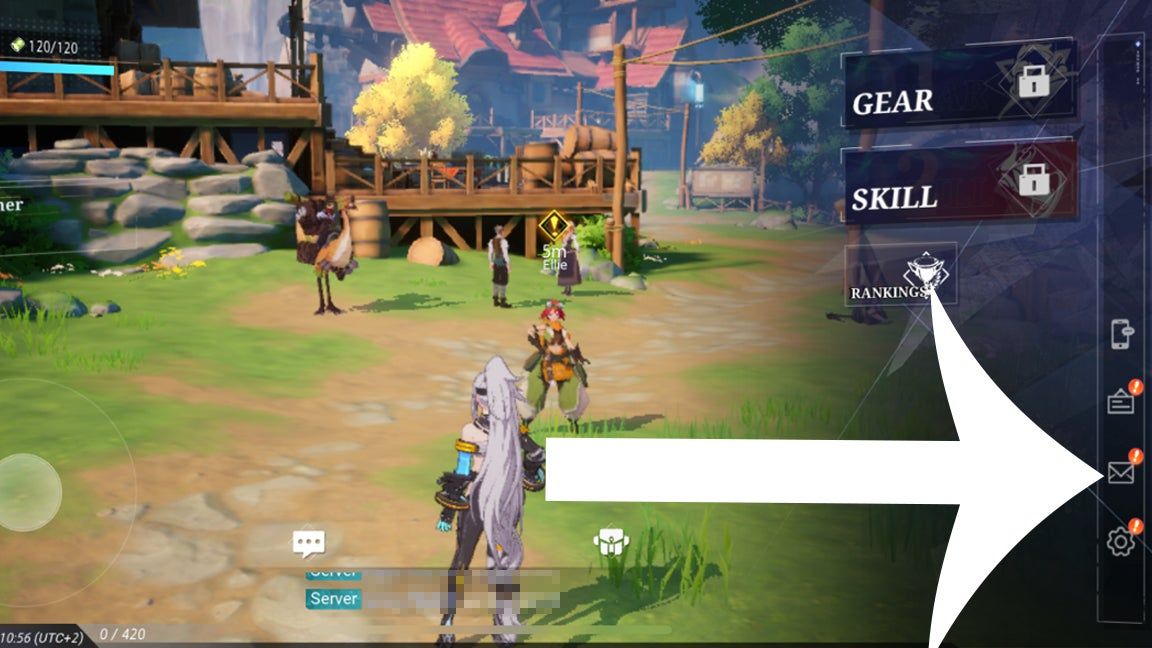 | Inbox reached its maximum storage threshold; new attachments cannot display | Delete obsolete system messages and restart the game client | BitTopup Asia Support |
| Currency never arrives despite verified payment | 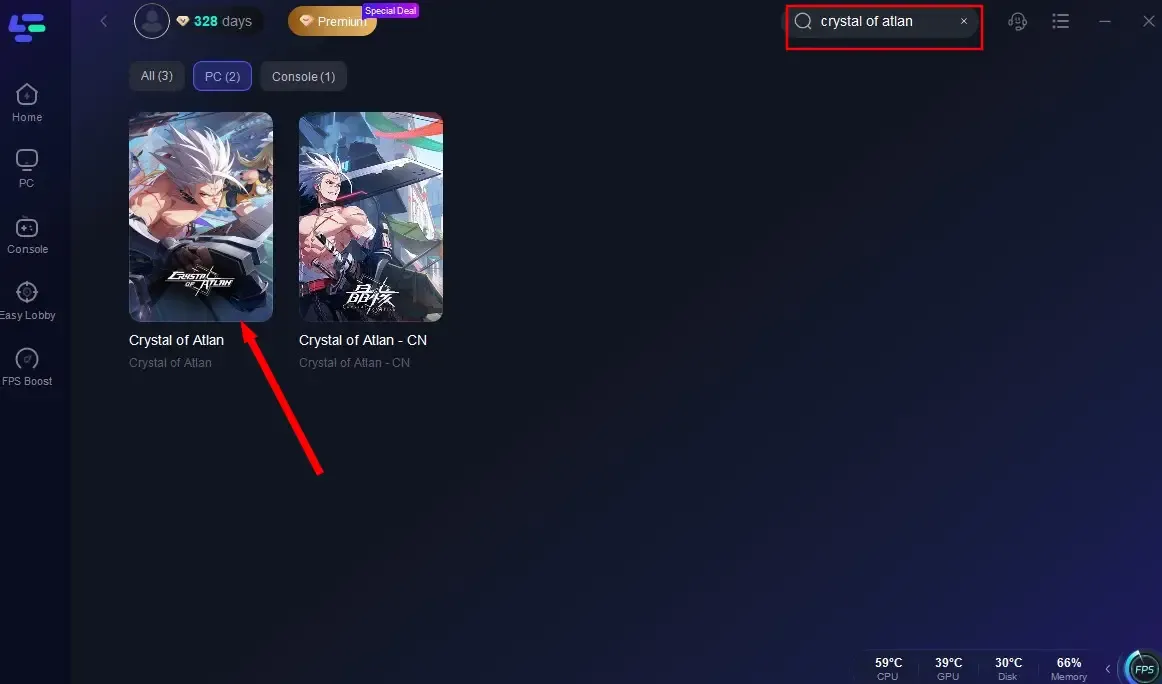 | Character belongs to North America, Europe, or another non-Asia cluster | Check regional character creation; cross-regional routing is unsupported | BitTopup Asia Support |
| Order status completed but balance untouched | 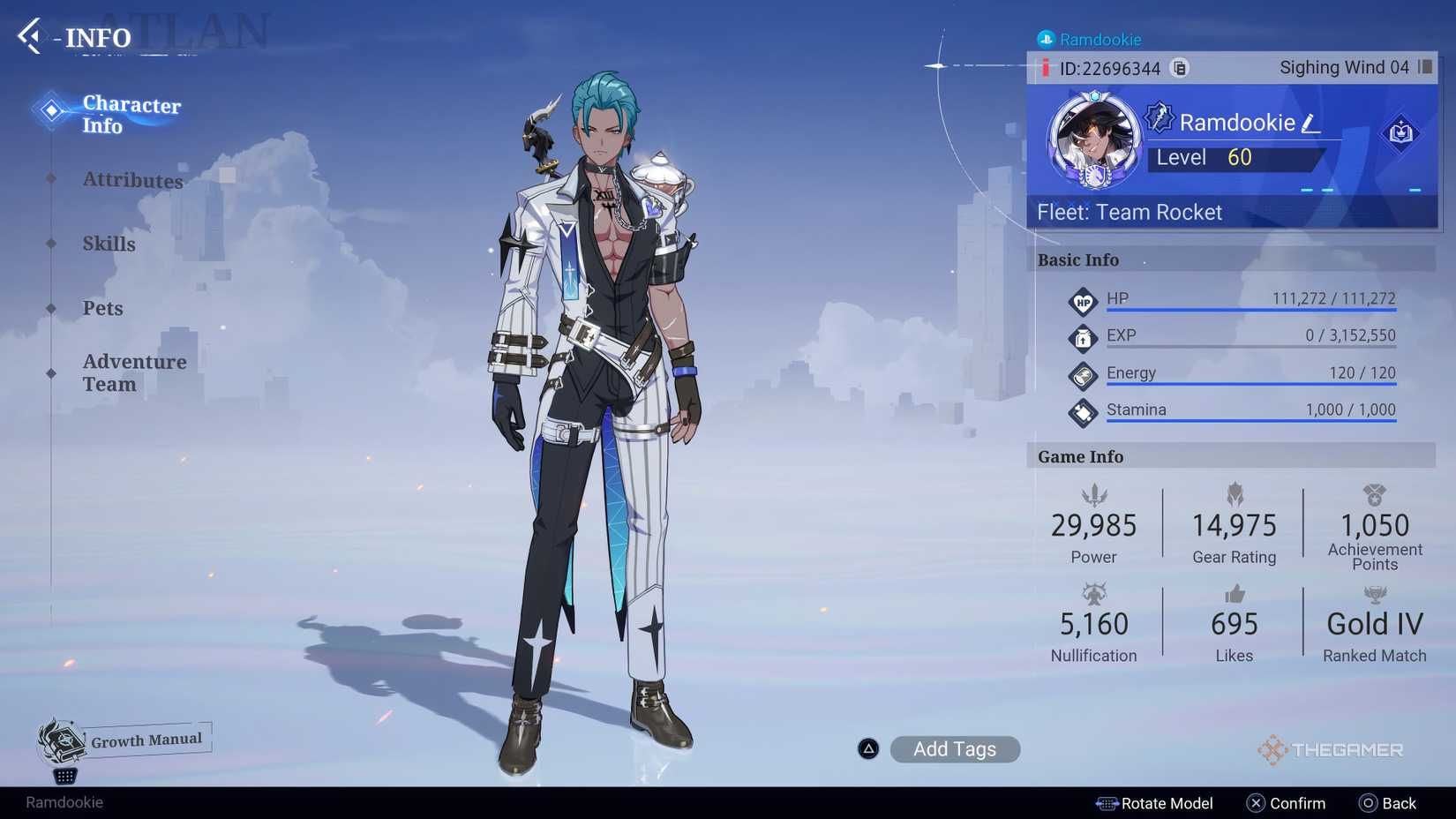 | Numeric UID or character Username entered with a typo during checkout | Message support immediately with Order ID before delivery queue dispatches | BitTopup Asia Support |
| Order verification pending during game update |  | Publisher patch deployment queues delivery webhooks on game servers | Wait for game patch maintenance to wrap up and backend queues to drain | BitTopup Asia Support |
| Opal count unchanged after recharge | 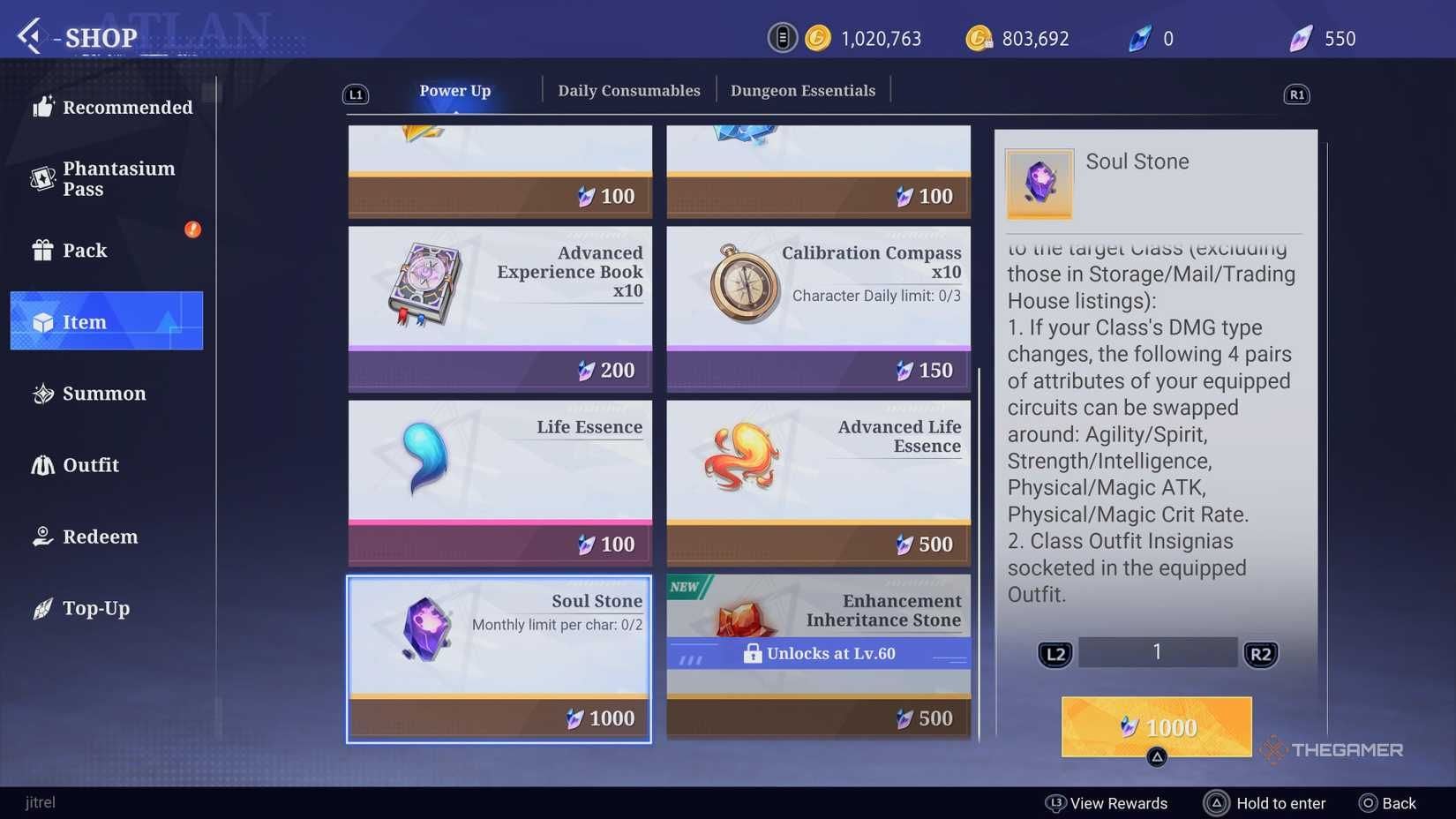 | Recharge delivers Vouchers, not raw Opals | Convert Vouchers manually to Opals at the native 1:1 ratio | BitTopup Asia Support |
The Mailbox Capacity Block
Certain bundle packages, promotional bonuses, and purchase receipts are routed through the internal game mailbox. The catch? If your mailbox has reached its capacity limit, incoming delivery items stall invisibly. The game will not drop the mail into the void, but the engine cannot render the delivery message until free slots open up.
Clear out expired announcement letters, claim your old dungeon reward mails, and delete the trash. Once the inbox has breathing room, force-close the game client completely and log back in. The client refresh prompts the server to pull any stalled mail items into view.
The Asia Server Regional Lock
Crystal of Atlan isolates player databases by global territory. If you purchased through an Asia-specific gateway—such as a Crystal of Atlan Asia Top Up—that currency can only credit to an Asia regional server profile.
Cross-region crediting does not exist. If your main character is on North American or European servers, the Asia dispatch pipeline cannot push Vouchers to that character ID. Always double-check your initial login screen to confirm which territory hosts your active character.
Game Patch Maintenance Queues
If you swiped during a scheduled patch deployment, backend crediting pauses. While your merchant payment will show as settled, the publisher's API cannot deposit items into game accounts during maintenance windows. Game servers hold incoming top-up requests in an automated queue, clearing them sequentially once maintenance concludes and the servers reopen.
Platform Policies and Processing Windows
Delivery speed and required checkout credentials depend heavily on which digital storefront processes your transaction.
| Merchant / Platform | Target Region | Required Credentials | Stated Delivery Window | Source Attributed |
|---|
| BitTopup | Asia Server (Broad) | Numeric UID + Username | Delivered within minutes after payment verification | BitTopup Asia Documentation |
| BUFFBUFF | Southeast Asia (Restricted) | Player ID only | Variable queue based on checkout | BUFFBUFF Platform Terms |
Keep regional scope in mind: platforms like BUFFBUFF restrict their catalog strictly to Southeast Asia accounts using only a Player ID. In contrast, BitTopup covers the broader Asia regional server pool and requires both your numeric UID and in-game Username to protect delivery routing.
Typo in Your UID? Act Fast Before Queue Dispatch
Automated dispatch systems move fast. If you transposed two digits of your UID or misspelled your character name, the automated queue will either bounce the transaction or deliver your Vouchers straight to someone else's account.
Short version: time is your enemy here. If you spot a mistake on your order confirmation, you must contact customer support immediately. Provide your platform Order Number alongside your corrected numeric UID and character Username. If the support staff intercepts the ticket before the automated queue pushes the dispatch through, they can correct your credentials on the fly.
What to Include in a Missing Top-Up Ticket
If your mailbox has space, your character is confirmed on the Asia server, maintenance is finished, and your Vouchers still have not arrived, open an inquiry immediately. To bypass days of back-and-forth messaging, submit these exact details in your first ticket:
- Platform Order Number: The unique transaction code generated at checkout.
- Numeric Character UID: Located directly in your in-game profile screen.
- In-Game Username: Exactly as it appears on your server, preserving capitalization.
- Server Name: Verifying your character resides in the Asia territory.
- Proof of Payment: A clear screenshot of your settled payment confirmation showing the transaction timestamp.
Sending these details upfront lets support locate your transaction in the queue, match it against server delivery logs, and resolve the hang-up without endless follow-up emails.
Frequently Asked Questions
What information is needed to troubleshoot a missing Crystal of Atlan Asia top-up?
You need your platform Order Number, numeric character UID, and in-game character Username so customer support can pinpoint your transaction in the delivery queue and verify it against server dispatch logs (source).
Why did my Crystal of Atlan top-up credit Vouchers instead of Opals?
Direct recharges deliver Vouchers, the primary base currency. You must manually convert Vouchers to Opals inside the in-game shop at an even 1:1 exchange rate or spend them directly on promotional bundles and Phantasium passes (source).
Can a top-up bought for the Crystal of Atlan Asia server be transferred to North America or Europe?
No. Purchases configured for the Asia server region cannot be routed or transferred to characters on North American, European, or other regional game servers due to isolated server databases (source).
Follow BitTopup for more Crystal of Atlan Asia Top Up news~