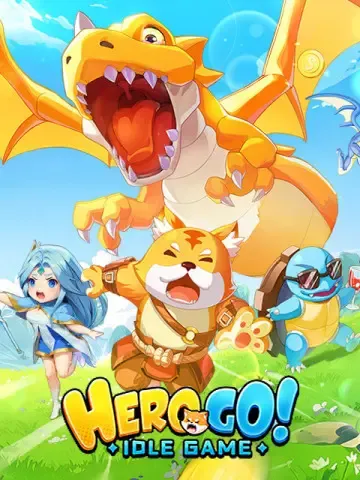
Hero GO structures its progression cadence around recurring weekly rotations—most notably double-drop weekend dungeon events—alongside seasonal battle passes and limited-time rate-up recruitment banners. Because external documentation for Hero GO is fragmented across in-game notices rather than an official public web schedule, and search listings frequently confuse the title with unrelated games like Cat Hero: GO or Go Hero Go, players must verify live cutoffs directly in their client. No verified global server reset timezone or master timetable exists in public sources, making the in-game quest reset timer your primary guide for daily and weekly maintenance cutoffs.
Hero GO Event Schedule and Rotation Overview
Progression in Hero GO requires balancing regular campaign progression with limited-time farming windows. The core rotation pattern centers on stamina conservation during standard weekdays, followed by high-yield resource burning during weekend drop bonuses. Instead of forcing players to purchase separate locked currencies for every event, Hero GO utilizes Vouchers as a universal medium of exchange. You convert Vouchers within the game store into recruitment tokens, stamina refills, battle passes, or specific progression bundles depending on which rotation is currently running.
The following table outlines the documented event types, the mechanics governing them, and their primary reward structures.
| Event Type | Event Category Visual | Currency & Refill Mechanics | Strategic Focus | Source |
|---|
| Double-Drop Weekends | 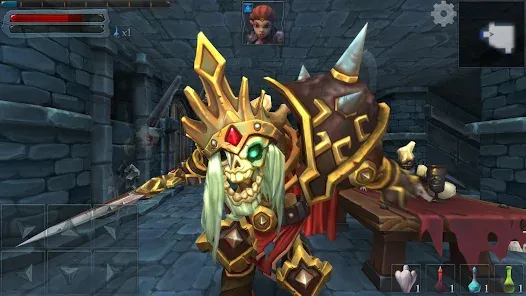 | Stamina & dungeon attempt refills | Gear farming and artifact drop optimization | Hero GO Store |
| Rate-Up Recruitment Banners | 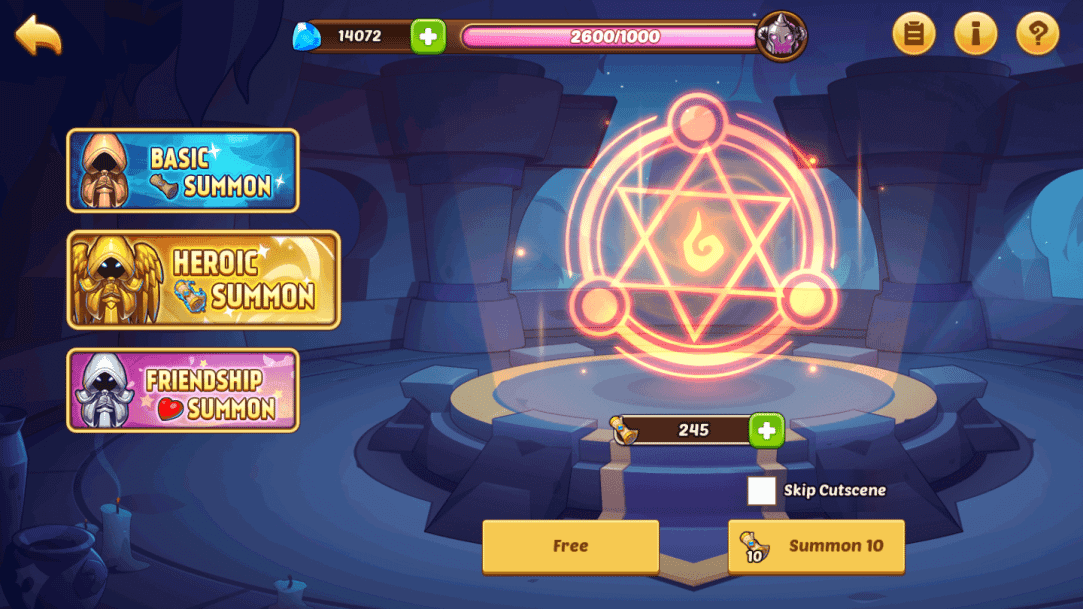 | Vouchers converted to recruitment packs | Securing top-tier limited heroes | Hero GO Store |
| Seasonal Passes | 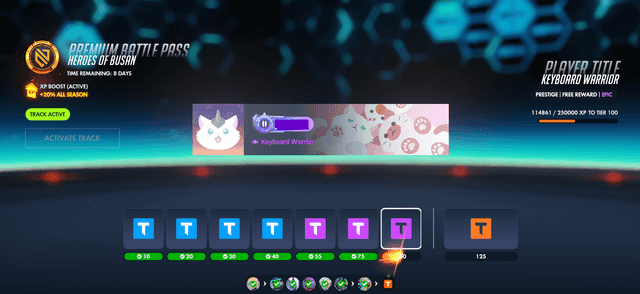 | Vouchers for battle pass tier activation | Milestone progression and exclusive cosmetics | Hero GO Store |
| Daily & Weekly Growth Bundles | 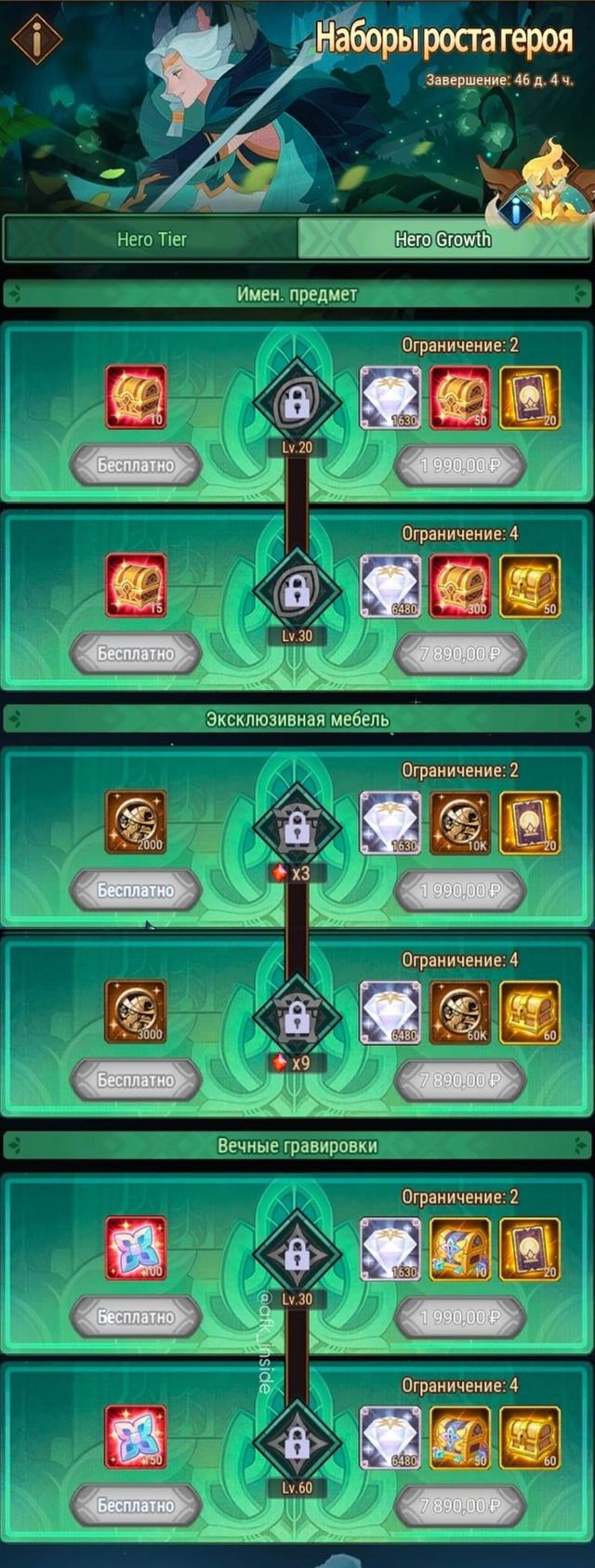 | Vouchers exchanged for resource crates | Gold, Hero EXP, Promotion Stones, Skill Materials | Hero GO Store |
Server Reset Times and Information Gaps
Tracking the exact Hero GO server reset time is complicated by a major documentation gap. A frequent issue in community searches is cross-title confusion. Search engine results for "Hero GO event schedule" regularly mix up Hero GO with Cat Hero: GO (a Three Kingdoms feline card RPG by Magic Infotech LLC), Go Hero Go (a dice-based board game), and Hero Clash. None of these games share server infrastructure, event timetables, or currencies with Hero GO.
Compounding this confusion, public game databases lack verified global server reset timetables, UTC offsets, or maintenance intervals for Hero GO. To avoid missing event cutoffs:
- Check the countdown timer on your daily dispatch board and daily dungeon attempts.
- Treat the daily quest expiration counter inside your client as the authoritative reset mark for your specific server cluster.
- Log event completion well before late-night server synchronizations to prevent mid-run disconnects during banner rollover.
Weekly Event Rotation: Farming vs. Skipping
Resource distribution in Hero GO is strictly limited by daily stamina caps and dungeon attempt allowances. Spending premium resources randomly between events will stall your hero development. To optimize progress, you must divide weekly tasks into mandatory clears, conditional spending, and activities you can safely skip.
| Rotation Activity | Resource Required | Action Trigger | Skip Condition | Source |
|---|
| Daily Dungeon Attempts | Daily entry tokens / Stamina | Double-Drop Weekend active | Standard drop rates on weekdays (clear baseline only) | Hero GO Store |
| Rate-Up Summon Banners | Recruitment packs (via Vouchers) | High-tier hero on rate-up with sufficient pity stock | Banners featuring standard-pool heroes you own | Hero GO Store |
| Seasonal Battle Pass | Premium Pass unlock (via Vouchers) | Active daily play reaching final milestone tiers | Inability to complete required weekly pass points | Hero GO Store |
| Weekly Resource Crates | Vouchers | Critical hero promotion wall (EXP / Stones) | Sufficient baseline materials banked in inventory | Hero GO Store |
The Double-Drop Rule
Never spend premium currency or Vouchers on daily dungeon refills Monday through Thursday. Double-drop weekend events provide the highest return on investment for artifact drops and high-grade equipment. Stockpile surplus stamina consumables and dungeon attempt resets during the workweek. Burn them exclusively once the double-drop banner indicator appears on the dungeon hub.
Managing the Current Banner Schedule
Rate-up recruitment banners rotate on dedicated cycles, offering guaranteed or boosted odds for specific top-tier heroes. If a banner features a hero that does not address an immediate weakness in your campaign or arena lineup, save your tokens. Because Hero GO Vouchers function as a universal conversion currency, unspent Vouchers do not expire with the conclusion of a specific banner. They carry over directly to the next recruitment cycle.
Hero GO Event Shop Priority Checklist
When a seasonal event opens, the in-game event shop presents multiple tiers of upgrades. Novice players often waste event tokens on cosmetic trinkets or low-grade hero EXP, creating severe mid-game bottlenecks when attempting to ascend core team members.
| Store Category | Item Output | Strategic Purpose | VIP Progression Impact | Source |
|---|
| Tier 1: Limited Summons | Rate-Up Recruitment Packs | Roster expansion and star promotions | Direct top-ups award VIP EXP | Hero GO Store |
Recommended Purchase Order
- Rate-Up Summon Packs: Event rosters depend heavily on high-tier units. Securing copies during active rate-up windows takes top priority.
- Promotion Stones: Character level caps remain locked without promotion stones, regardless of how much gold or EXP you hoard.
- Skill Materials: Unlocking passive synergies and active burst skills directly determines arena and boss battle success.
- Stamina Refills (Banked): Acquire reserve refills to deploy immediately when double-drop farming goes live.
- Gold and EXP: Purchase only when hit by a hard level bottleneck. These yield the lowest relative efficiency since campaign idle production continuously supplies them over time.
VIP Benefits and Event Farming Efficiency
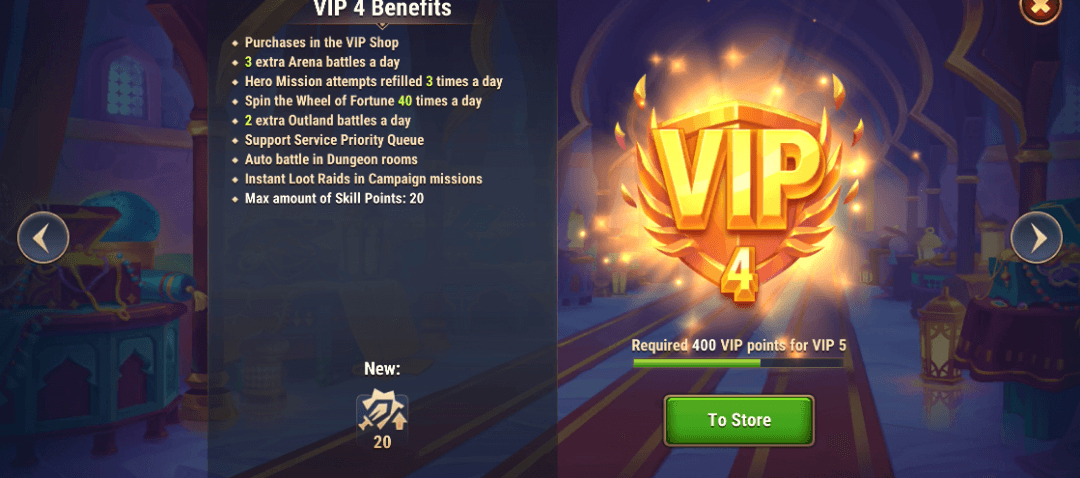
In Hero GO, direct account recharges contribute progress points toward VIP tiers. Unlike temporary boosts, VIP tiers grant permanent gameplay perks that directly improve your weekly event farming speed:
- Auto-Battle Speedups: Reduces stage clear times, allowing you to cycle through dungeon attempts rapidly during time-limited drop events.
- Bonus Quest Dispatches: Unlocks extra dispatch slots, generating passive resources alongside your manual dungeon clears.
While external secondary market platforms such as u7buy list various account services, official and authorized recharge channels require only your numeric User ID. You can locate your numeric User ID directly beneath your character profile nickname in-game. Legitimate top-up verification never requires sharing account passwords or third-party login credentials.
Resolving Post-Purchase Sync Issues During Reset Windows
Server traffic spikes sharply during weekly reset windows and the launch of new rate-up banners. Occasionally, purchasing Vouchers or event resource packs during these transition periods results in a visual balance desync where the items do not display immediately on your home screen.
If this happens, do not immediately attempt a duplicate transaction. Follow this resolution procedure:
- Fully close the Hero GO application and remove it from your device's active background tasks.
- Relaunch the app to force a clean handshake and balance check with the game server.
- Open your in-game mailbox. In many event rollover instances, purchased Vouchers and milestone rewards route directly to system mail rather than your active inventory bag.
- Verify your numeric User ID on your profile screen to confirm the purchase was dispatched to the intended account profile.