Choosing between MapleStory M direct top up vs in-game mobile store purchases comes down to authentication safety, package availability, and checkout mechanics. Direct UID recharges rely solely on your public Member Code and server region—keeping your account credentials untouched—while in-game billing runs through Google Play or Apple App Store checkout flows. Neither method is an absolute universal winner: in-game stores offer immediate client reconciliation for platform-bound event bundles, whereas direct top-up bypasses mobile store payment errors without risking account sharing penalties, provided you verify whether a specific SKU delivers directly to character inventories or shared account mail.
Core Differences Between UID Top-Up and Native App Stores
Direct web recharge services process orders using your public MapleStory M identifiers. You provide your server and Member Code, select an available bundle, and the system routes the package to the game server. You do not need to share login credentials or link private third-party social accounts (BitTopup MapleStory M Package).
Conversely, in-game purchases rely on Apple App Store or Google Play Store billing architectures. Your payment executes via the card, mobile carrier billing, or digital wallet linked to your smartphone profile.
| Purchase Channel | Required Account Data | Payment Gateway | Inventory Destination | Delivery Verification | Visual Reference |
|---|
| Direct UID Web Recharge | Public Member Code + Server Region | Web-based store checkout | Personal Mailbox, Shared Mailbox, or Cash Shop Storage | Relogging / Character swap | 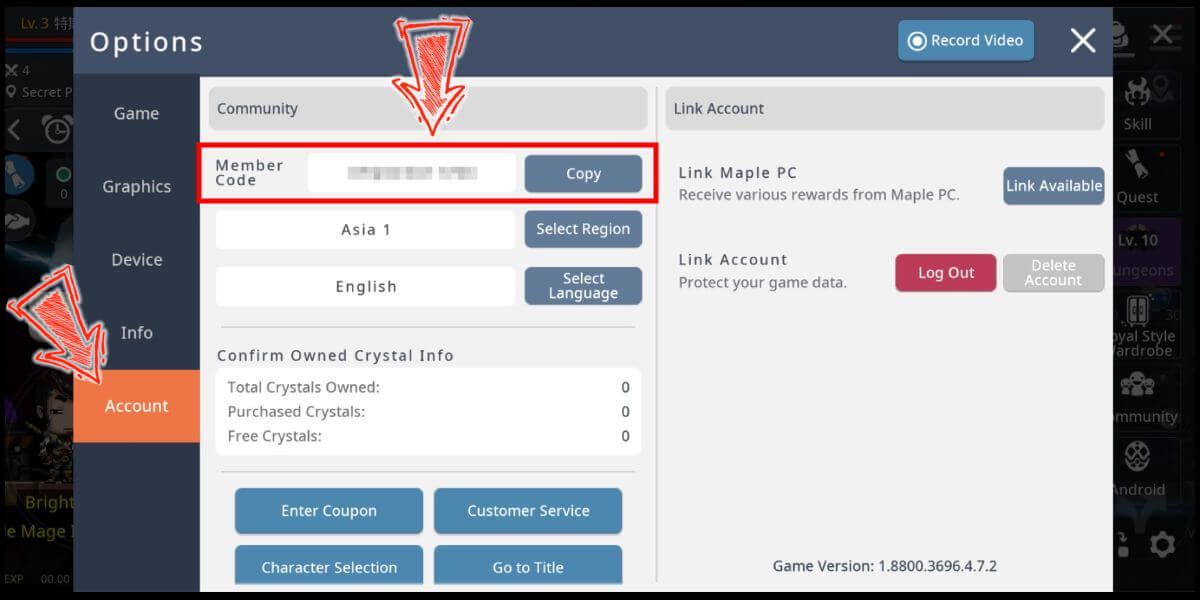 |
| Google Play (In-Game) | Google Account credentials & mobile wallet | Google Play Billing API | Direct inventory or temporary mailbox | Google Play Purchase History receipt | 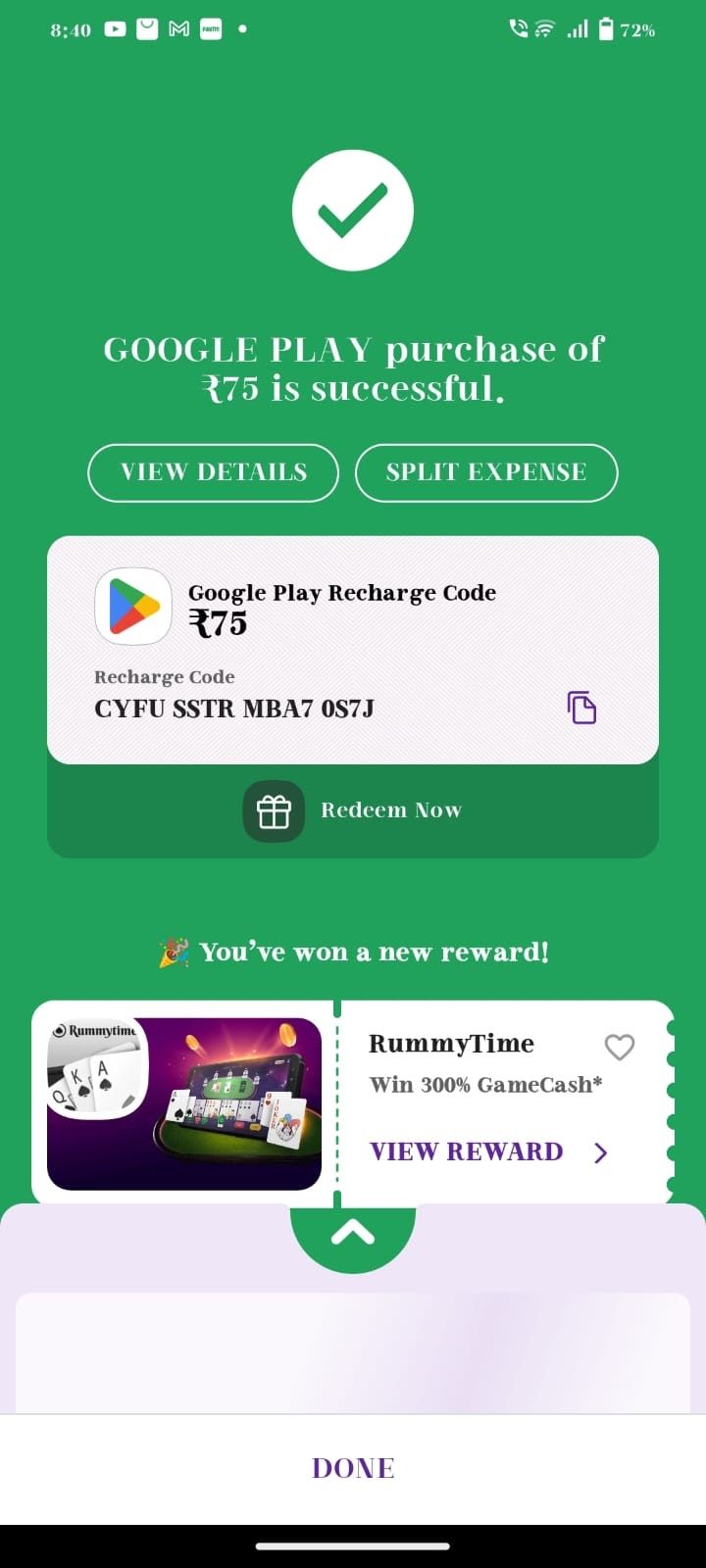 |
| Apple App Store (In-Game) | Apple ID credentials & payment method | Apple In-App Purchase API | Direct inventory or temporary mailbox | Apple Media Services receipt | 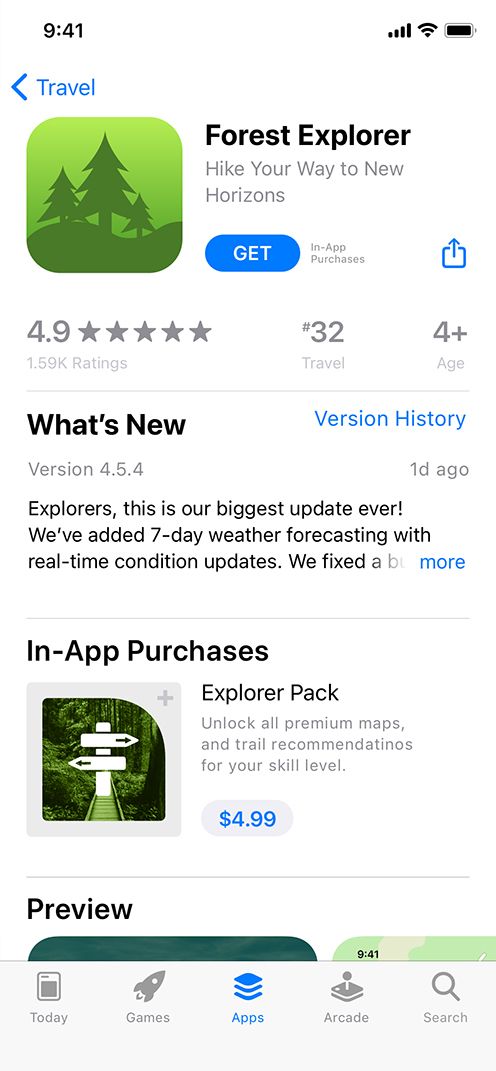 |
Selecting a third-party seller requires caution. For instance, cataloging errors exist across web storefronts; Space Gaming mistakenly displayed descriptions containing "Lunite" and "Astrites"—currencies belonging to Wuthering Waves—on its MapleStory M package pages. Sticking to verified item definitions avoids misattributed items.
Account Safety and Nexon Operating Policy
Account security differs sharply between standard web UID recharges and unauthorized third-party piloting. Some gray-market sellers request login credentials, passwords, or linked Facebook/Google tokens to complete in-game purchases on your behalf. Handing over login data violates game security best practices and official publisher policies.
Under Section [3-3] of the MapleStory M Global Operation Policy, users who trade accounts, characters, or in-game items for real money or actual goods face permanent loss of usage rights without prior warning (MapleStory M Global Operation Policy). The policy also explicitly dictates that sharing accounts or using false registration details voids publisher protection against account theft or fraud.
Direct UID top-ups avoid this risk entirely. Legitimate UID providers require only the visible, public Member Code. Because you never share passwords or authentication tokens, your login credentials stay isolated from third-party hands.
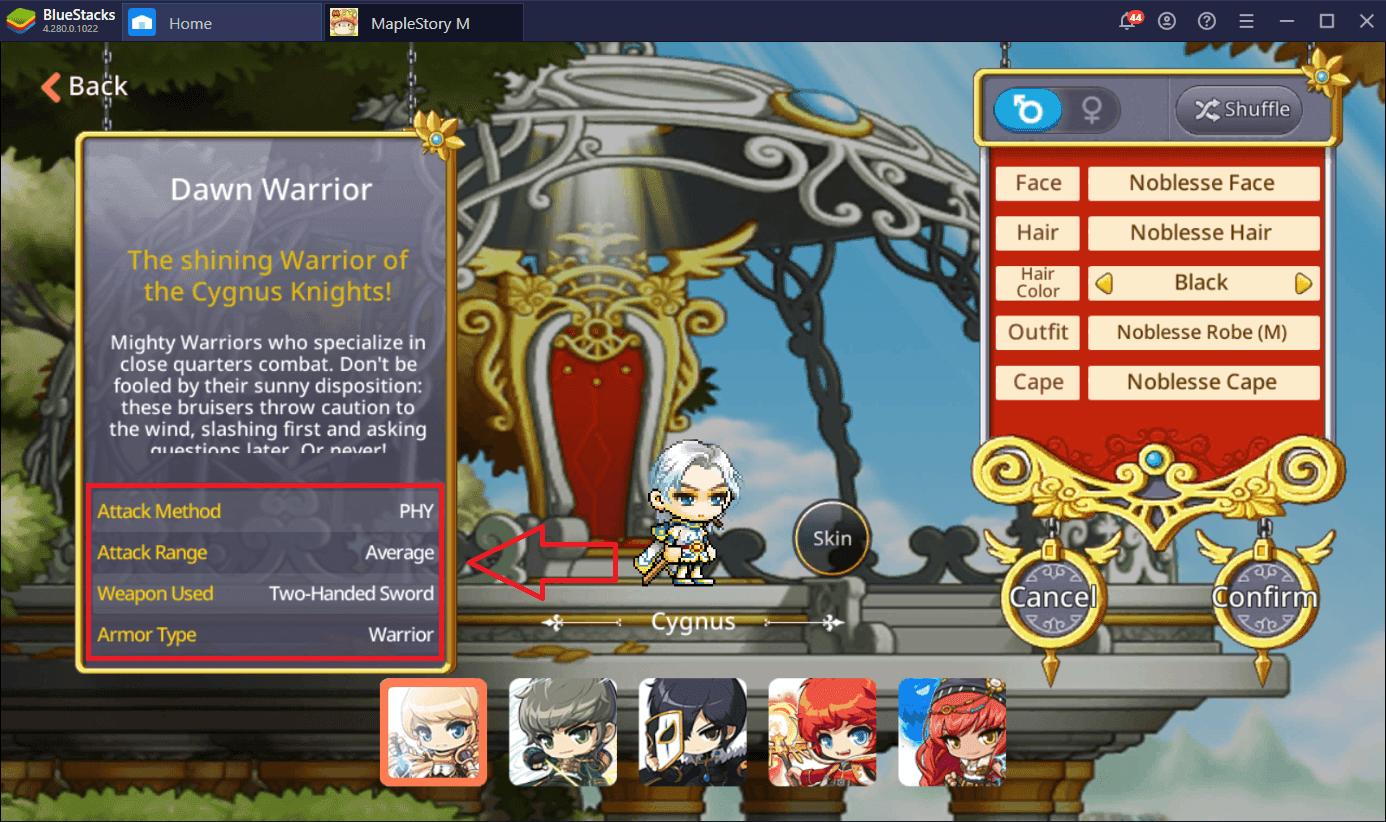
Locating Your MapleStory M Member Code
If you use a web shop or direct UID recharge, you must submit the exact alphanumeric identifier assigned to your account. Grabbing the wrong string will route the order to another player or cause the transaction to stall.
According to setup documentation published by Abso Games, finding this identifier takes four steps:
- Launch MapleStory M and tap the Menu icon located in the top-right corner of the home screen.
- Tap the Settings gear icon in the lower-right corner of the menu.
- Open the Account tab inside the Settings panel.
- Locate your Member Code and active Server displayed at the top of the interface. Use the copy button to capture the string accurately.
SKU Availability and Purchase Limit Mechanics
Not every MapleStory M package exists equally across all sales channels. MapleStory M packages represent bundles of progression resources, enhancement scrolls, auto-battle tickets, or Cash Points used to advance characters and unlock premium content. However, specific packs carry distinct purchase caps and refresh cycles depending on how they are categorized (BitTopup MapleStory M Package).
| Package Category | Typical Purchase Limit | Reset Schedule | Character vs Account Lock | Sourced Rule Details |
|---|
| High-End Enhancement Packs | 1 to 5 purchases per account | 00:00 server time every Monday | Account-bound | Capped per reset window (BitTopup MapleStory M Package) |
| Discounted Auto-Battle Packs | 1 to 5 purchases per account | 00:00 server time every Monday | Account-bound | Resets weekly by server zone (BitTopup MapleStory M Package) |
| Level-Up / Milestone Packs | Exactly 1 purchase per character | Never resets | Character-bound | Available per new class created (BitTopup MapleStory M Package) |
| Pet and Utility Bundles | Varies by campaign | Monthly or event duration | Account or Character-bound | Governed by event runtime (BitTopup MapleStory M Package) |
When buying milestone packages through web shops, you must pay attention to character binding. Because level-achievement packages are limited to one purchase per character, applying a package toward an ineligible or already-claimed character can lead to delivery rejections. Raw Crystal bundles rarely encounter these restrictions, but targeted milestone packs demand strict compliance with in-game progression rules.
Package Delivery Methods and Missing Item Troubleshooting
When you complete a package purchase, the delivery path is not always identical. Some players panic when their purchased bundle does not immediately show up in their bag. MapleStory M segregates delivered inventory across three distinct destinations:
- Personal Mailbox: Receives character-specific rewards, milestone items, and character-bound tickets.
- Shared (Account) Mailbox: Receives account-wide packages, shared auto-battle passes, and server-wide delivery flags.
- Cash Shop Storage Tab: Receives certain raw crystal packages, cosmetic equipment, and direct Cash Shop bundles.
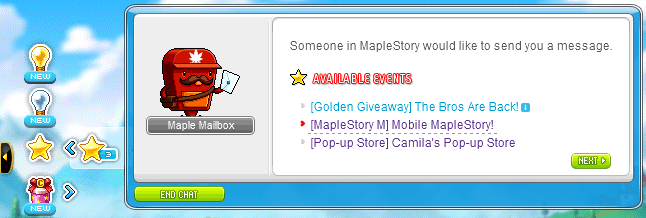
If you bought a package via direct top-up or the mobile app store and items do not appear right away, check your delivery routing before submitting a ticket.
Why In-Game App Store Purchases Fail
In-game app store purchases are not immune to technical failure. App store payment gateways (Google Play Billing and Apple StoreKit) rely on local app store authentication profiles. Transaction failures frequently stem from operating system settings rather than MapleStory M server crashes.
Mobile platform documentation indicates that store purchases often fail because an account has unaccepted Terms & Conditions waiting inside the mobile store profile (Jam City Technical FAQ). Even if your balance is sufficient, Apple or Google will block in-app checkout until those terms are manually accepted inside your device settings.
Other typical failure causes include outdated billing address profiles, card authentication timeouts, and intermittent network handshakes during payment handoffs. If your in-app purchase gets stuck in an infinite processing loop, opening your native app store to verify your payment method status is required before trying to re-purchase.
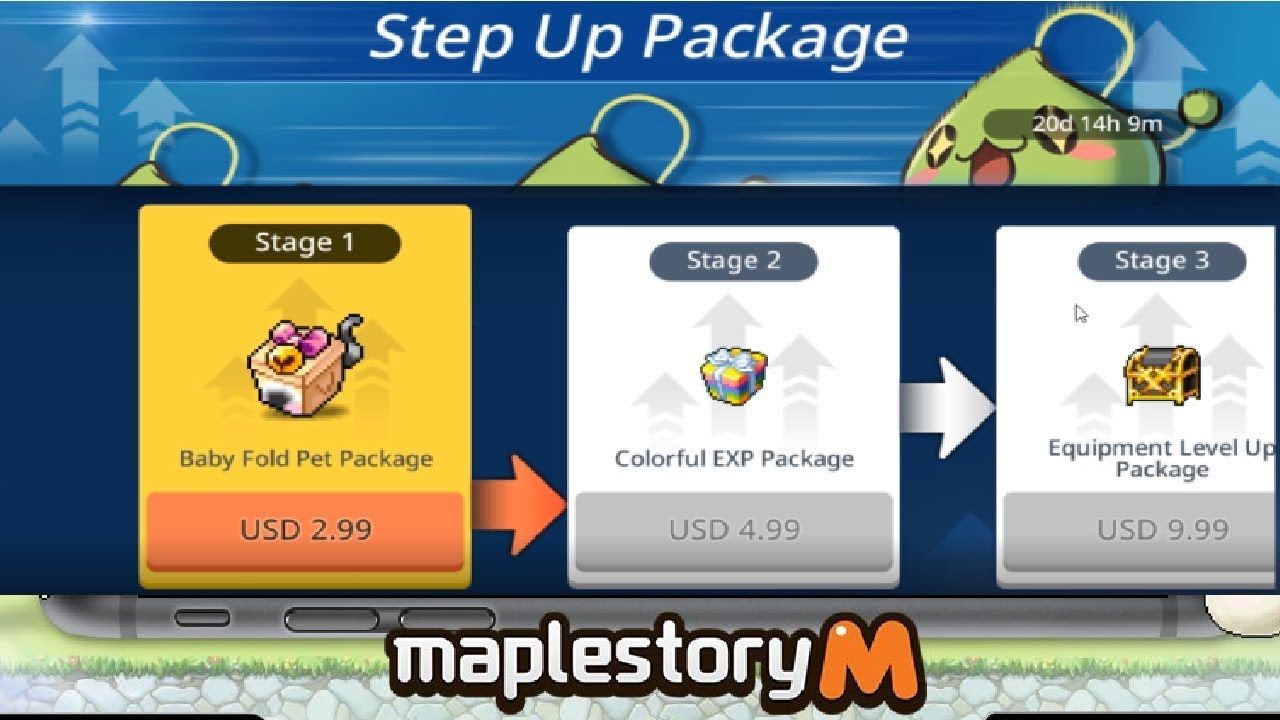
Pricing Realities and Cross-Platform Currency Limits
Many players consider direct UID recharge hoping for steep pricing discounts compared to mobile stores. Cross-platform prices cannot be ranked universally. External storefronts quote products across disparate currencies and tax regimes.
Store listings vary by seller. Marketplaces like Kaleoz quote in Singapore Dollars (S$), while other global hubs bill in regional fiat currencies with varying gateway fees. Payment processors also assess distinct merchant fees depending on your selected checkout method, such as local bank transfers, digital wallets, or credit cards.
Never assume a direct web store is categorically cheaper than your local in-game app store. Compare the final checkout figure on the MapleStory M Package page—inclusive of currency conversion and handling fees—directly against the in-app pricing shown on your mobile device before locking in a purchase.