

AstroPay (US) Top Up: What Is an AstroPay Voucher and How It Works
An AstroPay (US) voucher is a prepaid digital payment card issued in United States Dollars (USD). Designed for secure online transactions, it allows you to pay on hundreds of partner websites without exposing your personal bank details or primary credit card numbers.
Each AstroPay voucher contains three critical pieces of information:- A unique 16-digit virtual card number.- A 3-digit CVV/security code.- An expiration date (MM/YY format).
When you purchase a voucher, you can either enter these details directly on merchant checkout pages that accept AstroPay or add the card funds directly to your official AstroPay digital wallet app to consolidate your USD balance.
Step-by-Step Guide: How to Recharge AstroPay US Balance
Recharging your AstroPay USD funds through BitTopup is quick and straightforward. Follow these steps to complete your purchase and apply the code:
Purchasing on BitTopup
- Select the desired AstroPay (US) USD voucher denomination from the product catalog.
- Verify that your account region is set to the United States.
- Proceed to checkout and select your preferred payment option.
- Complete the payment. Your 16-digit voucher code, CVV, and expiration date will be generated immediately on your order confirmation screen and delivered to your account.
Locating Your Account Information
To associate or redeem the balance inside your AstroPay app, you must link the voucher to your verified US phone number and account profile.
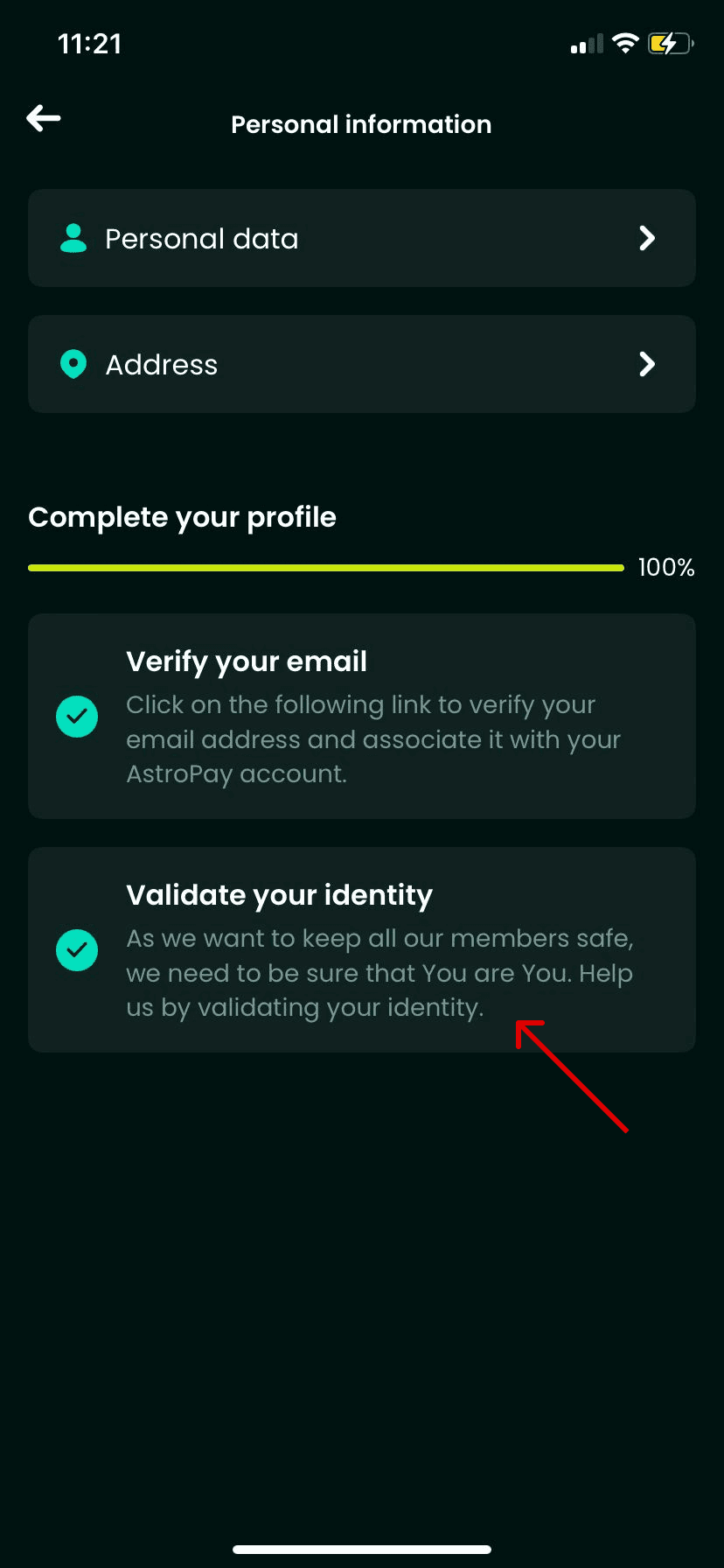
Open your AstroPay app, tap the Profile icon at the top corner, and check your registered mobile number (+1 country code) and User ID. This ensures your account is properly configured to receive USD card balances.
Redeeming the Voucher into Your Wallet
- Open the AstroPay app on your mobile device.
- Go to the Cards or Wallet tab.
- Select Add Card or Redeem Voucher.
- Enter the 16-digit card number, the expiration date, and the 3-digit CVV code received from BitTopup.
- Confirm the submission. The USD value will immediately credit to your digital balance.
Important US Account and Address Eligibility Requirements
AstroPay enforces regional compliance standards. To prevent transaction errors, ensure your profile meets the following criteria before redeeming:
- US Mobile Number: Your AstroPay account must be registered with a valid United States phone number (+1 prefix).
- Identity Verification (KYC): For high-volume transactions or wallet withdrawals, AstroPay requires standard customer verification, including a valid government-issued ID and proof of US residency.
- Billing Address Consistency: When using direct voucher checkouts on merchant sites, enter your registered US address. Mismatched addresses between the merchant and the card region may trigger automatic fraud declines.
- No IP Masking: Avoid using proxy services or VPNs set to foreign countries during redemption, as this can trigger automated security locks on your voucher.
AstroPay Voucher vs Virtual Visa Card Comparison
Understanding the differences between payment formats helps you pick the right method for your online checkout:
| Feature | AstroPay USD Voucher | AstroPay Virtual Visa Card | AstroPay Wallet Balance |
|---|---|---|---|
| Format | 16-digit code + CVV + Expiry | Visa-branded 16-digit card | Digital in-app cash balance |
| Redemption | Direct merchant entry or wallet | Accepted anywhere Visa is supported | In-app transfer or AstroPay gateway |
| KYC Requirement | Minimal for basic redemption | Full identity check required | Tiered by usage volume |
| Currency | United States Dollar (USD) | United States Dollar (USD) | Multi-currency option |
| Best For | Gaming, entertainment, privacy | General e-commerce checkouts | Account transfers and recurring payments |
Where and How to Use Your AstroPay USD Balance Online
AstroPay USD balances are accepted across a wide range of global digital entertainment, gaming, and e-commerce platforms. You can spend your balance in two ways:
- Direct AstroPay Gateway: Choose "AstroPay" as the payment method at checkout on a supported merchant. Enter your 16-digit code, expiration date, and CVV directly into the payment window to complete the transaction.
- AstroPay Wallet Checkout: Select AstroPay, log in using your registered US phone number, confirm the SMS verification code, and authorize the charge against your existing wallet balance.
Troubleshooting Common AstroPay US Redemption Errors
If you experience an issue when applying your code, refer to these common causes and resolutions:
- "Invalid Code" Error: Double-check every digit of the 16-digit voucher code. Ensure there are no spaces or special characters added during copy-pasting.
- "Currency / Region Mismatch": AstroPay (US) vouchers are denominated exclusively in USD and intended for US-registered accounts and USD-supported merchant checkouts. Attempting to redeem a US voucher on an account registered to another country will result in a regional mismatch error.
- "Card Expired": Verify the expiration date entered. If the card shows expired immediately upon receipt, contact customer support for a quick verification.
- Merchant Payment Declines: Ensure the total cart value (including taxes and processing fees) does not exceed the exact balance of your voucher. AstroPay cards cannot process partial payments if the cart total is higher than the card balance unless the merchant explicitly supports split payments.
Safe and Instant AstroPay US Recharges on BitTopup
BitTopup provides a secure, efficient platform for purchasing your AstroPay (US) top ups:
- No Account Passwords Required: We never ask for your AstroPay account password or personal login credentials. You receive a direct digital card code to redeem independently.
- Instant Delivery: Digital voucher details are generated instantly upon completed payment, allowing you to top up your balance without delays.
- Live Checkout Pricing: All available denominations, current conversion rates, and payment methods are clearly displayed on the checkout page before you place your order.
- Dedicated 24/7 Support: Our customer support team is available around the clock to assist with order verification, code retrieval, and redemption questions.
Frequently Asked Questions
Can you use an AstroPay US voucher outside the United States?
AstroPay US vouchers are issued in USD and are intended for accounts registered in the United States or international merchants that accept US-issued AstroPay cards. Attempting to redeem a US voucher into a foreign-currency wallet profile will cause a regional error.
How do I redeem my AstroPay (US) voucher code?
You can redeem your code by opening the AstroPay app, navigating to the Cards section, and inputting the 16-digit number, expiration date, and CVV. Alternatively, select AstroPay as your payment method directly on supported merchant checkouts and type in your card details.
Do I need to provide my AstroPay account password to recharge on BitTopup?
No. BitTopup does not require your AstroPay account login credentials, passwords, or SMS verification codes. You only purchase the digital card details, which you redeem into your account yourself.
What should I do if my AstroPay US recharge code fails to activate?
First, confirm that your 16-digit number, expiry date, and CVV match your order confirmation. Check that your AstroPay account is set to the US region. If the code still returns an error, take a screenshot of the issue and reach out to BitTopup 24/7 support for immediate verification.
Do AstroPay US vouchers expire after purchase?
Yes. AstroPay vouchers have an expiration date printed alongside the 16-digit card number (typically valid for up to 12 months from issuance). It is best practice to redeem the funds into your wallet balance or use them at checkout shortly after purchase.
Which platforms and merchants accept AstroPay USD payments?
AstroPay is accepted at thousands of online gaming platforms, digital service providers, streaming sites, and e-commerce stores that feature the AstroPay logo or integrated payment gateways at checkout.