

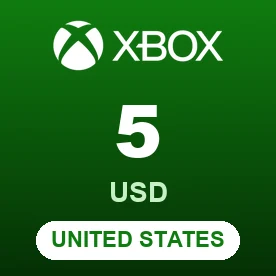
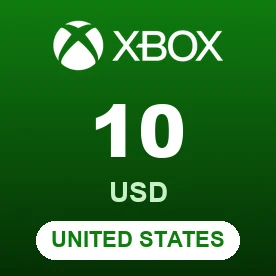
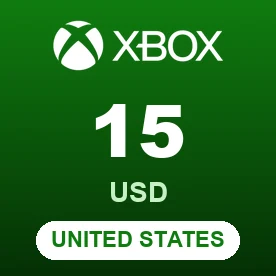
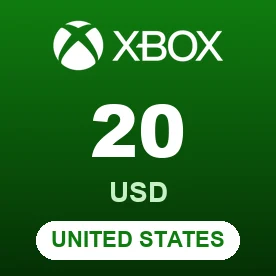
Buy Xbox Gift Cards with USDT and Crypto – 6 Countries on One Page
BitTopup sells digital Xbox gift cards for the United States, Hong Kong, Brazil, Singapore, Mexico and Saudi Arabia. You pay with USDT and other crypto through Binance Pay or Gate Pay, and the 25-character code appears on your BitTopup order page. Redeem it to add money to your Microsoft account balance and spend it in the Microsoft Store on Xbox and Windows.
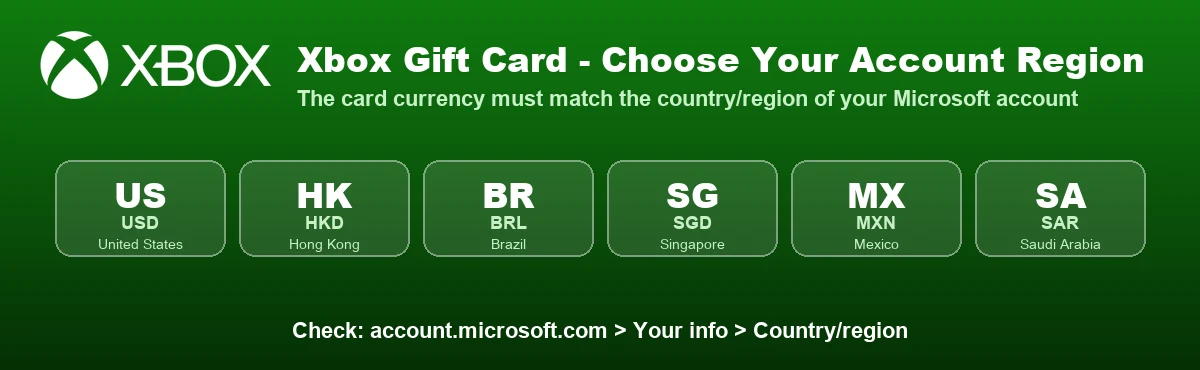
Important: Xbox gift cards are locked to the country they were sold for. The card currency must match your Microsoft account. Pick the tab for your account's country.
Key facts
- Product: digital Xbox gift card (Microsoft account balance), delivered on your BitTopup order page after the payment is confirmed. Xbox codes are 25 characters, formatted XXXXX-XXXXX-XXXXX-XXXXX-XXXXX.
- Payment: cryptocurrency through Binance Pay or Gate Pay. Gate Pay accepts Tether USDT only. Bank cards, PayPal and most e-wallets are not available for this product. Crypto orders are charged in US dollars.
- Region lock: Xbox Support says some codes are meant for a specific country or region, and the region on your Microsoft account should match where you live. A Canadian-dollar card, for example, cannot be redeemed on a US account.
- What the balance buys: games, add-ons, in-game currency, apps and other content in the Microsoft Store on Xbox and Windows.
- No transfers: once redeemed, a code cannot be moved to another Microsoft account.
Xbox Gift Card Countries and Values
| Country / region | Currency | Values |
|---|---|---|
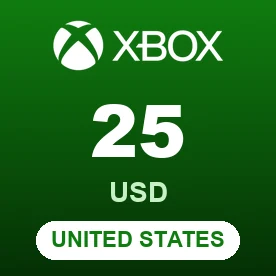
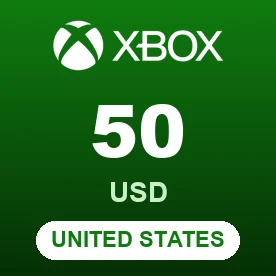
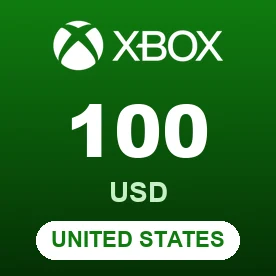
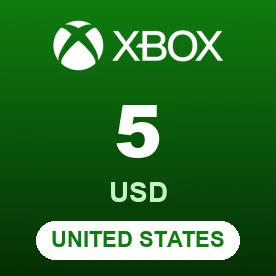
| United States | USD | US$5, US$10, US$15, US$20, US$25, US$50, US$100 |
| Hong Kong | HKD | HK$150, HK$300, HK$600 |
| Brazil | BRL | R$5, R$10, R$15, R$20, R$25, R$40, R$50, R$60, R$70, R$100, R$200 |
| Singapore | SGD | S$20, S$50 |
| Mexico | MXN | MX$200, MX$300, MX$600, MX$1,000 |
| Saudi Arabia | SAR | SAR 100, SAR 200, SAR 300 |
Prices at checkout are always the latest. Which values are in stock can change from day to day.
Which Xbox Gift Card Should I Buy?
Buy the card for the country of your Microsoft account. To check it, sign in at account.microsoft.com and open Your info > Country/region. If the card and account do not match, Xbox shows an error such as "This code doesn't match your location" (XBOS3004), and Microsoft cannot convert the card to another region.
How to Buy Xbox Gift Cards with USDT (Binance Pay or Gate Pay)
- Choose the country tab that matches your account, then pick a value.
- Click Buy Now and choose Binance Pay or Gate Pay. The amount is shown in US dollars, together with any payment fee.
- Complete the payment on the Binance Pay or Gate Pay page from your Binance or Gate account. With Gate Pay, pay in Tether USDT only and do not send ETH, BTC, BNB or any other coin. If the payment page shows a deposit address, send USDT only on the network shown on that page.
- When the payment is confirmed, your code appears on your BitTopup order page. Payments made inside the Binance or Gate app are usually confirmed faster than on-chain transfers, which have to wait for blockchain confirmations.
Binance Pay and Gate Pay are not offered to visitors from Russia and Belarus, so this product can't be paid for from those countries.
Signed-in customers can also pay with their BitTopup wallet balance, and in Malaysia (MYR) Touch 'n Go eWallet is offered as well.
How to Redeem an Xbox Gift Card
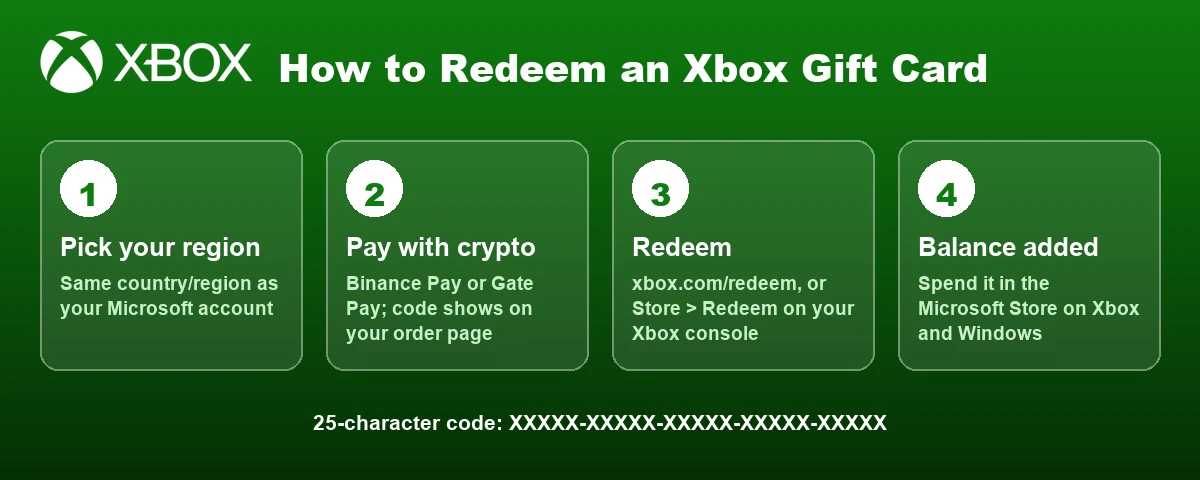
On the web
- Go to xbox.com/redeem and sign in to the right Microsoft account.
- Enter the 25-character code from your BitTopup order and follow the prompts.
On an Xbox console
- Press the Xbox button to open the guide and select Store.
- Press the View button to open the side menu and select Redeem.
- Enter the code, select Next and follow the prompts.
In the Xbox app (Windows or mobile)
- Open the Xbox app, select your gamerpic or profile picture, then Settings.
- Select Redeem (Windows) or Redeem code (mobile), enter the code and select Next.
Xbox Gift Card FAQ
Can I buy an Xbox gift card with USDT or crypto?
Yes. Choose a value, then pay with Binance Pay or Gate Pay. Gate Pay accepts Tether USDT only; Binance Pay takes the payment from your Binance account. The code is shown on your order page once the payment is confirmed.
Can I pay by card or PayPal?
No. This product can only be paid with cryptocurrency through Binance Pay or Gate Pay (plus BitTopup wallet balance for signed-in customers, and Touch 'n Go eWallet in Malaysia). Card and PayPal payments are not offered.
Why is the price in US dollars?
Crypto orders on BitTopup are always charged in US dollars, whatever currency the gift card is in. The final amount, including any payment fee, is shown before you pay.
Can I use a US Xbox gift card on an account from another country?
No. The card currency has to match the currency of your Microsoft account, and the account region should match where you live. Buy the card for your account's country.
Where can I see my balance?
Sign in to your Microsoft account and open Payment & billing > Payment options, or on console go to Profile & system > Settings > Account > Payment & billing.
How long does delivery take?
The code appears on your order page once your crypto payment is confirmed. In-app payments through Binance Pay or Gate Pay are usually confirmed within minutes.
Is this the same as Xbox Game Pass?
No. This page sells Xbox gift cards, which add money to your Microsoft account balance. You can use that balance in the Microsoft Store.
Is BitTopup affiliated with Microsoft?
No. Xbox is a trademark of Microsoft Corporation. BitTopup is an independent reseller of digital gift cards.