



Spacetoon Go Subscription OM Top Up and Service Overview
Spacetoon Go is the premier streaming service for Arabic-dubbed anime, animated series, movies, and youth-oriented entertainment across the Middle East and North Africa. An active subscription grants full, uninterrupted access to an extensive catalog ranging from timeless Space Toon classics like Detective Conan, Hunter x Hunter, Dragon Ball, and Captain Tsubasa to exclusive, newly licensed global series and original productions.
Opting for a digital subscription voucher is the most reliable way to activate or extend your membership in Oman. A digital voucher allows you to top up your account directly without needing to connect a personal credit card or recurring billing profile to the app. Complete your Spacetoon Go Subscription OM top up on BitTopup to receive an activation code quickly and begin streaming your favorite shows.
How to Recharge and Redeem Spacetoon Go Subscription (OM) Code
Redeeming your digital subscription voucher takes only a few moments. Follow the instructions below to apply your voucher on either a web browser or through the mobile app.
Web Browser Redemption Method
- Visit the official Spacetoon Go website or voucher activation page.
- Log in using your registered Oman Spacetoon Go account credentials (email, mobile number, or social login).
- Click on your profile icon in the top corner and select Redeem Voucher or Subscription Settings.
- Enter the unique digital code received from your BitTopup order.
- Click Confirm or Apply. Your account tier will update immediately, reflecting the duration of your purchased plan.
Mobile and Smart Device Redemption Method
- Launch the Spacetoon Go application on your Android, iOS, or smart television device.
- Sign in to your Oman-based profile.
- Open the main menu, tap Settings, and select Voucher / Promo Code.
- Carefully type or paste your digital activation code.
- Confirm the submission. The premium status activates instantly across all devices logged into that account.
Spacetoon Go Oman Features: Ad-Free Streaming, Full HD, and Offline Mode
Upgrading your account via an Oman subscription voucher unlocks the complete suite of premium features designed for family-safe entertainment and anime fans:
- 100% Ad-Free Viewing: Stream every episode, special, and movie without commercial interruptions or banner ads.
- Full HD 1080p Resolution: Enjoy sharp visual fidelity optimized for both small mobile screens and high-resolution home cinema displays.
- Offline Downloads: Download episodes directly to your smartphone or tablet internal storage to watch on trips or during network outages.
- Original Arabic Dubbing and Subtitles: Access authentic, high-quality Arabic vocal casts along with multilingual subtitle options.
- Safe Kids Profile: Create custom child profiles equipped with age-appropriate content filters and parental control PINs.
Feature Comparison: Free vs. Premium Plan
| Feature | Free Access | Premium Subscription (OM) |
|---|---|---|
| Ad Experience | Periodic video ads | Completely ad-free |
| Video Quality | Standard definition (SD) | Full HD 1080p |
| Catalog Access | Limited free episodes | Unlimited full library & exclusives |
| Offline Downloads | Not supported | Supported on mobile/tablet devices |
| Simultaneous Streams | 1 screen | Multi-screen support per account |
Important Regional Guidelines: Oman Account Compatibility
Digital codes for Spacetoon Go are region-locked. The voucher codes distributed for the Oman market must be redeemed on accounts registered under the Oman (OM) region.
- Account Region Check: Ensure your profile was created within Oman or has its country setting designated as Oman.
- Currency & Pricing: All live package durations and current checkout prices are clearly listed on the BitTopup product page prior to payment.
- Cross-Region Warning: Attempting to redeem an Oman (OM) voucher on an account registered to a different country code may cause a region mismatch error.
How to Locate Your Spacetoon Go Account Details
Before redeeming your code, ensure you are logged into the correct personal or family account. You can verify your user profile settings directly within the app interface.
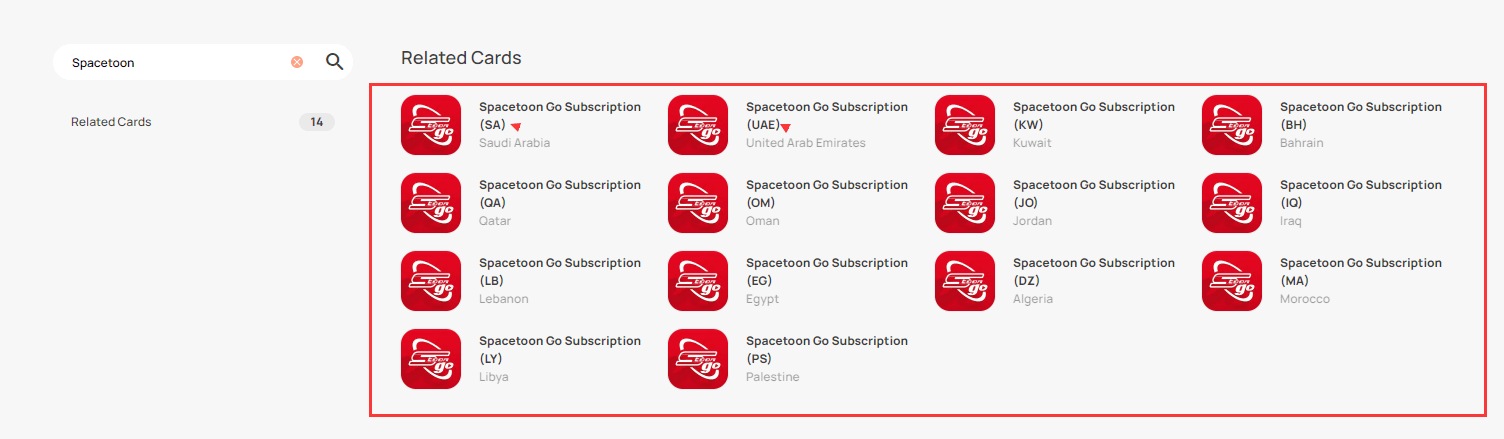
To view your account information:1. Open the Spacetoon Go app and tap the Profile tab.2. Tap Account Settings to see your registered email address, username, and current subscription status.3. Confirm that no active duplicate billing is running before applying your new digital code.
Supported Platforms: Mobile, Tablet, Smart TV, and Multi-Profile Setup
A single active Spacetoon Go subscription works across a wide range of devices, allowing different household members to stream content on their preferred hardware:
- Smartphones and Tablets: Native apps available on Apple App Store (iOS/iPadOS), Google Play Store (Android), and Huawei AppGallery.
- Smart TVs & Streaming Boxes: Full support for Android TV, Apple TV, Samsung Smart TV (Tizen OS), and LG webOS.
- Desktop and Laptops: Stream directly through standard modern web browsers on Windows, macOS, and Linux without requiring standalone software installations.
- Family Profiles: Set up independent viewing profiles under one account so each family member retains their personal watch history and favorites list.
Why Buy Spacetoon Go Vouchers on BitTopup
Choosing BitTopup for your subscription top up provides a safe, quick, and transparent purchasing experience:
- Zero Password Requirement: You never need to share your Spacetoon Go password or private account credentials. You receive an independent alphanumeric voucher code to redeem yourself.
- Fast Digital Delivery: Your code is generated and visible in your order history immediately after checkout processing.
- Clear Regional Tagging: Every product listing clearly denotes regional compatibility (OM) to ensure you purchase the right code for your account.
- Dedicated Support: Customer service is available around the clock to assist you with order inquiries and voucher redemption guidance.
Troubleshooting Common Spacetoon Go Voucher Redemption Issues
If you experience an error while entering your voucher code, consult the following troubleshooting steps:
- Invalid Code Error: Check that the code was copied exactly as shown. Digital vouchers are sensitive to extra spaces at the beginning or end. Avoid confusing letters with numbers (such as
0andO, or1andI). - Region Mismatch Error: If the app indicates the code is not valid in your country, verify that your account location is set to Oman and that you are not running an active VPN set to another territory.
- Code Already Used: Refresh your app or log out and log back in. Often, the subscription status has already updated in the background. Check your active expiration date under Settings > Subscriptions.
- Network Timeout: If the redemption page fails to load, switch from Wi-Fi to mobile data (or vice versa) and retry.
Frequently Asked Questions
How do I redeem my Spacetoon Go Oman subscription voucher?
Log in to your Spacetoon Go account on the official website or mobile app, navigate to Settings or Redeem Voucher, enter your digital code received from BitTopup, and select confirm. Your premium benefits will activate immediately.
Can I use an Oman (OM) Spacetoon Go subscription outside Oman?
Once the code is successfully activated on an Oman-registered account, you can generally stream your content while traveling. However, the initial voucher redemption must be performed on an account configured for the Oman region.
Where can I watch Spacetoon Go content?
You can stream on iOS devices, Android smartphones and tablets, Huawei devices, Smart TVs (Samsung, LG, Android TV, Apple TV), and standard desktop web browsers.
Do I need to share my Spacetoon Go account password to recharge?
No. BitTopup provides a direct digital voucher code. You never need to supply your account password or sensitive login details to complete a purchase.
What shows and anime are available on Spacetoon Go?
The library includes hundreds of classic and modern Arabic-dubbed anime series, international animated features, educational family programs, and Spacetoon Go original cinema releases.
How long is the Spacetoon Go voucher valid after purchase?
Vouchers should be redeemed promptly after purchase. Once activated, the subscription duration (such as 1 month, 3 months, or 12 months, as selected during checkout) starts counting from the exact moment of redemption.