

FINAL FANTASY XIV Online Top Up: Digital Game Time & Subscription Overview
FINAL FANTASY XIV Online requires an active service subscription to access game worlds across Eorzea, Norvrandt, and beyond. Purchasing digital game time codes gives you direct access to Standard-tier play without binding recurring credit card charges to your account. Digital game time vouchers add a prepaid 60-day window to your Square Enix service account, giving you uninterrupted playtime for raids, main scenario quests, housing management, and crafting.
Prepaid top-up codes provide a secure, flexible way to manage your play periods. You receive an official 20-digit registration code delivered directly to your email. Because you redeem the code yourself through the official Square Enix Mog Station portal, your account credentials remain completely private.
How to Check Your Square Enix Account ID and Service Region
Before you recharge or purchase a game time card, verify the exact country and region registered to your Square Enix account. Digital time codes are region-locked and must match the regional territory of your service account (North America, Europe/PAL, or Japan).
- Open your browser and go to the official Square Enix Mog Station (mogstation.com).
- Log in using your Square Enix ID, password, and Security Token (one-time password if enabled).
- Look at the top banner or select Service Account Dashboard.
- Review the Account Information section to confirm your Registered Region (e.g., North America, Europe, Japan) and your active Service Account Name (e.g., FINAL FANTASY XIV 1).
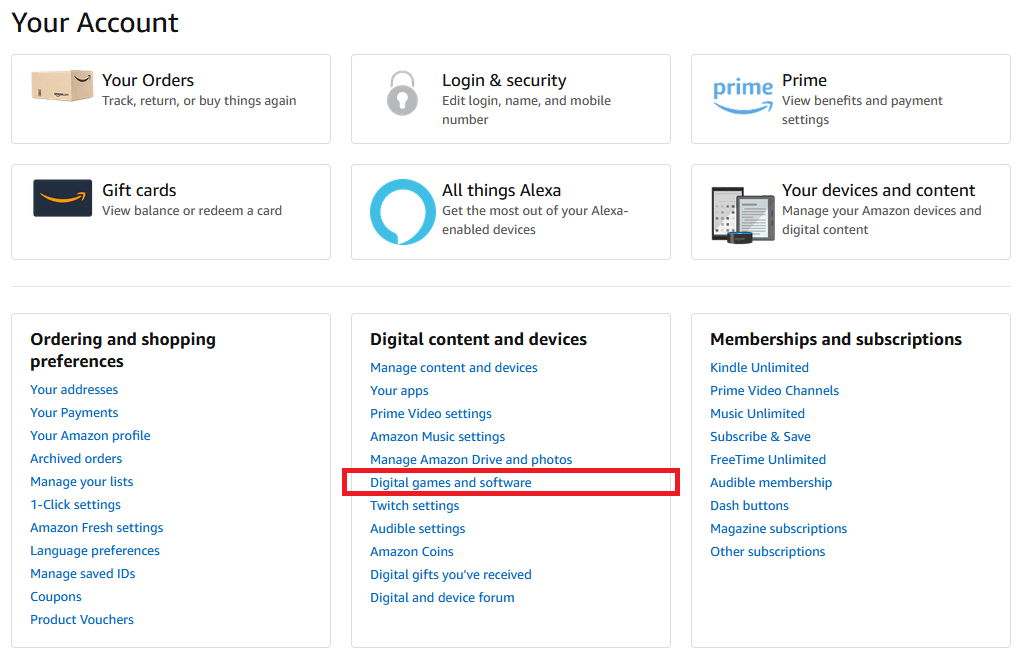
Always ensure the digital code you buy matches the territory shown under your Square Enix account settings. Selecting a data center server located in North America or Europe inside the game client does not change your account region; only the account registration country matters for code redemption.
Step-by-Step Mog Station 20-Digit Code Redemption Guide
Redeeming your 60-day game time card takes less than two minutes. Follow these steps to apply your prepaid game time:
- Navigate to the Mog Station website and sign in to your Square Enix account.
- Ensure you have selected the correct service account if you manage more than one under the same login.
- Click on the Service Account Dashboard tab on the left navigation menu.
- Scroll to the Registration Codes section and select Enter Game Time Card.
- Enter your 20-digit game time code in the four entry boxes (5 characters per box, formatted as
XXXX-XXXX-XXXX-XXXX-XXXX). - Click Next to preview the account details and the applied 60-day time extension.
- Click Confirm to complete the transaction.
Once confirmed, 60 days will be added immediately to your remaining subscription balance. If you are currently logged into the game client, log out and back in to refresh your active subscription status.
FFXIV Subscription Models: Entry vs Standard vs 60-Day Game Time Cards
Square Enix offers multiple subscription tiers for FINAL FANTASY XIV Online. Understanding how each tier works helps you choose the best payment method for your playstyle.
| Subscription Feature | Entry Tier | Standard Tier (Monthly) | 60-Day Game Time Card |
|---|---|---|---|
| Billing Cycle | 30 Days | 30 / 90 / 180 Days | 60 Days (Prepaid) |
| Characters per Physical Data Center | 8 Characters | 8 Characters | 8 Characters |
| Characters per Server (World) | 1 Character | 8 Characters | 8 Characters |
| Total Account Character Cap | 8 Characters | 40 Characters | 40 Characters |
| Payment Flexibility | Recurring Auto-Pay Only | Recurring Auto-Pay Only | Non-recurring Digital Code |
| Veteran Reward Milestone Progress | Yes | Yes | Yes (Adds 60 days instantly) |
| Account Upgrades | Base Entry rules | Full Standard privileges | Automatically grants Standard tier |
Redeeming a 60-day game time code automatically grants your service account full Standard tier privileges for the entire 60-day duration. If you previously had an active Entry tier subscription, applying a game time card temporarily upgrades your character creation caps to Standard rules for the duration of the prepaid period.
Regional and Platform Compatibility (PC Windows, Steam, Mac, and Console Accounts)
FINAL FANTASY XIV Online handles game licenses and subscriptions through a unified Square Enix Service Account, but specific rules govern digital codes:
- Regional Locks: Game time cards are strictly locked to the region where your Square Enix account was registered. A North American (NA) game time card will not work on a European (EU) or Japanese (JP) account, and vice versa. Always check your account settings before ordering.
- Cross-Platform Subscription Sharing: While base game and expansion licenses are platform-specific (Windows PC, Steam, macOS, PlayStation 4/5, and Xbox Series X/S), subscription time is shared across all platforms tied to the same service account. A 60-day digital code redeemed on Mog Station provides playtime across every platform license linked to that service account.
- Free Trial Limitation: Game time cards cannot be redeemed on Free Trial accounts. You must own a registered Starter Edition or Complete Edition license on your service account before adding subscription game time.
Veteran Rewards Tiers and In-Game Subscription Milestones
Square Enix rewards players for cumulative subscribed days through the Veteran Reward program. Adding game time cards immediately advances your cumulative total by 60 days upon redemption, without waiting for the days to tick down in real time.
- Rank 1 (60 Cumulative Days): Adventuring Attire (Outfit inspired by Cloud Strife from Final Fantasy VII).
- Rank 2 (150 Cumulative Days): Tantalus Attire (Outfit inspired by Zidane Tribal from Final Fantasy IX).
- Rank 3 (240 Cumulative Days): Wild Rose Attire (Outfit inspired by Firion from Final Fantasy II).
- Rank 4 (330 Cumulative Days): Leonhart Attire (Outfit inspired by Squall Leonhart from Final Fantasy VIII).
Reward items are delivered directly via the in-game Moogle Delivery Service to all current and future characters created on your registered service account.
Troubleshooting Common Mog Station Code Activation Errors
If you encounter an issue while attempting to redeem your 20-digit game time card, refer to these common solutions:
- Error Code i2501: This error indicates a temporary anti-fraud or security block triggered by Square Enix systems. It frequently occurs when using commercial VPNs, proxies, or making repeated rapid attempts. Disable VPN connections, clear browser cache, switch to standard mobile data, or wait 24 hours before trying again.
- Invalid Code Error: Check for typos between similar characters (such as 0 vs O, 8 vs B, or 1 vs I). Ensure you did not include trailing spaces when pasting the key into the input boxes.
- Region Mismatch Error: If the Mog Station reports that the code is invalid for your region, verify that your account's registered country matches the region of the purchased code.
- Free Trial Restriction: You cannot apply game time codes to an account that has not registered the base game license. Register a retail license first, then apply the game time code.
Why Recharge FINAL FANTASY XIV Online on BitTopup
BitTopup provides a straightforward, secure method to top up your FINAL FANTASY XIV Online game time:
- No Account Password Sharing: BitTopup delivers official digital activation keys directly to your order page and email. You never provide your Square Enix password, email credentials, or one-time security codes to anyone.
- Clear Regional Identification: Every listing clearly specifies the service region (North America, Europe, or Global) so you can match your account without confusion.
- Live Checkout Pricing: BitTopup features direct, transparent rates visible on the live checkout screen across multiple payment options.
- Customer Support: Dedicated support agents are available to assist with redemption guidance or order questions at every step.
Frequently Asked Questions
How do I redeem a FINAL FANTASY XIV game time card on the Mog Station?
Log in to the official Square Enix Mog Station (mogstation.com), choose your target service account, go to the Service Account Dashboard, click Enter Game Time Card, enter your 20-digit digital code, and click Confirm to activate your 60 days.
Can I use a 60-day game time code if my account is on the Entry subscription tier?
Yes. Redeeming a 60-day game time code overrides the Entry tier restrictions for the duration of the 60-day period, granting you Standard tier benefits (up to 8 characters per server and 40 characters total per data center).
What happens to my character data and house if my FFXIV subscription expires?
Your character data, gear, items, and inventory are permanently saved on Square Enix servers and remain completely intact when your subscription lapses. However, if you own private estate housing or Free Company housing, the automatic demolition timer continues to count down (typically 45 days of inactivity). You must enter your house in-game before the 45-day threshold to reset the demolition counter.
Are FINAL FANTASY XIV Online game time digital codes region-locked?
Yes. Square Enix strictly enforces regional locks on digital game time codes. A North American (NA) code can only be used on a North American Square Enix account, and a European/PAL code can only be used on an EU/PAL account.
Can digital PC game time cards be used on the Steam or console versions of FFXIV?
Yes. Because subscription time applies at the Square Enix Service Account level rather than the client hardware level, a single game time card credited via Mog Station provides active play access across all connected platforms (Windows PC, Steam, Mac, PlayStation 4/5, and Xbox Series X/S) linked to that service account.
How much does a FINAL FANTASY XIV subscription cost per month in 2026?
In 2026, standard recurring FFXIV subscriptions generally run $12.99 USD per month for the Entry tier (30 days) and $14.99 USD per month for the Standard tier (30 days). A 60-day digital game time card covers two full months of Standard tier access; exact prepaid pricing is listed directly on the live checkout page at BitTopup.