Sandstorm Mode: Dynamic Weather Combat
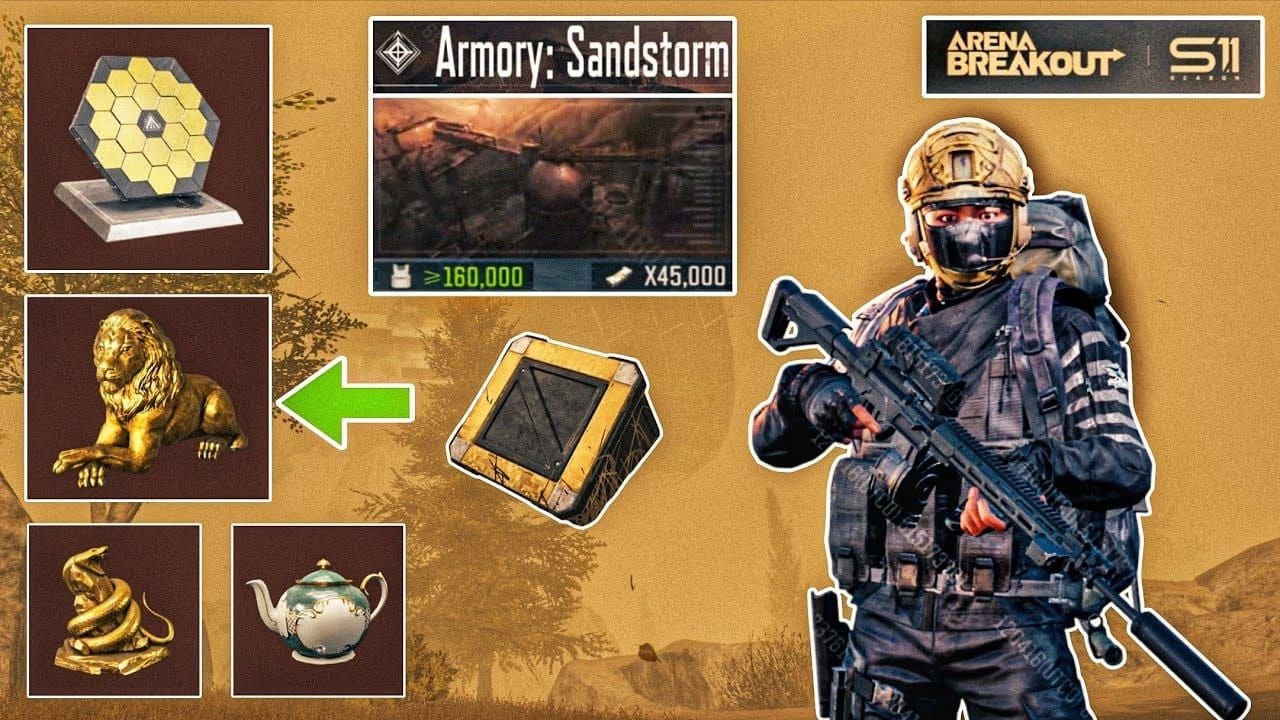
Sandstorm Mode adds environmental hazards altering engagement distances. Visibility reduction forces close-quarters combat where audio masking matters as much as visual concealment. F2P keys unlock exclusive Sandstorm loot tables with higher-tier components unavailable in standard modes.
Weather cycles unpredictably, creating windows for aggressive pushes while defensive positions lose effectiveness. Understanding cycles separates prepared squads from those caught repositioning.
Major Season Changes
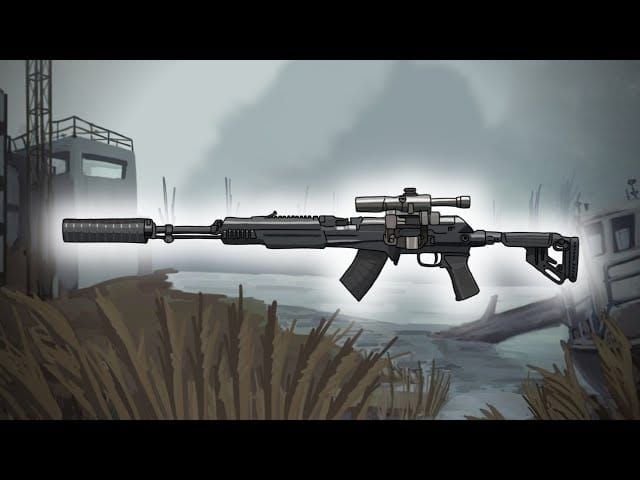
Three experimental weapons dominate early meta:
- Experimental SCAR: Modified damage/recoil requiring relearned engagement ranges
- Experimental AR57: Unique 5.56mm platform with armor penetration advantages
- Experimental M110: Multi-scope config enabling rapid magnification switching
New modular armor sets offer customizable protection. Advanced attachments create unprecedented weapon customization depth, rewarding pre-launch preparation.
Why Pre-Download Matters
The 4-6 hour maintenance creates compressed launch timelines where minutes count. Pre-download avoids server congestion. S10 data: day-one downloaders faced 3-5 hour queues vs immediate access for pre-loaded clients.
Pre-download enables immediate participation in launch events offering time-sensitive rewards. First 48 hours feature bonus progression multipliers and exclusive cosmetics never returning to loot pools.
Pre-Download Schedule: Dates & Times
Start Date: December 11, 2025
7-day window before December 18 launch allows methodical storage optimization, resource stockpiling, and account linking without launch pressure.
App Store/Google Play updates propagate globally within 24 hours. Asia-Pacific regions see updates 6-8 hours before North America due to time zone store refresh cycles.
Launch Timeline: December 18
Maintenance begins at standard reset, with 4-6 hour window placing availability 4-6 hours post-reset. Historical patterns suggest 4-hour completion when pre-download participation exceeds 60%.
Server regions activate sequentially: Asia first, then Europe/North America within 30-minute intervals. Prevents cascading failures from S9's simultaneous global launch.
Pre-Download Window
December 11-18 provides flexibility across connection speeds. Complete by December 16 for troubleshooting time on verification errors or storage conflicts.
Missing pre-download means 40% larger day-of downloads (S10 data) as clients package additional hotfix data accumulated during pre-load.
How to Pre-Download: Step-by-Step
iOS (App Store)

- Open App Store > Updates tab
- Locate Arena Breakout in update queue
- Tap Update
- Verify storage: iOS needs 150% of stated size for unpacking
- Keep App Store open until Installed
- Launch game for final verification
Disable automatic updates to prevent background conflicts. Manual installation lets you monitor and address storage warnings immediately.
Android (Google Play & APK)
Google Play:
- Open Play Store, search Arena Breakout
- Tap Update when available
- Confirm storage permissions
- Monitor progress in notification shade
- Launch after installation for additional assets
APK (restricted regions):
- Visit official Arena Breakout website
- Downloads section > select device architecture (ARM64 recommended)
- Enable Install from Unknown Sources
- Locate APK in file manager
- Install and grant permissions
- Launch for in-game asset download
Android needs 8-10GB free for smooth installation including temporary files.
Verification
Launch Arena Breakout, check version on login screen. S11 builds show 11.0 + build identifiers. Version 10.x means incomplete pre-download.
Settings > About shows detailed build info. Content Version must match official S11 build number. Mismatches require reinstallation before December 18.
Getting F2P Sandstorm Keys
Method 1: Twitch Drops
Primary F2P acquisition runs through Twitch Drops (similar to Sept 16-Oct 12 anniversary event):
1-Hour Tier:
- SKS Carbine
- Basic Ammo Choice Bundle x4
- Medium Camping Backpack
2-Hour Tier:
- Jungle Camo SKS
- Plaster M24 Bolt-Action
4-Hour Tier:
- MoreFun 15th Anniversary Set
- DZ Style AKM
Claiming Process:
- Complete in-game tutorial
- Navigate to Connections/Settings
- Click Link Account, authorize Twitch
- Verify Active status
- Watch Drops Enabled streams (unmuted audio)
- Click Claim in Twitch inventory when progress completes
- Collect from in-game mailbox
Critical: Rewards expire after 30 days unclaimed. No recovery through support.
Method 2: Pre-Season Login Rewards
Daily check-ins December 11-18 offer escalating rewards:
- Days 1-3: Basic resources/consumables
- Days 4-5: Premium currency samples/equipment
- Days 6-7: Sandstorm keys/exclusive cosmetics
Consecutive streaks provide bonus multipliers. Claim within 24 hours—unclaimed rewards don't accumulate.
Method 3: Community Events
Official channels distribute limited codes during pre-season:
- Developer livestreams
- Content creator collaborations
- Milestone celebrations
- Pre-registration campaigns
Monitor Discord/Twitter December 11-18 for time-sensitive drops. Codes expire within 48-72 hours, redemption limits 1,000-10,000 uses.
Key Limitations
F2P keys grant time-limited access (3-7 days active playtime). Timer counts only during gameplay sessions, not real-time.
Keys activate on first use, can't pause or transfer. Time activation around available play schedules. Weekend activation maximizes casual player value.
For consistent access: Arena Breakout bonds top up discount secure via BitTopup provides currency for permanent Sandstorm unlocks.
Technical Requirements
File Sizes
iOS: 4.5-5.2GB (iPhone 12+ gets 15% smaller optimized packages)
Android:
- High-end (Snapdragon 8 Gen 2+): 5.8-6.4GB
- Mid-range (Snapdragon 7): 5.2-5.8GB
- Budget (Snapdragon 6): 4.8-5.4GB (reduced textures)
Post-installation adds 2-3GB for unpacked assets/cache. Total: 8-10GB.
Device Specs
Minimum (30 FPS, Low):
- iOS: iPhone 8+, iOS 13+
- Android: Snapdragon 660, 4GB RAM, Android 8.0+
- Storage: 10GB free
- Network: 10 Mbps stable
Recommended (60 FPS, High):
- iOS: iPhone 11 Pro+, iOS 15+
- Android: Snapdragon 865, 8GB RAM, Android 11+
- Storage: 15GB free
- Network: 25 Mbps+
Sandstorm Mode demands 20% more GPU. Minimum-spec devices expect frame drops during intense sandstorms.
Storage Management
Before pre-download:
- Clear app caches (Settings > Storage > Cached Data)
- Move photos/videos to cloud
- Uninstall 30+ day unused games
- Delete downloaded music/podcasts/offline video
- Clear browser history/offline pages
iOS: Connect to power (low battery pauses downloads). Android: Disable Wi-Fi only for mobile data downloads (high data usage).
Sandstorm Mechanics
Visibility & Audio Systems
Sandstorms reduce visibility to 15-25m depending on intensity, collapsing long-range engagements into close-quarters. Favors high-capacity mags and controllable recoil over precision optics.
Audio masking suppresses footstep detection 60%, enabling aggressive flanks impossible in clear weather. Environmental noise masks movement sounds.
Intensity Tiers:
- Light: 40% visibility reduction, 30% audio masking
- Moderate: 65% visibility, 50% audio
- Heavy: 85% visibility, 70% audio
Identifying transitions provides critical seconds before engagement ranges shift.
Tactical Advantages
Sandstorms favor squads pre-positioned in high-value zones before weather deteriorates. Interior positions gain defensive advantages as attackers lose scouting/crossfire coordination.
Audio masking cuts both ways—defenders can't hear threats until 10-15m. Creates tense standoffs where both parties know enemies are near but can't pinpoint positions until visual contact.
Smart Uses:
- Extract with high-value loot avoiding snipers
- Rotate between zones without overwatch exposure
- Ambush looting-focused teams
- Complete high-risk objectives in contested areas
Exclusive Loot
Sandstorm Mode features 30-40% higher spawn rates for rare components/experimental attachments. Specific items only spawn during active sandstorms.
Experimental SCAR, AR57, M110 have significantly higher Sandstorm spawn rates vs standard gameplay. Test weapons before committing resources.
Sandstorm-exclusive cosmetics: weather-themed weapon skins, gear camo, character customization proving participation.
Pre-Download vs Day-One: Real Comparison
Queue Priority
No explicit priority system, but pre-downloaded clients bypass authentication bottleneck from simultaneous download/install/login attempts. S10 data: pre-loaded players averaged 2-4 minute logins vs 45-90 minutes for day-one downloaders.
Servers allocate slots first-come, first-served post-maintenance. Pre-downloaded clients spam login when servers activate while downloaders remain stuck in installation.
Early Bird Rewards
Previous seasons offered 6-hour login rewards:
- Exclusive weapon skins (no other acquisition method)
- Premium currency bonuses (500-1,000 Koen)
- Temporary XP boosts (24-48 hours)
- Commemorative profile badges
S11 unannounced but S8/S9/S10 pattern suggests similar incentives. Pre-download ensures positioning regardless of timing.
Server Stability (S10 Data)
Hours 0-2: Severe congestion, 60%+ connection failures
Hours 2-6: Stabilization, intermittent disconnections
Hours 6+: Normal operations
Pre-downloaded players logging Hour 2-6 reported smoothest experience, avoiding initial crush and secondary day-one downloader wave. Target login 2-3 hours post-maintenance for optimal stability.
Troubleshooting
Error Solutions
Connection Failed:
- Switch Wi-Fi/mobile data
- Disable VPN services
- Clear app store cache (iOS: sign out/in; Android: clear Play data)
- Restart device
- Check official channels for server-side issues
Insufficient Storage:
- iOS needs 150% download size for unpacking
- Delete large apps temporarily, reinstall after
- Clear Other storage (Settings > General > iPhone Storage)
- Offload unused apps preserving data
- Factory reset last resort (backup first)
Download Stuck
When progress stalls:
- Pause/resume for new server connection
- Switch to 5GHz Wi-Fi (less congestion)
- Disable background app refresh
- Close streaming/cloud sync/backup processes
- Download off-peak hours (2-6 AM local)
Android: Enable Developer Options, set Arena Breakout as foreground service preventing throttling.
Version Mismatch
Occurs when app store cached outdated package, corrupted files, or regional delays.
Resolution:
- Completely uninstall (ensure cloud save active)
- Restart device
- Reinstall from app store (forces latest version)
- Change store region if persists
- Contact support with device model, OS version, screenshots
Pre-Season Preparation
Inventory Management
December 18 preserves stash completely. Optimize for S11 meta:
Stockpile:
- Medical supplies (bandages, medkits, surgical kits)
- Ammo for experimental weapons (5.56mm, 7.62mm)
- Armor repair kits, modular components
- High-value barter items for trader rep
- Backpacks, tactical rigs
Sell/Consume:
- Weapons getting damage nerfs
- Attachments incompatible with new systems
- Expiring consumables
- Low-tier armor superseded by modular sets
Currency Strategy
Koen reserves determine early-season opportunities:
Entry (Casual): 300k-500k Koen
- Basic loadouts first week
- Test 2-3 experimental weapons
- Death buffer
Mid-Tier (Regular): 750k-1.25M Koen
- Aggressive progression
- Immediate modular armor investment
- Trader rep grinding
Advanced (Competitive): 1.5M+ Koen
- Early economy dominance
- Best-in-slot gear before inflation
- Squad loadout funding
Build Reserves December 11-18:
South Route Component Farm:

- Spawn Tool Shed
- Loot Admin building (electronics)
- Clear Substation (industrial components)
- Extract: 150k-200k Koen/run
Mining Port Rare Alloy Farm:
- Team required
- High PvP risk, 300k+ Koen/run
- Off-peak hours optimal
First-Week Roadmap
Days 1-2: Foundation
- Tutorial refresh for S11 mechanics
- Unlock basic trader tiers
- Test experimental weapons low-risk
- Establish Sandstorm baseline strategies
Days 3-4: Meta Exploration
- Identify dominant weapon/armor combos
- Map high-value Sandstorm spawns
- Build trader rep for advanced unlocks
- Accumulate modular components
Days 5-7: Competitive Positioning
- Optimize loadouts from emerging meta
- Complete time-limited launch events
- Stockpile consumables for week 2
- Squad coordination for Sandstorm dominance
Assumes 2-3 hours daily. Adjust pacing but prioritize Days 1-2 (unlock progression gates).
F2P Key Misconceptions
Myth: Permanent Access
F2P keys aren't permanent unlocks. They grant time-limited access measured in active gameplay hours, not calendar days.
7-day key = 7 days playtime within Sandstorm. Timer counts only during active sessions. 2 hours daily stretches key across 3.5 calendar weeks; marathon gamers exhaust in one weekend.
Truth: Duration & Renewal
Timers pause when exiting Sandstorm or logging out. Session-based tracking prevents idle exploitation but requires manual monitoring.
Multiple keys stack cumulatively. Activated keys can't pause or save—timer begins on Sandstorm entry, continues until expiration.
Strategic Activation:
- Before planned sessions with reliable time
- During double XP/loot bonus events
- When squad schedules coordinate
Premium vs F2P Differences
F2P holders access identical content, zero gameplay restrictions. Only differences:
Access Duration:
- F2P: Time-limited by key
- Premium: Permanent unlimited
Acquisition:
- F2P: Event participation, login rewards, giveaways
- Premium: Direct Koen/real currency purchase
Convenience:
- F2P: Active event participation required
- Premium: Immediate access, no event dependency
Mechanics, loot tables, progression, competitive balance identical. F2P players face no disadvantages during active keys beyond psychological time pressure.
Maximize S11 with BitTopup
Launch Currency Bundles
BitTopup offers competitive Arena Breakout Bonds pricing with exclusive December 18 launch discounts. Bundles provide Koen for immediate experimental weapon purchases, modular armor, trader rep grinding without farming time.
Launch bundles include 10-25% bonus currency by tier—better value than in-game purchases. Promotions run 7-14 days post-season.
Safe Instant Delivery
Encrypted payment processing, verified delivery systems. Bonds appear within minutes, ensuring launch-day readiness without delays.
High user ratings through consistent delivery and responsive support. Critical during high-traffic launch when instant currency access determines competitive positioning.
Pre-Season Offers
December 11-18 promotions feature enhanced bonuses and exclusive bundles unavailable during standard periods. Securing reserves now maximizes purchasing power for S11's initial economy when experimental gear commands premium prices.
Monitor BitTopup's Arena Breakout section for flash sales and time-limited bonus events beyond standard launch discounts.
FAQ
When does S11 pre-download start?
December 11, 2025. 7-day window before December 18 launch. Updates propagate globally within 24 hours, Asia-Pacific 6-8 hours before North America.
How do I get free Sandstorm keys?
Twitch Drops (watch 1-4 hours for tier rewards), daily logins December 11-18, community events via official socials. Keys grant time-limited access in active gameplay hours.
What's the S11 update file size?
iOS: 4.5-5.2GB. Android: 4.8-6.4GB by device specs. Total storage needs: 8-10GB including unpacked assets/cache. Ensure 15GB free for optimal performance.
Does pre-download give exclusive rewards?
Pre-download itself doesn't, but positions you for time-limited early bird bonuses (first 6 hours post-launch). Previous seasons: exclusive skins, 500-1,000 Koen, commemorative badges.
Will inventory reset in S11?
No. December 18 resets only Airport map environmental spawns, loot tables, zones. Player stash, progression, Koen fully preserved.
What are pre-download benefits?
Eliminates 4-6 hour installation during launch, bypassing server congestion creating 45-90 minute queues for day-one downloaders. Immediate access when maintenance completes for time-sensitive rewards and early-season competitive advantage.
Ready to dominate S11 from day one? Get Koen and premium currency at BitTopup with instant delivery and exclusive launch discounts. Pre-load now, stock smart, claim Sandstorm supremacy!