Event Timeline
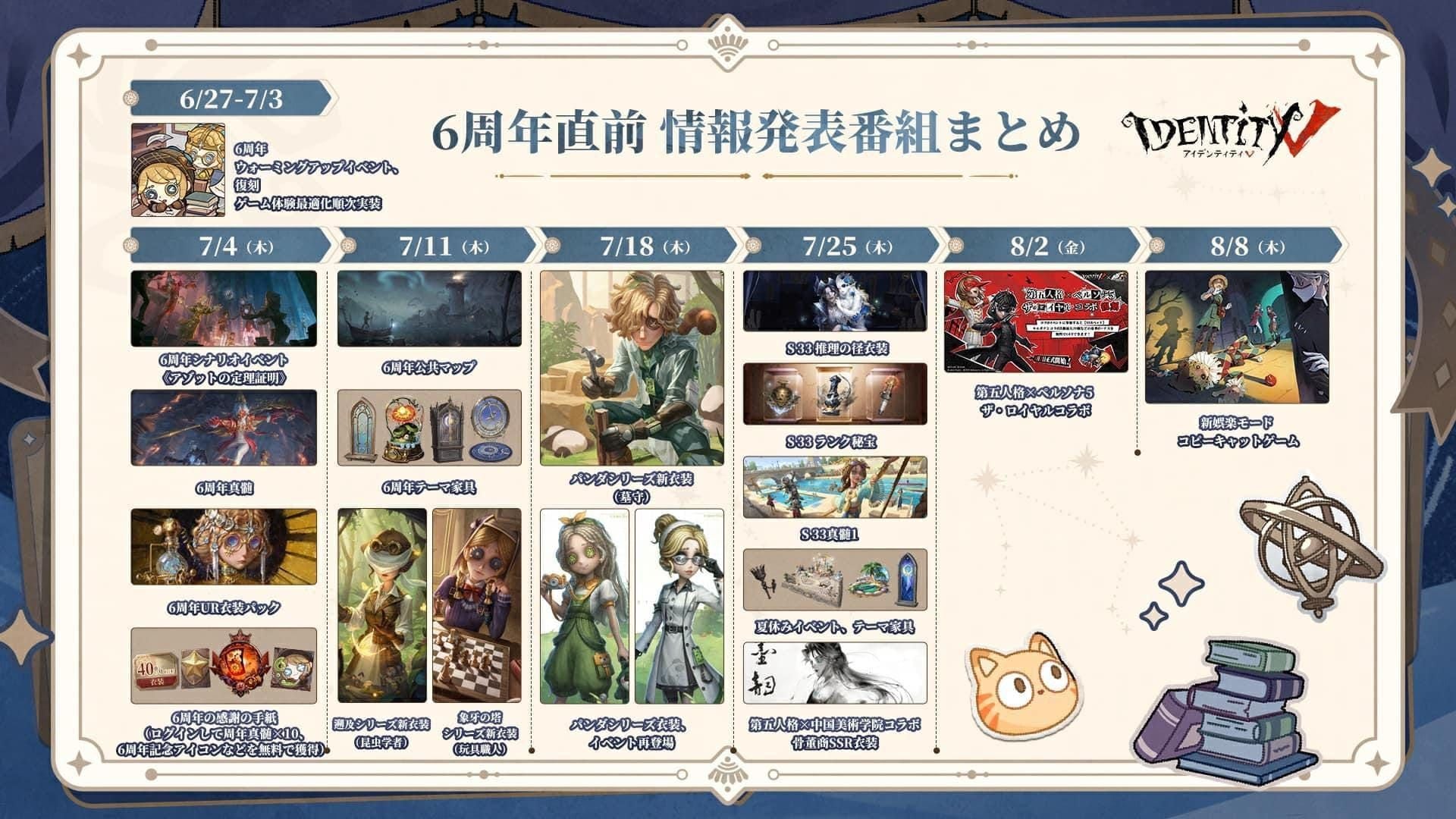
Core Event: December 25, 2025 - January 7, 2026 at 23:59 UTC+8
Key Dates:
- Snowbell Village Public Map: December 31, 2025 at 23:59:50 - January 1, 2026 at 00:30
- Replay Period: January 1-3, 2026, hourly 19:00-00:00
- New Year Tasks: Start January 1, 2026
- Fireworks Show: January 1-3, 2026 at midnight
- Retro Check-in: December 30, 2025 at 00:00 - January 7, 2026 at 23:59
Christmas Mode runs concurrently (December 25 - January 7) with Evil Reptilian, Gamekeeper, and Hell Ember dropping presents.
Rewards
- Portrait Light Up 2026: Daily Check-In
- Emote Effect Snowfall: Firework Fuel collection
- Furniture New Year Decoration (2026): Retro Check-in
- Room Music Fantasy Pyrotechnics: Event participation
These rewards have no alternative acquisition after January 7, 2026.
How the Greeting System Works
Sending Greetings
- Navigate to Events tab from main lobby
- Select Fantasy Pyrotechnics event banner
- Access greeting interface
- Choose friends from synchronized list
- Confirm send action
- Check event progress tracker for updates
Each step requires server communication. Network interruptions cause unresponsive or greyed-out buttons.
Requirements
- Active, synchronized friend list
- Bound account (email/phone/social media authentication)
- Same-server friendships (cross-server may not work)
- Stable network connection with low latency
Why the Button Isn't Working: 8 Causes
1. Server-Side vs Client-Side Issues
Server-side: Affects all players simultaneously (like December 25 hotfix maintenance). Wait for official fixes.
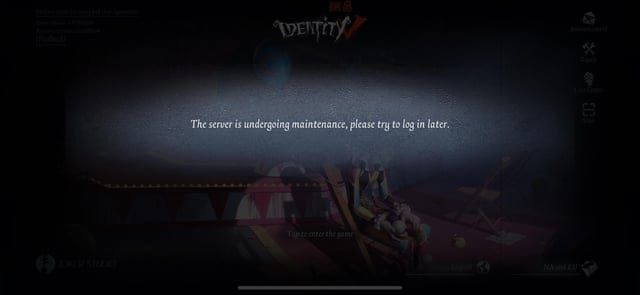
Client-side: Affects only you due to device conditions, corrupted data, or account settings. Requires local troubleshooting.
2. Network Connection Problems
Event features need stable connections with ping <150ms. High latency, packet loss, or intermittent connectivity cause silent failures. Background apps (streaming, cloud backups) can saturate bandwidth.
3. Outdated App Version
The December 25, 2025 hotfix (08:00 UTC+8) required updates. Players had to exit after 10:30 UTC+8; forced logout occurred at 11:00 UTC+8. Running outdated versions prevents event access due to protocol incompatibilities.
4. Account Restrictions
Guest accounts lack full feature access. Bind your account to email/phone/social media. Account level requirements may apply (though not specified for 2026 event).
5. Regional Limitations
Servers in different regions completed maintenance at varying times. Some features may face geographic restrictions due to regulatory requirements.
6. Friend List Sync Errors
Corrupted cache, server timeouts, or database inconsistencies prevent friend list loading. Recent friend additions may not appear immediately due to replication lag.
7. Event Eligibility Criteria
Features activate on specific dates. Retro Check-in starts December 30 at 00:00; New Year tasks begin January 1. Accessing before activation times results in unavailable features.
8. Device Issues
Insufficient storage prevents downloading event assets. Older devices may lack support for new Unity engine features or graphics APIs required by the January 2026 update.
Fix #1: Check Event Status and Eligibility
Verify Active Period
Confirm current date falls within December 25, 2025 - January 7, 2026 at 23:59 UTC+8. Convert to your timezone. Check sub-event timings for narrow windows.
Confirm Account Requirements
- Check account level and progression status
- Verify account binding (Settings > Account)
- Ensure you've completed tutorial stages
- Look for Guest Account indicators
Check Regional Server
Identify your server at login. Compare maintenance schedule with December 25, 2025 08:00 UTC+8 hotfix. Verify event launched on your current server.
Fix #2: Verify Network and Server Status
Test Connection Stability
- Open browser, visit multiple websites
- Run speed tests (need ping <150ms)
- Close bandwidth-heavy apps (streaming, backups, updates)
Switch Networks
- WiFi → Mobile data (bypasses router firewalls)
- Mobile data → WiFi (avoids cellular congestion)
- Avoid public WiFi that blocks gaming traffic
Check Server Status
Observe if other game modes work. If Quick Match functions but not events, issue is incomplete server-side activation. Monitor community for widespread reports.
Disable VPN/Proxy
VPNs add latency and may trigger anti-cheat systems. Disable all VPN/proxy services, restart Identity V for direct server connections.
Fix #3: Update to Latest Version
Check Version Number
Settings > About/System. Note version and build date. Compare against app store's latest release.
Download January 2026 Update
The December 25, 2025 post-maintenance update contains all Fantasy Pyrotechnics content. Ensure sufficient storage (often >1GB).
iOS: App Store > Updates > Identity V > Update. Maintain WiFi throughout.
Android: Google Play Store > Manage apps & device > Updates available > Identity V > Update. Enable automatic updates to prevent future mismatches.
Fix #4: Clear Cache (Safe Method)
Android
Settings > Apps > Identity V > Storage > Clear Cache. Don't tap Clear Data (deletes login credentials).
iOS
Settings > General > iPhone Storage > Identity V > Offload App, then reinstall. Or delete and reinstall after confirming account binding.
In-Game Resource Repair
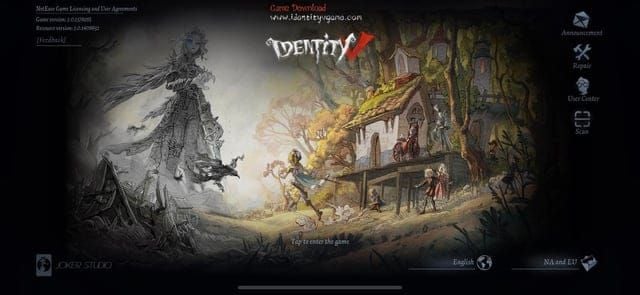
Use built-in repair tool (wrench/gear icon on login screen). Scans file integrity, re-downloads corrupted assets without full reinstallation.
What's Preserved
Cache clearing keeps: account credentials, friend lists, progress, purchased items, settings, Echoes balance. Only removes: cached images, pre-loaded UI, outdated event data.
Need to buy Identity V echoes instantly? BitTopup ensures purchases remain secure regardless of cache operations.
Fix #5: Refresh Friend List
Manual Sync
Friends/Social menu > tap refresh icon (circular arrow). Or exit and re-enter menu to trigger auto-sync.
Remove and Re-Add Friends
If specific friends don't work, remove them, wait 60 seconds, send new friend request. Rebuilds corrupted relationship data.
Check Online Status
Some systems require recipients online or recent login. Coordinate with friends to be online simultaneously.
Fix #6: Reinstall (Last Resort)
Backup Account
Settings > Account. Confirm linked email/phone/social media. Screenshot details. Note User ID.
Uninstall
Android: Settings > Apps > Identity V > Uninstall
iOS: Press and hold icon > Remove App > Delete App
Fresh Install
Download latest version from app store (post-December 25, 2025 hotfix build, often >2GB). Maintain stable WiFi.
Account Recovery
Launch app, select authentication method at login. Enter credentials. Game auto-syncs progress, friends, purchases, settings from servers (may take several minutes).
Fix #7: Top Up Echoes via BitTopup
Some features prioritize active accounts with purchase history to prevent bot abuse. While greeting is free, maintaining active status through occasional top-ups improves reliability.
Limited-Time Offers
- Nightmare Mr. Hyde: 1388 Echoes (discounted to 1038, December 25, 2025 - January 3, 2026)
- Lock Core Mechanic: 1388 Echoes
- Mechanic Farewell Phantom Girl Package: 1316 Echoes (20% off from 1646)
- Room Misty Villa: 3912 Echoes (19% discount)
BitTopup Benefits
- Competitive pricing below official store
- Instant delivery (typically <5 minutes, up to 15 during high traffic)
- Industry-standard encryption
- Multi-language customer service
- High user ratings for Identity V transactions
Visit BitTopup, select Identity V, choose Echoes package, enter User ID accurately. Supports credit cards, digital wallets, regional payment systems.
Common Misconceptions
Myth: Button only works on New Year's Day
Truth: Functions December 25, 2025 - January 7, 2026 (14 days). Special features activate on specific dates, but core greeting works throughout.
Myth: Need Echoes to send greetings
Truth: Greeting is free. Echoes required only for Illusion Hall costumes and shop offers. Firework Fuel collection (every 2 matches = 1 fuel) grants free rewards.
Myth: Only for high-level players
Truth: No evidence of level requirements. Account binding differs from level restrictions. New players can bind accounts after tutorial.
Actual Requirements: (1) Active event period, (2) Updated app (post-December 25 hotfix), (3) Stable network, (4) Bound account, (5) Synchronized friend list.
Prevention Tips
Enable Auto-Updates
iOS: Settings > App Store > App Updates (under Automatic Downloads)
Android: Google Play Store > Settings > Network preferences > Auto-update apps
Maintain Account Binding
Regularly verify Settings > Account. Add multiple methods (email + phone) for redundancy. Email addresses expire, phone numbers change—either compromises access.
Monthly Cache Management
Clear cache first day of each month. Maintain ≥3GB free storage for event updates.
Optimal Device Settings
- Disable battery optimization for Identity V
- Turn off Low Power Mode during events
- Close streaming apps, cloud backups before gameplay
- Disable automatic app updates during sessions
When to Contact Support
After All Fixes Fail
If button remains non-functional after all seven fixes, issue likely stems from account-specific restrictions or server-side bugs. Document troubleshooting steps, error messages, device specs.
Missing Rewards
If you completed requirements but didn't receive Portrait Light Up 2026, Emote Effect Snowfall, or Furniture New Year Decoration (2026) by January 7, 2026, contact support with screenshots of event progress, greeting confirmations, match history.
Account Restrictions
Previous Terms of Service violations may restrict social features. Contact support to clarify account status and active penalties.
Submit Bug Reports
Settings > Customer Service. Provide: User ID, device model, OS version, app version, detailed description, exact steps, error messages. Attach screenshots of non-functional button, event screen, account info. Specify if issue is consistent or intermittent.
FAQ
What is the Happy New Year 2026 button?
Limited-time social feature in Fantasy Pyrotechnics event (December 25, 2025 - January 7, 2026) for sending festive greetings to friends. Rewards include Portrait Light Up 2026 and Emote Effect Snowfall.
Where is the greeting button?
Events tab (main lobby) > Fantasy Pyrotechnics interface. May also appear in Social Menu. Check after December 25, 2025 hotfix maintenance.
Why won't it send greetings?
Outdated app (update after December 25, 2025 hotfix), network issues, corrupted cache, unsynchronized friends, or accessing outside December 25, 2025 - January 7, 2026 period.
How long is the event?
December 25, 2025 (post-maintenance) - January 7, 2026 at 23:59 UTC+8. Sub-features like Snowbell Village (December 31, 2025 at 23:59:50 - January 1, 2026 at 00:30) have narrower windows.
Does clearing cache delete progress?
No. Removes only temporary files. Account data, progress, purchases, Echoes, friends, settings stay on servers. Clear Data on Android requires re-login but doesn't delete server-side progress.
Can guest accounts use the button?
Guest accounts may face restrictions. Bind account to email/phone/social media (Settings > Account) for full event access and progress protection.
Need Echoes for exclusive New Year 2026 content? Visit BitTopup for instant, secure top-ups with best rates. Get Nightmare Mr. Hyde (1038 Echoes until January 3, 2026) or Mechanic Farewell Phantom Girl Package now!