Understanding Zero Recoil Sensitivity in PUBG Mobile 4.1
Here's something most players don't realize: zero recoil sensitivity isn't magic—it's pure physics. Your device's gyroscope sensors detect tiny movements and automatically counter weapon recoil patterns through micro-corrections. Think of it as having an invisible hand gently nudging your aim back on target.
The system works by combining high gyroscope sensitivity values (we're talking 400% for close-range) with progressively lower values as you zoom in. Professional players I've worked with achieve that laser-beam spray control by pairing specific sensitivity percentages with proper finger positioning. It's not just about the numbers—it's about creating seamless control across every engagement range.

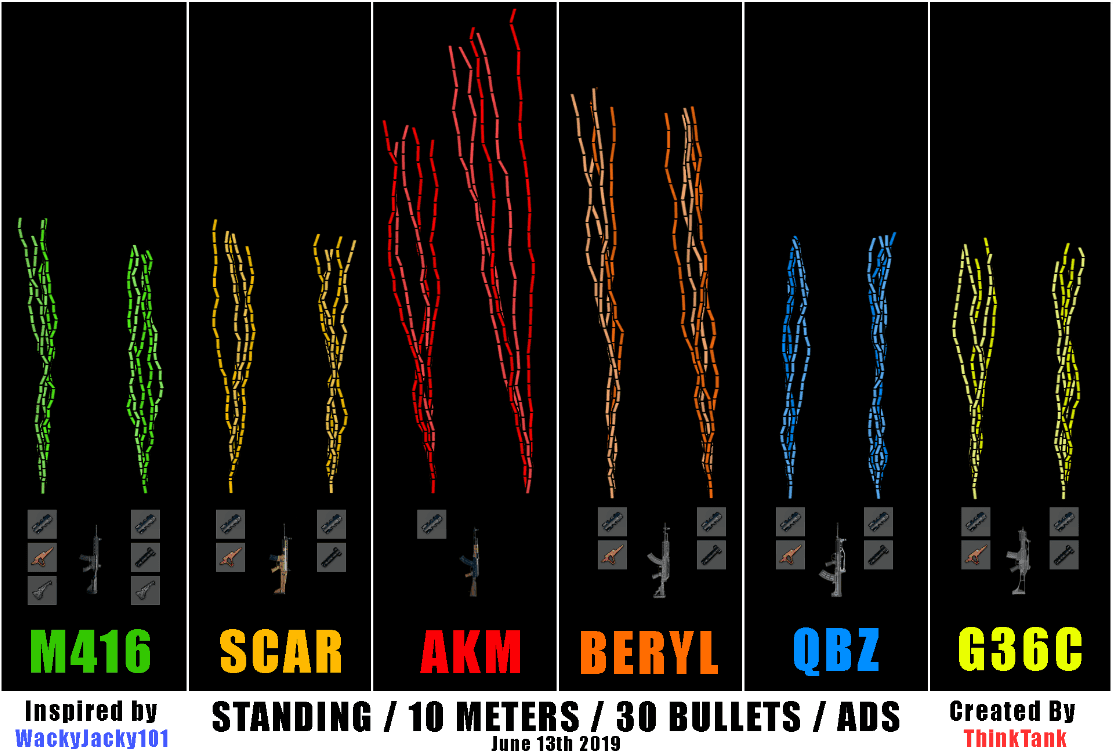
What's fascinating is how different weapons behave. The M416? It loves 50-60% Red Dot sensitivity. But throw an AKM into the mix, and you'll need 55-65% settings to tame that aggressive upward kick. And here's where it gets tricky—scope magnification amplifies everything. Higher magnification means lower gyroscope values, or you'll overcorrect yourself into oblivion.
PUBG Mobile 4.1 changed the game with refined touch responsiveness algorithms. If you're running 120+ FPS devices, you're getting more precise gyroscope tracking than ever before. The update prioritizes device-specific optimization, which means that one-size-fits-all approach? It's dead. Buy PUBG Mobile UC safe through BitTopup's secure platform to access premium weapons that'll complement your newly optimized sensitivity.
The Complete PUBG Mobile 4.1 Zero Recoil Sensitivity Code
Let me give you the code that's been making rounds in competitive circles: 1-7435-8846-3421-0303-0728.
This isn't just random numbers thrown together. Each segment represents carefully calibrated values that establish Free Look sensitivity at 150 (perfect for environmental awareness without compromising aim stability), leave Camera sensitivity unchanged, and set Lens sensitivity to High for enhanced precision.
ADS Sensitivity Values for All Scope Types
Here's where the magic happens—progressive scaling that actually works:
- Red Dot/Holographic: 50-70% camera, 400% gyroscope (your bread and butter)
- 2X Scope: 400% gyroscope maintaining that close-range responsiveness
- 3X Scope: 25% camera, 275% gyroscope for mid-range beam control
- 4X Scope: 200% gyroscope for balanced precision
- 6X Scope: 150% gyroscope preventing shake
- 8X Scope: 12% camera, 80-90% gyroscope for precision sniping
For TPP and FPP No Scope situations, you'll want 400% gyroscope paired with just 1% Aim sensitivity. Sounds counterintuitive? Trust me on this one—it creates incredible stability for aggressive close-range spray control.
Want to showcase that improved accuracy with premium weapon skins? Check out PUBG Mobile UC top up promo code offers through BitTopup's reliable platform with instant delivery.
Pro Player Sensitivity Codes Breakdown (2025 Edition)
Four-finger claw players—you're the lucky ones. You can handle the full code implementation because you've got enhanced control capabilities. That 400% gyroscope with independent finger control? It's like having superpowers for recoil management. I've seen competitive claw players customize their M416 to 50% and AKM to 60% for optimal spray patterns that look absolutely unreal.
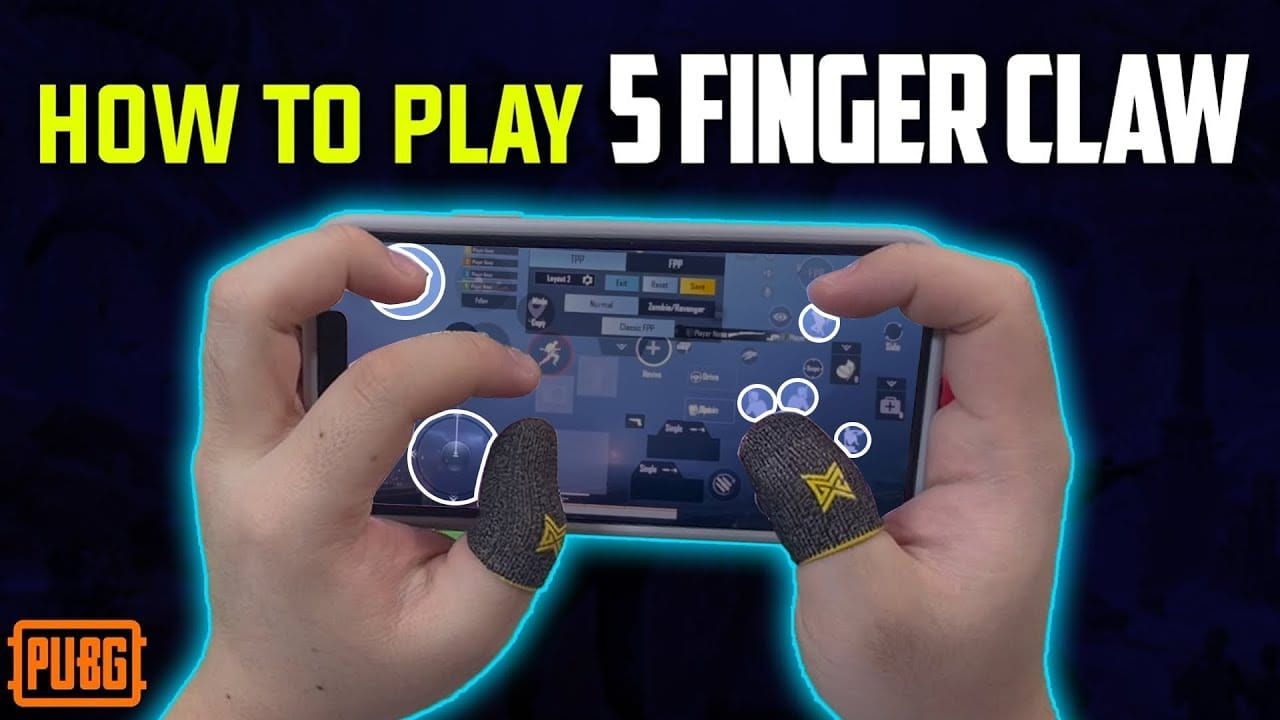
But if you're a three-finger player, don't worry—you're not left out. You'll need modified approaches though. Try 350% close-range gyroscope for better stability, and definitely use 275% gyroscope for 3X scopes in mid-range combat.
Here's something I've noticed working with elite players: they fine-tune based on device specifications. High-end devices can handle that full 400% sensitivity without breaking a sweat, while older devices need a 300-350% reduction to prevent input lag issues.
Device-Specific Sensitivity Adjustments
iPhone 14/15 series users, you're sitting pretty. These devices excel with the standard zero recoil code thanks to advanced gyroscope hardware and optimized touch processing. You can run that full 400% gyroscope without any input lag.
Android users? It's a mixed bag. Samsung Galaxy S-series and OnePlus flagships perform excellently with the standard code. But if you're on a mid-range device, you'll want to reduce gyroscope values by 10-15%.
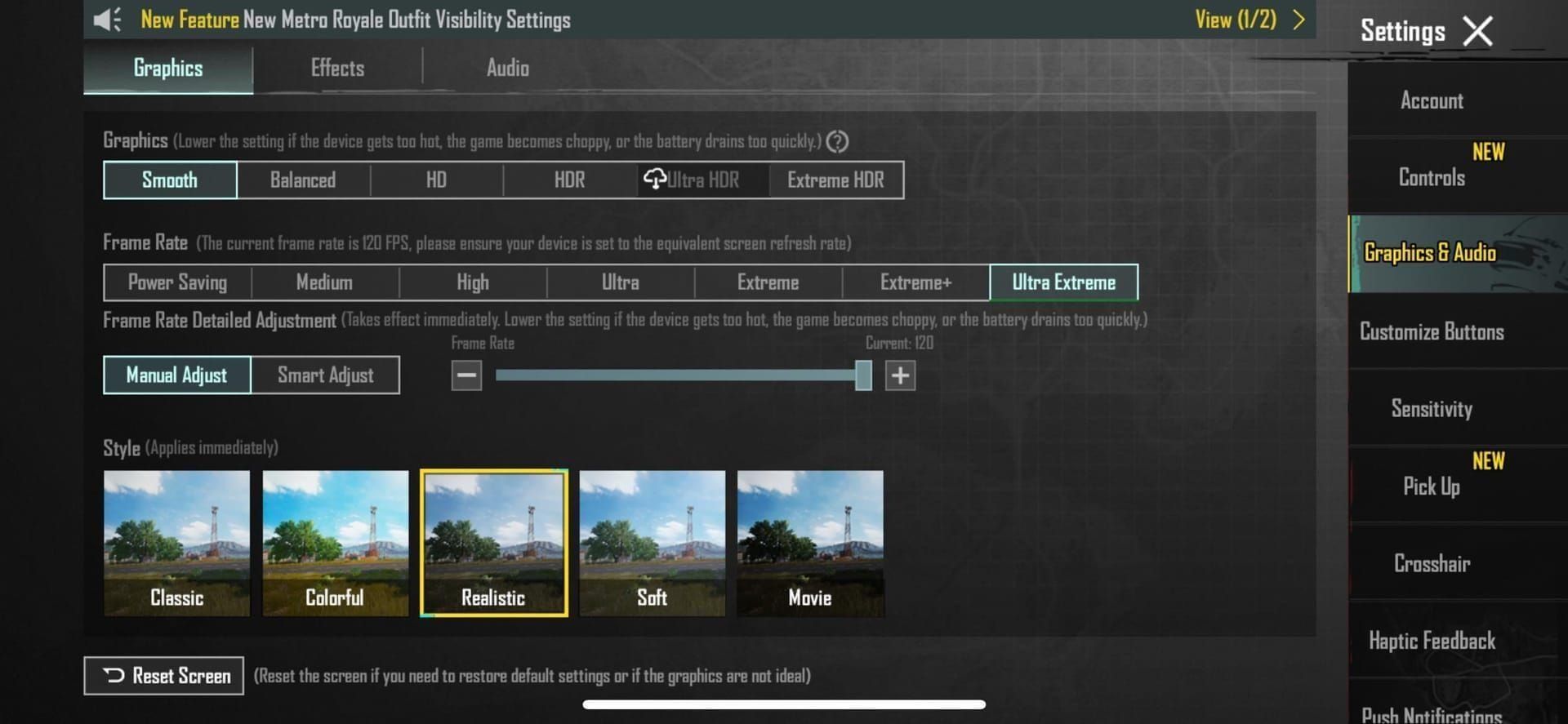
And here's the kicker—120+ FPS performance is absolutely crucial. More frequent input sampling means smoother tracking. If you're stuck at 60 FPS, you'll experience slight compensation delays that require sensitivity adjustments. The sweet spot? 90 FPS provides optimal balance between performance and battery life.
Step-by-Step: How to Apply Sensitivity Codes Safely
Let's walk through this properly. Navigate to Settings > Sensitivity tab, then use the import feature with code 1-7435-8846-3421-0303-0728 for quick application.
But first—and I can't stress this enough—make sure you're running the latest PUBG Mobile 4.1 version and backup your existing settings before making changes.
Input systematically: Set Lens to High, Free Look to 150, leave Camera/ADS unchanged. Then apply gyroscope settings starting with TPP/FPP No Scope at 400%, Aim at 1%, and progress through scopes from Red Dot 400% down to 8X at 80%.
Want to validate your setup? Head to Training Ground with an M416 Red Dot and test on 50-meter targets. Successful implementation shows minimal vertical climb and tight horizontal grouping. If you're seeing wild spray patterns, something's off.
Weapon-Specific Sensitivity Fine-Tuning
The M416 is where most players start, and for good reason. It achieves excellent performance with 50-60% Red Dot sensitivity and 400% gyroscope. I've found 55% to be the optimal balance for consistent spray control. Pair it with a compensator attachment, and you'll get laser-accurate sprays up to 100 meters.
The AKM? That's a different beast entirely. You'll need 55-65% Red Dot sensitivity for that aggressive vertical recoil, with 400% gyroscope being absolutely essential for initial kick compensation.
And then there's the Beryl M762—the weapon that separates the pros from everyone else. This thing demands 60-70% Red Dot with maximum 400% gyroscope due to its extreme vertical climb and horizontal deviation. Master this weapon with proper sensitivity, and you'll dominate close-range fights.
Common Mistakes and How to Avoid Them
I see this mistake constantly: excessive gyroscope sensitivity causing overcorrection beyond intended targets. Start conservative and gradually increase to find your optimal balance.
If you're on older devices with less than 120 FPS, reduce gyroscope values by 10-20% for stable performance. And here's something most guides won't tell you—monitor your device temperature. Thermal throttling affects responsiveness more than you'd think.
Use the core code as your starting point, then make incremental adjustments based on Training Ground testing and actual match performance. Personal optimization matters because it accounts for hand size, grip style, and device handling preferences.
Account Safety and Ban Prevention Guidelines
Let me be crystal clear about this: sensitivity codes are completely safe. You're using legitimate in-game settings without any external modifications. PUBG Mobile officially supports sensitivity customization through built-in menus—there's nothing sketchy about it.
That said, enable two-factor authentication and avoid third-party tools claiming sensitivity advantages through external modifications. Those are the ones that'll get you banned.
The difference? Legitimate optimization works within built-in settings, adjusting how your device interprets input. Illegal modifications involve external applications manipulating game files. Stay on the right side of that line.
Advanced Tips from Professional Players
Here's what separates good players from great ones: they adjust configurations based on seasonal weapon balance changes and meta shifts. They're constantly monitoring patch notes for sensitivity updates because what works today might need tweaking tomorrow.
Optimal performance requires coordination between sensitivity and attachments. Compensators work synergistically with high gyroscope sensitivity, while vertical grips complement automatic compensation.
Develop a consistent 15-20 minute daily Training Ground practice routine. This reinforces muscle memory with your primary weapon configurations. Focus on smooth movements that complement your sensitivity settings rather than fighting the automatic recoil compensation.
Frequently Asked Questions
What is the best zero recoil sensitivity code for PUBG Mobile 4.1?
The core code 1-7435-8846-3421-0303-0728 provides optimal performance with 400% gyroscope for close-range and progressive scope adjustments from 400% down to 80%. You'll need 120+ FPS devices for best results.
Can you get banned for using sensitivity codes?
Absolutely not. These codes use legitimate in-game settings and are completely safe without any ban risks.
How do I apply sensitivity codes in 2025?
Go to Settings > Sensitivity, then input systematically: Lens High, Free Look 150, gyroscope from 400% (no scope) down to 80% (8X).
What sensitivity do pro players use?
Most use customized versions of the core code: 50-70% Red Dot with 400% gyroscope for close-range, 25% camera with 275% gyroscope for 3X mid-range.
Does zero recoil work on all devices?
It works best on 120+ FPS devices with responsive gyroscope sensors. Older devices require 10-20% gyroscope reduction for optimal performance.
Best M416 sensitivity settings?
50-60% Red Dot with 400% gyroscope, paired with a compensator for maximum recoil reduction. This combination is nearly unbeatable for consistent spray control.