Why PUBG Mobile 4.2 Beta Matters (And Why You Need It Now)
Here's the thing about PUBG Mobile 4.2 Beta – it's not just another update. It's a complete weapon meta overhaul that'll fundamentally change how you approach mid-range fights.
What we're seeing in beta testing is experimental balancing that's already reshaping professional play. Teams like Yangon Galacticos didn't rack up 157 points at PMGC by accident. They've been adapting to these weapon changes early, and it shows.
Beta access gives you that same competitive edge. While everyone else scrambles to adapt when the official update hits, you'll already know exactly how the new Mini-14 handles at 75 meters (spoiler: it's devastating).
Sure, beta versions can be buggy – that's the trade-off for early access. But experienced players know the advantages far outweigh the occasional crash.
Need UC for testing premium features? BitTopup's top up PUBG Mobile UC cheap service keeps you stocked without breaking the bank.
What's Actually New in PUBG Mobile 4.2 Beta
The numbers don't lie: DMRs are getting a massive +70% stability boost. In practice, this means your Mini-14 and SKS now achieve 70%+ hit rates at 50-100 meters with 990 m/s projectile velocity. That's laser-beam accurate.

Meanwhile, assault rifles take a 10-15% effectiveness hit beyond 100 meters. The M416 you've been maining? Still solid up close, but those long-range spray-downs are history.
This explains why 80% of PMGC matches now feature AR-DMR combinations instead of the traditional double-AR meta. Smart teams saw this coming and adapted early.
Pre-Installation: Getting Your Device Ready
Device Compatibility (The Real Requirements)
Android users: You'll need Android 5.1.1+ with at least 3GB RAM, though 6GB+ is what actually works smoothly. Snapdragon 660+ processors handle the beta's optimization demands best.

Don't forget the gyroscope – it's essential for dialing in those 160-300% sensitivity settings that make the new weapon balance shine. Storage-wise, plan for 4GB installation plus 2GB for assets.
iOS players: iOS 10.0+ with A10 Bionic chips minimum (iPhone 7+, iPad Air 2+). TestFlight needs Apple ID verification, and you'll want 6GB free space for iOS's optimization files.
Network requirements: 25+ Mbps is optimal, but 10 Mbps works for installation. Just know that initial download will eat through 500MB+ of mobile data if you're not on WiFi.
Android Installation: Step-by-Step
The Process That Actually Works
- Enable Unknown Sources first. Settings > Security > Unknown Sources. On Android 8.0+, it's Settings > Apps & Notifications > Special App Access > Install Unknown Apps. This trips up more people than you'd think.
Download the APK from official channels only. I can't stress this enough – verify file sizes match official specifications. Corrupted or modified files are everywhere.
Install and be patient. Find the APK in your Downloads folder, tap to install, grant storage and network permissions. The process takes 5-10 minutes, not the 30 seconds some guides claim.
Verify your installation. Check version numbers in game settings for beta identifiers. This confirms you're actually running the beta, not some modified version.
Stick to official PUBG Mobile social media and developer websites. Those third-party APK sites? They're malware magnets.
iOS Installation: The TestFlight Route
What Works (And What Doesn't)
Download TestFlight from the App Store – you'll need iOS 8.0+ and a valid Apple ID. Beta invitations come through email links from official PUBG Mobile channels, and slots fill up fast. When I say fast, I mean gone-in-minutes fast.
TestFlight handles automatic updates and gives you direct feedback tools to the developers. It's clean, it's safe, and it works.
The enterprise certificate alternative? Technically possible but risky. You're trusting developer profiles outside Apple's ecosystem (Settings > General > Profiles & Device Management). Only use verified certificates, and honestly, just stick with TestFlight.
Post-Installation: Getting Everything Dialed In
Link your existing account through Facebook, Google Play, Game Center, or Twitter. Account sync takes several minutes during first login – don't panic if it seems stuck.
Start with medium graphics settings and work up. Enable gyroscope immediately and experiment with 160-300% sensitivity for the new weapon balance. What worked in the old meta won't cut it anymore.
For premium features during beta testing, BitTopup's buy PUBG UC instant delivery service offers competitive pricing and reliable support when you need UC fast.
When Things Go Wrong: Troubleshooting
Package errors? Delete the corrupted APK, re-download from official sources, clear device cache, restart. In that order.
Storage issues are common. You need 8-12GB total (4GB base + 2GB assets + 2GB overhead). Clear unnecessary files or move media to cloud storage. Those 4K videos from last vacation can wait.
Compatibility errors usually mean outdated OS. Update to the latest version and verify your device actually meets minimum specs.
Login issues during peak periods? Wait 10-15 minutes. If problems persist, clear app cache and data. Sometimes the servers just get hammered.
Safety First: Avoiding the Traps
Official sources have HTTPS encryption and verified social media badges. Legitimate distributions never ask for payment or additional software installation.
Enable two-factor authentication on linked accounts and monitor for suspicious activity. Scan downloaded files with antivirus software before installation. Basic stuff, but it matters.
The New Meta: What 4.2 Beta Changes
Enhanced Mini-14 and SKS performance is game-changing. +70% stability means 70%+ hit rates at 50-100 meters with 990 m/s velocity. The M416 still hits 70% accuracy at 100 meters when properly equipped, and prone positioning cuts recoil to one-third of standing values.

Map modifications introduce more mid-range engagement opportunities, perfectly supporting the new DMR effectiveness.
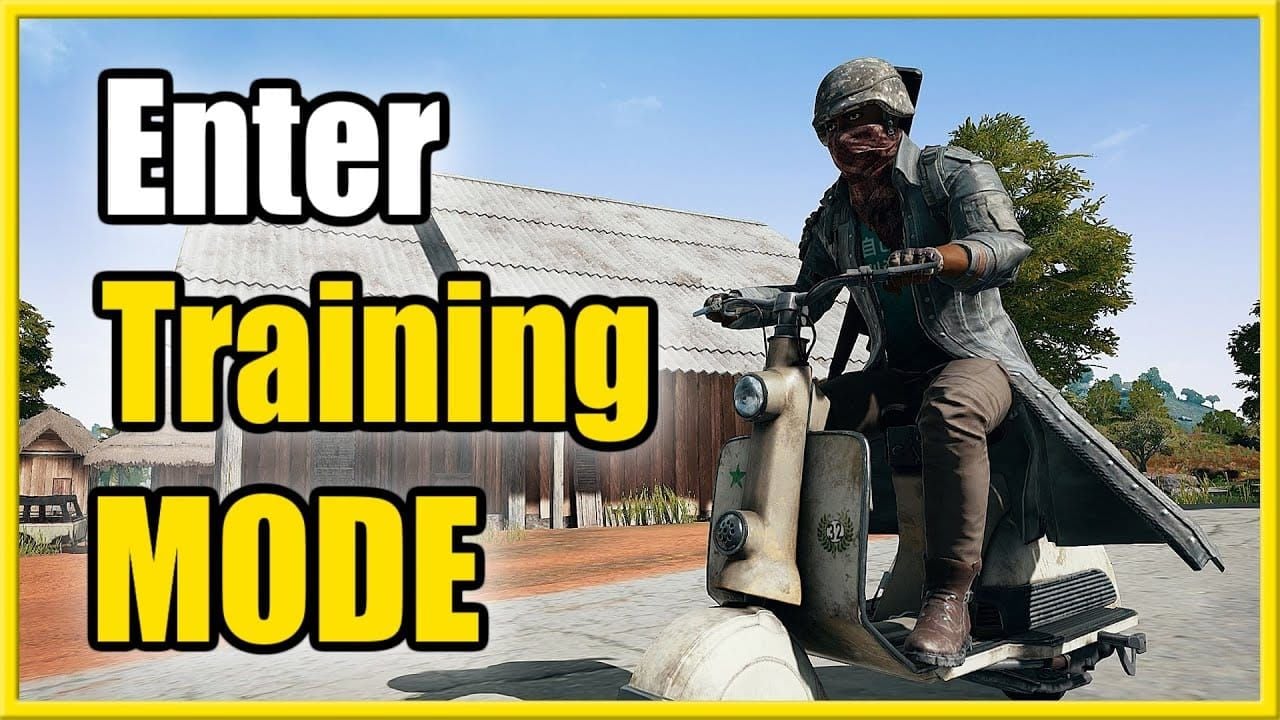
Training modes get enhanced functionality for recoil control practice. What works best is daily 15-20 minute sessions using 150-200 AR rounds and 60-80 DMR rounds (5.56mm). Experienced players see ~15% win rate improvements with consistent practice.
Managing Multiple Game Versions
Android supports parallel installation, but you'll need 16-20GB total storage. iOS TestFlight typically replaces your official version – just how it works.
Account linking provides automatic cloud backup. Verify synchronization before installation and allow 5-10 minutes for data sync when switching versions. Don't try simultaneous logins – it breaks things.
Making the Most of Beta Access
Focus your testing on weapon balance changes, particularly DMR effectiveness at 50-100 meters and AR performance beyond 100 meters. Implement daily training targeting 70% accuracy in burst fire scenarios.
Professional players like DOK achieve 402 damage per match with 1.72 K/D ratios using AR-DMR strategies. There's your benchmark.
Submit detailed feedback through official beta channels. Include device information and reproducible scenarios – developers actually read this stuff.
BitTopup provides secure UC delivery for premium content testing with competitive pricing and high reliability ratings when you need resources for thorough testing.
Your Questions Answered
Is PUBG Mobile 4.2 Beta safe to download?
From official PUBG Mobile channels? Absolutely. From random websites? Absolutely not.
How much storage do I actually need?
8-12GB total: 4GB installation + 2GB assets + 2GB system overhead. Plan accordingly.
Will beta delete my main game data?
No, properly linked accounts preserve progress through cloud synchronization. But link your account first.
What are the biggest new features in 4.2 Beta?
+70% DMR stability buffs, 10-15% AR nerfs beyond 100m, enhanced training modes, and map modifications supporting the new weapon balance.
Can I buy UC in beta?
Yes, through official channels and trusted platforms like BitTopup for premium feature testing.
How do I fix installation failed errors?
Clear cache, ensure 8-12GB storage, verify file integrity, re-download from official sources, and enable unknown sources on Android. In that order.