


iTunes Gift Card (JP) Top Up: Access Exclusive Japanese Content
An iTunes Gift Card (JP), officially known as an Apple Gift Card Japan, is a prepaid digital voucher used to credit Japanese Yen (JPY) directly to your Japan-region Apple ID. Because Apple strictly segregates its App Store and digital media storefronts by region, international payment cards cannot be used directly in the Japanese App Store. A Japanese iTunes card provides a reliable, secure way to purchase games, in-app items, subscriptions, and digital media from Japan without requiring a domestic Japanese credit card or bank account.
What You Can Purchase with a Japan iTunes Gift Card
Redeeming a Japan Apple code credits your account balance with JPY, which you can spend across all Apple digital platforms associated with your Japanese Apple ID:
- Exclusive Japanese iOS Games & In-App Purchases: Fund in-game currency, monthly passes, and gacha pulls in Japan-exclusive mobile titles such as Fate/Grand Order (JP), Uma Musume: Pretty Derby, Monster Strike, Project Sekai (JP), and Blue Archive (JP).
- App Store Japan Subscriptions: Pay for recurring mobile apps, productivity tools, and gaming subscriptions billed in JPY.
- Apple Books Japan: Buy Japanese manga volumes, light novels, and digital artbooks directly on your iPad or iPhone.
- Apple Music & iTunes Store Japan: Purchase Japanese anime soundtracks (OSTs), J-Pop albums, voice actor singles, and rent or buy Japanese films.
- Apple Services: Cover monthly fees for iCloud+ storage, Apple TV+, and Apple Arcade under your Japan account.
Supported Denominations for Japan iTunes & Apple Gift Cards
Japan iTunes gift cards come in fixed amounts to fit different spending needs, from small microtransactions to large gacha bundles. Current pricing and available denominations are always displayed live on the BitTopup checkout page.
| Denomination (JPY) | Typical In-Game & Store Uses |
|---|---|
| 1,000 JPY | Starter packs, single song purchases, basic monthly passes |
| 1,500 JPY – 3,000 JPY | Medium in-app currency bundles, 10-pull gacha currency, manga volumes |
| 5,000 JPY | Large currency packs, seasonal battle passes, multi-volume manga bundles |
| 10,000 JPY | Maximum-tier gacha currency packs, complete anime album collections |
How to Create or Set Up a Japanese Apple Account
To redeem a Japanese iTunes code, you must be logged into an Apple ID configured for the Japan region. You do not need a Japanese credit card to create one.
Creating a Free Japan Apple ID (Step-by-Step)
- Go to the official Apple ID creation page (appleid.apple.com) in your web browser.
- Fill in your name, date of birth, and an active email address that has never been used for an Apple ID before.
- In the Country / Region dropdown menu, select Japan.
- Complete the email and mobile phone verification steps.
- Once created, sign out of the App Store on your iOS device (open the App Store app, tap your profile icon at the top right, and scroll to the bottom to tap Sign Out).
- Sign in with your new Japanese Apple ID credentials.
- When prompted to complete your account setup for the App Store, select None under the Payment Method section.
- Enter a valid Japanese address format (such as a hotel or public address in Tokyo, along with a valid 7-digit Japanese postal code like 100-0001) and submit.
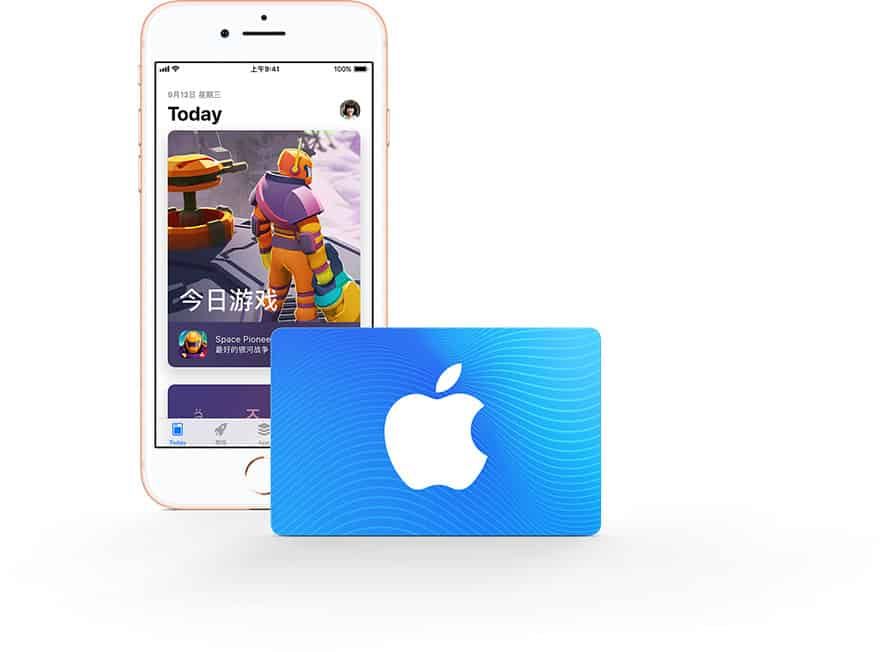
Your account is now ready to redeem Japanese digital codes.
Step-by-Step Guide: How to Redeem iTunes Gift Card (JP)
Redeeming your 16-digit alphanumeric digital code is straightforward on any Apple device.
Redeeming on iPhone, iPad, or iPod Touch
- Open the App Store app.
- Ensure you are signed in to your Japanese Apple ID.
- Tap your profile photo or the sign-in button at the top right corner.
- Tap Redeem Gift Card or Code (Japanese: ギフトカードまたはコードを使う).
- Tap Enter Code Manually (Japanese: コードを手動で入力).
- Type or paste the 16-digit code received from BitTopup, then tap Redeem (Japanese: コードを使う).
- The JPY amount will instantly reflect in your Apple ID balance.
Redeeming on Mac (macOS App Store)
- Open the App Store on your Mac.
- Click your name or profile picture in the bottom left corner.
- Click Redeem Gift Card in the upper right section.
- Enter your 16-digit code and confirm.
Redeeming on Windows PC (iTunes App)
- Open the iTunes for Windows application.
- Click Account in the top menu bar, then choose Redeem.
- Sign in with your Japanese Apple ID credentials.
- Enter your 16-digit redemption code and click Redeem.
Crucial Region-Lock Limitations and Non-Refundable Policy
Before completing your iTunes Gift Card (JP) recharge, review these essential operational rules:
- Strict Region-Lock: Japan iTunes Gift Cards contain funds denominated strictly in JPY and can only be redeemed on an Apple ID set to Japan. They will not work on US, Canadian, European, or other regional storefronts.
- No Cross-Border Balance Transfers: Apple balances cannot be transferred, gifted, or merged across accounts or different regional storefronts. Funds remain tied to the specific Japanese Apple ID where they are redeemed.
- Region Switching Restrictions: If you have an active JPY balance on your Japanese Apple ID, Apple will not allow you to switch the account's region back to your home country until the balance is fully depleted to 0.00 JPY.
- No Expiration Date: Apple Gift Card codes and redeemed JPY account balances do not expire. You can keep your balance on your account indefinitely until you choose to spend it.
- Non-Refundable: Digital voucher codes are unique and single-use. Once the digital code is generated and delivered to your order page or email, the purchase is final and cannot be returned, exchanged, or refunded.
Troubleshooting Common iTunes Card Redemption Errors
If you run into an issue when entering your code, check these standard fixes:
1. Error: "The code is invalid"
- Double-check for common character confusion. Apple gift card codes do not use the letters O, I, Z, or S to prevent confusion with numbers 0, 1, 2, and 5.
- Ensure no accidental blank spaces were copied at the beginning or end of your 16-digit code.
2. Error: "This code must be redeemed in a Japanese storefront"
- Your App Store is currently set to an international region. Sign out of your main account and log in using your dedicated Japan Apple ID before redeeming.
3. Error: "Code has already been redeemed"
- Refresh your App Store balance by signing out and logging back in. In many cases, the credit was already added during a brief connection interruption.
- Check your purchase history under your Apple ID account settings to verify if the JPY balance was credited to a recent transaction.
4. Error: "Card is inactive / not properly activated"
- If the system indicates the digital code is inactive, copy your order number and contact the BitTopup 24/7 customer support team immediately for code verification.
Why Recharge iTunes Gift Card (JP) on BitTopup
- Instant Digital Code Delivery: Receive your genuine 16-digit redemption code directly in your BitTopup user center and email inbox right after payment.
- Total Account Security: No account passwords, login credentials, or personal Apple ID access are ever requested. You receive a digital code and redeem it yourself.
- Multiple Secure Payment Options: Complete your order with trusted checkout methods tailored for global and local buyers.
- 24/7 Multilingual Support: Dedicated customer service agents are available around the clock to help resolve order or code questions.
Frequently Asked Questions
Can I use a Japan iTunes Gift Card on an Apple ID registered in another country?
No. Japan iTunes Gift Cards are strictly region-locked to Japan. You must have or create an Apple ID registered with Japan as its country/region to redeem the code.
Do iTunes Gift Cards (JP) have an expiration date?
No. Apple gift cards for the Japan region do not have an expiration date. Once redeemed, the JPY balance remains on your Apple account until used.
Can I use an iTunes Japan Gift Card to pay for in-game purchases in Japanese games?
Yes. Once the code is redeemed to your Japan Apple ID balance, open your Japanese mobile game, go to the in-game shop, and complete your purchase. Apple will automatically deduct the required JPY amount from your account balance.
How do I redeem my iTunes Gift Card (JP) code on an iPhone or iPad?
Open the App Store, make sure you are logged into your Japan Apple ID, tap your profile icon at the top right, select Redeem Gift Card or Code, choose Enter Code Manually, enter your 16-digit code, and tap Redeem.
What should I do if my Japan iTunes code shows as invalid or already redeemed?
First, check your typing to make sure numbers and letters were not swapped (such as 0 and O). If the issue persists, sign out and back into your Japan App Store account to check if the balance updated. If you still encounter an error, reach out to BitTopup support with your order ID for immediate assistance.
Can I convert an iTunes gift card to cash or request a refund after purchase?
No. In accordance with digital goods policies, iTunes gift cards cannot be redeemed for cash or refunded once the code has been issued and delivered.