

Microsoft 365 QA Top Up: Qatar Region Compatibility and Overview
Microsoft 365 (QA) provides full access to Microsoft's suite of cloud productivity apps and cloud storage specifically tailored for accounts registered in the State of Qatar. The designation QA refers strictly to the ISO country code for Qatar. It is not related to software Quality Assurance or corporate IT training certifications.
When you purchase a Microsoft 365 QA product code, you are acquiring a genuine regional license key meant to activate or extend a subscription on a Qatar-based Microsoft account. This gives you desktop, mobile, and web access to essential applications:
- Core Office Apps: Microsoft Word, Excel, PowerPoint, OneNote, and Outlook.
- Cloud Storage: 1 TB of OneDrive secure cloud storage per user with ransomware detection and file recovery.
- Cross-Device Productivity: Simultaneous installation across Windows PCs, Macs, iPads, iPhones, and Android smartphones or tablets.
- Communication Tools: Microsoft Teams and advanced Outlook email security.
Because Microsoft maintains strict regional cataloging, digital product keys assigned to Qatar must be redeemed on accounts configured for the Qatar region. Purchasing the correct regional code ensures complete compatibility with your localized billing profile, local data privacy rules, and Middle Eastern server routing.
Comparing Microsoft 365 Qatar Plans: Personal vs Family Subscriptions
Before you complete your order on BitTopup, verify which tier matches your usage requirements. Microsoft offers two primary consumer subscription tiers for Qatar accounts.
| Feature | Microsoft 365 Personal (Qatar) | Microsoft 365 Family (Qatar) |
|---|---|---|
| Number of Users | 1 Person | Up to 6 People |
| Devices per User | Up to 5 simultaneous devices | Up to 5 simultaneous devices per person |
| Cloud Storage | 1 TB OneDrive total | Up to 6 TB (1 TB per person) |
| Included Apps | Word, Excel, PowerPoint, Outlook, OneNote | Word, Excel, PowerPoint, Outlook, OneNote |
| Advanced Protection | Microsoft Defender & OneDrive Ransomware Protection | Microsoft Defender & Family Safety App |
| Regional Validity | Qatar Account (QA) | Qatar Account (QA) |
| Duration | 12 Months (Extendable up to 5 Years) | 12 Months (Extendable up to 5 Years) |
Note: Check live pricing and plan availability directly on the BitTopup checkout screen.
If you use multiple workstations, laptops, and tablets on your own, the Personal plan covers all your devices under a single login. If you need to share productivity tools and dedicated, private cloud storage drives with family members or colleagues, the Family plan allows individual logins for up to 6 separate Microsoft accounts.
How to Check Your Microsoft Account Region and Account ID
To ensure your redemption process goes smoothly, confirm that your personal Microsoft account is registered to Qatar before entering your digital key.
- Open your browser and go to
account.microsoft.com. - Sign in with the email address and password you use for your Microsoft account.
- Click on the Your Info tab at the top of the dashboard.
- Scroll down to the Profile info section and check the entry under Country or region.
- Confirm that it displays Qatar. If it displays another country, update the region settings to Qatar or use an account registered to the Qatar market.
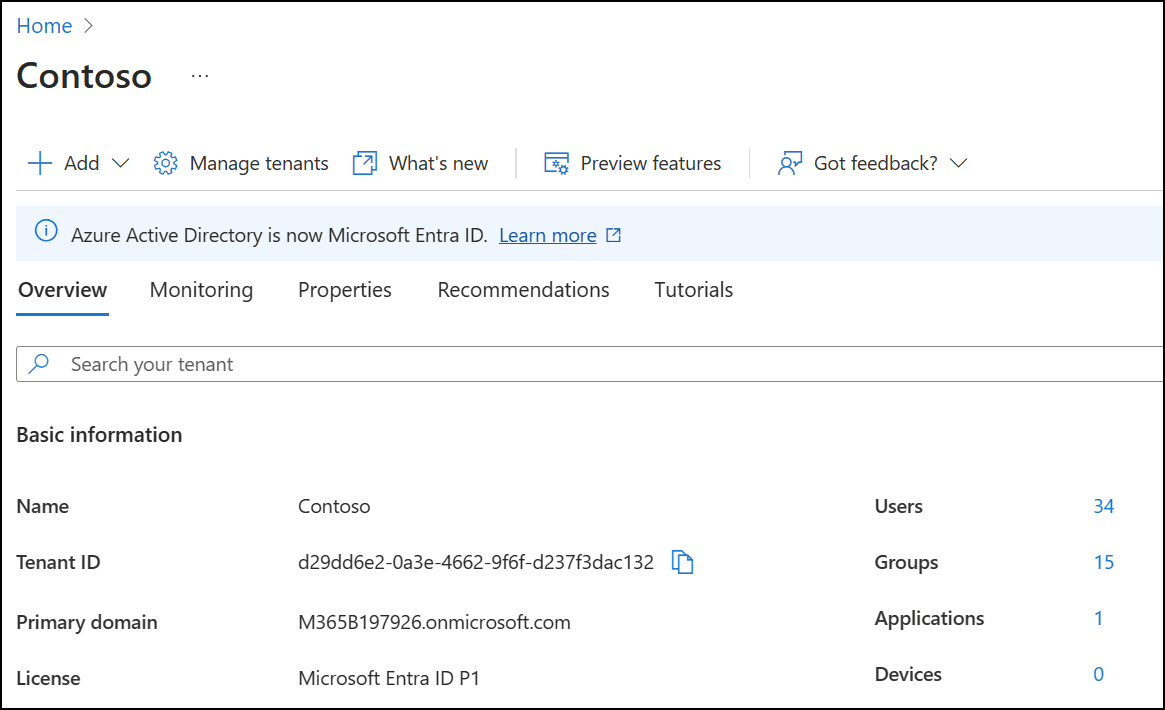
Your Microsoft Account ID is the primary email address displayed directly under your display name on this profile page. Because BitTopup delivers an unactivated 25-character digital product key, you do not need to share your Microsoft ID or login password during checkout.
Step-by-Step Guide: How to Recharge and Redeem Microsoft 365 in Qatar
Redeeming your subscription key takes only a few minutes. Follow these steps to apply your code directly to your official Microsoft account:
Step 1: Purchase Your Digital Code
Select your preferred plan (Personal or Family) on BitTopup, choose your preferred payment option, and complete your order. Your 25-character alphanumeric key will be generated instantly on your order confirmation screen and sent to your email.
Step 2: Open the Official Microsoft Redemption Portal
Launch an internet browser and navigate to the official setup page: setup.office.com (or microsoft365.com/setup).
Step 3: Sign In to Your Microsoft Account
Click Sign In and enter your Qatar-registered Microsoft account credentials. Ensure you are not logged into a school or enterprise work account, as retail consumer keys cannot be merged into organizational tenancies.
Step 4: Enter Your 25-Character Key
Enter the 25-character product key provided by BitTopup into the entry field. The system will automatically verify the code format: XXXXX-XXXXX-XXXXX-XXXXX-XXXXX.
Step 5: Confirm Country and Language
Select Qatar as your country or region and choose your preferred display language (e.g., English or Arabic).
Step 6: Complete Activation
Review your subscription terms and click Next or Confirm. Your Microsoft account will immediately reflect the active subscription, adding 365 days of validity to your profile. You can now download and install the latest Office software packages on your devices.
Troubleshooting Microsoft 365 Qatar Code Activation and Geo-Restriction Issues
If you run into an error during setup, check the following common causes and solutions:
1. GeoMismatch / Region Error (TokenNotSupported)
- Issue: The redemption portal displays an alert stating that the code was purchased in a different region than your account.
- Solution: Verify your Microsoft account country profile setting at
account.microsoft.com/profile. If you are currently traveling outside Qatar or using a VPN routed through another country, disable the VPN and ensure your account location and network location align with Qatar.
2. Code Already Redeemed
- Issue: The portal states that the key has already been used.
- Solution: Check your active services at
account.microsoft.com/services. Refresh the page. In most cases, the key processed on your initial attempt. If the subscription list does not update, confirm you are signed into the exact Microsoft profile you used during the initial redemption.
3. Work or School Account Errors
- Issue: The site prevents you from redeeming the key or states that your account type is unsupported.
- Solution: Retail keys purchased through BitTopup are standard consumer licenses for personal Microsoft accounts (@outlook.com, @hotmail.com, @live.com, or personal emails). You cannot apply a retail consumer key to an Azure Active Directory / Entra ID work or university tenancy.
4. Subscription Stacking Caps
- Issue: Attempting to redeem multiple prepaid yearly codes at once.
- Solution: Microsoft allows users to stack up to a maximum of 5 years (60 months) of prepaid consumer subscription time on a single account. If your existing balance is already close to 5 years, wait until your current subscription dips below 4 years before applying additional keys.
BitTopup Advantages: Secure Digital Code Delivery with No Password Required
Ordering your Microsoft 365 QA subscription through BitTopup guarantees a reliable, fast, and secure purchasing process:
- Zero Password Sharing: BitTopup delivers genuine 25-character redemption codes. You never have to share your Microsoft password, account login, or 2FA codes. You retain total control of your personal data.
- Instant Digital Delivery: Keys are displayed on your order confirmation screen immediately after payment and dispatched to your email for easy record-keeping.
- Guaranteed Region Compatibility: Every Microsoft 365 QA code sold on this page is verified for activation within the Qatar region, preventing activation failures.
- Transparent Live Checkout: Check live pricing and select from multiple localized, secure payment options with no hidden processing fees.
- Dedicated Customer Support: If you need assistance with key redemption or account region checks, our support team is available to assist you throughout the process.
Frequently Asked Questions
Can I activate a Microsoft 365 QA code outside of Qatar?
Microsoft 365 QA keys are regionally locked to the Qatar market. To redeem the key, your Microsoft account country/region must be set to Qatar, and you should be connected from a network matching that region. Once the subscription is successfully activated on your Qatar account, you can use your Office applications and OneDrive cloud storage anywhere in the world while traveling.
What is the cheapest way to buy or recharge Microsoft 365 in Qatar?
Buying a prepaid 12-month digital license key from BitTopup is typically far more cost-effective than paying recurring monthly billing rates directly through credit card renewals. Check the BitTopup product catalog above to view the current competitive live rates for Qatar 12-month Personal and Family codes.
Can I purchase Microsoft 365 as a one-time payment or lifetime license?
Microsoft 365 is exclusively an annual or monthly subscription service that includes ongoing feature updates and 1 TB of cloud storage. If you want a one-time purchase without cloud storage or continuous upgrades, look for standalone Office Home & Student suites. For full access to OneDrive cloud storage and regular app updates, Microsoft 365 prepaid subscription keys are the standard format.
Do I need to provide my Microsoft account password to recharge on BitTopup?
No. BitTopup will never ask for your Microsoft password, login details, or two-factor authentication codes. You receive a standard 25-character activation key that you redeem yourself directly on the official Microsoft portal (setup.office.com).
How do I redeem my Microsoft 365 Qatar subscription digital key?
Go to setup.office.com, log in with your Qatar-based Microsoft account, enter the 25-character key received from BitTopup, and follow the on-screen prompts to confirm your country and language settings. The 12-month period will automatically apply to your account.
What should I do if I get a region mismatch error during Microsoft 365 activation?
First, visit account.microsoft.com/profile and verify that your Country/Region is set to Qatar. Second, ensure that you are not using a proxy or VPN that routes your IP address through a different country. Once your account region and connection match Qatar, reload setup.office.com and submit your key again.