


自豪!美女全攻略 Top Up and Purchase Guide
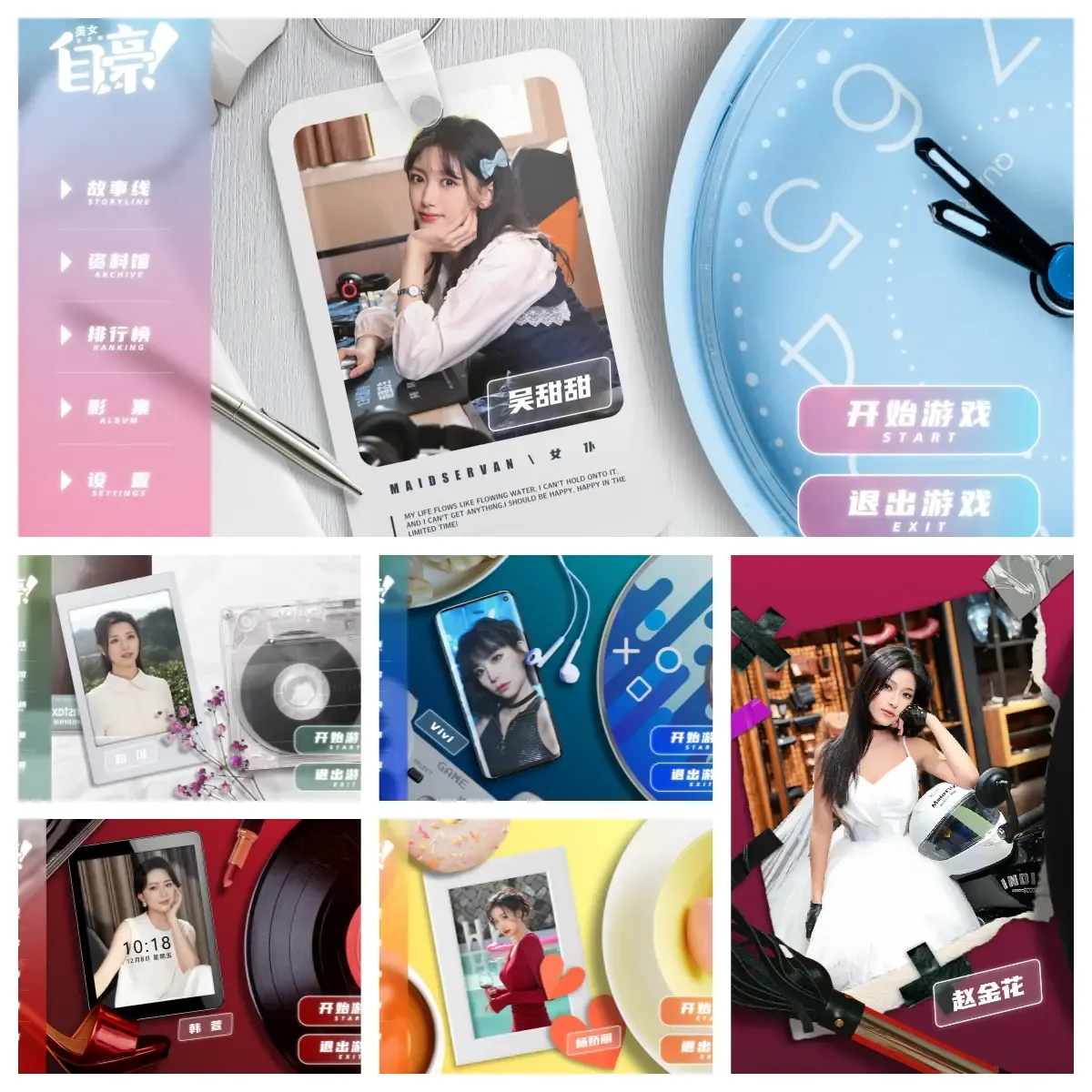
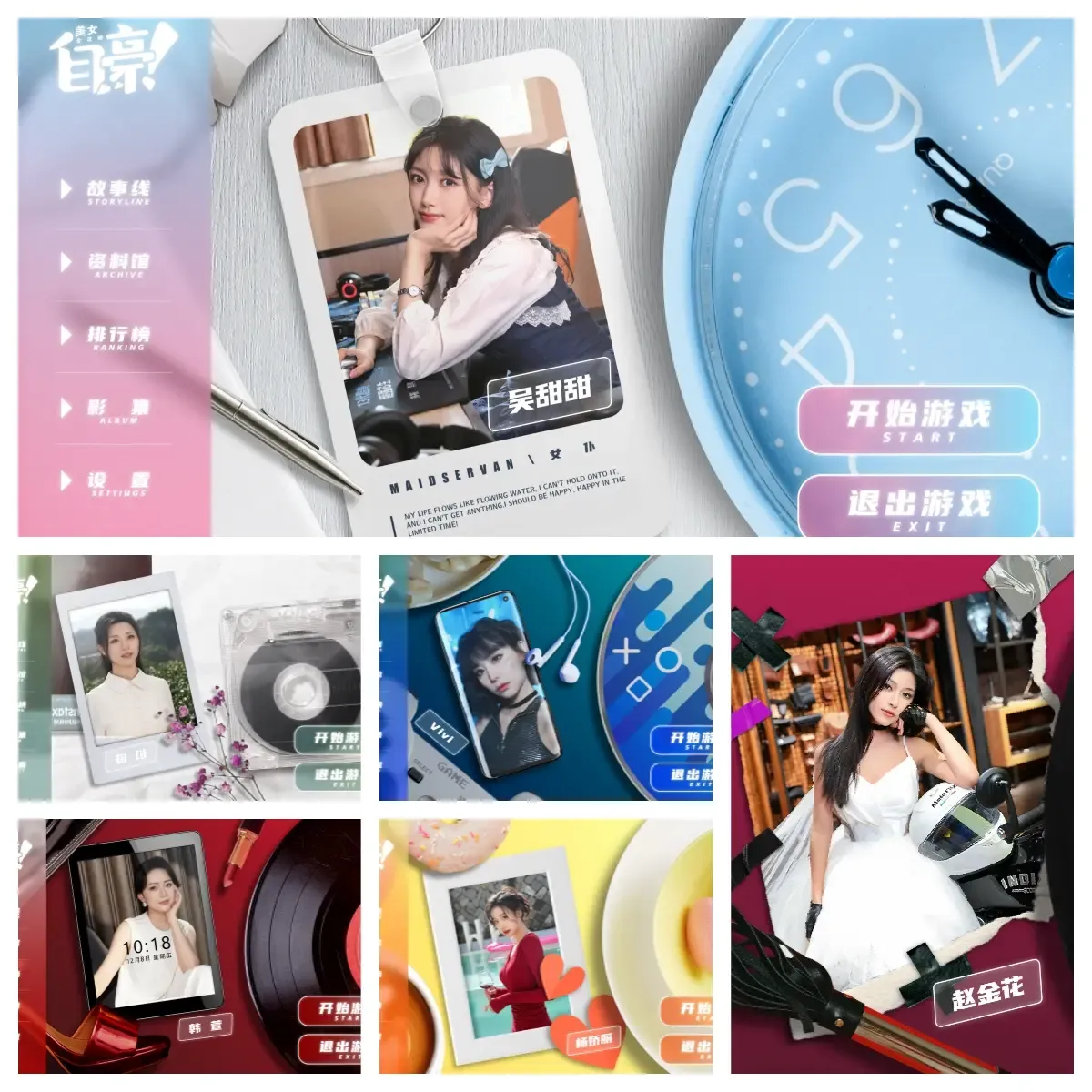
自豪!美女全攻略 (also known internationally as Proud To Love or Pride: A Complete Guide to Beauties) is a full-motion video (FMV) interactive romance and dating simulation game. Players experience first-person perspective branching storylines, making decisive relationship choices across multiple unique endings with a cast of distinct characters.
Acquiring your digital access on BitTopup offers an efficient, direct, and protected purchasing experience. This guide details everything you need to complete your order, verify platform requirements, activate your redemption code, and resolve any order questions immediately.
How to Recharge and Buy 自豪!美女全攻略 on BitTopup
Ordering your digital copy or game goods through BitTopup takes only a few moments. Follow this straightforward step-by-step process:
- Select the Game Edition or Top-Up Item: Navigate to the 自豪!美女全攻略 product page on BitTopup and select your desired game package or digital key edition.
- Verify Region Compatibility: Check the product edition listing to confirm that the key or top-up matches your target Steam account region.
- Enter Required Account Information: Provide the destination email address or target account identifier where your order delivery notifications should be sent.
- Proceed to Checkout: Click the purchase button to access the secure payment gateway. Review your order summary and the displayed price.
- Complete the Transaction: Choose your preferred payment method and finalize the purchase. Your order enters processing instantly upon payment confirmation.
- Receive and Redeem Your Code: Access your digital activation key directly on the order completion screen or retrieve it from your BitTopup registered account order history.
Account Safety Guarantee: Why No Password Is Required
BitTopup strictly adheres to high customer privacy and security standards. You are never required to share your Steam password, personal login credentials, or multi-factor authentication security codes to buy or recharge 自豪!美女全攻略.
- Zero Account Access: Top-up orders and game key deliveries operate strictly via external code distribution or public identifier processing. BitTopup staff will never request your sensitive login credentials.
- Encrypted Transactions: All checkout pathways utilize standard TLS/SSL encryption to safeguard payment details and customer data.
- No Account Sharing Risks: You keep complete control over your account. There is no risk of unauthorized account modifications or login lockouts from untrusted IP locations.
How to Find Your Player Information and Order Details
Before completing your transaction, make sure you know where to locate your account identifiers and where your delivered digital goods will appear.

Locating Your Account Identifier
- Launch your desktop gaming platform client (such as Steam).
- Click your profile name in the upper-right corner of the interface and select Account Details.
- Your unique Steam ID / Account ID is displayed directly beneath your username at the top of the account summary page.
- Ensure you retain your primary email address to receive delivery notifications and order receipts generated by BitTopup.
Supported Payment Options and Real-Time Checkout Pricing
BitTopup supports a diverse selection of international and regional payment methods to ensure smooth transactions across all serviced territories. Available payment options include major credit and debit cards, secure online bank transfers, reputable regional e-wallets, and modern digital payment methods.
All pricing, processing fees, and foreign exchange rates are dynamically calculated and transparently displayed directly on the live checkout interface before you authorize your transaction. There are no hidden fees added after you submit payment.
Delivery Process and Instant Code Redemption Steps
Once your transaction completes, your digital key or recharge item is distributed automatically. Follow these instructions to activate your product on the Steam desktop client:
- Open and log into the Steam Client on your PC.
- Navigate to the top menu bar and click on Games.
- Select Activate a Product on Steam... from the drop-down menu.
- Follow the on-screen prompts and click Next, then accept the Steam Subscriber Agreement.
- Copy the product code received from BitTopup and paste it into the Product Code box.
- Click Finish. 自豪!美女全攻略 will now be permanently registered to your Steam Library.
- Go to your Library, select 自豪!美女全攻略, and click Install to download the high-definition FMV video and game files.
| Order Stage | Expected Action | Status Check Location |
|---|---|---|
| Payment Authorized | Instant order verification and key allocation | BitTopup Checkout Screen |
| Code Delivery | Digital code provided on screen & sent to email | BitTopup Order History / Inbox |
| Client Activation | Input key under Steam 'Activate a Product' menu | Steam Desktop Client |
| Game Installation | Download complete game assets and video packs | Steam Game Library |
Regional Activation Requirements and PC System Specs
Because 自豪!美女全攻略 is an FMV interactive video title containing hours of high-bitrate video footage, ensure your computer hardware meets the minimum performance and storage criteria prior to downloading.
- Operating System: Windows 10 / Windows 11 (64-bit required)
- Processor (CPU): Intel Core i3 / AMD equivalent or higher
- Memory (RAM): 4 GB minimum (8 GB recommended for smooth 1080p/4K video playback)
- Graphics (GPU): DirectX 11 compatible graphics card (Intel HD Graphics 4000, NVIDIA GeForce GTX 750 Ti or better)
- Storage Space: Minimum 20 GB available high-speed storage (SSD recommended to prevent video buffering during branching narrative cuts)
- Regional Activation: Verify that your Steam store account region matches the product key territory indicated on the checkout listing before finalizing your purchase.
Frequently Asked Questions
How do I recharge or buy 自豪!美女全攻略 on BitTopup?
Select the 自豪!美女全攻略 package on BitTopup, input your contact email, choose your preferred payment method on the checkout page, and confirm the purchase. You will receive your digital product key instantly upon payment completion.
Do I need to provide my Steam account password to complete the recharge?
No. BitTopup will never ask for your account password. All products are delivered via digital redemption codes or secure public identifier processing that never compromises your account login credentials.
How quickly will I receive my order after completing payment?
Digital keys and recharge orders are processed automatically by the BitTopup fulfillment system. Your code appears immediately on the confirmation page and is dispatched to your registered email address as soon as payment is verified.
What payment methods can I use to purchase 自豪!美女全攻略?
BitTopup offers a comprehensive range of global and localized payment channels, including credit/debit cards, regional e-wallets, online bank transfers, and digital currencies. Available payment options are updated live on the checkout screen based on your region.
Are there any region restrictions when activating 自豪!美女全攻略?
Certain digital codes are region-specific (e.g., Global, Mainland China, Asia, or specific regional currencies). Review the region tag displayed on the BitTopup product page to ensure compatibility with your personal Steam account country setting.
What should I do if my redemption code fails or an order is delayed?
Verify that the code was entered accurately into the Steam activation prompt with no accidental leading or trailing spaces. If your code reports an error or your order status remains pending, contact BitTopup Customer Support immediately with your Order ID for rapid verification.
24/7 Customer Support Assistance
If you experience any delays with order processing, encounter regional activation questions, or need assistance locating your redemption details, BitTopup provides dedicated 24/7 customer service. Reach out to the support team through the live chat widget on the BitTopup website or submit a ticket through your account dashboard with your transaction reference number for immediate assistance.












![ToGather: Island CD-Key [STEAM] - Recargar](https://pic.bittopup.com/apiUpload/a3e30e5c466353a03be69541b03285a5.png?imageView2/0/w/120/h/120/format/webp/ignore-error/1 "ToGather: Island CD-Key [STEAM] - Recargar")