


Amazon Gift Card (US) Top Up: Instant Digital Balance
Recharging your Amazon.com balance allows you to shop millions of physical products, digital media, Kindle eBooks, Prime Video rentals, and digital subscriptions across the United States storefront. An Amazon Gift Card (US) top up delivers a digital claim code that applies directly to your account balance in US Dollars (USD).
BitTopup provides direct access to US Amazon digital claim codes with instant digital delivery upon payment verification. You do not need to share your personal Amazon login credentials, password, or direct account access to receive your funds. You receive an authentic claim code that you apply directly inside your own account settings.
Amazon.com US Region Locking and Currency Exclusivity
Amazon gift cards are strictly region-locked and currency-specific. A US Amazon Gift Card functions only on the United States marketplace (Amazon.com) and cannot be transferred, converted, or used on other regional Amazon domains.
Store Compatibility Overview
| Amazon Marketplace | Domain | Accepts Amazon Gift Card (US)? | Currency |
|---|---|---|---|
| United States | Amazon.com | YES | USD ($) |
| Canada | Amazon.ca | NO | CAD ($) |
| United Kingdom | Amazon.co.uk | NO | GBP (£) |
| Germany | Amazon.de | NO | EUR (€) |
| Japan | Amazon.co.jp | NO | JPY (¥) |
| Australia | Amazon.com.au | NO | AUD ($) |
If you reside outside the United States, you can still buy US Amazon gift card from abroad and redeem it on Amazon.com, provided your shipping address is within the US or you are purchasing digital goods that do not have geographic licensing restrictions.
How to Recharge Amazon Gift Card (US) Balance in 2026
Applying a digital claim code to your Amazon account takes less than a minute. You can complete the process using either a desktop web browser or the official Amazon shopping mobile app.
Desktop Web Browser Redemption Steps
- Open your web browser and go to Amazon.com.
- Log in to your Amazon account.
- Hover over Account & Lists in the top-right header and select Account.
- Click on Gift cards (or navigate directly to
amazon.com/gc/redeem). - Enter your 14- or 15-character digital claim code into the input field.
- Click Apply to your balance.
- The funds will immediately show under your Your Gift Card Balance.
Mobile App Redemption Steps (iOS / Android)
- Launch the Amazon Shopping app on your mobile device.
- Tap the Profile / User icon (second tab from the left at the bottom menu).
- Scroll to the Payments section and tap Manage gift card balance.
- Select Redeem another gift card.
- Type or paste your 14- to 15-character claim code into the box.
- Tap Apply to your balance to complete your Amazon Gift Card US recharge.
Locating Your Account and Code Details
When purchasing digital vouchers, knowing where to enter and verify your code is essential for an error-free checkout.
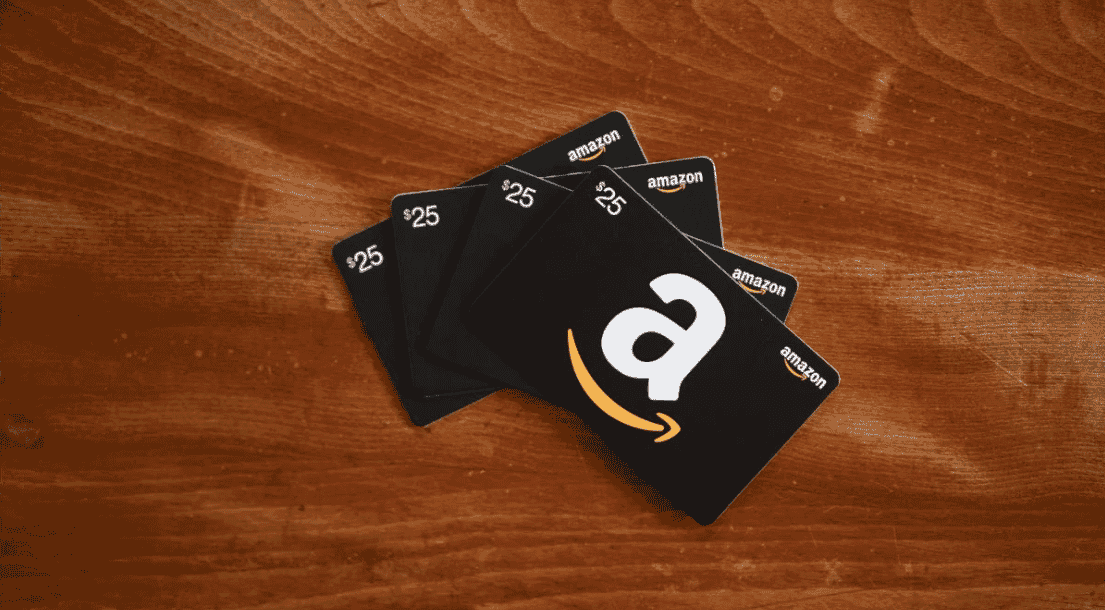
After completing your purchase on BitTopup, your digital code appears on your order confirmation screen and is sent to your registered email address. The code typically looks like a series of alphanumeric characters (e.g., ABCD-1234EF-G567). Keep this code private until you have submitted it on the official Amazon redemption screen.
Important Account Safety Guidelines and Preventing Holds
Amazon enforces automated risk detection systems to protect user security. To ensure a smooth transaction and prevent automated account flags, follow these operational best practices:
- Avoid Redeeming High Values on Brand-New Accounts: If your Amazon account was created within the last 48 hours, avoid redeeming large cumulative balances immediately. Add a verified phone number, complete email verification, and set a primary delivery address first.
- Keep Billing Details Consistent: Ensure your Amazon account has a primary credit card, debit card, or standard backup billing address attached. Accounts with complete profile details process gift card balances with higher trust scores.
- Avoid Excessive VPN Switching: Do not cycle through multiple proxy or VPN IP locations while redeeming a claim code. Log in from your standard residential connection when applying codes.
- Balance Purchase Restrictions: Amazon Gift Card balances cannot be used to purchase other third-party gift cards (such as Apple Gift Cards, Google Play codes, PlayStation Network cards, or Visa prepaid cards) on Amazon.com. They are intended for physical items sold/shipped by Amazon, third-party marketplace sellers, Kindle content, and eligible digital media.
Troubleshooting Common Amazon Claim Code Errors
If you experience an issue when attempting an Amazon Gift Card (US) top up, review these common error codes and solutions:
1. "Code is Invalid"
- Check for easily confused characters: number
0vs letterO, number1vs capitalI, letterBvs number8. - Ensure there are no trailing spaces or hidden characters copied before or after the code string.
- Confirm you are logged into Amazon.com and not a localized domain such as Amazon.ca or Amazon.co.uk.
2. "Already Redeemed to Another Account"
- Amazon claim codes can only be applied once. If your household shares a computer, check if another family member's account was logged in when clicking redeem.
- Review your Gift Card Activity log under your Amazon account settings to verify if the balance was already added during a previous attempt.
3. "Direct Customer Service Hold"
- If you see a prompt asking you to contact Amazon Customer Service, your account may be undergoing standard verification. Submit the receipt provided in your BitTopup order history to show proof of code ownership.
Why Buy Amazon Gift Card US on BitTopup?
BitTopup offers a direct, secure pathway to purchase digital balance for US gaming, electronics, books, and everyday shopping.
- Direct Digital Delivery: Your code is generated upon payment confirmation so you can recharge without waiting.
- Zero Account Sharing: We never ask for your Amazon login credentials or private security questions. You receive an independent claim code to apply yourself.
- Live Checkout Transparency: All product values, denominations, and total costs are clearly displayed during checkout on the live order screen with no hidden fees.
- Dedicated 24/7 Support: Our customer service team is available around the clock to assist you with order tracking, code delivery, and redemption inquiries.
Frequently Asked Questions
Can I use a US Amazon gift card on Amazon UK, Canada, or other regional stores?
No. Amazon gift cards are strictly locked to the regional store where they were issued. A US Amazon Gift Card is denominated in USD and works only on Amazon.com. It cannot be used on Amazon.co.uk, Amazon.ca, Amazon.de, Amazon.co.jp, or any other regional Amazon marketplace.
How do I redeem and recharge my Amazon gift card balance?
Sign in to your Amazon.com account on a web browser or the mobile app. Go to Account > Gift cards > Redeem a Gift Card. Enter your 14- or 15-character digital claim code and click Apply to your balance. The funds are immediately added to your total gift card balance.
Do Amazon.com gift card claim codes have an expiration date?
No. Under Amazon.com terms, US Amazon Gift Cards and claim codes do not expire, and there are no inactivity or maintenance fees deducted over time. Once redeemed, the balance stays in your account until spent.
Can I buy a US Amazon gift card if I live outside the United States?
Yes. You can buy a US Amazon Gift Card on BitTopup from anywhere in the world using our supported international payment options. You can use this balance on Amazon.com to buy digital goods (like Kindle eBooks) or physical products that offer international shipping to your country.
Why was my Amazon account flagged after redeeming a gift card?
Amazon's automated fraud detection may flag accounts that redeem high-value cards on brand-new profiles, accounts using unstable proxy/VPN connections, or accounts lacking a verified phone number and backup address. To avoid flags, ensure your account profile is fully verified before applying large balance values.
Can I use my Amazon gift card balance to purchase other gift cards?
No. According to Amazon's Gift Card Terms & Conditions, you cannot use an existing Amazon balance to purchase third-party gift cards (such as App Store, Steam, or Xbox gift cards) or another Amazon gift card.