


Apple Gift Card IE Top Up: Overview and Compatible Services
An Apple Gift Card (IE) adds digital funds directly to your Irish Apple Account balance in Euro (EUR). Once redeemed, your account balance works across all official Apple digital storefronts linked to Ireland. You can use your loaded credit to pay for games, apps, in-game items, and ongoing digital subscriptions without linking a personal credit card or bank account to your device.
Compatible Apple Services in Ireland
- App Store: Purchase paid apps, games, expansion packs, and in-app currency.
- Apple Subscriptions: Pay for recurring monthly or yearly plans including Apple Music, Apple TV+, Apple Arcade, and Apple Fitness+.
- iCloud+ Storage: Cover monthly cloud storage plans (50 GB, 200 GB, or 2 TB tiers).
- Apple Books: Buy digital books and audiobooks.
- Apple Services Bundles: Pay for Apple One individual or family subscriptions.
Ireland (EUR) Region Restrictions and Account Compatibility Rules
Apple Gift Cards are strictly region-locked. An Apple Gift Card issued for Ireland (IE) can only be redeemed on an Apple Account whose country or region setting is set to Ireland, with billing handled in EUR.
| Feature | Apple Gift Card (IE) Specification |
|---|---|
| Card Currency | Euro (€ / EUR) |
| Storefront Region | Ireland (IE) |
| Account Requirement | Apple Account registered to Ireland |
| Redemption Method | 16-character alphanumeric digital code |
| Cross-Region Usability | No (Cannot be used on UK, US, or other EU country accounts) |
| Balance Expiration | Does not expire once applied to account |
If your Apple Account is set to the United Kingdom (GBP), the United States (USD), or any other European Union country (such as France or Germany), an Irish code will fail with an error stating the code must be redeemed in an Irish storefront. Ensure your Apple ID region matches before purchasing.
Verifying Your Apple Account Region Before Buying
To confirm that your device and account can redeem an Ireland gift card code, check your current region settings directly on your Apple hardware or via a web browser.
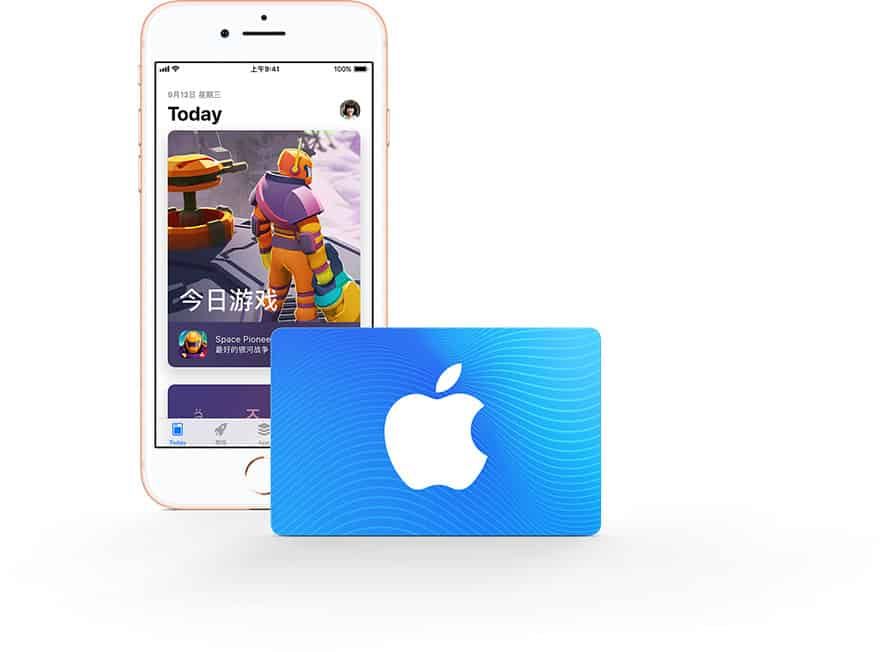
How to Check Your Account Country on iOS and iPadOS
- Open the Settings app on your iPhone or iPad.
- Tap your Name / Apple ID profile banner at the top.
- Tap Media & Purchases, then select View Account.
- Tap Country/Region to see your current storefront registration. It must list Ireland.
How to Check via a Web Browser
- Go to
account.apple.comand sign in with your Apple Account. - Select Personal Information from the left navigation menu.
- Scroll down to Country / Region and confirm it displays Ireland.
How to Recharge Apple Account Balance with an Ireland Gift Card Code
BitTopup delivers a 16-character digital redemption code directly to your order screen and email address. You do not need to share your Apple Account password or grant remote access to your device. You receive the code, open your Apple app, and redeem the code directly.
Digital Code Structure
Apple digital redemption codes consist of a 16-digit alphanumeric string beginning with an X. Keep your code private until you enter it into your own account.
Step-by-Step Redemption Guide for iPhone, iPad, Mac, and PC
Follow these device-specific instructions to apply your Irish digital code to your Apple balance.
Redeeming on iPhone or iPad (iOS / iPadOS)
- Open the App Store app.
- Tap your profile picture or the sign-in button at the top-right corner of the screen.
- Tap Redeem Gift Card or Code.
- Tap Enter Code Manually.
- Type or paste the 16-character code received from BitTopup.
- Tap Redeem in the top-right corner. The EUR credit is immediately added to your Apple Account balance.
Redeeming on Mac (macOS)
- Open the App Store application on your Mac.
- Click your name or the sign-in button in the bottom-left sidebar.
- Click Redeem Gift Card in the top-right corner of the window.
- Enter your Apple Account password if prompted.
- Enter the 16-character code manually into the text box.
- Click Redeem to confirm.
Redeeming on Windows PC
- Open the Apple Music app, Apple TV app, or iTunes for Windows.
- Sign in with your Apple Account.
- Click your name or account menu, then choose Redeem.
- Enter your 16-digit code and click Redeem.
Troubleshooting Common Apple Gift Card Redemption Errors
If you run into an issue when entering your code, use the following steps to resolve it.
- Code is Not Valid: Check for commonly confused characters. The letter
Oand the number0, the letterIand the number1, or the letterBand the number8can look identical. Re-enter the code carefully. - Code Must Be Redeemed in a Different Storefront: Your Apple Account is set to a region other than Ireland. Change your Apple Account region to Ireland (requires spending existing balances and canceling active foreign subscriptions first) or redeem the code on an Irish Apple ID.
- Card Has Already Been Redeemed: Refresh your App Store balance. Sign out of your Apple ID and sign back in. In most cases, the balance applied on the first attempt even if a connection glitch displayed an error message.
- Card Is Inactive: If an activation error appears, contact BitTopup customer support with your order reference number for immediate verification.
Why Buy and Recharge Apple Gift Card (IE) via BitTopup
- Instant Digital Delivery: Digital codes are generated and sent straight to your screen and email inbox immediately after payment confirmation.
- Zero Password Risk: BitTopup never asks for your Apple ID credentials, passwords, or two-factor authentication codes.
- Clear Pricing in EUR: Current prices and denominations are shown transparently on the live checkout screen.
- 24/7 Customer Service: Dedicated support agents are available around the clock to help resolve order or redemption questions.
Frequently Asked Questions
Can an Apple gift card be topped up or recharged directly?
No. Physical or digital Apple Gift Cards cannot have additional funds reloaded onto the same code. Once you redeem the 16-character code into your Apple Account, the code becomes inactive. To increase your account balance again in the future, buy a new Apple Gift Card (IE) code and redeem it.
Can I use an Apple Gift Card (IE) on an Apple Account registered outside Ireland?
No. Apple enforces strict regional locks on all digital gift cards. An Irish EUR gift card can only be redeemed on an Apple Account configured for the Ireland App Store. It cannot be applied to UK, US, or non-Irish EU accounts.
How can I check my Apple Account balance after redeeming an Irish gift card?
On an iPhone or iPad, open the App Store and tap your profile icon in the top-right corner. Your remaining balance will appear under your name in Euro (€). On a Mac, open the App Store and look beneath your account name in the lower-left corner.
Where can I buy an Apple Gift Card for Ireland online?
You can purchase an authentic Apple Gift Card (IE) online directly from BitTopup. Select your required EUR denomination, complete checkout using secure payment methods, and receive your digital redemption code instantly.
Can I convert an Apple Gift Card balance to cash or Apple Pay?
No. Funds redeemed from an Apple Gift Card are permanently tied to your Apple Account balance. They cannot be transferred to Apple Cash, withdrawn to a bank account, refunded for cash, or used to make purchases outside of official Apple digital stores and services.
What should I do if my Apple Gift Card code shows as invalid or already redeemed?
First, verify that every character was typed accurately and that your Apple ID storefront is set to Ireland. Next, check your purchase history to confirm if the balance already credited to your account. If the problem persists, contact BitTopup 24/7 support with your order number for quick assistance.