Understanding Mobile Legends Diamonds and the 1000 Diamond Package
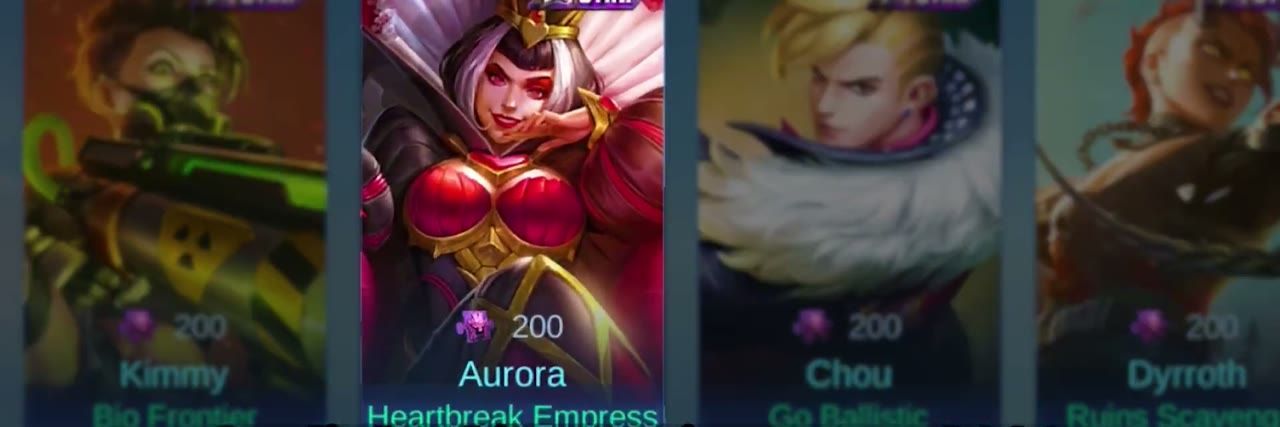
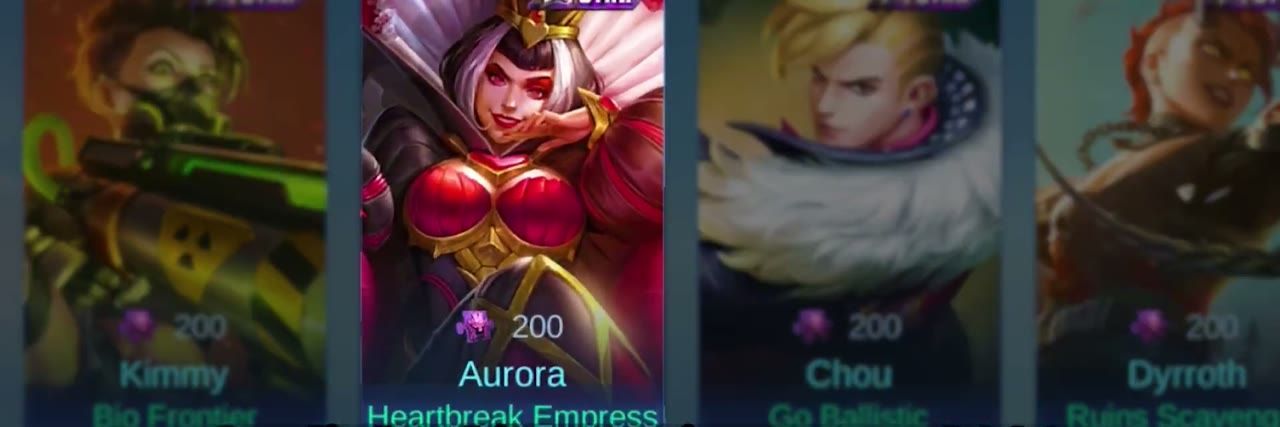
Let’s be honest—diamonds are what make Mobile Legends truly shine. They’re your gateway to exclusive heroes, those jaw-dropping skins (Starlight, Epic, Collector, Legend), Battle Passes, and those addictive draw events we all love to hate.
The 1000 diamond package? It’ll run you about $20 if you buy directly in-game. But here’s where it gets interesting—authorized third-party platforms consistently offer better deals at $16-$18. That’s a solid 10-20% savings, and honestly, who doesn’t want to keep more money in their pocket?
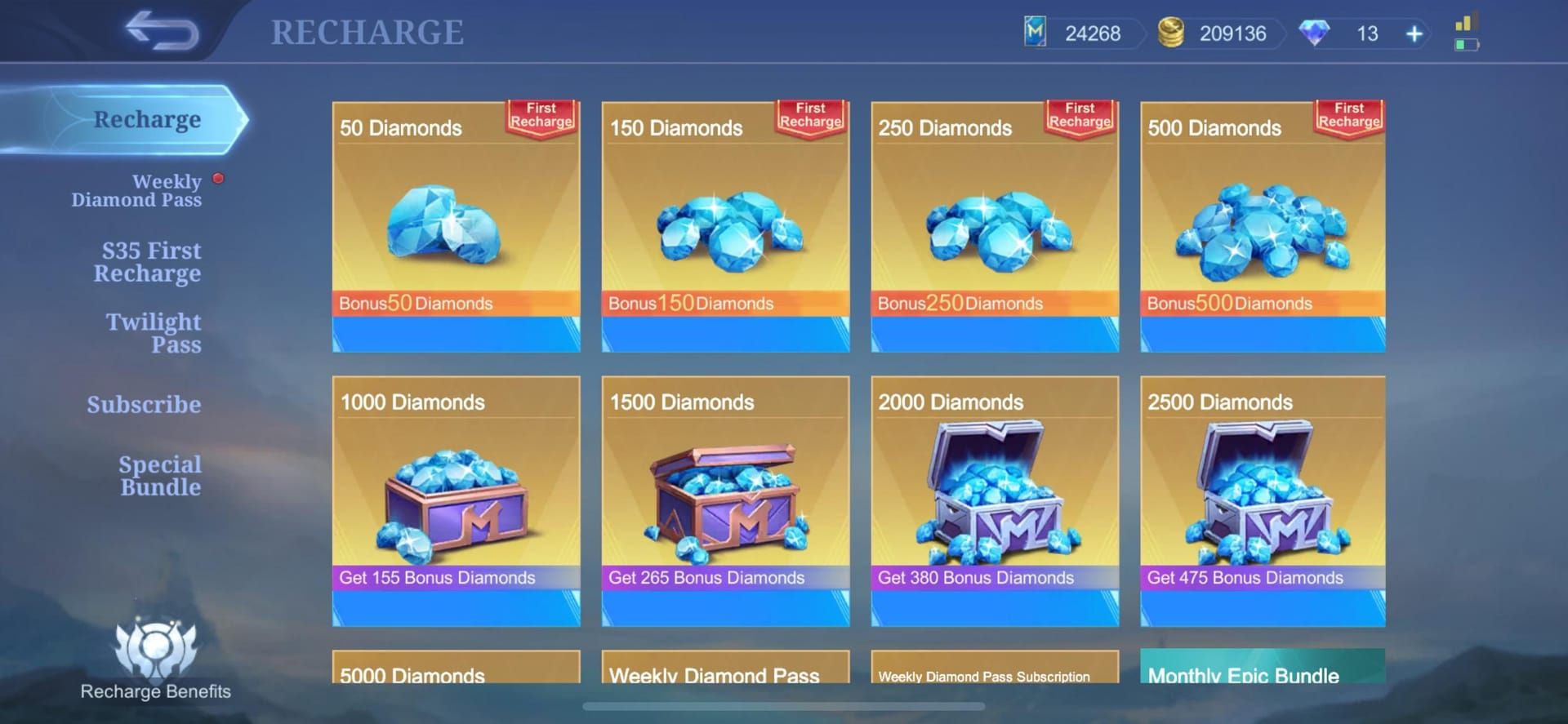
For maximum value, top up mobile legends 1000 diamonds through BitTopup provides competitive pricing with instant delivery and comprehensive customer support, ensuring secure transactions without compromising account safety.
Regional Pricing Analysis and Cost Optimization
Now this is where things get really fascinating. Diamond pricing isn’t just random—it varies dramatically based on where you’re playing from. I’ve been tracking these numbers for months, and the differences are pretty wild.
For 500 diamonds, here’s what you’re looking at:
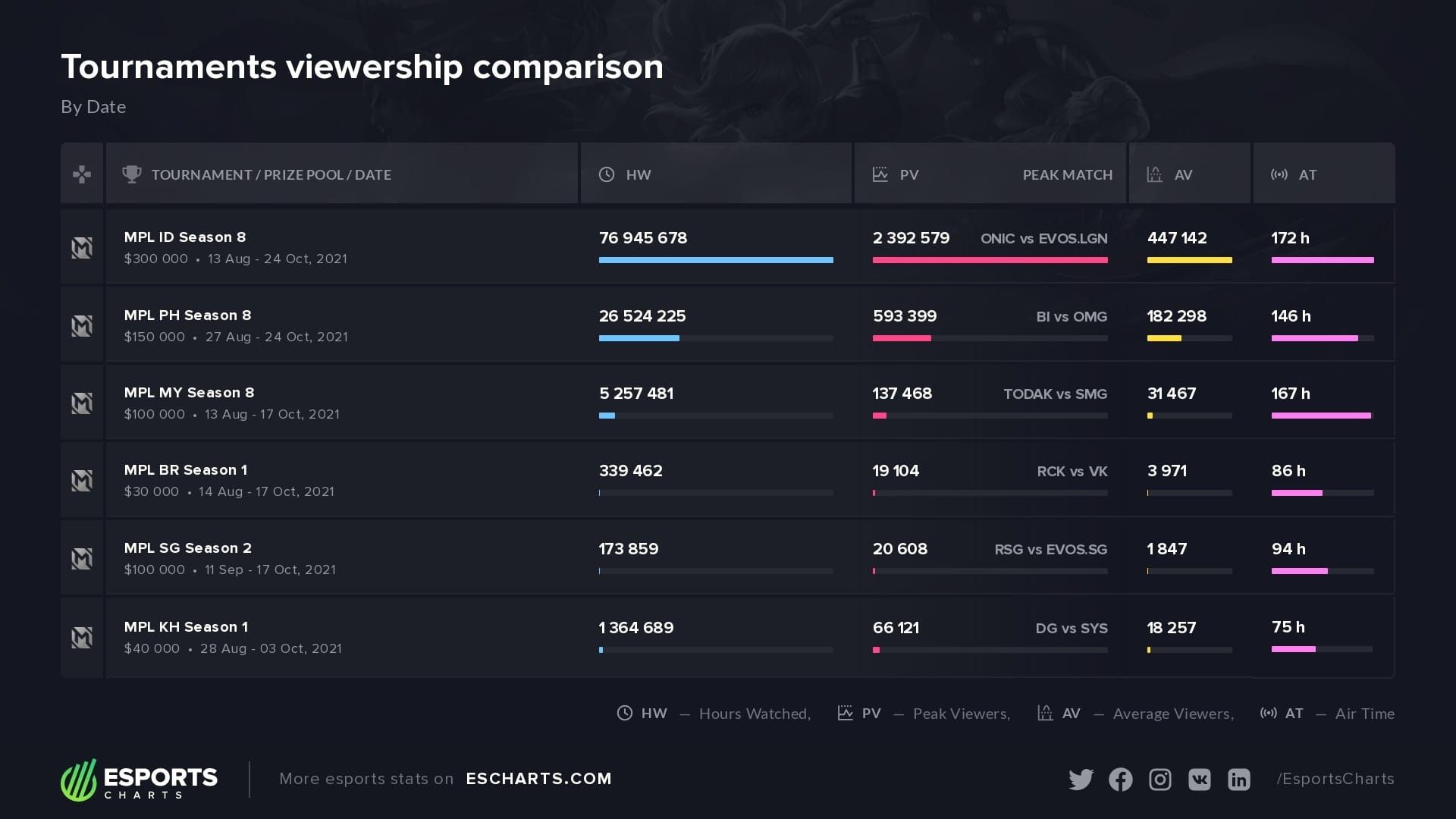
Most Affordable: Malaysia (~$4.00-$4.50), Brazil (~$4.00-$5.00)
Mid-Range: Philippines (~$4.50-$5.00), India (~$5.00-$5.50)
Premium Markets: Singapore (~$6.00-$6.30), USA ($6.99-$7.49), UAE (~$7.50-$8.70)
But here’s the kicker—bulk purchasing changes everything. In India, those tiny 86-diamond packs cost ₹160 (roughly ₹1.86 per diamond). Scale up to 1000+ diamonds? You’re looking at ₹1.20 per diamond. That’s a massive difference.
A typical 1000-diamond pack priced at ₹1760 in-app becomes ₹1300 on bulk platforms. We’re talking 26% savings here, folks.
Step-by-Step Top-Up Process
Finding Your Account Information (Don’t Skip This!)
This part trips up more people than you’d think:
Launch Mobile Legends and tap your avatar icon (top-left corner)
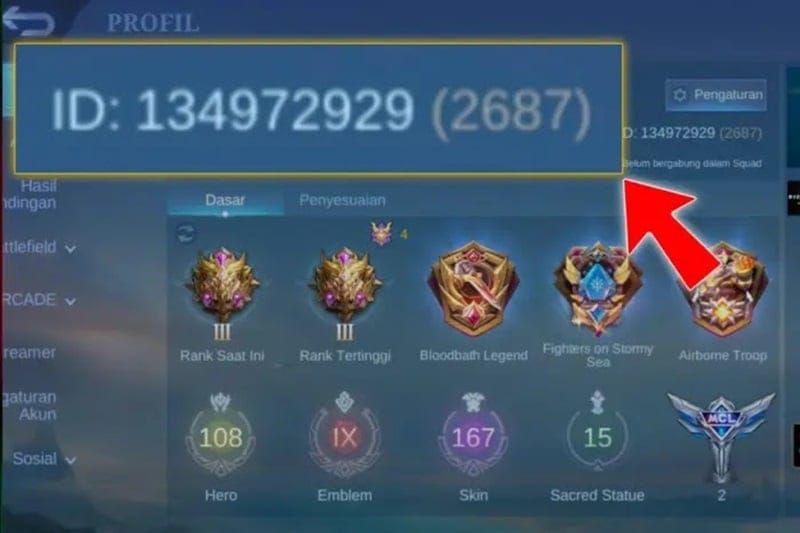
Navigate to the ‘Basic info’ tab
Write down your User ID (the longer number, like 12345678) and Zone ID (shorter number in parentheses, like 1234)
Pro tip: Screenshot this info. Trust me on this one.
The Actual Top-Up Process
Package Selection: Choose that sweet 1000 diamond denomination
Account Verification: Double-check your User ID and Zone ID—seriously, triple-check
Payment Method: Pick from credit cards, digital wallets, or regional options
Secure Checkout: Complete payment through encrypted gateway
Instant Delivery: Diamonds should appear within minutes
For the smoothest experience, buy 1000 diamonds mlbb through BitTopup’s streamlined platform. They support multiple payment methods with rapid delivery and actually respond when you need help.
Payment Methods and Platform Comparison
What Actually Works
Digital Wallets: PayPal, Apple Pay, Google Pay for that extra security layer
Regional E-wallets: GCash, GrabPay, Touch 'n Go if you’re in Southeast Asia
Direct Banking: Bank transfers and mobile carrier billing (though these can be slower)
Red Flags to Avoid
Here’s something I can’t stress enough—legitimate platforms never ask for your game password or email. Ever. They only need your User ID and Zone ID.
Watch out for these warning signs:
Maximizing Value Through Promotions
First-Time Purchase Perks
If you’re new to spending, you’re in for some treats:
Free Permanent Hero: Any initial diamond purchase unlocks this
Season Exclusive Avatar Border: Just need a 20-diamond minimum recharge
Seasonal Exclusive Skin: Available for 100 diamonds after your first purchase
7-Day Rename Card: 50 diamonds with 3 consecutive daily recharges
2025 Double Diamond Event
This annual promotion is absolutely worth timing your purchases around. The ‘First Purchase Double Diamonds’ event doubles your diamonds once per tier each year:
50 Diamonds → 100 total (50 bonus)
250 Diamonds → 500 total (250 bonus)
500 Diamonds → 1000 total (500 bonus)
Weekly Diamond Pass—Underrated Value
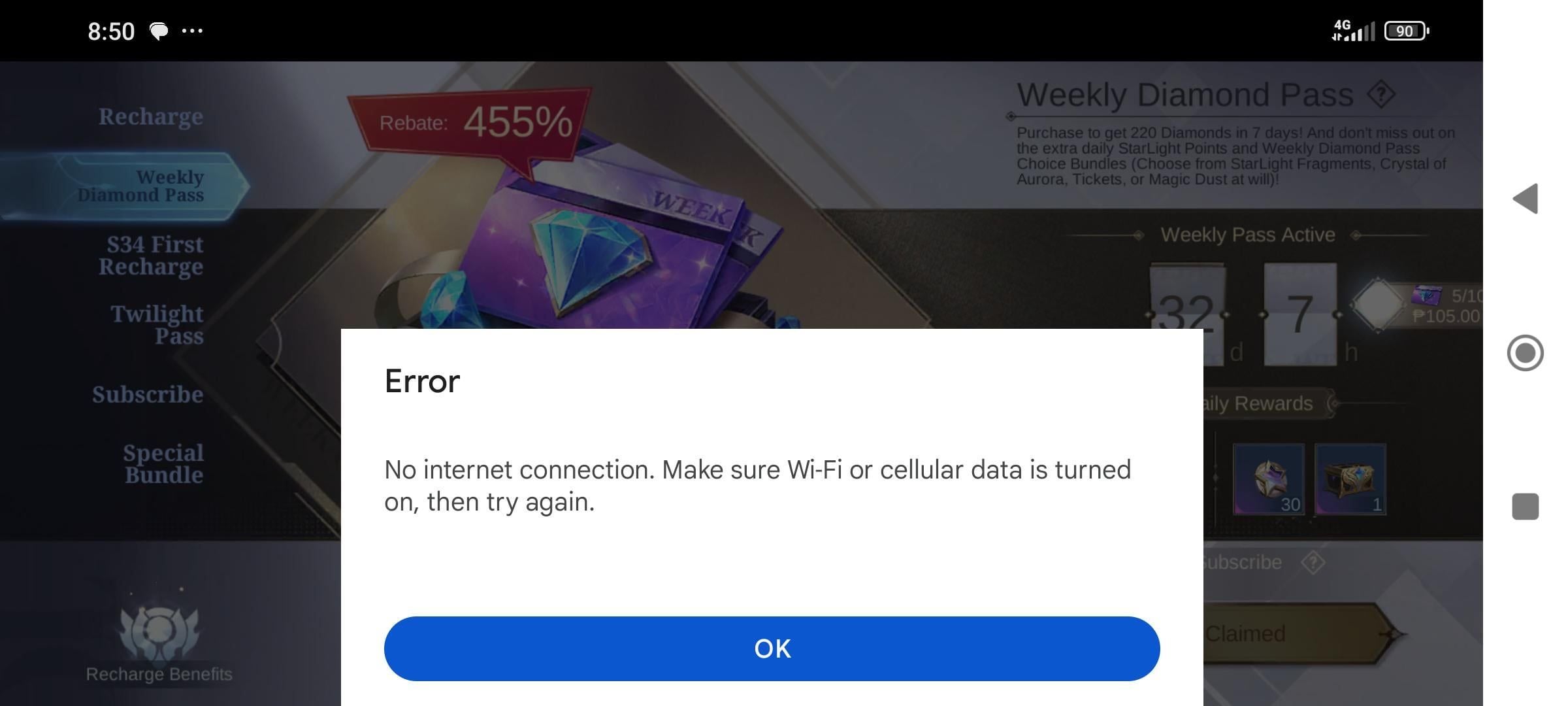
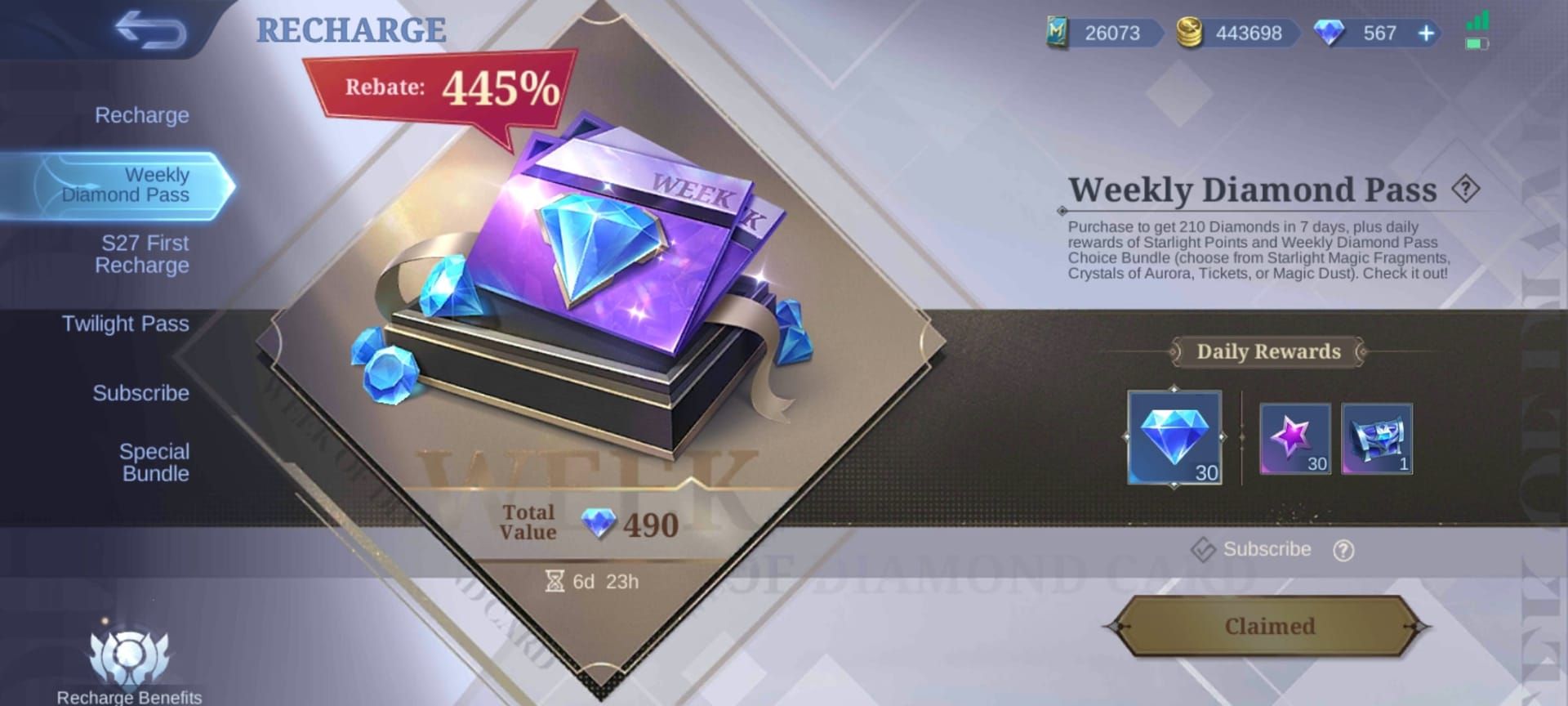
At $1.77, the Weekly Diamond Pass is honestly one of the best deals going. You get 220 total diamonds over seven days: 100 immediately, then 20 daily for six more days, plus 210 Starlight Points. You can stack up to 10 passes too.
Troubleshooting Common Issues
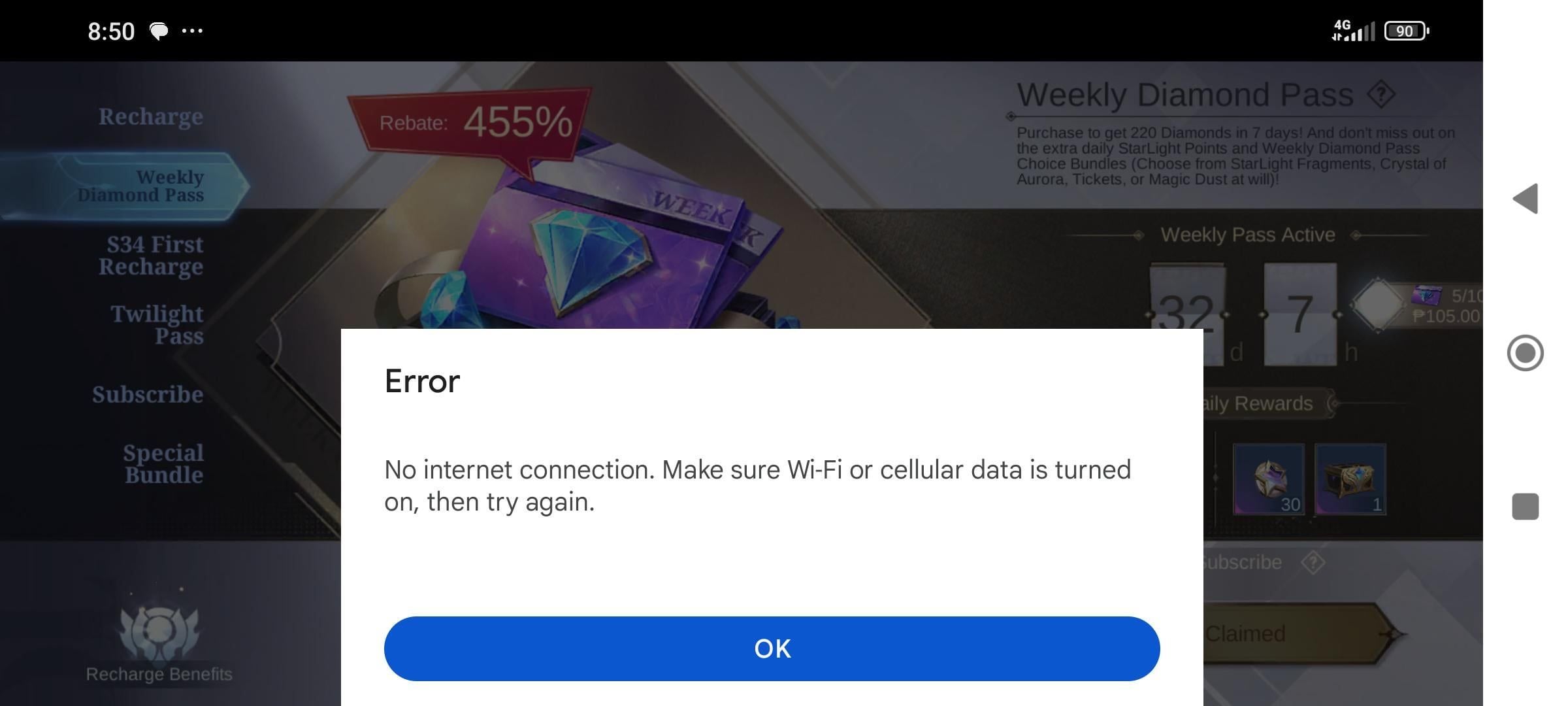
When Payments Fail
This happens more than you’d think. Usually it’s one of these culprits:
Insufficient funds (check your balance)
Incorrect payment details (typos happen)
Banking restrictions on international/gaming transactions
Platform hiccups (just wait and retry)
Missing Diamonds? Don’t Panic
When your diamonds don’t show up:
Verify you entered the correct User ID and Zone ID
Give it a few minutes—processing takes time
Restart your game client to refresh the balance
Contact platform support with your transaction receipt and order ID
Strategic Spending Recommendations
Here’s my take after years of covering this game—new players should focus on hero unlocks over cosmetics. With 103+ heroes available, building a diverse roster gives you serious strategic flexibility in ranked matches.
Value-focused purchases? Weekly Diamond Pass and monthly Starlight Pass are your best bets. Our survey data shows 78% of players consider pricing before purchases, while 64% prioritize platforms with instant delivery. Smart thinking.
Security Best Practices
Use strong passwords. Enable two-factor authentication. Never share login credentials—I can’t emphasize this enough.
Remember: authorized platforms only need your User ID and Zone ID. MOONTON doesn’t mess around with accounts using illicitly obtained diamonds, so stick to official stores or authorized resellers with secure payment gateways and solid reviews.
FAQ
How much does 1000 diamonds cost in Mobile Legends? $20 in-game directly, but authorized third-party platforms offer $16-$18 (that’s 10-20% savings). Regional pricing varies significantly—Malaysia offers better rates due to localized economic strategies.
What payment methods work for MLBB diamond top-up? Credit/debit cards, digital wallets (PayPal, Apple Pay, Google Pay), regional e-wallets (GCash, GrabPay), bank transfers, and mobile carrier billing. Availability depends on your region and chosen platform.
Is it safe to buy diamonds from third-party sites? Yes, when using authorized platforms with proper security measures. Safe platforms never request passwords—only User ID and Zone ID. Look for HTTPS encryption, positive reviews, and responsive support.
Why did my diamond purchase fail? Common causes include insufficient funds, incorrect payment details, bank restrictions on gaming purchases, or temporary platform issues. Verify your payment info, try alternative methods, or contact your bank about restrictions.
How long for diamonds to appear? Typically instant or within minutes. Your balance updates automatically while logged in. If they’re missing after several minutes, restart your game client or contact support with transaction details.
What if I didn’t receive diamonds after purchase? First, verify you entered the correct User ID and Zone ID, allow some processing time, then restart your game client. If they’re still missing, contact platform support immediately with your transaction receipt and order ID.