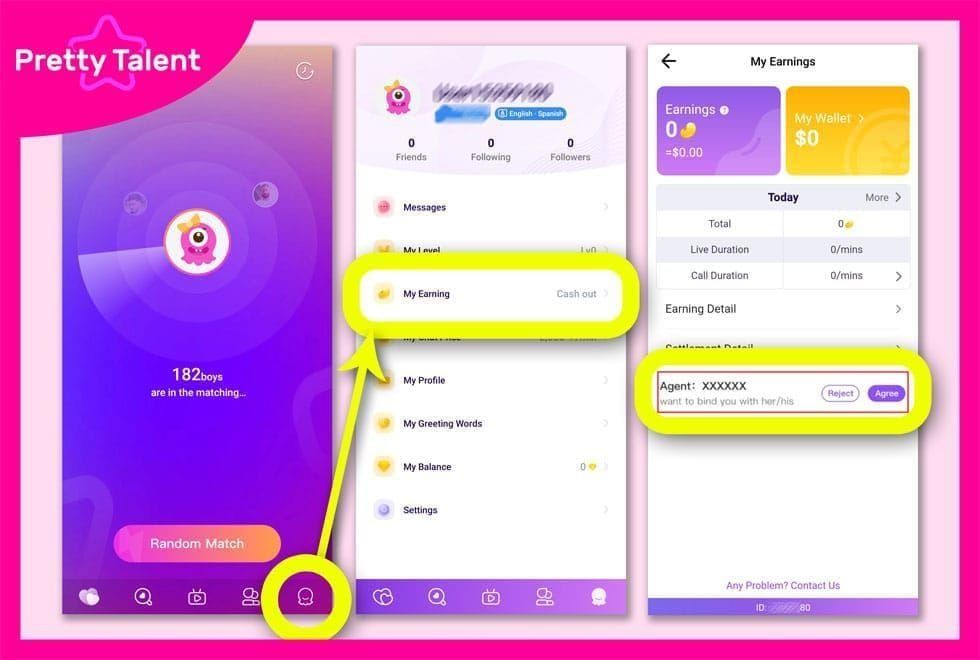
What Is Face Verification and Why It Matters
Three verification tiers determine withdrawal limits:
- Basic: Government ID + face verification = $50 daily limit
- Semi-verified: Proof of address (within 3 months) = $5,000 daily limit
- Fully-verified: Financial documentation = $10,000 daily limit
Minimum withdrawal: 100,000 Beans ($10 USD) with $1.20 system fee. Requirements: 18+ years old, ID valid for 30+ days.
Common Error Messages
- Verification Failed, Try Again Later: Server congestion or queue overload
- Network Timeout: Upload exceeds time limits due to unstable connections
- Photo Quality Insufficient: Camera below 5-megapixel minimum resolution
- System Busy: Peak usage periods with high server load
Three consecutive failures trigger manual review requiring 3-5 business days.
The Verification Loop Phenomenon
Verification loops trap users in repetitive failure cycles. Cache corruption creates temporary data conflicts preventing new attempts from registering. Initial processing takes 24-48 hours; each rejection adds another 24-48 hour delay. Multiple rejections extend to 3-5 business day manual reviews.
2026 System Evolution
Enhanced device fingerprinting analyzes screen resolution, timezone, language, and sensor configurations. Weekly settlement cycles run Monday 00:00-Sunday 23:59 UTC+8, processing starts Thursday 06:00 UTC+8. Submit by Wednesday evening for priority processing; Thursday/Friday submissions face 6-7 day waits.
Root Causes of Verification Loops
Cache Corruption and Data Conflicts
App cache stores partial uploads, incomplete liveness sequences, and server tokens. Corrupted data from interrupted connections causes subsequent attempts to reference bad cache instead of fresh sessions. Force-close procedures resolve 60% of sync issues.
Server-Side Processing Delays
Verification servers process submissions sequentially. Peak hours (evenings/weekends UTC+8) exceed capacity, causing timeouts. Off-peak morning hours UTC+8 significantly improve success rates by reducing queue competition.
Network Instability During Upload
Face verification uploads multiple high-resolution images. Network interruptions create partial transfers the server rejects but client-side app caches as complete. Connection drops during the 30-60 second upload window trigger most network-related loops.
Device Compatibility Problems
Minimum specs: 5-megapixel front camera at arm's length eye level. Older devices with lower resolution or damaged sensors fail quality thresholds. Screen protectors covering front cameras reduce light intake and create lens flare interfering with facial recognition.
Timing Issues
Peak periods (18:00-23:00 UTC+8 weekdays, full weekends) experience 3-4x higher volumes vs morning hours (06:00-10:00 UTC+8 weekdays). The 30-degree rotation requirement becomes stricter during high-load periods. Off-peak submissions benefit from relaxed validation and faster processing.
Immediate Fixes: Breaking the Loop
Step 1: Force Close App Properly
Android: Settings > Apps > Chamet > Force Stop
iOS: Swipe up from bottom (or double-click home), swipe Chamet card upward
Wait 15 seconds after force closing for complete process termination.
Step 2: Clear App Cache
Android: Settings > Apps > Chamet > Storage > Clear Cache (preserves login, chat history, settings)
iOS: Settings > General > iPhone Storage > Chamet > Offload App (preserves data, removes executable)
Frees 50-200MB typically.
Step 3: Reset Network Connection
Toggle airplane mode on for 10 seconds, then off. For WiFi, disconnect and reconnect. Mobile data users: verify APN settings, disable VPN services. Direct connections improve upload reliability.
Step 4: Restart Device
Full restart clears system-level memory and background processes. Power off completely, wait 30 seconds, power on. Maintain 50%+ battery to prevent power-saving modes from throttling camera/network performance.
Step 5: Optimal Timing Strategy
Schedule attempts during off-peak morning hours UTC+8 (06:00-10:00) on weekdays. Avoid weekends when global activity peaks. Wait minimum 30 minutes between retries for server-side session cleanup.
Advanced Cache Bug Solutions
Android Cache Clearing Walkthrough
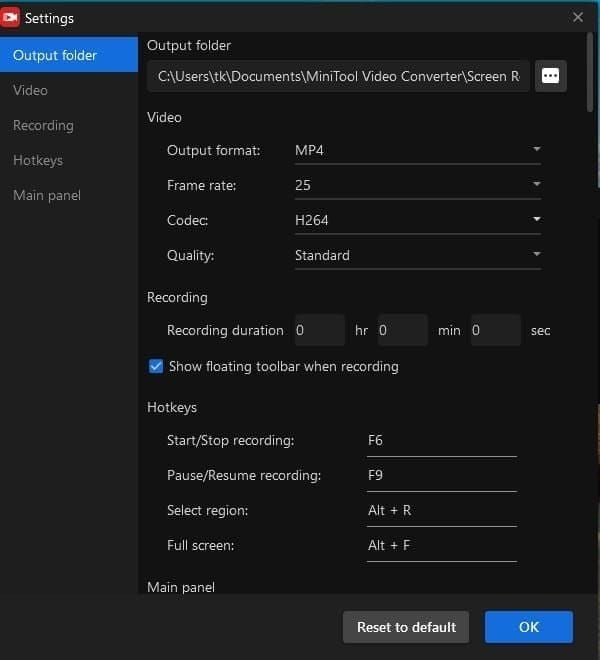
Settings > Apps > See all apps > Chamet > Storage & cache. Tap Clear cache for temporary files. Clear storage if cache clearing fails (logs out, resets preferences—verify recovery credentials first).
iOS Cache Management
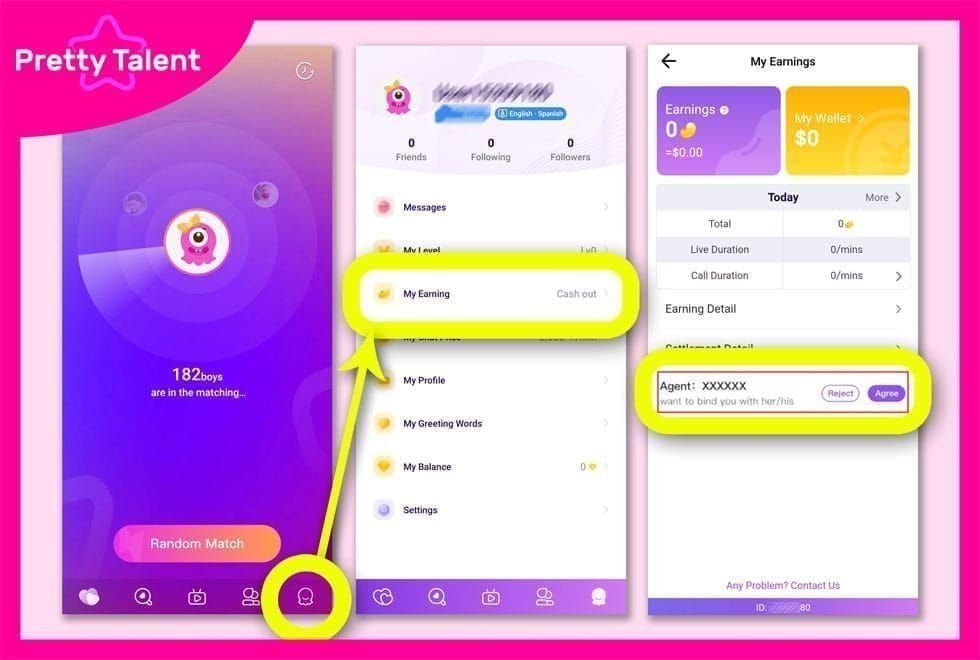
Settings > General > iPhone Storage shows consumption (200-500MB typical). Offload App removes executable while preserving data. For complete cache elimination: enable iCloud backup (Settings > [Your Name] > iCloud > Manage Storage > Backups), then delete and reinstall to restore from cloud.
Cache vs Data Clearing
Cache clearing suffices for 80% of loops caused by temporary session conflicts. Preserves login, chat, preferences. Full data clearing necessary when cache fails after 2-3 attempts or errors reference account status.
Storage Requirements
Minimum 500MB free storage required. App temporarily stores high-resolution images (10-15MB per attempt) locally before upload. Check available storage, remove unused apps/media/downloads.
Mastering Retry Timing
For seamless diamond purchases after verification, buy Chamet diamonds online through BitTopup's secure platform with excellent customer service.
Server Load Patterns
Success rates peak 06:00-10:00 UTC+8 weekday mornings (40-50% lower load vs evening). Monday/Tuesday mornings show highest success as weekend backlogs clear. Friday afternoons and weekends represent worst timing.
The 30-Minute Rule
Server session cleanup cycles run every 20-25 minutes. 30-minute waits ensure fresh session allocation vs cached rejection data. Immediate retries within 5-10 minutes encounter duplicate submission blocks.
Weekend vs Weekday Success
Weekday submissions (Monday-Friday 09:00-17:00 UTC+8) process through fully-staffed manual review queues. Weekend submissions don't begin processing until Monday, adding 48-72 hour delays. Test withdrawals (100,000 Beans) submitted weekday mornings arrive within 1-2 business days; Saturday submissions require 4-5 days.
Time Zone Considerations
Primary servers operate UTC+8 (Singapore/Hong Kong/Manila). Western users gain advantages submitting during their evening hours (Asian mornings):
- European users: 22:00-02:00 local time
- American users: 09:00-13:00 local time
Optimizing Verification Environment
Lighting Requirements
Even, diffused lighting eliminates harsh shadows. Natural indirect sunlight from windows (with curtains) provides optimal conditions. Artificial lighting: multiple sources at 45-degree angles, eye level on both sides. Avoid single overhead lights creating under-eye shadows.
Camera Positioning

Position front camera at arm's length eye level, 30-40cm from face. Hold device vertically in portrait orientation with camera centered. Tilted/angled positions cause perspective distortion triggering quality rejections.
Background Requirements
Plain, solid-color backgrounds in neutral tones (white, beige, light gray) provide optimal contrast. Avoid busy patterns, multiple colors, moving elements, other people, mirrors, or reflective surfaces. System expects single-face isolation.
Facial Expression and Accessories
Maintain neutral expressions during initial capture before liveness actions. Remove glasses, hats, headbands, large earrings obscuring features or creating shadows. Removing prescription glasses eliminates lens glare and frame shadows.
Technical Requirements Checklist
Minimum Device Specs
- Front camera: 5-megapixel minimum with autofocus
- OS: Android 8.0+ or iOS 12.0+
- Devices pre-2018 often lack sufficient specs
Network Requirements
- Upload bandwidth: 2Mbps sustained minimum
- Latency: Below 200ms to prevent timeouts
- Test speed before attempting verification
Camera Permissions
Android: Settings > Apps > Chamet > Permissions > Camera = Allow
iOS: Settings > Privacy > Camera > Chamet toggle enabled
App Version
Check Google Play Store or Apple App Store—verify no Update button appears. Profile updates process within 2-3 business days; document-based changes require 5-7 days.
Troubleshooting Specific Errors
'Verification Failed, Try Again Later'
Force-close app, wait 15 seconds, clear cache, retry during off-peak hours. If persists after 3 attempts, wait 24 hours. Check User ID (Profile > My Profile, 8-12 digits) matches submitted documents.
'Network Timeout' During Upload
Switch mobile data to WiFi or vice versa. Disable VPN services. Close background apps consuming bandwidth (streaming, cloud backups, downloads). Verification needs dedicated bandwidth allocation.
'Photo Quality Insufficient'
Clean camera lens with microfiber cloth. Remove screen protectors covering front camera. Improve lighting with multiple diffused sources at face level. Adjust distance: 35-40cm if too close, 25-30cm if too far.
'System Busy'
Abort retry attempts immediately. Schedule for off-peak morning hours UTC+8. Continued retries during busy periods risk three-failure manual review locks. Monitor timing—if consistent at 18:00-23:00 UTC+8, target opposite windows.
Alternative Solutions
Reinstallation Process
Before uninstalling: verify recovery credentials (phone/email), screenshot User ID. Uninstall completely, restart device, reinstall from official stores. Fresh installations eliminate corrupted files while preserving server-side account data.
Device Switching Strategy
Attempt verification from alternative devices meeting minimum specs. Ensure devices haven't been associated with other Chamet accounts (multi-account detection causes 40% of failures). Use devices with clean installation histories.
Contacting Support
Reach +628111446644 weekdays 9:00-17:00 or Saturday 10:00-15:00. Prepare: User ID, registered phone, error messages (screenshots), attempt timestamps, device model. Manual reviews take 3-5 business days. Request ticket reference numbers.
Temporary Workarounds
Temporary locks resolve within 24-48 hours after successful verification. Maintain account activity during waiting periods. Avoid new withdrawal requests while verification pending—multiple transactions create queue conflicts.
Prevention: Maintaining Smooth Status
Regular Maintenance
Update profile photos annually to match current appearance. Significant changes (hairstyle, facial hair, weight) create matching discrepancies. Renew ID documents before 30-day expiration window.
Account Security
Single-device usage reduces multi-account detection triggers. Avoid simultaneous logins or frequent device switching. Maintain consistent networks (same WiFi, stable carrier) for predictable device fingerprints. Frequent IP changes or VPN usage trigger re-verification.
Storage Management
Maintain 1GB+ free storage. Monthly cache clearing during non-critical periods prevents gradual corruption. Scheduled maintenance reduces emergency troubleshooting.
Network Optimization
Establish preferred verification networks demonstrating consistent performance. Test network during intended verification windows to confirm bandwidth/latency meet requirements.
Common Misconceptions
Myth: Unlimited Retry Attempts Allowed
Three consecutive failures trigger mandatory manual review (3-5 business days). Each rejection adds 24-48 hour delays. Strategic timing with proper intervals prevents failure accumulation.
Myth: VPN Improves Success
VPN adds routing hops increasing latency and triggering geographic inconsistency flags. Direct connections provide fastest, most reliable paths.
Myth: Photo Filters Bypass Verification
Liveness detection analyzes micro-movements, skin texture, depth perception impossible to replicate through static filtered images. Manipulation attempts trigger fraud investigation locks.
Truth: What Actually Affects Success
Timing strategy, network stability, proper lighting, device specs represent four primary factors. Users controlling these achieve 90%+ first-attempt success vs 40-50% for users ignoring optimization. Server capacity fluctuates predictably—aligning with low-load windows provides greater impact than device-side optimization alone.
Enhancing Experience with BitTopup
Why Verified Accounts Get Better Access
Verified accounts unlock withdrawal capabilities enabling monetization. Basic verification's $50 daily limit serves casual users; semi-verified and fully-verified tiers accommodate professional broadcasters requiring higher volumes. Verification signals legitimacy, improving algorithm visibility and viewer trust.
Premium Features After Verification
Withdrawal access represents primary premium feature. Payment options: GCash (PHP 8,000 monthly basic, PHP 100,000 verified), USDT-TRC20 (24-hour processing, 34-character T addresses), PayPal (requires MetWallet/Arripay binding). Higher tiers reduce fees and processing times. Fully-verified accounts receive priority queue placement.
How BitTopup Supports Your Journey
BitTopup provides secure diamond top-up with competitive pricing and fast delivery. Excellent customer service and high ratings ensure reliable transactions without verification complications. Wide coverage and secure protocols make BitTopup the trusted partner for hassle-free premium currency acquisition.
FAQ
Why does Chamet face verification keep failing?
Cache corruption (60% of cases), poor timing during peak load, insufficient lighting/camera quality, network instability, or device compatibility issues. Force-close app, clear cache, retry during off-peak UTC+8 morning hours.
How long should I wait between attempts?
Minimum 30 minutes for server-side session cleanup. Immediate retries within 10 minutes reference cached rejections. Three failures trigger 3-5 day manual review.
Does clearing cache fix verification loop?
Resolves 60% of loops caused by corrupted session data. Android: Settings > Apps > Chamet > Storage > Clear Cache. iOS: offload app through iPhone Storage settings.
What causes verification to get stuck?
Corrupted cache preventing new attempts from registering, network timeouts creating partial uploads, or peak-hour server overload. Force-close + cache clearing + off-peak retry timing breaks most stuck scenarios.
Can I skip face verification?
No. Face verification is mandatory for withdrawal access. Minimum withdrawal (100,000 Beans/$10 USD) requires basic verification combining government ID and face verification.
How many times can I retry?
Three consecutive failures trigger mandatory manual review (3-5 business days). No hard limit on total attempts, but each rejection adds 24-48 hour delays. Strategic attempts during optimal conditions prevent failure accumulation.
Successfully verified? Unlock premium features with exclusive offers from BitTopup—your trusted partner for Chamet services and secure transactions. Competitive pricing, fast delivery, excellent customer service for all diamond top-up needs.