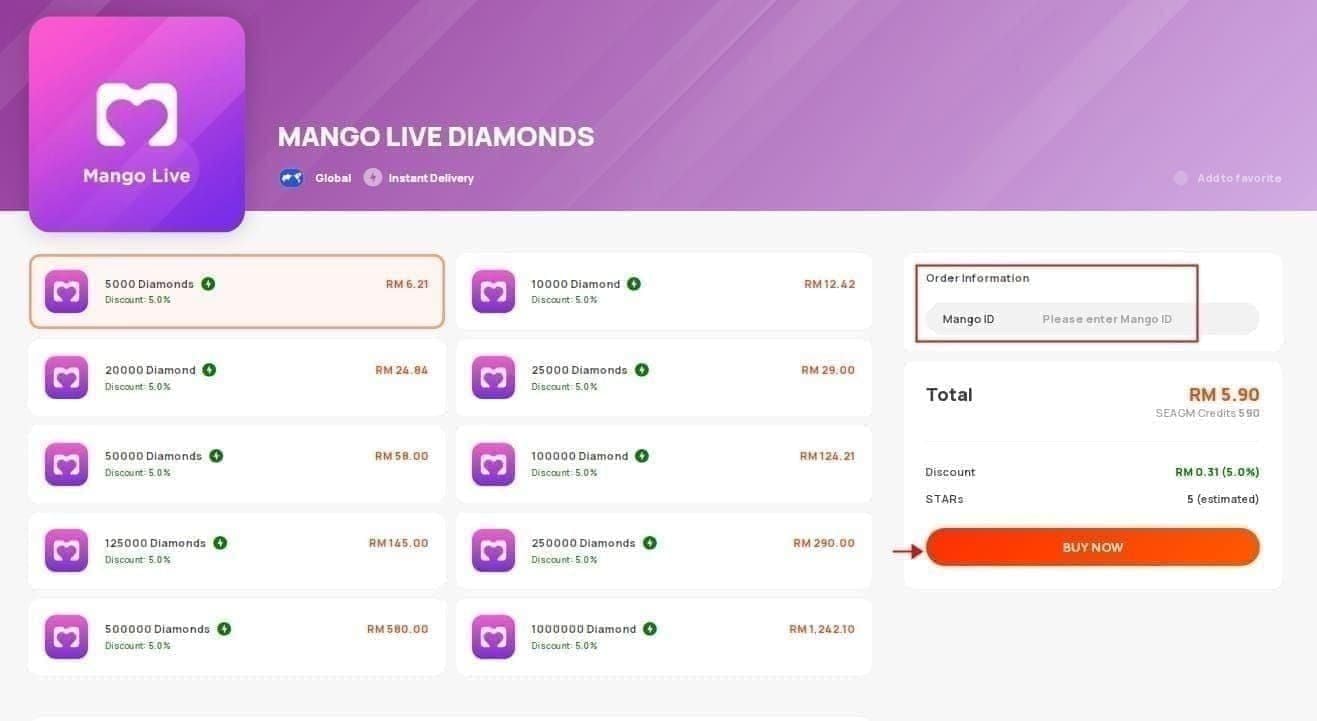
What 'Diamond Recharge Not Received' Means
This status indicates your payment cleared the gateway but hasn't reflected in your IMO Wallet. Diamonds exist in pending state within IMO's backend, awaiting final account verification and crediting. Unlike failed transactions that immediately return funds, pending deliveries require patience through the standard processing window.
The system distinguishes three states: payment pending (gateway processing), transaction completed (payment cleared), and diamonds credited (balance updated). Most users mistake the second state for completion when the third step remains incomplete.
Common Scenarios: Payment Successful vs. Diamonds Missing
Payment Successful:
- Bank statement shows deduction
- Payment confirmation email received
- Transaction ID generated
- Gateway displays completed status
Diamonds Missing:
- IMO Wallet balance unchanged
- No transaction record in recharge history
- Diamond count remains at previous level
- Purchase notification absent from app
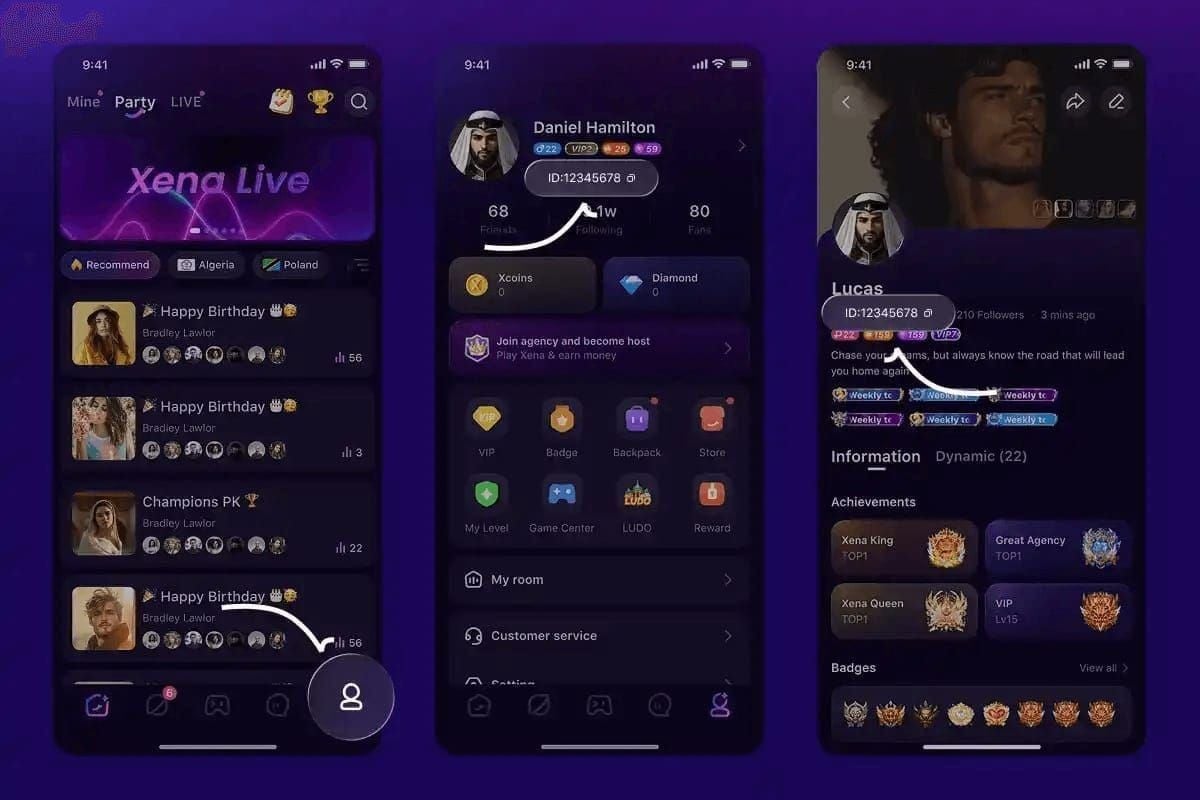
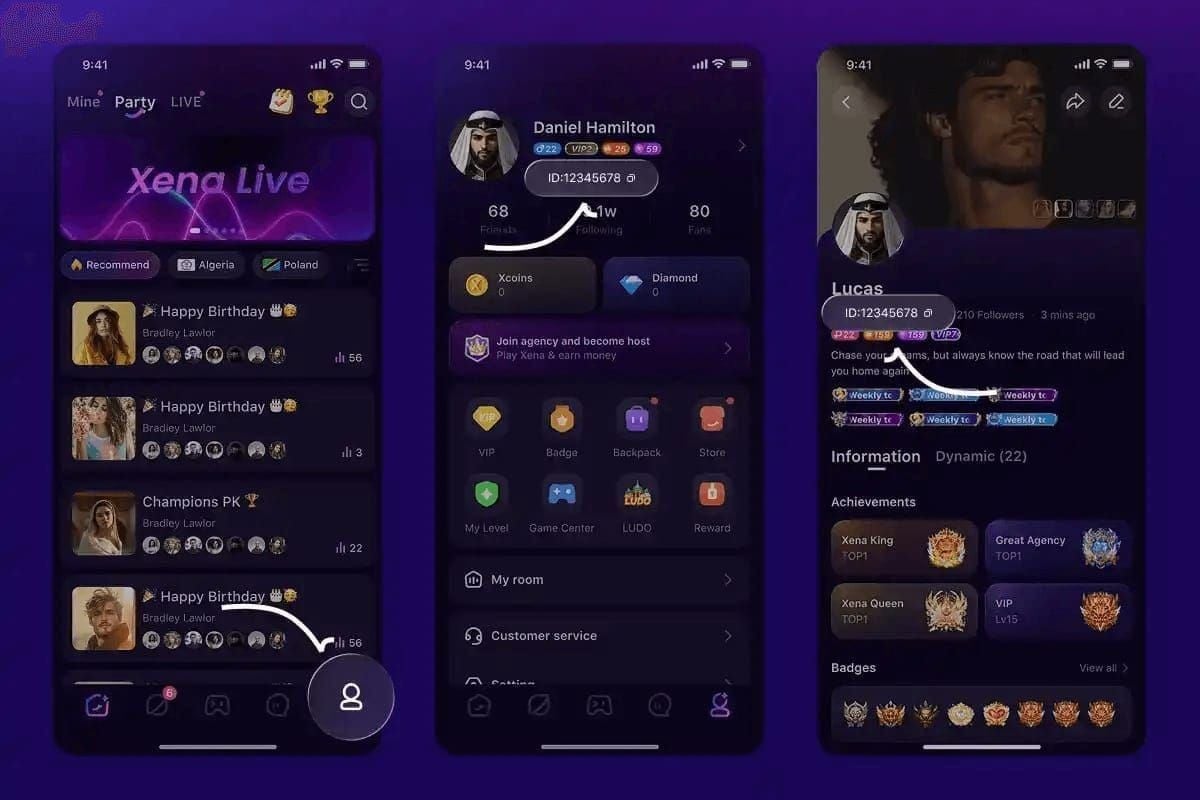
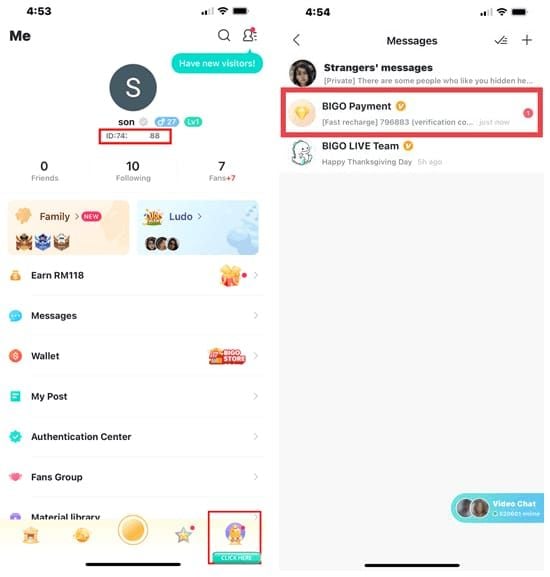
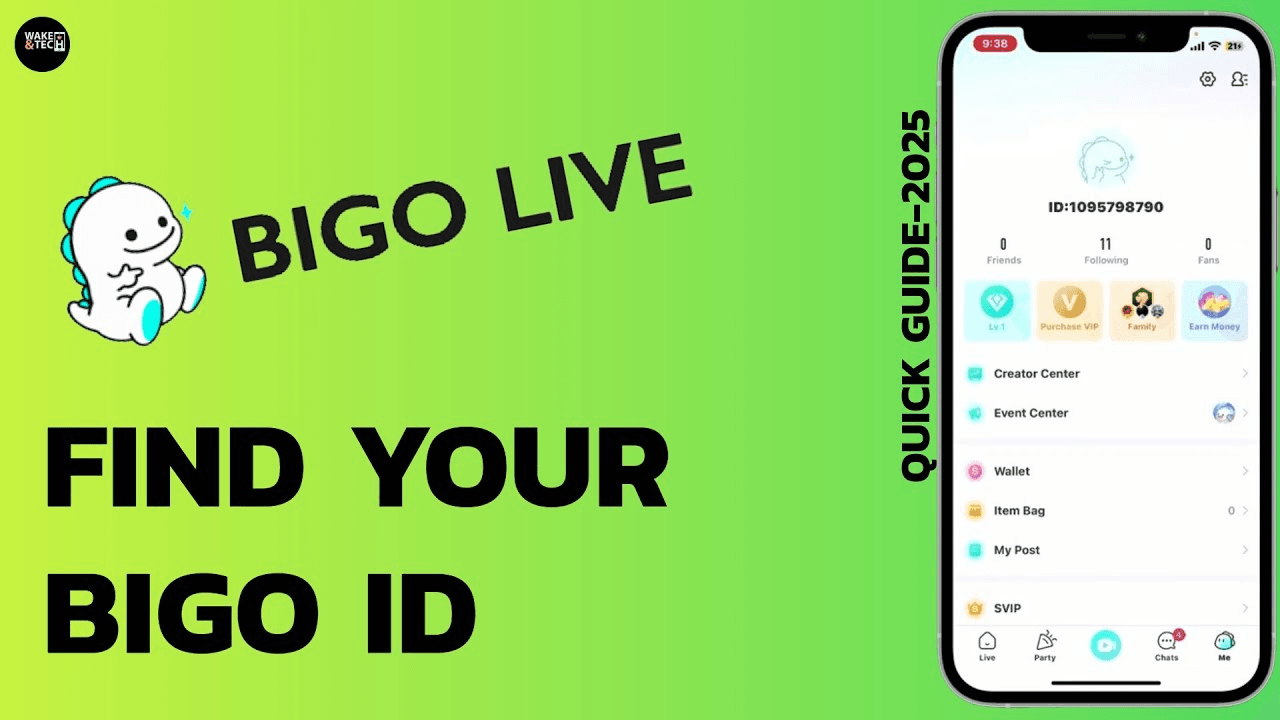
Wrong User ID entry causes 40% of all failures. The IMO ID consists of 7-10 digits displayed under your nickname on the Online Rank page—not your phone number or username. Entering incorrect identifiers routes diamonds to wrong accounts or triggers automatic rejection.
Why Delivery Delays Happen
Network instability accounts for another 40% of top-up problems, requiring minimum 3 Mbps connection speeds. Server synchronization delays peak during maintenance windows and high-traffic periods when IMO's crediting system processes thousands of simultaneous transactions.
Purchases exceeding $500 trigger enhanced verification protocols, extending delivery times to 5-30 minutes as security systems validate transaction legitimacy.
Standard IMO Diamond Delivery Times by Payment Method (2026)
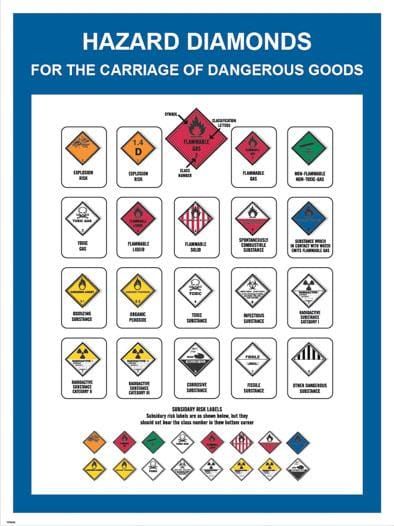
Instant Delivery Methods: 1-5 Minute Window
Credit card and PayPal transactions through verified platforms process fastest, with 95% completing within 5 minutes. These methods benefit from pre-established merchant relationships and automated verification systems.
Direct top-ups complete in under 30 seconds when all conditions align: stable network, correct IMO ID, updated app version, and normal server load.
Standard Processing: 5-30 Minutes
Purchases between $10-$500 typically process within this window. The system performs additional verification checks for mid-range transactions. During this period, 90% of issues resolve automatically without user intervention.
Credit card pending statuses clear in 1-3 business days when initial authorization fails. PayPal transactions range from minutes to 3 days depending on account verification status.
Extended Delays: 1-24 Hour Processing
Large purchases exceeding $500 may require up to 30 minutes as enhanced security protocols verify transaction authenticity. First-time purchasers from new accounts experience similar delays.
App Store refunds take 4-8 days to process. Credit card refunds extend to 60-120 days due to banking institution processing requirements and chargeback investigation periods.
Peak Hours and Server Maintenance Impact
Server maintenance windows temporarily suspend diamond crediting while system updates deploy. Delays cluster around major version updates and regional holiday periods when usage spikes overwhelm processing capacity.
During peak evening hours (7-11 PM local time), processing times extend by 50-100% compared to off-peak periods. Planning purchases during morning hours (6-10 AM) minimizes delay risks.
Step-by-Step Fix: IMO Diamond Recharge Not Received
Step 1: Verify Payment Completion and Transaction ID
Check your payment method's transaction history:
- Credit cards: Review online banking for completed charge
- PayPal: Check activity log for completed status (not pending)
- Digital wallets: Verify deduction from available balance
Save your transaction ID—the unique alphanumeric code generated at purchase completion. This proves payment occurred and enables support teams to trace your transaction.
Step 2: Check IMO Account Balance and Recharge History
Navigate to diamond balance:
- Open IMO app
- Tap Me tab
- Select IMO Wallet
- View My Diamonds under Voice tab
Compare current balance against pre-purchase screenshots. Check recharge history within wallet section—successful deliveries appear within minutes.
Step 3: Force Refresh Your IMO Account
This resolves 60% of synchronization issues:
- Log out of IMO account
- Wait 15-20 seconds (critical—immediate re-login skips server sync)
- Log back in
- Allow 10-15 seconds for data synchronization before checking balance
Waiting periods enable server-side cache clearing and fresh data retrieval.
Step 4: Verify Internet Connection and App Version
Minimum network requirements: 3 Mbps stable connection. Test your connection:
- Switch between WiFi and mobile data
- Run speed test to confirm bandwidth
- Disable VPN services
Update your IMO app through App Store (Google Play removed IMO in August 2023, requiring alternative Android installation).
Android cache clearing:
- Settings > Apps > IMO
- Select Storage
- Tap Clear Cache (not Clear Data)
iOS reinstallation:
- Delete IMO app
- Reinstall from App Store
- Allow 2-3 minutes for account data sync after login
Step 5: Wait for Standard Processing Window
If previous steps show payment completed but diamonds absent, wait the full 30 minutes. Set a timer to avoid premature troubleshooting. During this period, 90% of issues resolve without further action.
After 30 minutes without resolution, contact support with transaction ID, IMO ID, purchase amount, and payment method details.
How to Check Your IMO Diamond Transaction Status
Accessing IMO Recharge History In-App
- Open IMO app
- Tap Me tab
- Select IMO Wallet
- Scroll to transaction history section
Successful deliveries appear with timestamps, diamond quantities, and transaction IDs. Missing entries indicate the transaction never reached IMO's systems.
Understanding Transaction Status Indicators
Pending: Payment processing at gateway level. Expected duration: 1-5 minutes.
Completed: Payment confirmed, diamonds queued for crediting. Should transition to balance update within minutes.
Failed: Transaction rejected. Funds typically return within 1-3 business days for cards, minutes to 3 days for PayPal.
Cross-Referencing Payment Confirmation with IMO Records
Match payment confirmation details against IMO's transaction records:
- Transaction ID must appear in both systems
- Timestamp should align within minutes
- Purchase amount must match exactly
- IMO ID on receipt must match your actual account ID
Discrepancies indicate data entry errors—particularly wrong IMO ID entry, which routes diamonds to incorrect accounts with no recovery option.
Resolving Pending Payment Issues in IMO
What 'Payment Pending' Status Means
Pending indicates your payment authorization succeeded but final fund transfer remains incomplete. Payment gateways hold transactions while performing fraud checks, verifying account balances, and confirming merchant credentials.
For guaranteed fast processing, buy IMO diamonds top up through BitTopup eliminates extended pending periods through pre-verified merchant accounts and direct IMO integration.
Credit card pending statuses clear in 1-3 business days when authorization fails, though successful transactions complete within minutes.
Payment Gateway Verification Delays
Gateways perform real-time fraud analysis checking:
- Billing address match with card records
- Purchase pattern consistency with account history
- Geographic location alignment with account origin
- Transaction amount reasonableness
First-time purchasers and users buying from new locations trigger enhanced verification, extending pending periods to 10-30 minutes.
Account Verification Requirements
Unverified IMO accounts face crediting restrictions. Complete verification through:
- Email confirmation (check spam folders)
- Phone number verification via SMS code
- Profile completion with accurate personal information
Incomplete verification delays diamond crediting while manual review confirms account legitimacy.
How to Expedite Pending Transaction Resolution
- Ensure billing information matches payment method records exactly
- Use payment methods with established purchase history
- Avoid VPN services masking geographic location
- Complete all IMO account verification steps before purchasing
- Purchase during off-peak hours
Contact your payment provider if pending status exceeds 24 hours.
Common Causes of IMO Diamond Delivery Failures
Incorrect Account ID Entry
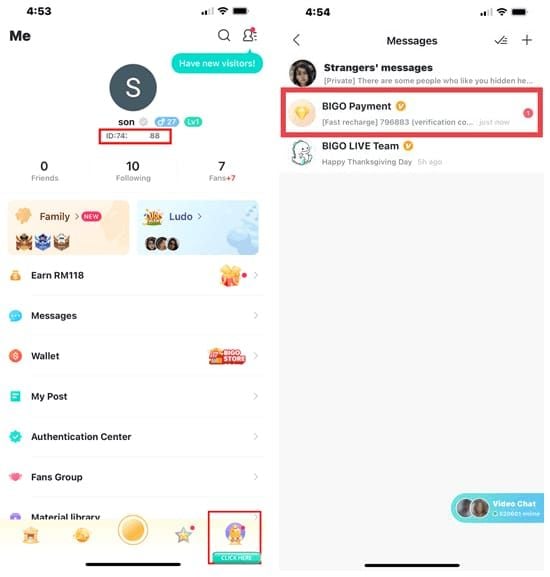
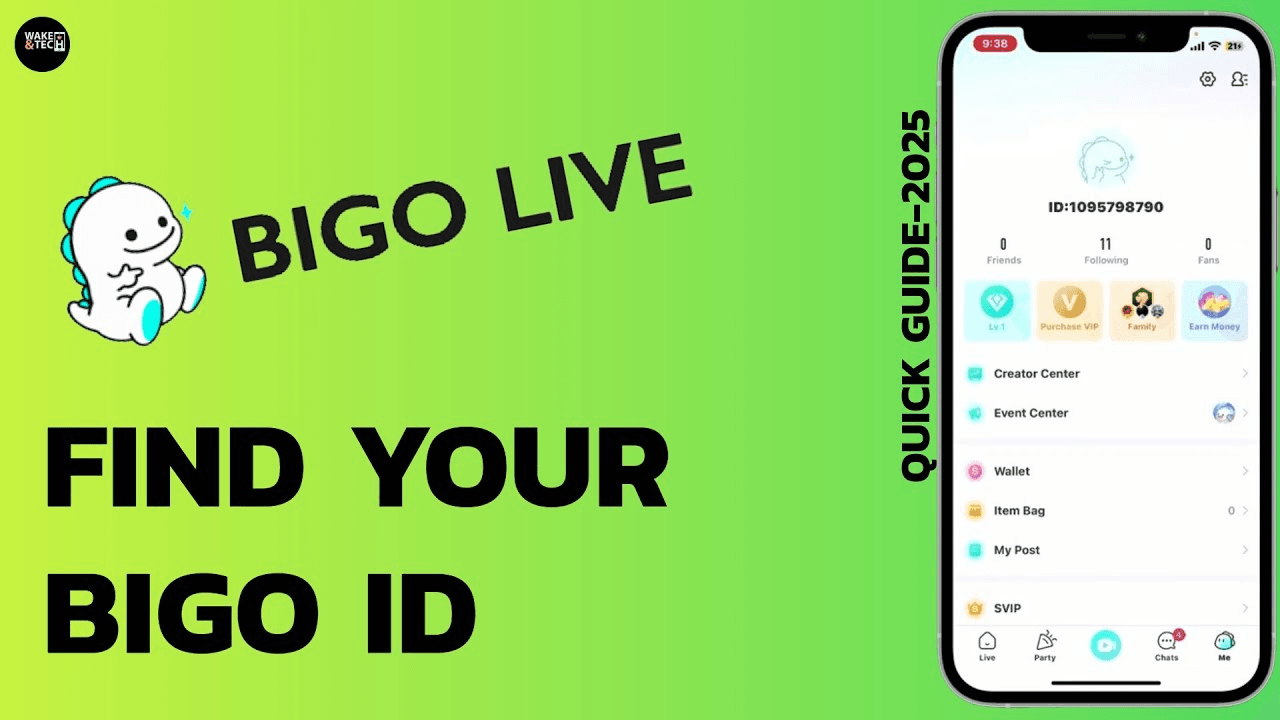
The IMO ID consists of 7-10 digits found through:
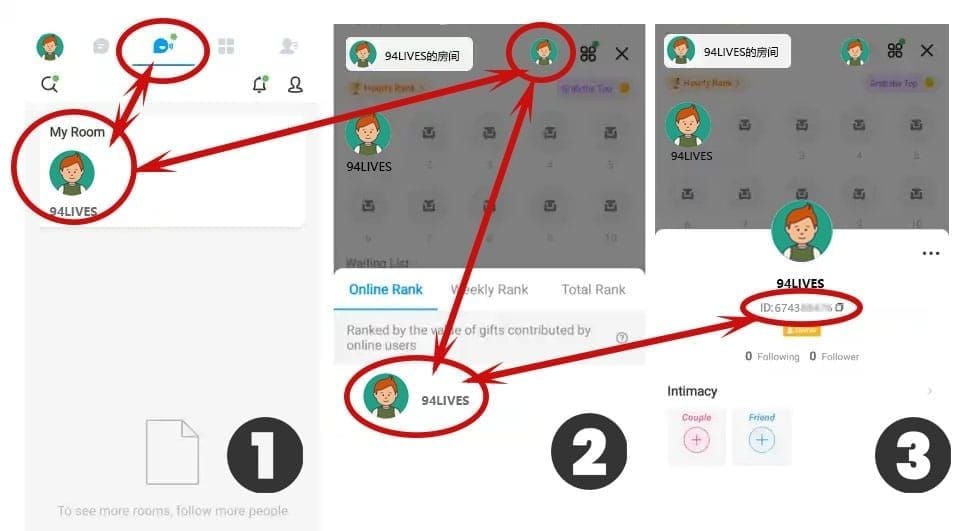
- Open IMO app
- Tap top center button
- Select My Room
- Tap avatar in upper right
- Choose Online Rank
- View ID displayed under nickname below avatar
This ID differs from your phone number, username, and email. Wrong ID entry causes 40% of all failures. Always copy-paste your ID to eliminate typos.
Server Synchronization Delays and Maintenance
IMO's global infrastructure processes millions of daily transactions. Delays cluster around:
- Major version updates (typically monthly)
- Regional holiday periods with usage spikes
- Weekend evenings in primary markets
- First week of each month during promotional events
During these windows, delivery times extend from 1-5 minutes to 15-30 minutes.
Payment Gateway Timeout or Rejection
Gateways impose 60-90 second timeout limits. Slow internet causes timeouts that appear as failed purchases, though payment authorization may have succeeded.
Rejection occurs when:
- Insufficient funds exist
- Card issuer flags transaction as suspicious
- Daily spending limits reached
- International transaction restrictions apply
- Billing address verification fails
Account Security Flags
IMO's fraud prevention systems flag accounts exhibiting:
- Multiple failed login attempts
- Sudden large purchases from new payment methods
- Geographic location changes without travel history
- Rapid succession of purchases
- Purchases from IP addresses associated with fraud
Flagged accounts enter manual review queues, delaying crediting by 1-24 hours.
Regional Payment Processing Differences
Payment processing infrastructure varies across regions. Users in markets with developing banking systems experience longer processing times.
Currency conversion adds processing time when your payment method currency differs from IMO's transaction currency.
IMO Diamond Refund Process: Complete Guide
Eligibility Criteria
According to IMO's terms (updated December 2025), diamonds are technically non-refundable. However, the platform processes refunds under specific circumstances:
Eligible scenarios:
- No diamonds received after 72 hours from payment confirmation
- Duplicate charges for single purchase intent
- Technical errors causing incorrect diamond quantity delivery
- Unauthorized transactions with fraud evidence
Ineligible scenarios:
- Change of mind after successful delivery
- Accidental purchases with diamonds already credited
- Dissatisfaction with diamond value or pricing
- Account suspension or ban after purchase
Refund requests must be submitted within 48 hours of transaction completion.
Step-by-Step Refund Request
Gather documentation:
- Transaction ID from payment confirmation
- Payment receipt or bank statement showing charge
- Screenshots of IMO Wallet showing no balance increase
- Screenshot of recharge history showing missing transaction
- Your IMO ID (7-10 digits)
Submit refund request:
- In-app support: Me tab > Settings > Help & Support
- Email support with subject: Refund Request - [Transaction ID]
- Include all documentation in initial contact
Provide detailed explanation:
- Purchase date and time
- Expected diamond quantity
- Payment method used
- Troubleshooting steps already attempted
- Current account balance confirmation
Await response:
- Live chat: 2-5 minutes initial contact, 10-30 minutes investigation
- Email support: 24-48 hours first response, 2-5 days resolution
Expected Refund Processing Timeframes
Standard refund processing: 5-7 days from approval to fund return.
- PayPal: 5-7 days
- App Store purchases: 4-8 days
- Credit cards: 60-120 days
- Digital wallets: 7-14 days
These timeframes begin after refund approval, not request submission. Investigation periods add 2-5 days before approval decisions.
What to Do If Refund Request Is Denied
Payment provider dispute:
- File chargeback with credit card issuer (within 60-120 days)
- Submit PayPal dispute through Resolution Center (within 180 days)
- Contact digital wallet provider's dispute department
Evidence strengthening:
- Provide additional screenshots showing troubleshooting attempts
- Document support interaction history
- Demonstrate good-faith effort to resolve
Alternative resolution:
- Request diamond crediting instead of refund
- Accept partial refund or platform credit
- Negotiate makeup diamonds for future use
Chargeback filing should be last resort, as it may result in account suspension.
Preventing Future IMO Diamond Recharge Problems
Pre-Purchase Checklist
Account preparation:
- ✓ Verify your IMO ID by navigating to Online Rank page
- ✓ Copy ID to clipboard rather than memorizing
- ✓ Confirm account email and phone verification complete
- ✓ Update app to latest version
- ✓ Check current diamond balance for comparison
Payment method validation:
- ✓ Verify sufficient funds
- ✓ Confirm billing address matches payment records
- ✓ Check daily spending limits
- ✓ Ensure international transactions enabled if applicable
- ✓ Test payment method with small purchase first
Technical requirements:
- ✓ Connect to stable network (minimum 3 Mbps)
- ✓ Disable VPN services during purchase
- ✓ Close background apps consuming bandwidth
- ✓ Ensure device has adequate storage
Choosing Reliable Recharge Platforms
Evaluation criteria:
- Direct API integration with IMO systems
- Transparent delivery timeframe commitments
- 24/7 customer support availability
- Secure payment processing certifications
- User review history and ratings
- Refund policy clarity
BitTopup exemplifies reliable platform characteristics through guaranteed delivery tracking, dedicated support teams, and infrastructure designed for consistent diamond crediting.
Network Stability Best Practices
Optimal network conditions:
- Use WiFi connections over mobile data when available
- Avoid public WiFi networks with unstable connectivity
- Ensure signal strength exceeds 75% before initiating purchase
- Disable automatic app updates during transaction
- Close streaming services and downloads consuming bandwidth
If network interruption occurs mid-transaction, wait 30 minutes before troubleshooting.
Avoiding Double Purchases
Safe waiting practices:
- Set 30-minute timer after purchase completion
- Check transaction status in payment method before retry
- Verify IMO recharge history before additional attempts
- Contact support before second purchase if first appears failed
- Screenshot all transaction confirmations
If you accidentally create duplicate purchases, contact support immediately with both transaction IDs.
Why BitTopup Ensures Reliable Diamond Delivery
Technical advantages:
- Direct IMO API integration eliminating third-party delays
- Real-time transaction status tracking
- Automated retry systems for temporary server issues
- Redundant payment gateway connections preventing timeout failures
Support benefits:
- 24/7 live chat with 2-5 minute response times
- Dedicated recharge issue specialists
- Proactive monitoring of pending transactions
- Guaranteed delivery or full refund policy
Security features:
- Encrypted payment processing
- Fraud prevention systems without excessive false positives
- Secure IMO ID handling
- Transaction verification without excessive delays
When to Contact Support vs. Wait
Timeframe Guidelines: When Waiting Is Appropriate
Wait the full 30 minutes if:
- Payment confirmation received with transaction ID
- No error messages appeared during purchase
- IMO app functioning normally
- Network connection remained stable
- This is your first purchase attempt for this amount
During this window, 90% of issues resolve automatically.
Extended waiting appropriate for:
- Large purchases over $500 (wait up to 60 minutes)
- First-time purchases from new accounts (wait up to 2 hours)
- Purchases during high-traffic periods (wait up to 90 minutes)
- Payment methods showing pending status (wait up to 24 hours)
Red Flags Requiring Immediate Support Contact
Critical issues:
- Error message stating transaction failed but payment deducted
- Multiple duplicate charges for single purchase attempt
- IMO account suspended immediately after purchase
- Payment confirmation shows different IMO ID than yours
- Transaction ID not generated despite payment completion
Security concerns:
- Unauthorized purchase notification received
- Payment method charged without your initiation
- Account accessed from unrecognized device during transaction
- Suspicious activity warnings from payment provider
Technical failures:
- App crashes repeatedly when checking diamond balance
- Recharge history shows transaction but with zero diamonds
- Payment gateway displayed error code
- IMO Wallet inaccessible after purchase attempt
Information to Prepare Before Contacting Support
Essential details:
- Transaction ID (from payment confirmation)
- IMO ID (7-10 digits from Online Rank page)
- Purchase date and time (with timezone)
- Payment method used
- Purchase amount and expected diamond quantity
- Current diamond balance before and after purchase
Supporting documentation:
- Screenshot of payment confirmation
- Screenshot of IMO Wallet showing current balance
- Screenshot of recharge history page
- Bank statement showing charge
- Any error messages received
Alternative Resolution Methods
Community resources:
- Check IMO's official social media for service status announcements
- Review recent user reports for similar issues
- Search platform knowledge bases for documented fixes
Payment provider assistance:
- Contact bank or card issuer to confirm transaction status
- Check PayPal Resolution Center for transaction details
- Verify digital wallet provider processed payment successfully
Platform-specific tools:
- Use BitTopup's transaction tracking system for real-time status
- Check automated status update emails
- Review platform's FAQ for common issue resolutions
FAQ
How long does IMO diamond recharge take to process?
Standard delivery completes in 1-5 minutes for 95% of transactions, with direct top-ups finishing in under 30 seconds. Large purchases over $500 may require 5-30 minutes for enhanced security verification. Credit card pending statuses clear in 1-3 business days if authorization fails, while PayPal processes within minutes to 3 days depending on account verification.
What to do if IMO diamonds don't appear after payment?
Wait 30 minutes first—90% of issues resolve automatically. Then force close and restart the app, log out and back in after 15-20 seconds, clear cache (Android) or reinstall (iOS), and verify your IMO ID matches the purchase receipt. Check IMO Wallet under Me tab > IMO Wallet > My Diamonds. If diamonds still don't appear after 30 minutes, contact support with your transaction ID and IMO ID.
Can I get a refund if IMO diamonds are not received?
Refunds are possible if diamonds aren't received after 72 hours, but requests must be submitted within 48 hours of purchase. Processing takes 5-7 days for standard refunds, 4-8 days for App Store purchases, and 60-120 days for credit cards. IMO's terms state diamonds are non-refundable, but the platform processes refunds for technical failures, duplicate charges, and unauthorized transactions with proper documentation.
Why is my IMO recharge showing as pending?
Pending status indicates your payment authorization succeeded but final fund transfer remains incomplete. Payment gateways perform fraud checks requiring 1-5 minutes for most methods. First-time purchasers and large transactions trigger enhanced verification extending pending periods to 10-30 minutes. Credit cards may show pending for 1-3 business days if authorization ultimately fails, though successful transactions complete within minutes.
How to check IMO diamond transaction history?
Open IMO app, tap Me tab, select IMO Wallet, then scroll to transaction history section. Successful deliveries appear with timestamps, diamond quantities, and transaction IDs. Missing entries indicate the transaction never reached IMO's systems. Cross-reference this history with your payment confirmation—matching transaction IDs confirm the purchase reached IMO's servers.
What causes IMO diamond delivery delays?
Wrong User ID entry causes 40% of failures—verify your 7-10 digit IMO ID from Online Rank page, not your phone number. Network instability causes another 40% of problems, requiring minimum 3 Mbps connection speeds. Server synchronization delays occur during maintenance windows and peak hours. Large purchases over $500 trigger enhanced security verification extending delivery to 5-30 minutes. Account security flags from suspicious activity patterns delay crediting by 1-24 hours during manual review.
Avoid recharge headaches entirely—get your IMO Diamonds instantly through BitTopup with guaranteed delivery, 24/7 support, and secure transactions. Recharge now and start enjoying your diamonds within minutes!