Why Weekend Payments Take Longer
Banking infrastructure operates on business-day schedules despite 24/7 commerce expectations.
Banking System Limitations
Traditional networks process settlement batches during business hours. Authorization runs continuously, but actual fund movement follows scheduled windows. Most banks execute settlements Monday-Friday, queuing weekend transactions until next business day.
International transactions compound this—cross-border networks require multiple intermediary approvals, each on their own schedules. Saturday evening purchases might not begin settlement until Tuesday after time zones and Monday backlogs clear.
Payment Gateway Schedules
Gateways intensify fraud detection during off-peak hours. Weekend transactions trigger additional verification because 30% of VPN IP mismatches occur during these periods.
The €30 EU Strong Customer Authentication threshold adds verification layers. Transactions exceeding this require additional steps that may await manual review when weekend verification staff operate at reduced capacity.
International Considerations
Geographic restrictions affect 1006 error occurrences—geo-blocking from certain regions intensifies weekends when automated systems handle more decisions without human oversight.
Daily transaction limits create complications:
- International: $300-500
- Domestic: $500-2500
Users approaching thresholds during weekend purchases trigger automatic holds requiring Monday review.
Peak Usage Impact
Weekend evenings represent peak Poppo usage globally. Increased volume strains gateway capacity, creating processing queues. Network timeout failures affect 40% of transactions during peak periods.
Immediate Action Steps: First 24 Hours
Step 1: Verify Transaction ID and Receipt
Check email for payment confirmation containing your Transaction ID—your primary tracking reference. Bank statements show reference numbers corresponding to Poppo transactions.
Document exact purchase timestamp. Payment systems use timestamps to match authorization holds with settlement records.
Step 2: Check Transaction History Correctly
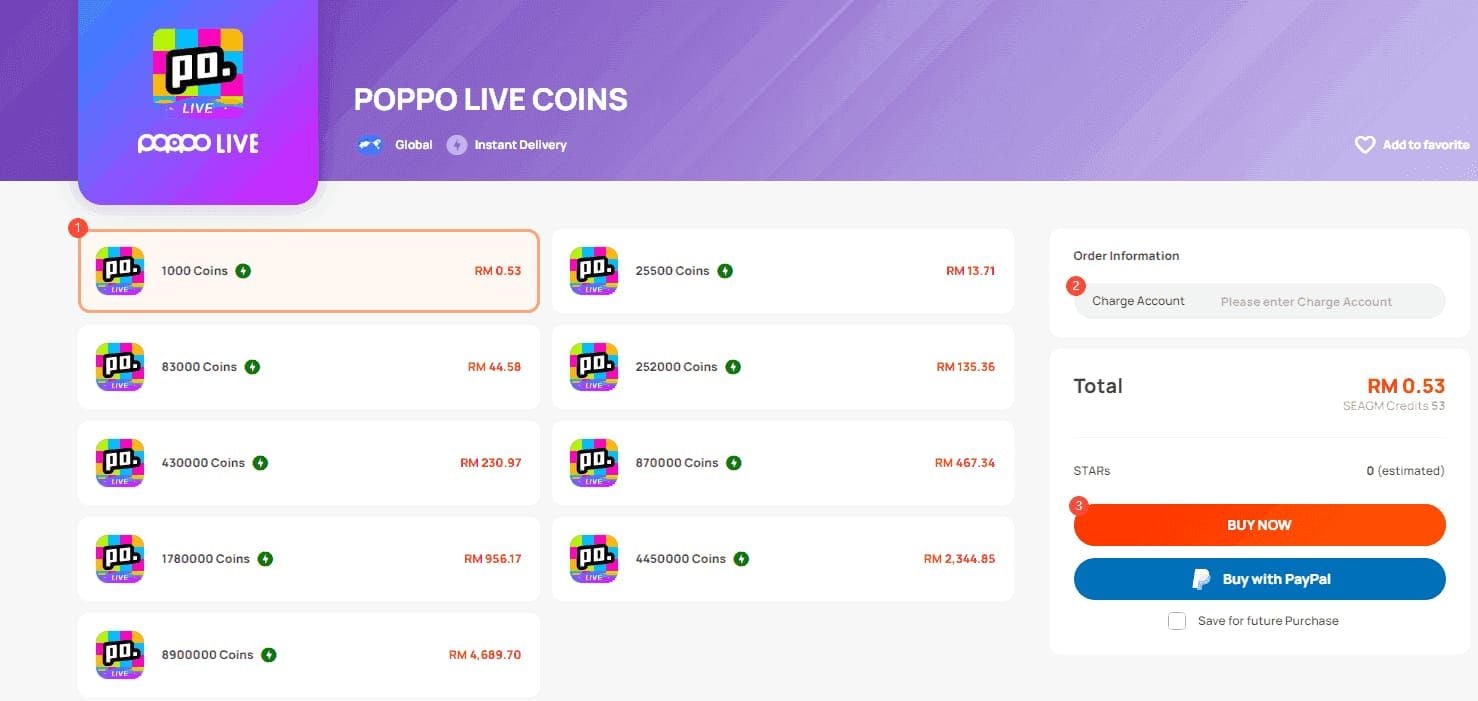
Navigate to Profile > Wallet > Transaction History. Pull down to sync—this forces the app to query backend systems for updates.
Pending status is normal for 5-10 minutes after purchase. If processing persists beyond this, note elapsed time. Wait 2-3 minutes before checking; contact support only after 10-15 minutes of persistent pending.
Step 3: Confirm Bank Statement Details
Verify deduction amount matches intended purchase plus 2-4% processing fees. Discrepancies suggest authorization for different amounts, potentially triggering fraud detection.
Check for duplicate charges—common when users retry failed transactions without waiting 15-30 minutes between attempts. System limits retries to 3 per 24 hours.
Step 4: Review Account Verification

KYC Level 5 verification takes 30 minutes to 48 hours. Unverified accounts face additional delays as systems flag them for manual review.
Find your User ID by tapping profile icon—the 7-10 digit number below your picture serves as your account identifier for support.
Step 5: Document Evidence
Capture screenshots showing:
- Transaction history
- Bank statement deductions
- Error messages with timestamps
Error Codes:
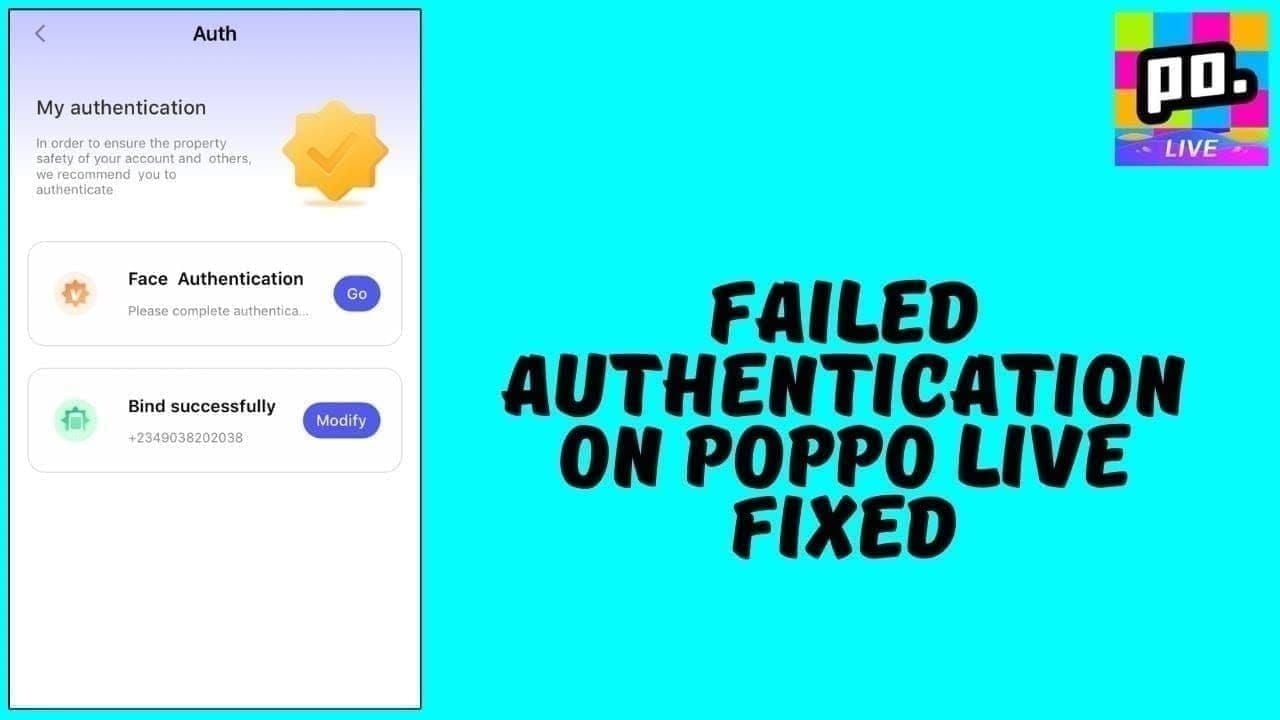
- 1001: Insufficient funds despite apparent balance
- 1004: 3D Secure authentication failure
- 1005: OTP timeout beyond 60 seconds
- 1006: Geo-blocking restrictions
Advanced Troubleshooting: 24-48 Hour Delays
Identifying Stuck vs Pending Transactions
Pending shows active processing without error indicators. Stuck displays error codes or remains identical beyond expected timeframes.
After 24 hours, pending without error codes typically indicates settlement queue delays, not failures. Transaction will complete once banking systems process weekend backlogs.
Common Error Codes
Error 1001 - Insufficient funds occurs even with adequate balance because systems require 10% buffer above purchase amount. A 1000 coin purchase needs balance exceeding 1100 coins' equivalent.
Error 1004 - 3D Secure failures affect 25% of users from incorrect OTP entry or expired authentication windows. Requires complete transaction restart.
Error 1005 - OTP timeout beyond 60 seconds when users don't complete authentication promptly. Payment gateways terminate sessions, requiring new purchase.
Error 1006 - Geo-blocking prevents transactions from regions where Poppo limits service. VPN usage triggers this in 30% of cases when IP mismatches account registration country.
When to Escalate
Contact support after 10-15 minutes of persistent pending with no progression. For weekend purchases, allow full 24-48 hour window before escalation unless error codes appear.
24/7 in-app chat provides 90% faster resolution than email (24-48 hour response).
Effective Payment Inquiry
Provide in initial message:
- User ID
- Transaction ID
- Exact timestamps
- Screenshots
- Payment method
- Transaction amount
- Error codes received
- Whether first purchase or previous successes
Complete documentation enables 98% case resolution within 24-48 hours.
Weekend-Specific Issues and Solutions
Saturday Purchase Timeline
Saturday morning purchases (before noon) often complete same-day with PayPal or verified accounts. Afternoon/evening purchases typically settle Monday morning: 36-48 hour delays.
First-time Saturday purchasers face extended verification. Systems flag new weekend accounts for manual Monday review—preventing 60% bank fraud blocks.
Sunday Transaction Expectations
Sunday purchases represent longest processing window. Evening transactions may not begin settlement until Tuesday after Monday backlog clears: 48-72 hours within normal parameters.
Asian time zone users purchasing Sunday evening experience shorter delays—their Monday morning aligns with gateway business hour resumption. European/American users face longer waits from time zone misalignment.
Holiday Weekend Delays
Three-day holidays extend processing to 96+ hours. Banking systems remain closed for full holiday periods. Major holidays like Christmas create week-long delays.
Plan purchases around holidays. Buy Thursday/Friday before holiday weekends for completion before closures. Tuesday purchases after holidays avoid backlog congestion.
Time Zone Differences
Gateways operate on specific time zone schedules, typically aligned with headquarters. Saturday 11 PM Tokyo purchase might process as Sunday morning in gateway time, pushing settlement to Tuesday.
Transactions submitted during gateway business hours (9 AM - 5 PM their time) process faster than off-hour submissions.
Common Misconceptions
Myth: All Digital Purchases Are Instant
Payment processing remains bound by traditional banking infrastructure. Poppo's systems can credit coins instantly, but only after payment settlement confirms fund receipt.
98% PayPal success rate with 30-60 second delivery demonstrates streamlined payment potential. 60-80% card success rate with 2-5 minute delivery shows verification requirement impact.
Myth: Processing Means Failed
Processing indicates active settlement, not failure. Failures display specific error codes and move to failed status. Persistent processing means systems are working through verification.
70% cache conflict resolution through clearing demonstrates how stuck processing reflects local app data issues, not backend problems.
Clear cache:
- Android: Settings > Apps > Poppo Live > Storage > Clear Cache
- iOS: Settings > General > iPhone Storage > Poppo Live > Offload App
Myth: Multiple Attempts Speed Delivery
Retries within 15-30 minute waiting period create duplicate authorization holds, triggering fraud detection and slowing processing. 3 retry per 24-hour limit prevents this.
Each retry generates new Transaction ID, fragmenting payment trail and complicating support investigation.
Truth: What Accelerates Processing
- Complete account verification before purchases
- Pre-notify bank 24-48 hours before transactions exceeding $100 (reduces declines 85%)
- Use payment methods with established success history on your account
For consistently faster processing, buy Poppo coins Europe through BitTopup offers optimized payment routing reducing weekend delays.
Prevention Strategies
Optimal Purchase Timing
Weekday purchases 9 AM - 5 PM in your region process fastest—aligns with full banking infrastructure operation.
Avoid Friday evening if you need immediate coins. These queue until Monday processing.
Payment Method Best Practices
PayPal's 98% success rate and 30-60 second delivery make it optimal for time-sensitive purchases.
For cards, ensure 3D Secure support. Verify CVV accuracy: 3 digits Visa/Mastercard, 4 digits American Express. Incorrect CVV causes immediate rejection.
Account Setup Tips
- Complete KYC Level 5 verification during non-urgent periods
- Update to version 2.9.6 (268.8 MB, requires iOS 13.0+)
- Ensure 500 MB available storage
- Maintain balance 10% above intended purchase amounts
Why BitTopup Offers Superior Reliability
BitTopup's specialized payment routing reduces international failure rates below standard 20-40% through regional gateway optimization. 24/7 weekend support ensures assistance during peak delay periods.
Transparent status tracking provides real-time visibility into each stage. Competitive pricing with faster delivery creates superior value during weekend periods.
Refund Requests for Stuck Payments
72-Hour Rule
Payment systems require 72 hours (3 business days) before processing refunds. This allows settlement completion, preventing refunds for transactions that would succeed with normal waiting.
Weekend purchases require 72 business hours, not calendar hours. Friday evening purchase waits until Wednesday for refund consideration.
Required Documentation
- User ID
- Transaction ID
- Bank statement showing deduction
- Screenshots of transaction history showing non-delivery
- Timestamps for all documentation
- Payment method details (card type, last 4 digits, or PayPal email)
- Exact amount charged including fees
Complete documentation enables 24-48 hour resolution.
Refund Timeline
Approved refunds return to original payment method:
- Card payments: 5-10 business days
- PayPal: 3-5 business days
Refunds appear as credits on statements, not cash deposits. Check pending transactions section.
Alternative: Credit Adjustment
Support may offer account credit instead of refund—completes within 24 hours vs 5-10 days for traditional refunds.
Accept only if you plan continued platform use. Request original payment method refund for unrestricted fund access.
FAQ
How long does Poppo payment processing take on weekends?
24-72 hours depending on timing. Saturday morning transactions complete within 36 hours by Monday. Sunday evening purchases may require 72 hours, settling Tuesday. This represents normal processing due to banking infrastructure operating on business-day schedules.
Why was money deducted but coins not received?
Banks place immediate authorization holds showing as deductions, but fund transfer awaits merchant settlement. Normally completes in 2-5 minutes for cards but extends during weekends when banking systems operate reduced schedules.
What does processing mean?
Active settlement where payment gateways verify legitimacy and route funds to Poppo. Middle stage between bank authorization (immediate) and coin crediting (final). Failures show error codes and move to failed status, not processing.
How to check transaction status?
Profile > Wallet > Transaction History, pull down to sync. Wait 2-3 minutes after purchase before checking. Pending is normal for 5-10 minutes. Contact support after 10-15 minutes of persistent pending.
What to do if coins don't arrive after 48 hours?
Contact 24/7 in-app chat with User ID, Transaction ID, timestamps, bank statement screenshots, payment method details, and error codes. Complete documentation enables 98% resolution within 24-48 hours. In-app chat provides 90% faster resolution than email.
How to prevent delays?
Complete KYC Level 5 before purchases, use PayPal (98% success, 30-60 seconds), purchase weekdays 9 AM - 5 PM, maintain 10% balance buffer, update to version 2.9.6, pre-notify bank 24-48 hours before $100+ transactions (reduces declines 85%).
Tired of delays? Purchase Poppo Coins through BitTopup for guaranteed fast delivery, transparent tracking, and 24/7 weekend support. Get coins in minutes with full money-back protection and competitive pricing.