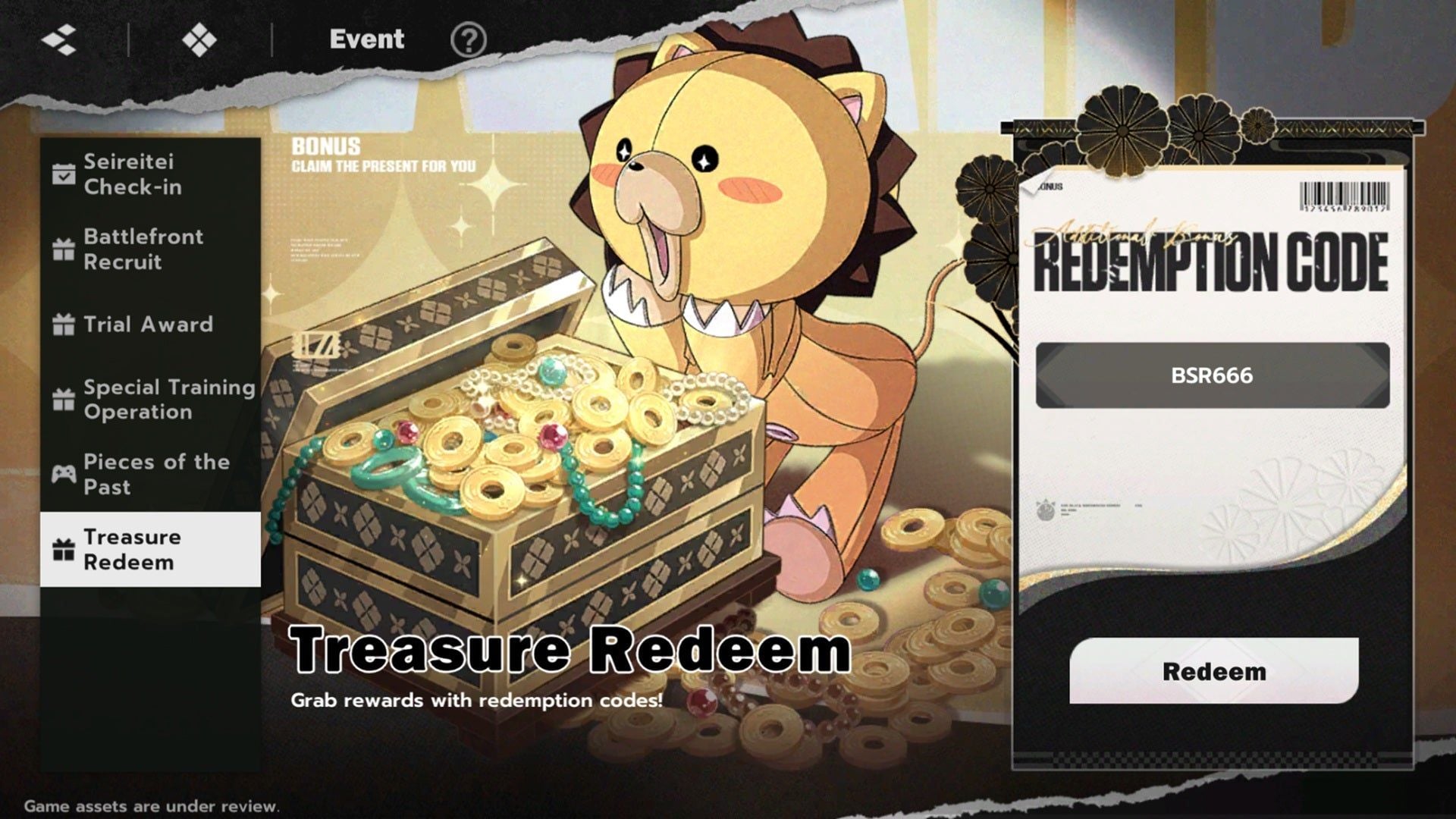
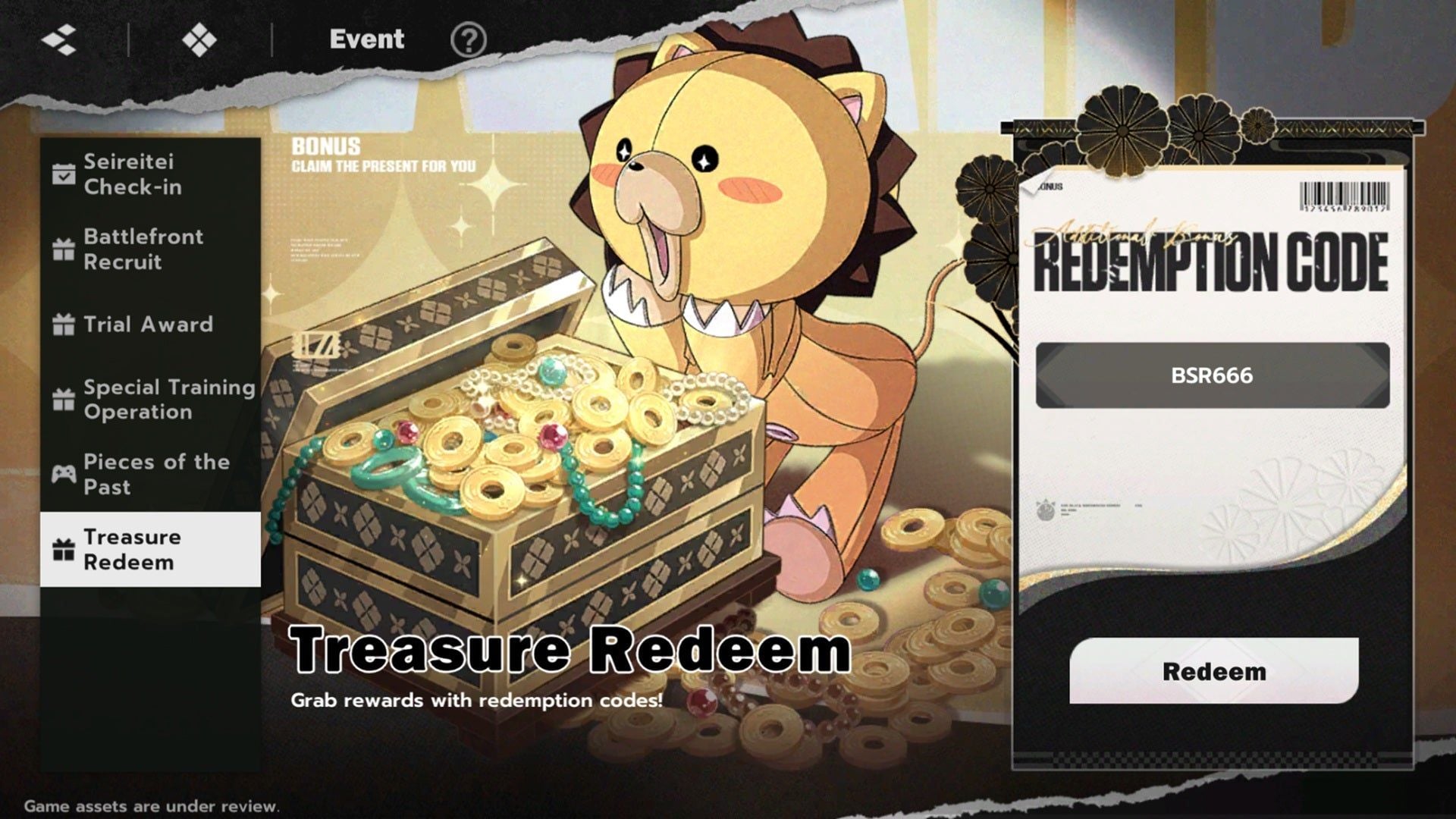
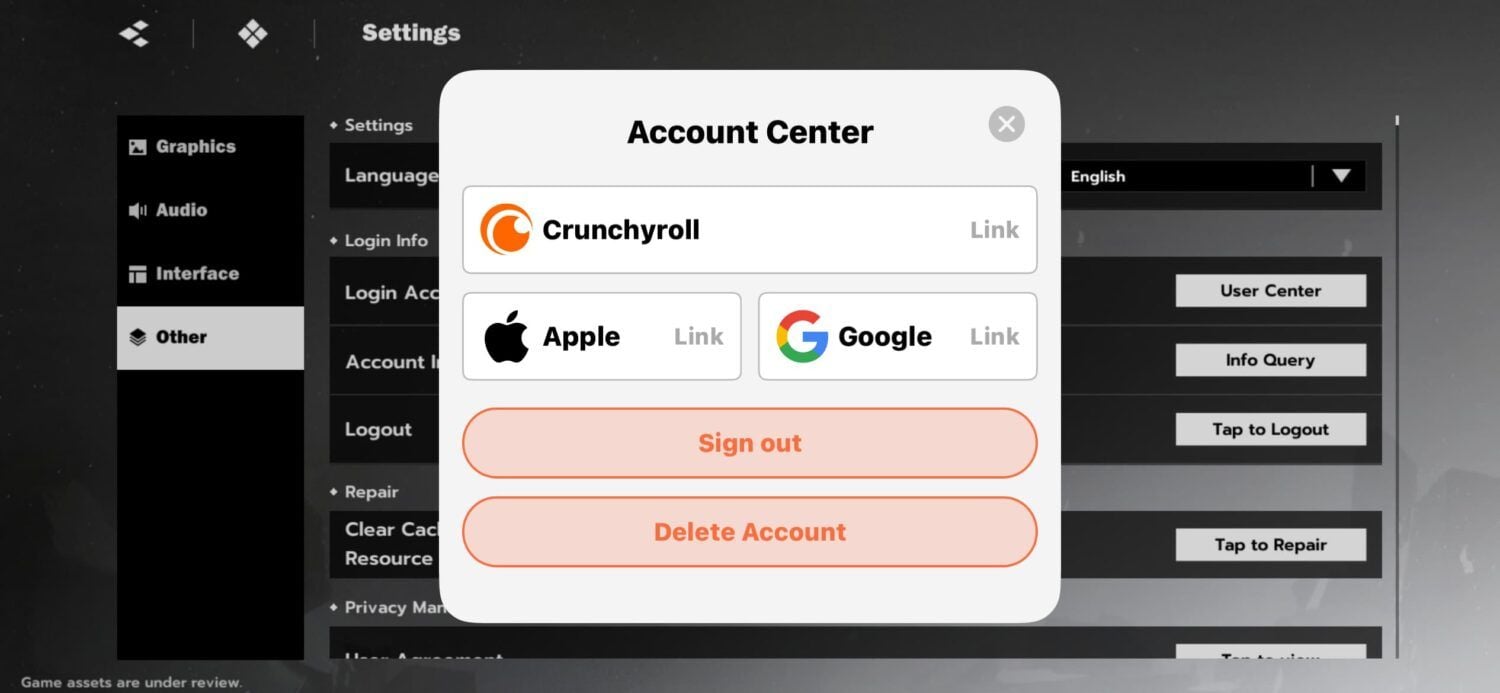
To link a guest account in BLEACH: Soul Resonance, open the in-game account center settings from the profile menu, select your preferred third-party login method, authenticate credentials, and tap the confirmation prompt to finalize the link. If you are rerolling, wait until you clear chapter 1 stage 4 and secure your target SSR pulls before binding, because bound profiles cannot be cleared quickly without reinstalling or deleting the account.
When Should You Bind Your Guest Account?
Your reroll strategy determines the right time to bind:
- For rerollers: The BlueStacks Reroll Guide advises keeping your profile strictly on an unbound guest account while pulling for target summons. Clearing chapter 1 stage 4 unlocks your initial pre-registration rewards and summon banners. Binding prematurely elongates the reroll cycle because bound accounts cannot be cleanly refreshed on the spot.
- For direct progression: The MuMuPlayer Beginner Guide recommends selecting the closest regional server geographically and binding your profile immediately upon entry. Guest profiles hold save data locally in temporary cache files, leaving progress vulnerable to client resets or app updates.
| Player Priority | Recommended Binding Timing | What to Do If Summons Fail |
|---|
| Rerolling for target SSR | Keep unbound until chapter 1 stage 4 pulls succeed | Reset progress or uninstall/reinstall the client (BlueStacks) |
| Standard direct play | Bind immediately after server selection | Continue regular progression (MuMuPlayer) |
Once your desired SSR units land, bind immediately to protect your roster before spending any Spiritual Jade on weapons or stamina refills.
Step-by-Step: How to Link Your Guest Profile
To attach your guest save data to a permanent login method:
- Launch the BLEACH: Soul Resonance client and enter your game world.
- Tap your player avatar in the top corner to access player info, then locate the account center settings.
- Choose your binding platform (such as Google, Apple ID, or publisher credentials).
- Authenticate your third-party credentials in the web or pop-up interface.
- Confirm the binding relationship prompt. Do not close the window until the client confirms success.
Fixing the Authorization Without Confirmation Error
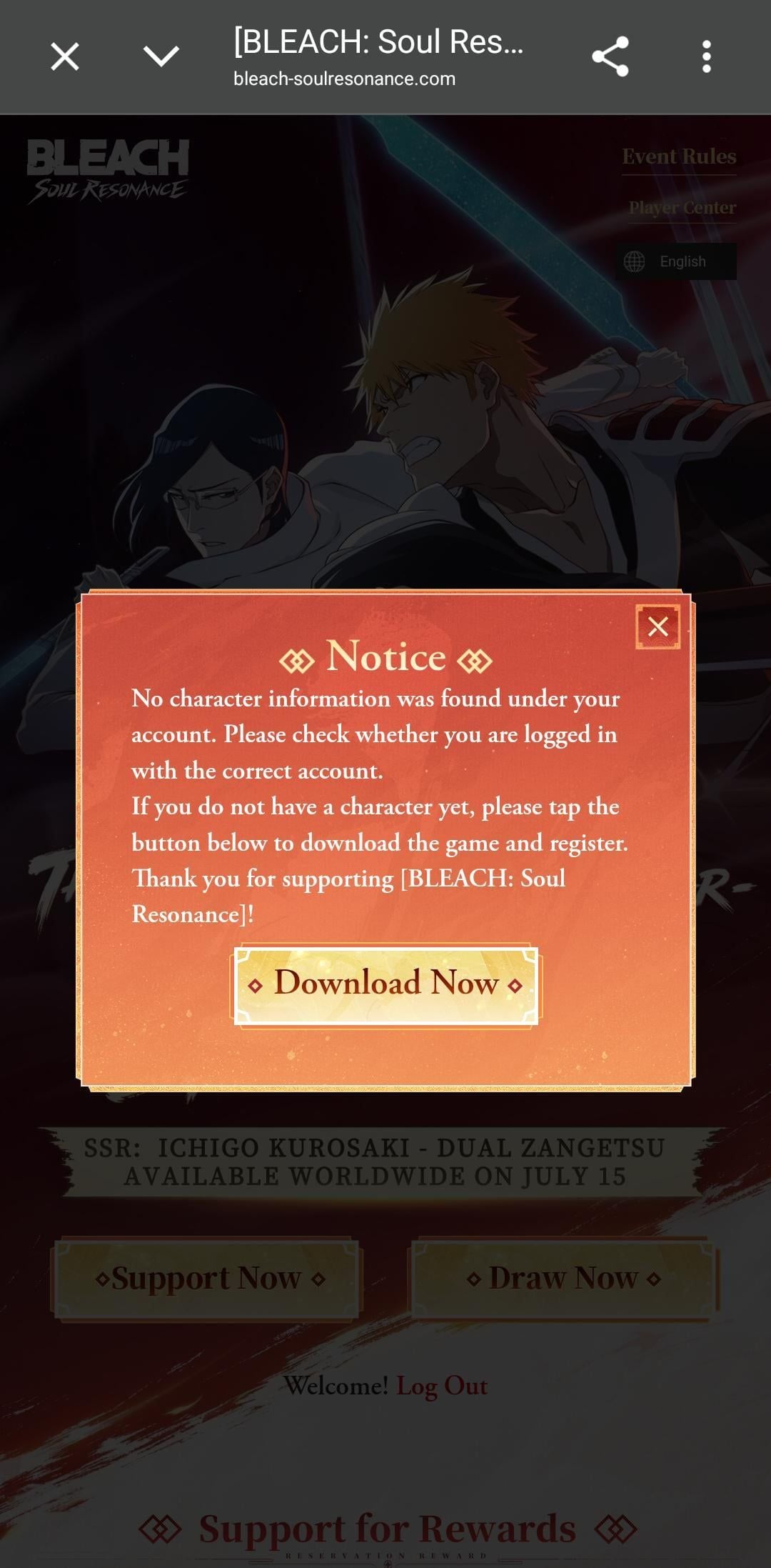
A frequent error during web reward claims or third-party platform integration is an incomplete link state. According to the official BLEACH: Soul Resonance reward binding documentation, merely logging in and authorizing permissions on an external platform does not complete the connection.
If the system claims your profile is still unbound after logging into a third party:
- Return to the binding portal or in-game account center.
- Verify that you did not exit early after entering your password.
- Look for the secondary dialog prompt: "Confirm Account Binding".
- Submit that final prompt to write the relationship to the database.
Skipping this final confirmation leaves the account unlinked, blocking account transfer features and external reward delivery.
Troubleshooting Common Binding and Login Errors
If you encounter errors while binding your account credentials, execute these fixes in order:
1. Google Account Binding Error
This error occurs when the Google profile you select is already attached to an existing UID on that server. Log into that Google account independently to check if an old level-1 reroll profile occupies it. If it does, you must use a different, completely fresh Google account to secure your current guest data.
2. Bleach Soul Resonance Login Failed Error
Check your network stability and verify that the target server is online. If your guest credentials fail during loading, verify that your client app data was not cleared by an operating system cleanup tool or device storage cleaner.
3. Server Restriction and Lost Guest Account Progress
BLEACH: Soul Resonance strictly locks all account progress to the specific server chosen at account creation. As noted by MuMuPlayer, cross-server transfers are unavailable. If you log in after binding and your profile appears completely wiped, inspect your server list on the title screen. Selecting the wrong regional or global server creates a blank profile instead of loading your existing save.
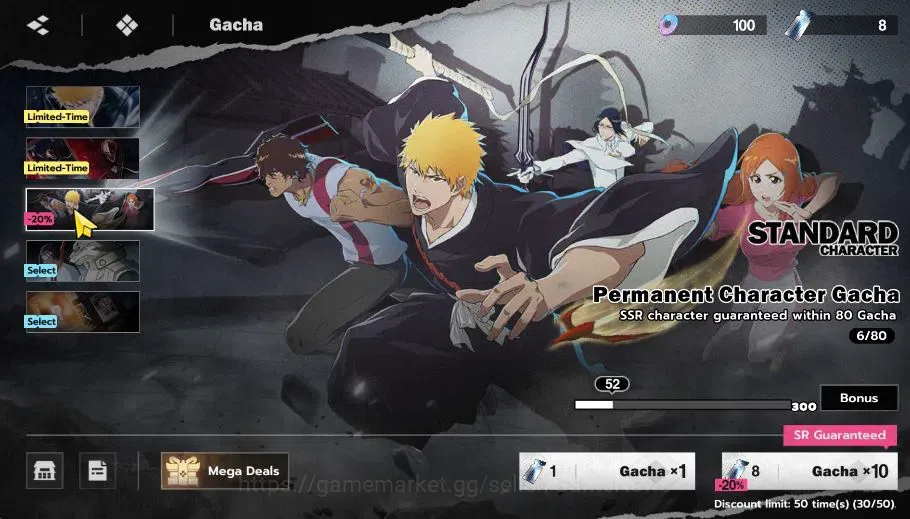
How to Safely Switch Accounts or Reset Unsuccessful Rerolls
When your chapter 1 stage 4 summons do not yield the characters you want, follow the verified procedure to discard the run:
- Keep the guest profile unbound.
- Open your client settings or application manager.
- Clear the account progress or uninstall and reinstall the game client (BlueStacks). Third-party reroll communities like zzreroll highlight that deleting the local guest state is much faster than attempting to unbind an already registered email.
- Relaunch the client, select your server, and start fresh under a new guest profile.
Once the ideal SSR setup lands, complete the multi-step account center binding immediately before continuing your campaign.