If your The Walking Dead: Survivors top up was not received after payment went through, force-close the game from your recent apps screen and relaunch it to force a fresh server synchronization, then check your in-game mailbox for claimable item attachments. Mobile storefronts and third-party gateways only grant Gold Bars once a transaction reaches confirmed completion (purchaseState = 1); deferred payments can sit pending for up to 3 days, and bank settlements through Google Play may take up to 10 business days to clear before the currency reaches your account.
Quick Checks: In-Game Mailbox and Client Resynchronization
When Gold Bars do not immediately appear in your total balance, do not immediately make a second purchase. Duplicate charges often happen when players assume the first transaction failed.
Gold Bars function as the primary premium exchange currency in The Walking Dead: Survivors. They exist as an account-level wallet balance used to purchase survival bundles, daily deals, building speed-ups, combat buffs, and recruit survivors without triggering individual app store confirmation prompts each time. Because the currency interacts directly with server-side inventory databases, delivery paths split into two formats:
- Direct Balance Increments: The numerical counter at the top of your screen updates automatically.
- System Mailbox Deliveries: Promotional bundles, pack extras, and third-party deliveries frequently arrive inside your system mailbox as messages with claimable attachments.
If your purchase went through on your payment provider but the balance counter has not changed, the local client cache may be out of sync with the game server. Force-close The Walking Dead: Survivors from your device's recent apps list. Do not simply minimize the game; terminate the process entirely. When you relaunch the game, the client connects anew to the server cluster, checking for uncollected receipts and unread system messages (BitTopup).
Once logged back in, tap the Mail icon in the lower interface. Check both the "System" and "Notification" tabs. Many automated item deliveries require you to press an explicit "Claim" button on an attached parcel before the Gold Bars move into your spendable inventory.
| Delivery Channel / Scenario | Immediate Action Required | Visual Reference | Verification Method & Source |
|---|
| Direct Wallet Credit Delay | Force-close client from recent apps list and reopen. | 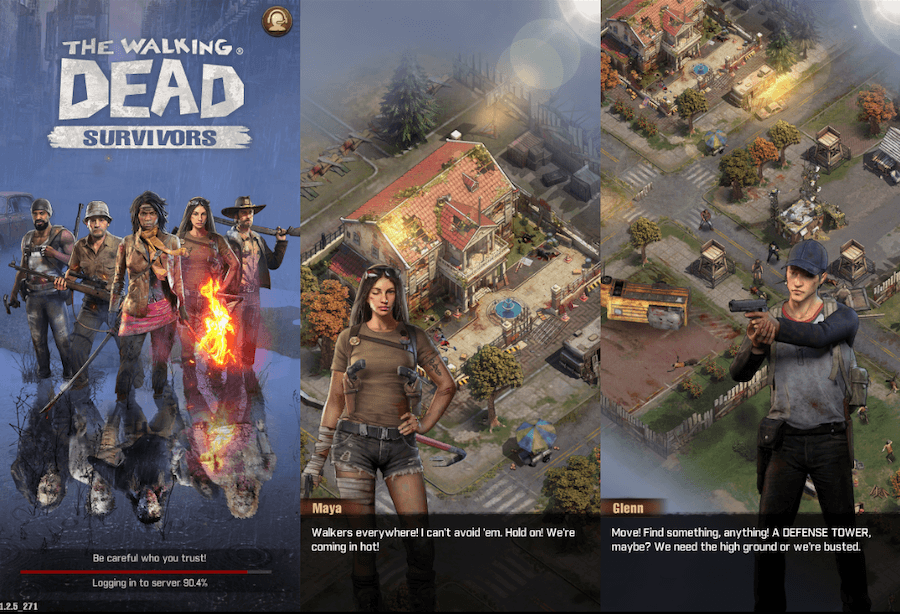 | Relaunch triggers fresh sync with game servers (BitTopup). |
| Mail System Attachment | Open in-game mailbox; inspect system notifications. |  | Check for uncollected claim buttons on delivery notices (BitTopup). |
| Storefront Processing Hold | Review app store purchase history status. | 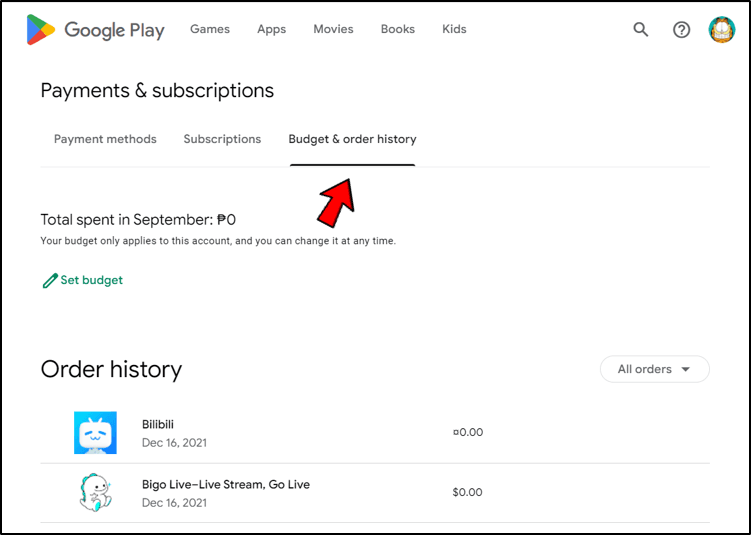 | Confirm status is marked completed rather than pending (Google Support). |
Locating Your User ID (UID) for Missing Top-Ups
Every top-up transaction relies on your unique numeric User ID (UID). If you purchase through external storefronts like The Walking Dead: Survivors Gold Bars or need to submit a ticket to customer support, locating this exact sequence of numbers is essential.
Discrepancies exist across player guides regarding where this identifier sits. Some older support articles suggest checking the in-game settings menu. However, the direct, verified location documented for account routing is on your Commander Profile:
- Launch The Walking Dead: Survivors on your mobile device.
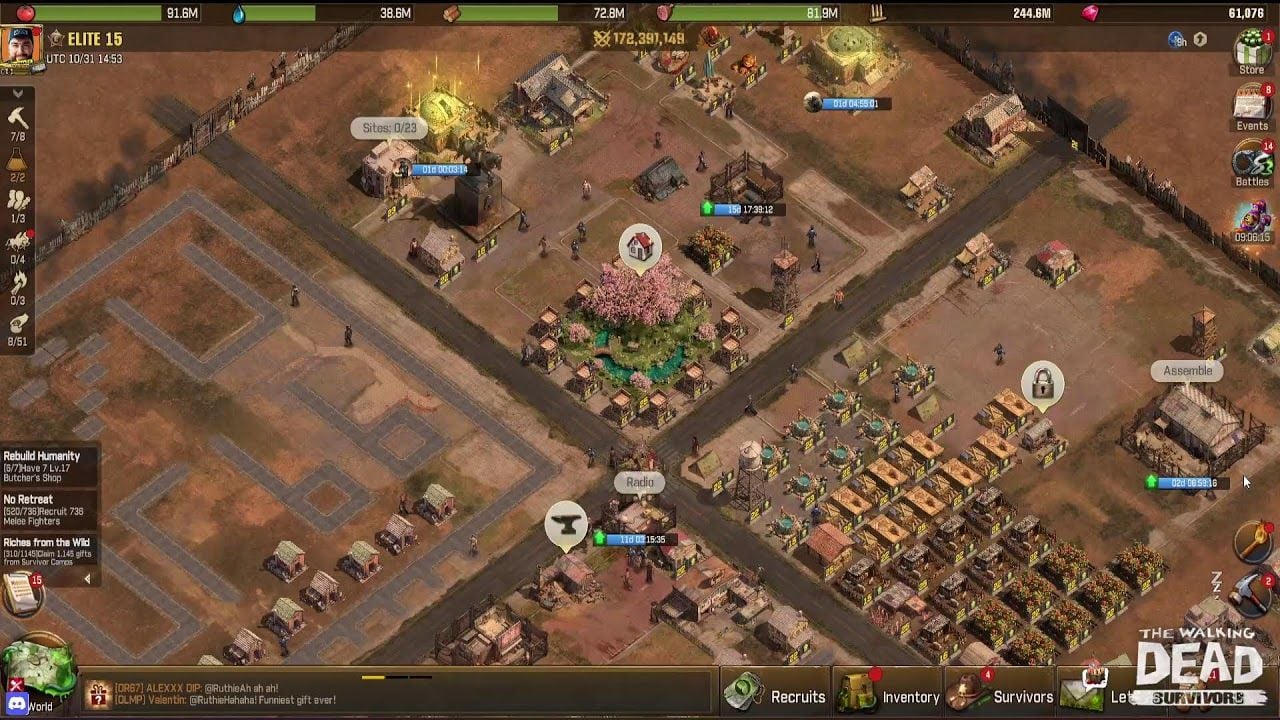
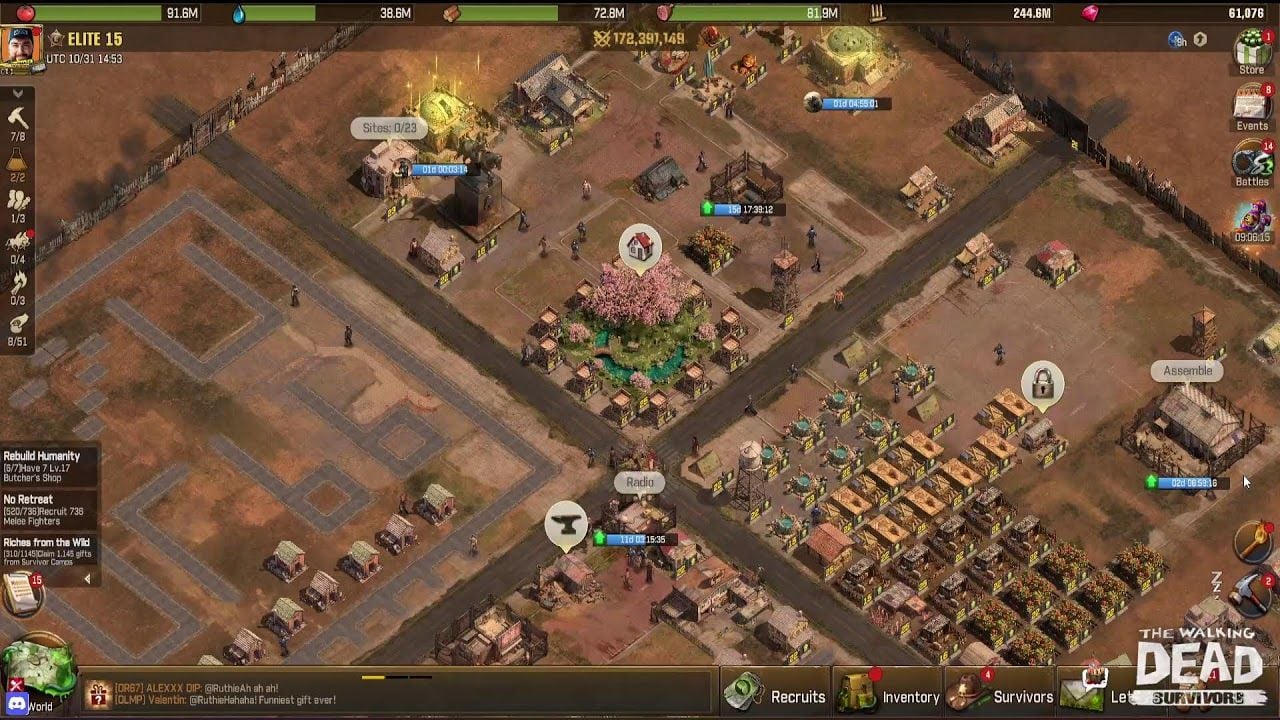
- Tap your Survivor Avatar in the top-left corner of the main base view.
- In the Commander Profile window that appears, look directly beneath your commander username.
- Find the numeric User ID (UID) string.
- Tap the small Copy icon next to the digits to copy the UID directly to your clipboard.
Always use the clipboard copy button rather than transcribing the numbers by hand. Automated routing systems will deliver currency to whatever account matches the submitted digits. If you mistype a single number, your top-up may be dispatched to an inactive base or another player.
Payment States: Pending Orders and Bank Processing Latency
Seeing a notification from your banking app does not mean the game developer has received the funds. Mobile operating systems and payment gateways handle settlement in distinct stages.
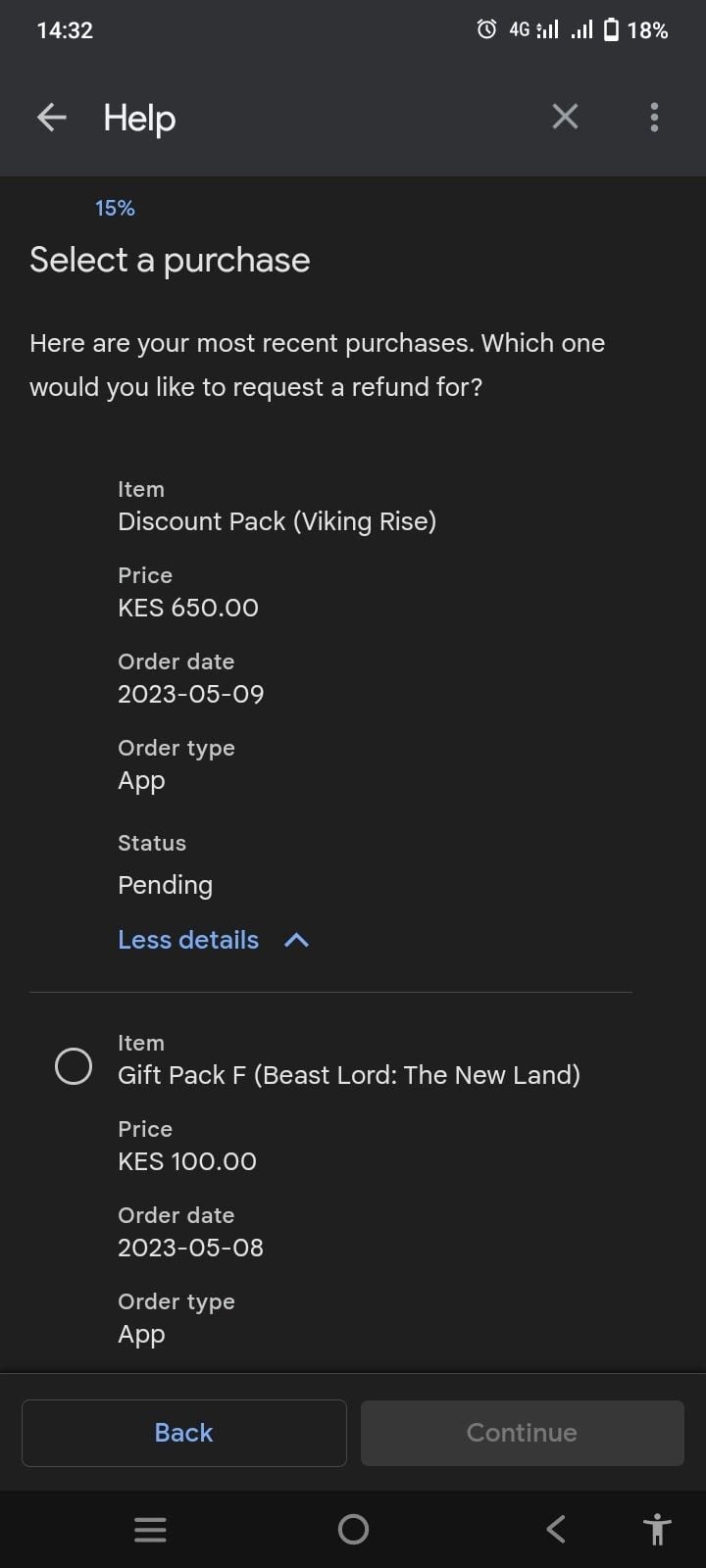
Google Play Settlement Windows
Google Play balance deductions occur immediately. However, when you use a debit card, credit card, or third-party billing method, charges generally clear over a few days. In rare cases, settlement takes up to 10 business days depending on the financial institution (Google Support).
To check the actual status of your Google Play transaction:
* Open the Google Play Store app.
* Tap your Profile icon in the top-right corner.
* Go to Payments & subscriptions > Budget & history.
* Alternatively, visit payments.google.com from a browser to inspect the ledger status.
Deferred Purchases and API States
Mobile billing architectures utilize specific purchase states. For example, Google Play uses numerical flags to identify transaction progress. A status of purchaseState = 1 indicates a completed purchase, while purchaseState = 4 indicates a deferred, pending transaction (Unity Discussions).
Deferred purchases occur when payment requires external validation, such as physical cash vouchers paid at retail locations. Under these systems, buyers typically have up to 3 days to complete the payment at an approved outlet before the order cancels automatically. Game servers are programmed to withhold Gold Bars until the status updates from purchaseState = 4 to purchaseState = 1. If your order sits in a pending state, customer service cannot manually push the items to your base until the billing system registers settlement.
| Payment Method / Channel | Expected Settlement Time | Status Check Location | Item Dispatch Trigger |
|---|
| Google Play Balance | Immediate | Google Play Store app > Budget & history | Instantly upon completion (purchaseState = 1) |
| Credit / Debit Card (Google Play) | A few days (rarely up to 10 business days) | payments.google.com | Upon bank settlement confirmation (Google Support) |
| Deferred Cash / Retail Voucher | Up to 3 days | Google Play Order Activity | Only when physical payment settles (Unity Discussions) |
| External Platform Automated Top-Up | Minutes after gateway approval | Merchant Order Dashboard | Direct API balance grant or server mail dispatch |
What to Do If You Entered the Wrong User ID
When ordering Gold Bars from third-party distribution platforms such as BitTopup or SEAGM, top-up delivery relies on automated dispatch systems. These systems pull the User ID entered during checkout, match it against the game database, and inject the purchased Gold Bars into that account.
If you realize you entered the wrong User ID:
- Act Immediately: Contact the merchant's customer support service without delay.
- Provide Your Order Reference: Send your checkout invoice number, the incorrect UID you entered, and your verified, correct UID.
- Understand the Automated Dispatch Limit: If the automated fulfillment system has already processed the transfer, the Gold Bars have been delivered to the account associated with the erroneous digits. Because in-game items cannot be retracted once assigned to another commander's base, support agents can only modify account routing if you catch the error before automated dispatch completes (BitTopup).
Double-check your copied UID before confirming any transaction on an external checkout page.
Miracle Games Windows Version Closure
If you previously played or topped up The Walking Dead: Survivors on a PC through the Miracle Games Store platform, that payment environment is no longer operational.
Miracle Games terminated in-game recharge services at 12:00 (UTC+8) on September 10, 2025. The dedicated Windows game servers were shut down permanently at 12:00 (UTC+8) on October 10, 2025 (Miracle Games). Any payment attempt routed through legacy Miracle Games desktop endpoints or third-party web portals catering specifically to that Windows build will fail to credit.
Players affected by this transition were instructed to preserve account progression by binding their profile through Settings > Bind To Mail, enabling account recovery and subsequent play on standard Google Play or Apple App Store mobile devices.
Submitting a Support Ticket for Missing Gold Bars
If you have force-closed the client, checked your in-game mailbox, and confirmed that your payment provider marked the order as fully completed, you must file a formal ticket with customer support.
Accessing In-Game Support
- Open The Walking Dead: Survivors.
- Tap the Settings gear icon in the lower-right menu.
- Tap the Customer Support button (TWDS Wiki).
- Select the issue category related to recharge, billing, or missing items.
Required Documentation
Customer support agents require specific verifiable evidence before adjusting your balance manually. Submitting incomplete screenshots delays the investigation. Ensure your ticket includes:
- Numeric User ID (UID): Copied directly from your Commander Profile.
- Official Transaction ID: For Google Play, this is the GPA code (e.g.,
GPA.XXXX-XXXX-XXXX-XXXXX) found on your emailed receipt or on payments.google.com. For third-party platforms, provide the merchant's unique order reference number. - Timestamp: The exact date, time, and time zone when the purchase was authorized.
- Uncropped Proof of Payment: A full screenshot of the official receipt showing the transaction ID, item name, price paid, and completed status. Bank text notifications or debit alerts showing only a pending dollar amount are rarely accepted as conclusive proof.
| Platform / Merchant | Primary Identifier Required | Valid Receipt Document | Where to File Support Request |
|---|
| Google Play Store | GPA Transaction Code | Google Play email receipt / payments.google.com order detail | In-game Settings > Customer Support (TWDS Wiki) |
| Apple App Store | Apple Order ID / Document Number | Apple purchase history invoice screenshot | In-game Settings > Customer Support (TWDS Wiki) |
| BitTopup | Merchant Order Reference Number | Account dashboard invoice / payment confirmation page | Merchant live customer support chat (BitTopup) |
| Defunct Miracle Games Windows | Windows Service Inactive (Terminated Oct 2025) | Historical migration records | Migrate account via Bind To Mail (Miracle Games) |
Frequently Asked Questions
What should I do immediately if my Gold Bars top-up does not show up?
Force-close The Walking Dead: Survivors from your recent apps list and reopen it to establish a fresh connection with the game server. Open your in-game mailbox to ensure the Gold Bars or purchased bundles were not delivered as a claimable message attachment (BitTopup).
Where do I locate my User ID (UID) to verify my transaction details?
Tap your Survivor Avatar in the top-left corner of the main base view. In the Commander Profile window, look directly beneath your username to find your numeric User ID, then tap the small copy button beside it (BitTopup).
What happens if my payment shows 'Pending' in my app store account?
Digital game currency is not awarded while an order remains in a pending or deferred state (such as purchaseState = 4). Items will only be dispatched once the payment platform processes the transaction and transitions the status to completed (purchaseState = 1), which can take up to 3 days for cash vouchers or several days for certain bank methods (Unity Discussions; Google Support).
What should I do if I entered the wrong User ID during an external top-up?
Contact the top-up provider's customer support team immediately with your order reference number. If the automated dispatch system has not yet credited the purchase, support representatives can correct your account details before the delivery completes (BitTopup).