


Google Play Gift Card EU Top Up: What Is It and What Can You Buy?
A Google Play Gift Card (EU) is a digital prepaid voucher denominated in Euros (EUR) that adds credit directly to your Google Play balance. Once added to your account, this balance allows you to purchase digital content across the Android ecosystem without linking a personal credit card or bank account.
What You Can Buy With EU Play Store Credit
- Mobile Games and In-App Purchases: Buy in-game currencies, battle passes, expansions, and premium microtransactions across titles available on the European Google Play Store.
- Premium Android Apps: Purchase paid utilities, productivity tools, creative software, and premium mobile applications.
- Digital Media: Rent or buy movies, purchase eBooks, and buy audiobooks through the Google Play store catalog.
- App Subscriptions: Pay for ongoing service subscriptions inside supported apps that accept Google Play Balance as a recurring billing method.
Purchase Limitations
Google Play balance cannot be used to purchase physical hardware, phones, or accessories on the Google Store. It also cannot be exchanged for cash, refunded, or used outside the Google Play digital ecosystem.
Eligible European Countries and Account Region Compatibility
Google Play gift cards issued for the European Union work across supported Eurozone territories where the local Play Store currency is EUR. To redeem an EU voucher, your Google account's Payments Profile and Play Store regional setting must match one of the supported countries.
| Country | Country Code | Play Store Currency | Redemption Status |
|---|---|---|---|
| Austria | AT | EUR (€) | Supported |
| Belgium | BE | EUR (€) | Supported |
| Finland | FI | EUR (€) | Supported |
| France | FR | EUR (€) | Supported |
| Germany | DE | EUR (€) | Supported |
| Greece | GR | EUR (€) | Supported |
| Ireland | IE | EUR (€) | Supported |
| Italy | IT | EUR (€) | Supported |
| Netherlands | NL | EUR (€) | Supported |
| Portugal | PT | EUR (€) | Supported |
| Spain | ES | EUR (€) | Supported |
Note: Non-Euro European countries (such as the United Kingdom, Switzerland, Poland, Sweden, and Norway) use dedicated regional currencies (GBP, CHF, PLN, SEK, NOK) and cannot redeem standard EU EUR gift cards.
Important Regional Restrictions: Why VPNs Cannot Bypass Geo-Locks
Google enforces strict geo-blocking mechanisms to prevent cross-region digital balance redemptions. The system checks multiple data points before allowing a code to activate:
- Google Payments Profile Country: Your Google account must have an active payments profile registered to a supported EU country with a local address.
- Play Store Region Setting: The Play Store region assigned to your account must match an EU territory.
- Physical Telemetry and IP Consistency: Google analyzes your physical location, connection history, and device telemetry over time.
Why Using a VPN Fails
Switching on a VPN proxy server to an EU country does not bypass Google's verification checks. If your underlying account profile is registered outside the EU, or if Google flags conflicting location signals, attempting to redeem via VPN will trigger errors such as "Code cannot be redeemed in your country" or account review holds. Always ensure your account settings natively match the voucher region before buying.
How to Check Your Google Play Country and Balance
Before redeeming a digital code, verify that your Google Play account is configured for an eligible European country.
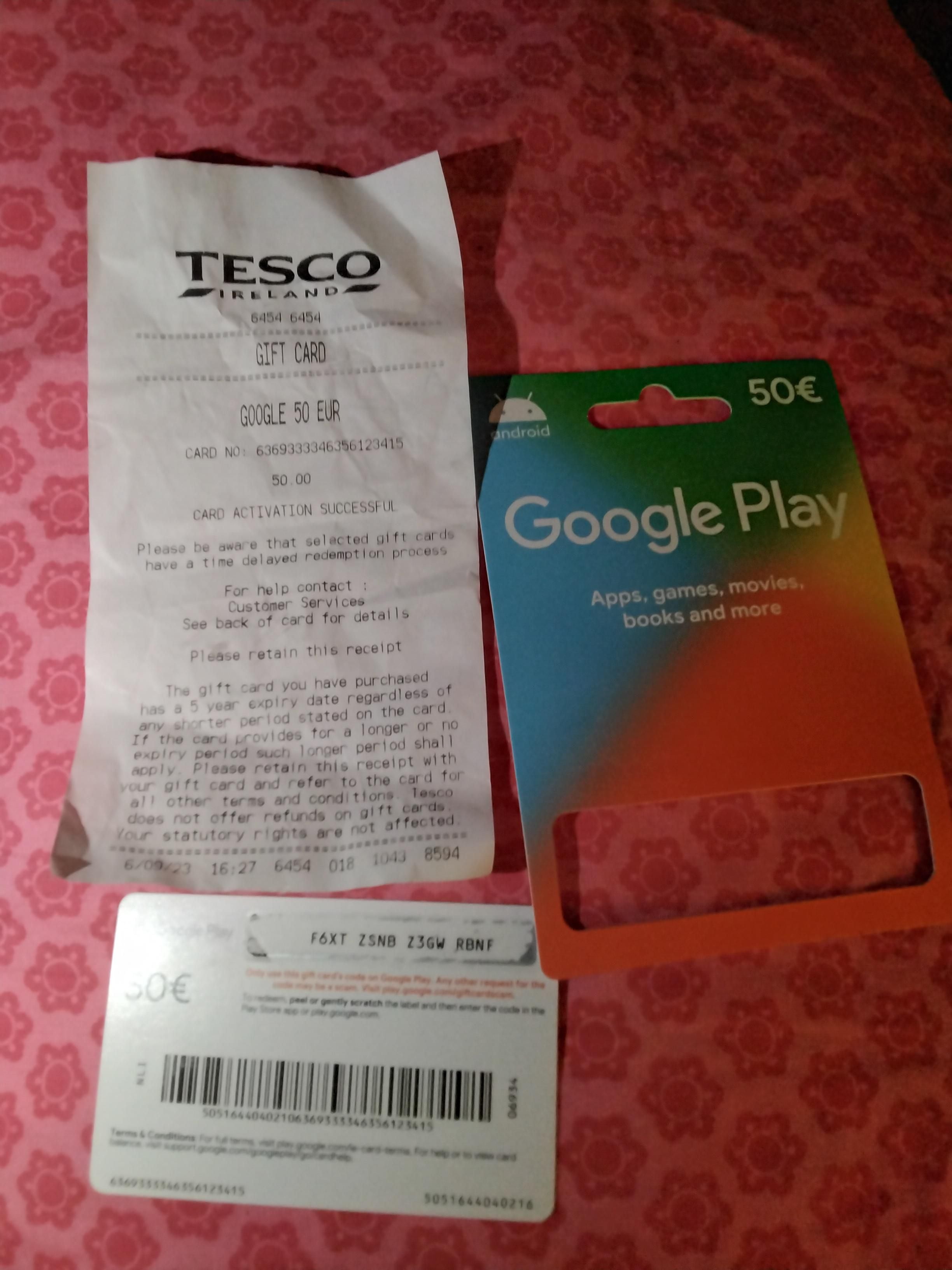
Verifying Your Account Country Setting
- Open the Google Play Store app on your Android device.
- Tap your profile icon in the top-right corner.
- Select Settings > General > Account and device preferences.
- Under Country and profiles, check your listed country and ensure it is an eligible EU country.
Checking Your Play Balance
- Tap your profile icon in the Play Store app.
- Select Payments & subscriptions > Payment methods.
- Your available Google Play balance will be displayed at the top of the screen.
Google Play gift card credit does not expire once redeemed to your balance, and there are no maintenance fees charged on unused funds.
Step-by-Step Guide: How to Recharge and Redeem Your Google Play EU Code
You can redeem your digital voucher either directly on your Android phone or through any desktop web browser.
Method 1: Redeem via Android Google Play Store App
- Open the Google Play Store app.
- Tap your profile icon at the top right.
- Select Payments & subscriptions.
- Tap Redeem code.
- Type or paste your 16-digit alphanumeric code received from BitTopup.
- Tap Redeem, then confirm the transaction to add the funds to your balance.
Method 2: Redeem via Web Browser on Desktop or Mobile
- Open your browser and go to play.google.com/redeem.
- Sign in with the exact Google account you want to top up.
- Enter your digital redemption code into the input field.
- Click Redeem and confirm your account details when prompted.
Troubleshooting Common Google Play Gift Card Redemption Errors
"Code cannot be redeemed in your country"
- Cause: Your account's registered country or IP location does not match the EU card region.
- Fix: Go to pay.google.com, check your active Payment Profiles under Settings, and ensure your country is set to a supported EU territory. Close secondary payment profiles from other countries that might conflict.
"We need more info to redeem your gift card"
- Cause: Google's automated fraud detection has placed a temporary security hold on the voucher.
- Fix: Click the link provided in the error message to submit Google's verification form. You will need your digital receipt details from BitTopup showing proof of purchase.
"Invalid code"
- Cause: Typographical mistakes in the code input.
- Fix: Check for easily confused characters (such as
0andO,1andI,8andB, or5andS). Copy and paste the code directly from your BitTopup order screen.
Why Buy and Recharge Google Play EU Gift Cards on BitTopup
- Instant Digital Delivery: Your code is generated and delivered directly to your order screen and email inbox immediately after payment processing.
- Zero Account Access Required: BitTopup never asks for your Google password, email credentials, or account sharing. You receive the authentic digital code to redeem independently.
- Verified Regional Codes: All EU cards are genuine digital vouchers ready for redemption in supported Eurozone countries.
- Transparent Checkout: View all pricing, processing details, and available payment methods clearly on the live checkout screen before completing your purchase.
Frequently Asked Questions
Can a Google Play Gift Card (EU) be used internationally?
No. Google Play cards are strictly region-locked. An EU gift card denominated in Euros (€) can only be redeemed on Google accounts registered in supported Eurozone countries (such as Germany, France, Italy, Spain, Netherlands, Austria, Belgium, Portugal, Greece, Ireland, and Finland). It cannot be redeemed on US, UK, Canadian, or other international accounts.
Which European countries can redeem the Google Play Gift Card (EU)?
Eligible countries include Austria, Belgium, Finland, France, Germany, Greece, Ireland, Italy, Netherlands, Portugal, and Spain. Non-Euro countries such as the UK, Switzerland, Poland, Sweden, and Norway require their own country-specific gift cards.
How do I recharge my Google Play balance using an EU digital gift card?
Open the Google Play Store app on your Android device, tap your profile icon, choose Payments & subscriptions, select Redeem code, enter the 16-character digital code from your BitTopup order, and confirm. The EUR balance updates immediately.
Why can't I redeem my Google Play gift card even when using a VPN?
Google relies on your account's permanent Payments Profile, device hardware signals, and location history rather than real-time IP alone. Using a VPN does not override an account registered in a non-EU country and can trigger anti-fraud security locks on the code.
Do Google Play Gift Cards (EU) have an expiration date?
No. Google Play gift card codes and the resulting redeemed balance do not expire. You can keep the balance in your account indefinitely until you choose to spend it.
Can I convert my Google Play balance to cash or transfer it to another account?
No. Once a gift card code is redeemed, the balance is permanently tied to that specific Google account. Google Play balance cannot be transferred between different Google accounts, sent to a bank account, or withdrawn as physical cash.
What should I do if my Google Play EU voucher code is marked invalid?
Double-check the code for typos, spaces, or misread characters. If the issue persists, copy the code directly from your BitTopup order confirmation page to ensure exact character input. Contact BitTopup customer support if the error continues.