



Google Play Gift Card (JP) Top Up: Digital JPY Codes
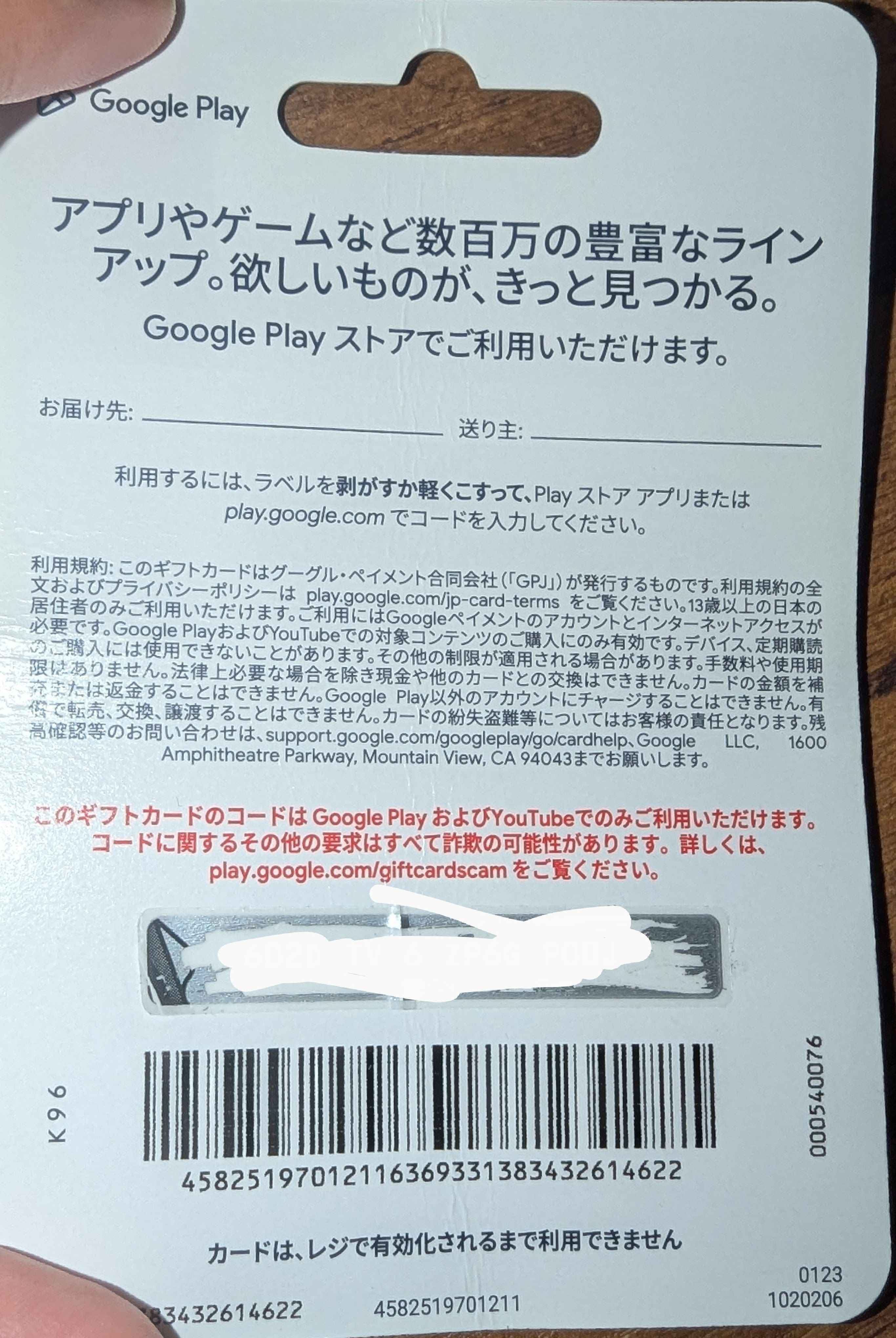
A Google Play Gift Card (JP) is a prepaid digital voucher loaded with Japanese Yen (JPY) designed specifically for the Japanese Google Play Store. When redeemed, the funds go directly into your Japanese Google Play balance, allowing you to access Japan-exclusive mobile games, in-game items, digital manga, light novels, movies, and subscription services.
Japanese game developers frequently release region-exclusive titles or Japanese-language servers with unique seasonal events and collaborations. With a Japanese Google Play card, you can purchase premium currency in top titles such as Fate/Grand Order, Uma Musume: Pretty Derby, Monster Strike, Blue Archive, Puzzle & Dragons, and Genshin Impact (JP server). You can also buy digital books through apps like LINE Manga and Piccoma, or rent anime and movies directly from the Japanese storefront.
Japan Region-Lock Rules and Account Requirements
Google maintains strict geographic restrictions on gift card redemptions. To successfully use a Google Play Gift Card (JP), your Google account and network environment must meet specific criteria:
- Dedicated Japanese Payments Profile: Your Google Payments profile must be registered with a Japanese country setting and a valid Japanese billing address.
- Matching Store Currency: Your Play Store currency must display in Japanese Yen (JPY). If prices appear in USD, EUR, or any other regional currency, the redemption will be rejected.
- Geographic Verification: Google uses automated location checks during the redemption process. If Google's security systems detect that you are redeeming from an unsupported region or through a flagged proxy/VPN connection, the card will lock with an error.
- Zero Multi-Region Balances: You cannot merge or convert funds between different regional wallets (for example, converting USD balance to JPY).
If you regularly use an account registered to your home country, the safest approach is to create a dedicated Japanese Google account used exclusively for Japanese apps and JPY purchases.
How to Check Your Japanese Google Play Account ID
Before purchasing or redeeming a code, verify that you are logged into the correct Japanese Google account on your device to avoid loading funds onto the wrong profile.
- Open the Google Play Store app on your Android device.
- Tap your Profile Icon in the top right corner of the screen.
- Verify that the displayed Google account email address is your dedicated Japanese account.
- Tap Settings > General > Account and device preferences.
- Scroll down to Country and profiles and confirm that Japan is selected with a green checkmark.
Step-by-Step Guide: How to Redeem Google Play Gift Card JP
Once you receive your digital code from BitTopup, redeem it using either your Android phone or a desktop web browser.
Method 1: Redeeming on an Android Device
- Launch the Google Play Store app on your device.
- Ensure you are signed in to your Japanese Google account.
- Tap your Profile Icon at the top right.
- Select Payments & subscriptions from the menu.
- Tap Redeem code.
- Enter the 16-character alphanumeric digital code provided in your BitTopup order details.
- Tap Redeem, then confirm the account details when prompted. Your JPY balance will update immediately.
Method 2: Redeeming via a Web Browser
- Open your browser and go to
play.google.com/redeem. - Sign in to your Japanese Google account.
- Enter the 16-digit gift card code into the input field.
- Click Redeem.
- Confirm the addition of funds to your Japanese Play balance.
Troubleshooting Japan Region Mismatch and Redemption Errors
Google enforces automated verification filters that can trigger error messages even when codes are valid. Here is how to resolve the most common issues:
Error: "Code can only be used in Japan" (PRS-GCR-01 / OR-REH-04)
This error occurs when Google detects that your current IP address, GPS location, or device configuration does not match the card's Japanese region.* Clear Play Store Cache and Data: Go to your device's Settings > Apps > Google Play Store > Storage, then tap Clear Cache and Clear Data.* Check Billing Profile: Visit pay.google.com, log in, go to Settings, and ensure you do not have active secondary payment profiles from other countries linked to the same email.* Avoid Flagged Public Proxies: Low-quality public VPNs or proxies are blacklisted by automated fraud detection systems. If using a connection tool, ensure it provides a stable residential IP based in Japan.* Wait and Retry: Attempting to force redemption multiple times in a short period can trigger a temporary security hold. Wait 24 to 48 hours before retrying.
Error: "We need more info to redeem your gift card"
This indicates that Google requires identity or location verification for the transaction. Keep your BitTopup digital invoice and code receipt handy in case you need to submit a support form through Google's official help center.
Available JPY Denominations and Wallet Limits
Japanese Google Play cards come in fixed JPY amounts designed to cover standard in-game packs and digital purchases.
| Denomination | Common In-Game Equivalent | Typical Usage |
|---|---|---|
| 500 JPY | Starter packs, basic currency | Single microtransactions, low-tier items |
| 1,000 JPY | Monthly passes, battle passes | Subscription renewals, mini currency bundles |
| 3,000 JPY | 10x gacha pull packages | Mid-tier gacha rolls, manga volume bundles |
| 5,000 JPY | Mid-to-high currency packs | Event summons, seasonal character packs |
| 10,000 JPY | Maximum standard gacha bundles | Heavy gacha banner investments, collector packs |
Note: Japanese Google Play balances do not expire. However, Google accounts have a maximum wallet balance cap (typically 100,000 JPY at any given time). Check current product pricing directly on the live BitTopup checkout page before ordering.
Security and Account Protection
BitTopup delivers genuine, unused digital redemption codes directly to your screen and email inbox. To keep your account and funds secure:
- Never Share Your Password: Redeeming a gift card only requires the 16-digit voucher code. BitTopup will never ask for your Google account password or login credentials.
- No Account Sharing Required: You perform the redemption yourself directly inside the official Google Play interface. Never let third parties log in to your Google account to top up on your behalf.
- Redeem Promptly: Apply your code to your Japanese Google Play balance as soon as you receive it to keep your funds secure inside your personal wallet.
Why Buy Google Play Gift Card (JP) on BitTopup
BitTopup provides a direct, secure, and hassle-free way for international players to fund their Japanese mobile gaming accounts:
- Fast Code Delivery: Digital codes are generated and displayed immediately upon completed payment, allowing you to top up your favorite games without delay.
- Secure Payment Processing: BitTopup supports trusted global payment options with encrypted checkout standards.
- No Complex Workarounds: Receive clean, unscratched digital keys ready for manual redemption on your own device.
- 24/7 Customer Support: If you encounter issues during order placement or code retrieval, our support team is available around the clock to assist you.
Frequently Asked Questions
Can a Japanese Google Play gift card be used outside of Japan?
Yes, but only if your Google account is configured with a Japanese payment profile and your network environment satisfies Google's regional verification checks. The card cannot be redeemed onto US, European, or other non-Japanese accounts.
Why does Google Play say my code can only be used in Japan?
This error occurs because Google's geo-blocking system detected a mismatch between your account region or current network location and the card's native region (Japan). Ensure your Google Payments profile has a Japanese address and that your device cache is cleared.
Can I use a VPN to redeem a Google Play Gift Card (JP)?
While many overseas players use network tools to match their IP address to Japan, Google actively blocks recognized public VPN IP ranges. If a VPN IP is flagged, the redemption will fail. Using a clean, stable connection with a verified Japanese Google account is critical.
How do I recharge my Japanese Google Play account balance?
Purchase your desired JPY denomination on BitTopup, copy the 16-character code from your order screen, open the Play Store app on your Japanese account, navigate to Payments & subscriptions > Redeem code, and confirm the transfer.
Do Google Play Gift Cards (JP) have an expiration date?
No. Japanese Google Play gift card codes and the resulting Play Store wallet balance do not expire. You can hold your JPY balance indefinitely until you choose to spend it.
What payment methods can I use to buy a JP Google Play card on BitTopup?
BitTopup supports a wide selection of international payment channels. Visit the live checkout page to view the full list of available payment options for your local currency.
Can I refund or exchange a Google Play Gift Card (JP) after code delivery?
Due to the nature of digital gift card keys, codes cannot be returned, exchanged, or refunded once delivered and revealed. Please ensure your Google account is properly set up for Japan before completing your purchase.