



PlayStation Network Card KW Top Up: Fast, Secure Digital Wallet Recharge
A PlayStation Network Card (KW) is a prepaid digital voucher used to add funds directly to your Kuwait-region PlayStation Store wallet balance. Denominated in US Dollars (USD) for the Kuwait storefront, these digital cards eliminate the need for linking a local credit card or international payment method to your gaming console.
Once you complete your purchase on BitTopup, you receive a genuine 12-digit alphanumeric voucher code. Redeeming this code instantly updates your wallet balance, allowing you to purchase the latest games, expansion packs, in-game virtual currencies, and subscription memberships without delay.
Kuwait Region PSN Account Requirements and Compatibility Rules
Sony operates a strict regional ecosystem for the PlayStation Network. Digital wallet top-up codes are strictly region-locked, meaning a PlayStation Network Card (KW) is only compatible with PlayStation accounts where the Country/Region is officially set to Kuwait.
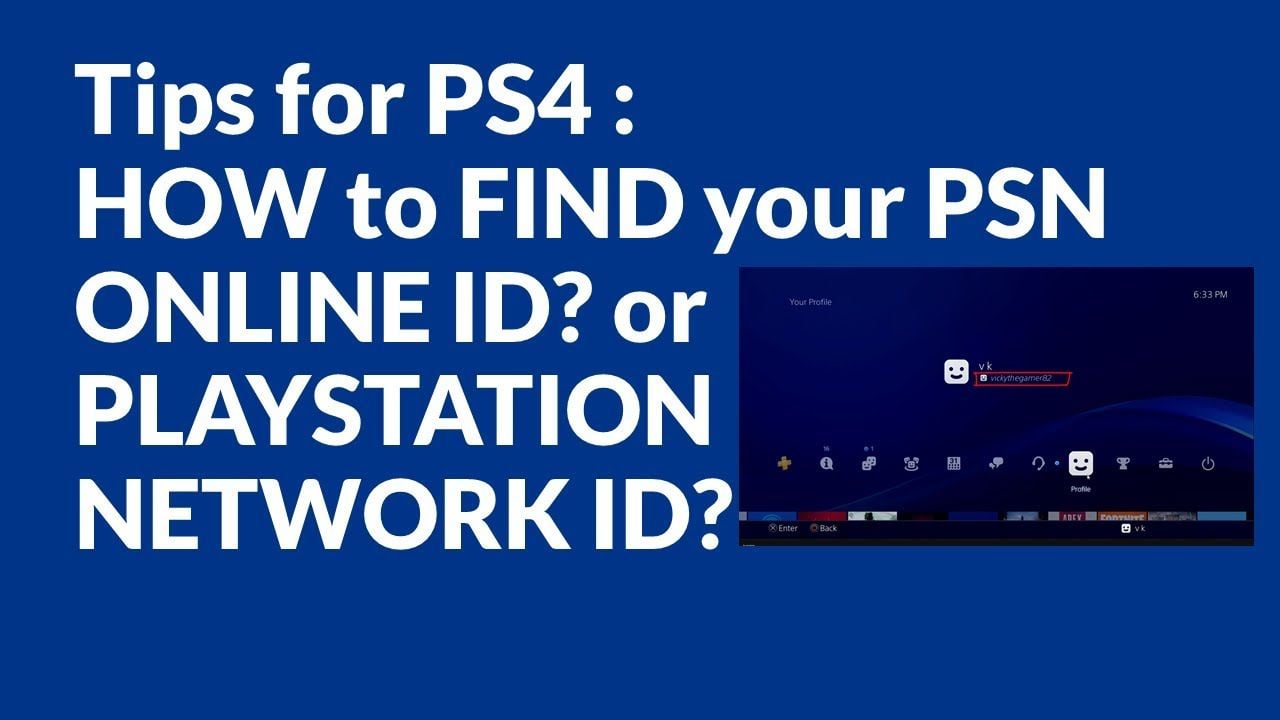
Before ordering your digital voucher, confirm your account region to avoid redemption errors:
- Sign in to your PlayStation Network account via console or web browser.
- Open Account Management and navigate to Account Details.
- Check the Country/Region field. It must display Kuwait.
Account Compatibility Overview
| Account Registered Region | Voucher Code Region | Redemption Status |
|---|---|---|
| Kuwait (KW) | Kuwait (KW - USD) | Compatible (Instant Credit) |
| United States (US) | Kuwait (KW - USD) | Incompatible (Error WC-40371-5) |
| United Arab Emirates (UAE) | Kuwait (KW - USD) | Incompatible (Region Mismatch) |
| Saudi Arabia (KSA) | Kuwait (KW - USD) | Incompatible (Region Mismatch) |
| United Kingdom / Europe | Kuwait (KW - USD) | Incompatible (Region Mismatch) |
If your primary console profile is registered to another country, you can create a secondary Kuwait-region PSN profile on your PS4 or PS5 console to redeem Kuwait vouchers, download games, and share access across accounts using console sharing features.
Step-by-Step Guide: How to Recharge PSN Wallet on PS5 and PS4 Consoles
Redeeming your 12-digit code on your home console is quick and straightforward.
How to Redeem on PlayStation 5
- Power on your PS5 and log into your Kuwait PSN user profile.
- Select the Settings gear icon in the top-right corner of the home screen.
- Go to Users and Accounts > Account.
- Select Payment and Subscriptions and click Redeem Codes.
- Type your 12-digit voucher code precisely as provided by BitTopup.
- Select Redeem. The funds will immediately reflect in your account balance.
How to Redeem on PlayStation 4
- Log into your Kuwait PSN account on your PS4.
- Open the PlayStation Store application from the dynamic home menu.
- Scroll down the left sidebar and select Redeem Codes.
- Enter the 12-digit code without spaces or dashes.
- Select Continue to confirm the wallet credit.
How to Redeem PSN Codes via Web Browser and PlayStation App
If you are away from your console, you can load your digital voucher through any web browser or mobile device.
Web Browser Method
- Open your browser and go to the official PlayStation Store portal.
- Click Sign In in the top right and enter your Kuwait account credentials.
- Click your profile avatar icon to open the account menu.
- Select Redeem Code from the drop-down list.
- Enter the 12-digit code and click Next to finalize.
PlayStation App Method (iOS & Android)
- Launch the PlayStation App on your smartphone and sign in.
- Tap the PlayStation Store icon located in the bottom navigation bar.
- Tap the options menu icon (three horizontal lines) in the upper-right section.
- Select Redeem Code.
- Enter the code manually or use your phone camera to scan the code text.
- Confirm the redemption to apply the funds.
What Can You Buy with PSN Kuwait Wallet Funds in 2026 (Games, DLC, PS Plus)
Recharging your Kuwait PSN wallet balance gives you unrestricted purchasing power across the official digital storefront. In 2026, your balance can be spent on:
- Full Digital Games: Pre-order upcoming releases or purchase standard and deluxe editions directly from the PlayStation Store library.
- Expansions and DLC: Buy season passes, expansion packs, and story add-ons for your favorite titles.
- In-Game Currencies: Top up virtual currencies including EA Sports FC Points, Call of Duty COD Points, Fortnite V-Bucks, Apex Coins, and Genshin Impact Genesis Crystals.
- PlayStation Plus Memberships: Purchase or extend your PlayStation Plus Essential, Extra, or Deluxe subscription tiers directly using your wallet balance.
Troubleshooting Common PSN Code Redemption Errors
If you experience an issue when entering your digital code, check these standard troubleshooting steps:
- Error Code WC-40371-5 / WS-116124-7 (Region Mismatch): This indicates your account country does not match the voucher's designated region. Ensure you are signed into an account registered specifically to Kuwait.
- Invalid Code Entry: Digital voucher codes are exactly 12 characters long. Check for common character misreads (such as mistaking the number
0for the letterO, or the number1for the letterI). - Code Already Redeemed: Check your account's Transaction History under Payment Management. If the balance was already credited or used by a family member sharing the console, the code cannot be entered a second time.
- PlayStation Network Server Maintenance: If the PlayStation Network is undergoing maintenance, wait a short period and re-enter the code once network operations return to normal.
Why Choose BitTopup for PlayStation Network Card Recharges
- Instant Digital Code Delivery: Your 12-digit voucher code is delivered instantly inside your BitTopup order history and dispatched to your email address right after checkout.
- Guaranteed Security & Account Safety: We never request your PSN password, account email, or console login details. You receive an authentic digital code that you redeem yourself.
- Competitive Pricing: View transparent rates directly on our live checkout screen with zero hidden handling surcharges.
- Multiple Payment Channels: Complete your purchase using trusted international and regional payment methods with fast verification.
- Dedicated Customer Support: Our responsive support team is available to assist you with any questions regarding your digital voucher order.
Frequently Asked Questions
How do I redeem a PlayStation Network card for a Kuwait account?
To redeem your Kuwait PSN code, log into your Kuwait-registered account on your PS5, PS4, the PlayStation App, or a web browser. Access the Redeem Codes section in the account or store menu, enter your 12-digit voucher code, and confirm. The funds will credit to your wallet immediately.
Can I use a Kuwait PSN gift card on a US or UAE PlayStation account?
No. PlayStation Network vouchers are strictly region-locked. A card issued for Kuwait can only be redeemed on a PlayStation Network account registered with Kuwait as its primary country. It will not work on US, UK, UAE, or Saudi Arabian accounts.
Do PlayStation Network Card KW digital codes expire?
PlayStation Network digital voucher codes generally do not carry short-term expiration dates. However, we recommend redeeming the 12-digit code to your Kuwait wallet balance shortly after purchase so the funds remain secure in your personal account.
Can I purchase a PlayStation Plus membership using PSN wallet balance?
Yes. You can use your PSN Kuwait wallet balance to pay for PlayStation Plus Essential, Extra, or Deluxe tiers. Ensure your total wallet balance covers the full cost of the subscription plan at the time of purchase.
How do I check my current PlayStation Store wallet balance?
On PS5, go to Settings > Users and Accounts > Payment and Subscriptions to view your balance. On PS4 or a web browser, open the PlayStation Store; your active wallet balance is displayed in the upper-right corner next to your profile avatar.
Can I refund or convert a redeemed PlayStation card into cash?
No. Once a digital voucher code has been redeemed to a PlayStation Network wallet, the balance cannot be refunded, transferred to another account, or withdrawn as cash. All wallet funds must be spent on eligible digital content within the PlayStation Store.