What Gets Wiped (If You Choose)
The wipe affects four categories:
- Stash items: Return to baseline
- Safeboxes: Reset to two slots from expanded capacity
- Quest progression: Returns to zero
- Operations levels: Reset, requiring mission re-completion
Requirements: Level 10 minimum in both Warfare and Operations modes for cross-progression benefits.
Open Beta progress: Does not reset—permanent foundation for all players.
Official Reset Process
Access through Extraction Mode menu:

- Navigate to seasonal transition interface
- Review exclusive rewards before confirmation
- Confirm wipe decision with full knowledge of outcomes
14-day pre-wipe checklist alerts you to:
- Spend soft currency on consumables
- Preserve Delta Coins
- Complete outstanding quests
The Truth About Stash Inventory Wipes
What Actually Resets
Stash items reset only for players who choose seasonal participation. This includes:
- Weapons, armor, medical supplies
- Mission-specific gear
- Safebox expansion (returns to two slots)
What NEVER Resets
Four critical categories survive all wipes:
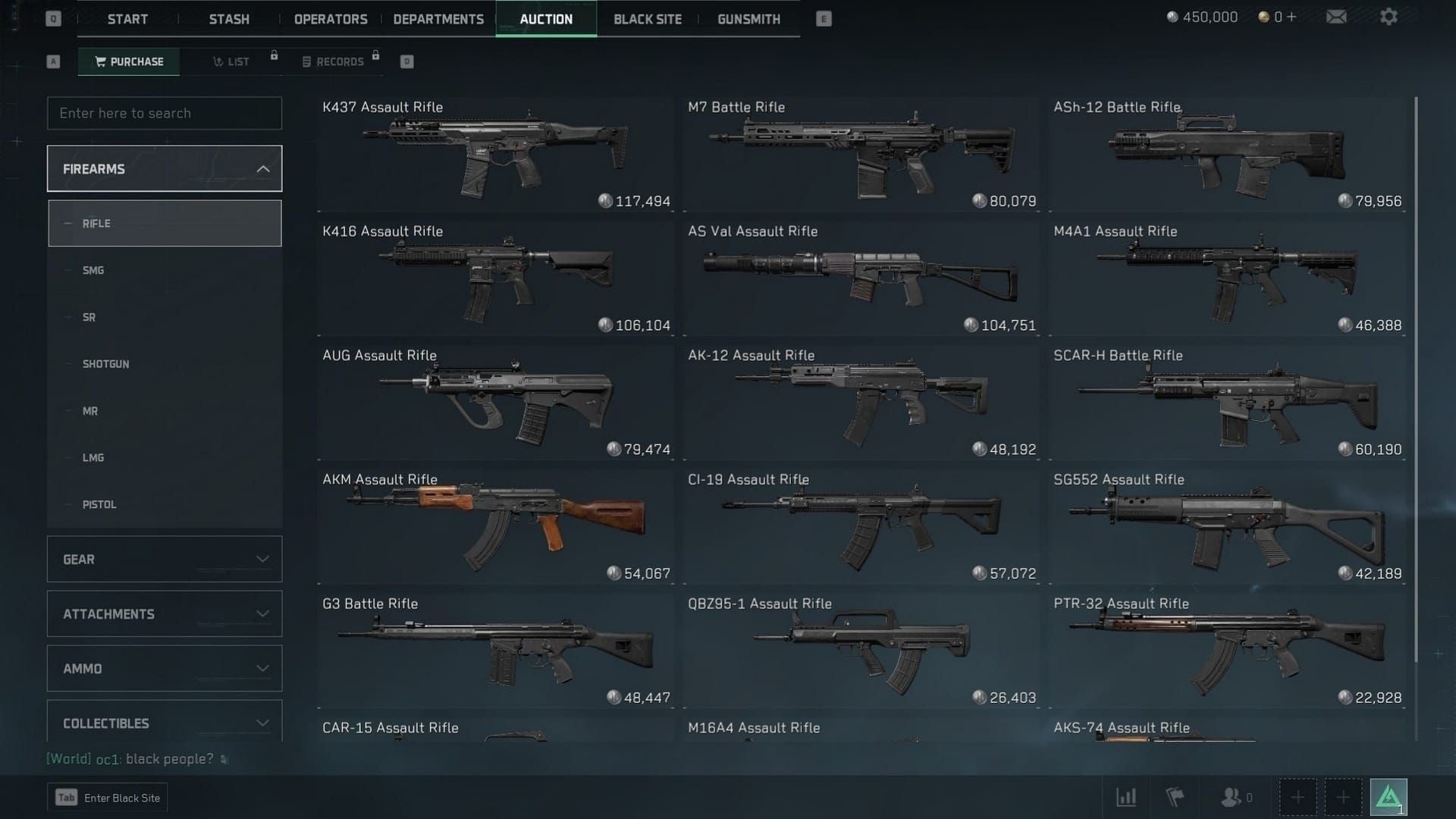
- Battle pass gear: All earned items remain permanently
- Ammunition: Every round persists across seasons
- Delta Coins: Premium currency never decreases
- Cosmetics: Operator skins, weapon skins, emotes stay unlocked
All purchased content retains value indefinitely. Players who buy Delta Force currency online through BitTopup benefit from guaranteed retention across unlimited seasons.
Real Player Experiences
Wipe participants received:
- Exclusive cosmetic rewards
- Boss spawning mechanics with specialized loot
- Powerful weapons for early-season advantages
Non-wipe participants retained:
- All progress and gear
- Continuous advancement without interruption
Why Misinformation Spreads
Players accustomed to mandatory wipes in Escape from Tarkov or Hunt: Showdown project those mechanics onto Delta Force. The actual mechanism: participate for exclusive rewards and fresh competition, or maintain all progress while forgoing seasonal bonuses.
Black-Site Progress During Season Resets
Permanent Progression Elements
Black-Site unlocks function as permanent account progression independent of seasonal resets:
- Area access persists
- Map unlocks remain
- Exploration progress never lost
Boss Mechanics
- Boss spawning: Available exclusively to wipe participants
- Boss completion status: Persists as permanent achievements
- Boss strategies/equipment: Remain available after transitions
Map Access
All map unlocks and area access permissions persist permanently. You never lose ability to access previously unlocked Black-Site locations.
Loot Tables vs Progress
Seasonal transitions may adjust loot tables (item availability, spawn rates) without deleting player progress. Your unlocks and access permissions remain intact.
Mission Reset vs Inventory Wipe: Critical Distinctions
Daily/Weekly Missions
Operate on independent refresh cycles unrelated to seasonal resets:
- Daily missions: Every 24 hours
- Weekly missions: Every 7 days
Seasonal transitions don't affect these cycles.
Seasonal Mission Chains
Quest progression resets for wipe participants—multi-stage missions, faction reputation, seasonal storylines return to initial states.
Non-wipe participants maintain all quest progression, continuing from current position.
Battle Pass
- Battle pass gear: Survives wipes as permanent inventory
- Tier progression: Resets with new seasons
- Previously earned rewards: Remain accessible forever
Challenge Tracking
Challenge completion records persist as permanent achievements separate from seasonal progression. You retain credit for all completed challenges across seasons.
Premium Currency and Purchased Items: Your Safety Net
Guaranteed Retention
Delta Coins survive wipes unconditionally—full balances maintained across all transitions regardless of participation, game mode, or seasonal choices.
Guarantee extends to:
- Direct purchases
- Bundle contents
- Promotional currency awards
Cross-Mode Persistence
Premium currency balances persist identically across Warfare, Extraction, and Operations modes. Unified currency system ensures purchases in one mode benefit all modes.
Cosmetics Protection
All cosmetics survive wipes as permanent unlocks:
- Operator skins
- Weapon skins
- Emotes
- Victory poses
Protection applies equally to earned and purchased cosmetics.
Weapon Blueprints
Blueprints earned through battle pass or direct purchase remain permanently unlocked, providing consistent loadout options across seasons.
Historical Analysis: Previous Season Transitions
Season 1 to Season 2
Wipe participants received:
- Exclusive cosmetics unavailable through standard progression
- Boss spawning mechanics with unique PvE content
- Powerful weapons and specialized equipment
Non-wipe participants retained:
- All stash items
- Safebox expansions
- Quest progression
- Operations levels
Both groups kept battle pass gear, ammunition, Delta Coins, and cosmetics.
Developer Adjustments
Consistent messaging maintained across seasons. Improvements included:
- Enhanced seasonal transition interface clarity
- Expanded reward previews before confirmation
- 14-day pre-wipe checklist system
Common Misconceptions Debunked
Myth: Total Account Wipes Every Season
Reality: Seasonal wipes are optional, affect only Extraction/Operations modes, preserve multiple item categories. Warfare mode never resets.
Myth: All Gear Returns to Zero
Reality: Battle pass gear, ammunition, Delta Coins, cosmetics survive all wipes. Even wipe participants retain significant inventory.
Myth: Premium Purchases Disappear
Reality: All premium purchases receive absolute protection. Delta Coins, purchased cosmetics, battle pass items, direct-purchase weapons remain permanently available.
Soft Resets vs Hard Wipes
Delta Force implements selective resets (specific progression elements) rather than hard wipes (all progress). Optional selective reset = player-friendly middle ground.
Pre-Reset Preparation: Expert Strategies
14-Day Pre-Wipe Checklist
- Spend soft currency on consumables (non-premium currency may lose value)
- Preserve Delta Coins for post-wipe purchases when scarcity creates opportunities
- Complete outstanding quests before wipe confirmation
- Avoid safebox expansion immediately before wipes (resets to two slots)
Optimal Resource Spending
Convert temporary resources into permanent assets:
- Purchase cosmetics
- Buy battle pass tiers
- Acquire permanent unlocks
Prioritize protected categories: battle pass gear, ammunition stockpiles, cosmetic items.
Documentation
Screenshot before transitions:
- Inventory
- Safebox contents
- Quest progression
- Delta Coin balances
- Cosmetic collections
Enables verification of proper reset mechanics.
Community-Verified Tactics
- Complete all seasonal missions before deadlines
- Focus on exclusive seasonal cosmetics (limited-time permanent additions)
- Coordinate with squad for group progression optimization
Comparison: Delta Force vs Other Extraction Shooters
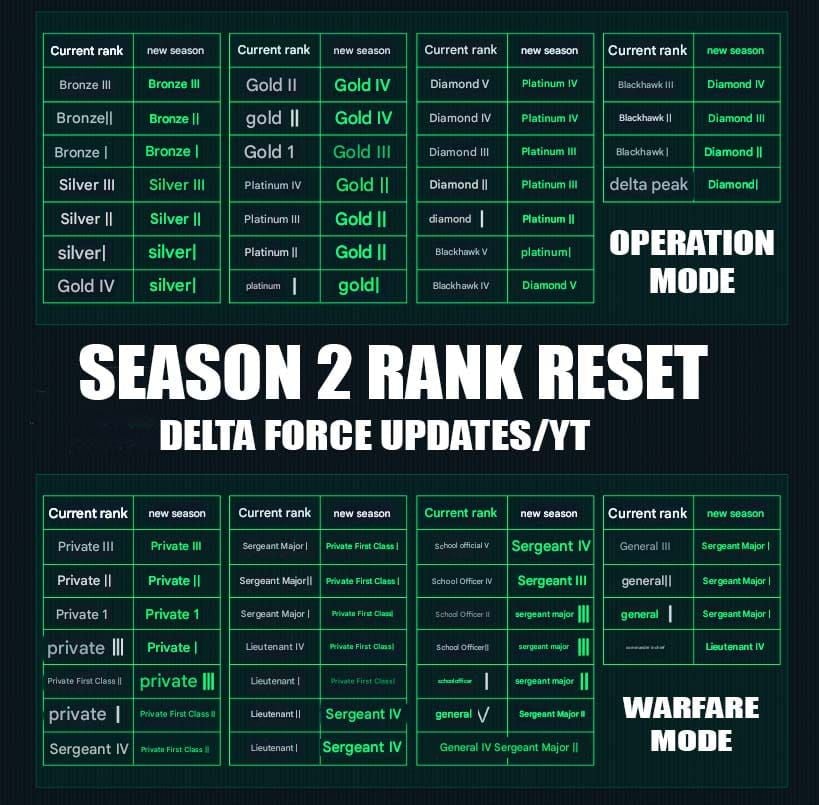
Traditional Extraction Shooters
Games like Escape from Tarkov implement mandatory periodic wipes eliminating all player progress, inventory, and unlocks.
Delta Force's Unique Features
- Optional participation: Choose whether to engage with resets
- Protected categories: Battle pass gear, ammunition, Delta Coins, cosmetics survive
- Permanent mode: Warfare never resets
- Transparent communication: 14-day checklists, detailed previews
Industry Context
Most extraction shooters mandate wipes every 3-6 months. Delta Force achieves economic balance and competitive fairness through optional participation and exclusive wipe rewards rather than forced resets.
Official Channels for Reset Confirmation
Verified Sources
- In-game seasonal transition interface: Current season status, upcoming dates, reward previews
- 14-day pre-wipe notifications: Transition alerts and preparation recommendations
- Official developer announcements: Confirmed seasonal schedules and mechanics
Red Flags for Rumors
Unverified claims about:
- Total account wipes
- Premium currency loss
- Cosmetic deletion
These contradict established mechanics. Cross-reference all information with official channels.
Maximizing Your Experience with BitTopup
Secure Premium Currency
BitTopup provides secure, fast Delta Coins delivery for Delta Force Mobile. Premium currency purchased through BitTopup receives same absolute protection from resets as in-game purchases.
Strategic Spending
Focus premium currency on permanent content:
- Cosmetics
- Battle pass tiers
- Permanent unlocks
These investments provide value across all seasons regardless of wipe participation.
Why BitTopup
- Fast delivery
- Secure transactions
- Competitive pricing
- High user ratings
- Excellent customer service
Trusted choice for thousands of Delta Force players.
FAQ
Does Delta Force Mobile wipe your stash during season resets?
Stash items reset only if you choose to participate in optional seasonal wipes. Non-participants retain all stash contents. Even wipe participants keep battle pass gear, ammunition, Delta Coins, and cosmetics.
What happens to Black-Site progress in season transitions?
Black-Site unlocks, area access, and map progression persist permanently regardless of wipe participation. Boss completion status remains as permanent achievements.
Are premium items safe during season resets?
Yes. All premium purchases receive absolute protection. Delta Coins, purchased cosmetics, battle pass items, and direct-purchase weapons remain permanently available across unlimited seasons.
How often does Delta Force Mobile reset seasons?
Optional seasonal wipes every three months in Extraction/Operations modes. Warfare mode never resets. You choose whether to participate based on preference for exclusive rewards versus progress retention.
Can you keep weapons after season ends?
Battle pass weapons and purchased weapons remain permanently available. Stash weapons reset only if you choose optional seasonal wipe. Ammunition survives all wipes.
What items are permanent in Delta Force Mobile?
Four categories remain permanent: battle pass gear, ammunition, Delta Coins (premium currency), and cosmetics (operator/weapon skins, emotes). These survive all seasonal transitions regardless of participation.