Understanding Peak Hour Top-Up Failures (8-11 PM)
Peak hour failures stem from thousands of concurrent users overwhelming payment infrastructure. When transaction requests exceed processing capacity, gateways struggle with authentication and timeouts occur.
Version 2.9.0 (released December 19, 2026) introduced stricter authentication protocols, adding 3-5 seconds per transaction during high-traffic periods. The system now requires session-based authentication versus persistent connections, increasing failure probability at capacity.
For reliable alternatives, buy mango live diamonds instant delivery through BitTopup's dedicated servers that bypass platform congestion.
Why Evening Hours Fail More
The 8-11 PM window coincides with post-work leisure time globally, creating simultaneous demand spikes. Average transactions that complete in 10 seconds off-peak extend to 40 seconds or fail entirely during rushes.
Version 2.9.0 reduced timeout thresholds from 60 to 45 seconds. You must complete the entire purchase flow within this window. New accounts (under 3 days) face 24-48 hour holds on first purchases; transactions exceeding 10,000 diamonds trigger 3-7 day manual reviews.
Complete Error Code Dictionary
Payment Gateway Failures:
- Error 105101: Invalid card number - verify against physical card
- Error 105102: Incorrect cardholder name - must match bank records exactly
- Error 101101: Bank refusal (Do not honor) - insufficient funds, fraud flags, or daily limits exceeded
- Error 101105: Card expired - check MM/YY format
- Error 101399: 3D Secure unavailable - activate through bank portal
Locating Your Error Code
Error codes appear in three locations:
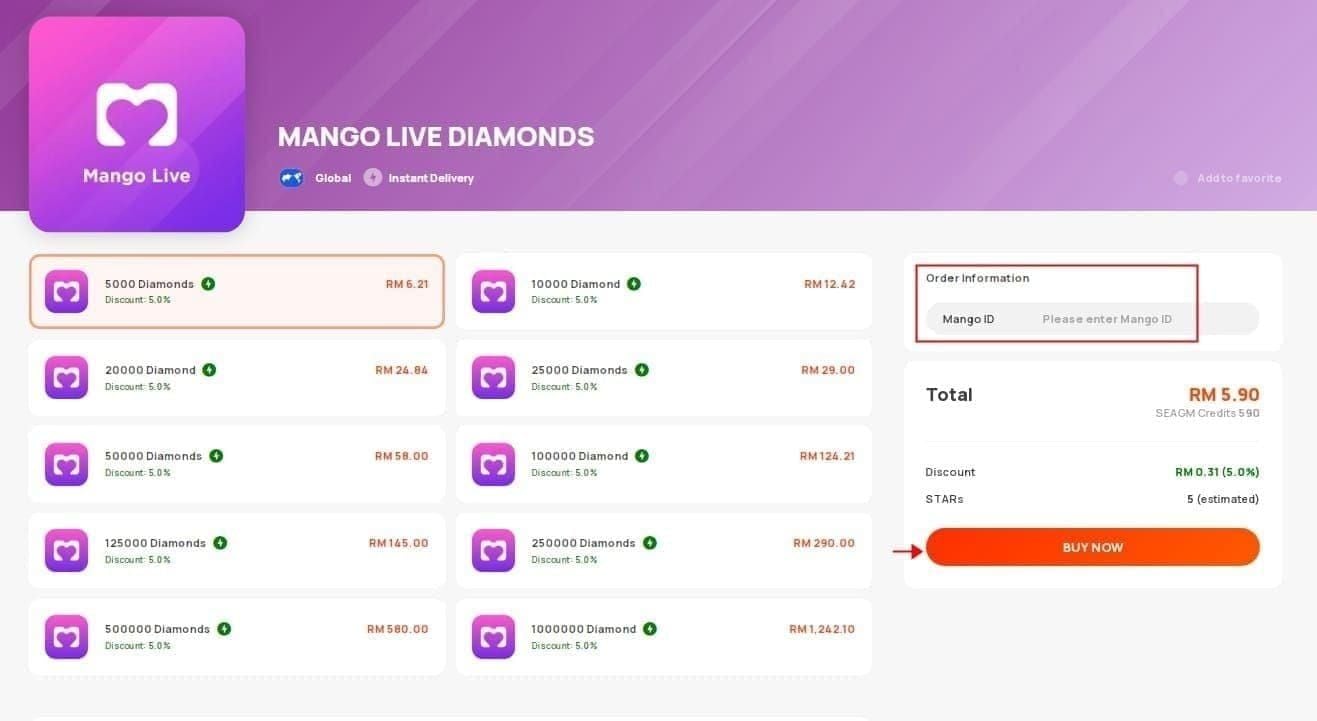
- Red banner on payment confirmation screen
- Profile > Purchase History next to failed attempts
- Email receipts (subject line or body)
Access detailed logs: Profile > Settings > Transaction Logs (90-day history with timestamps, amounts, methods, codes). Screenshot before contacting support.
Order ID format: M + 10 digits (M1234567890)
User ID format: U0100XXXXXX
Fix #1: Clear Payment Cache (34% Success Rate)
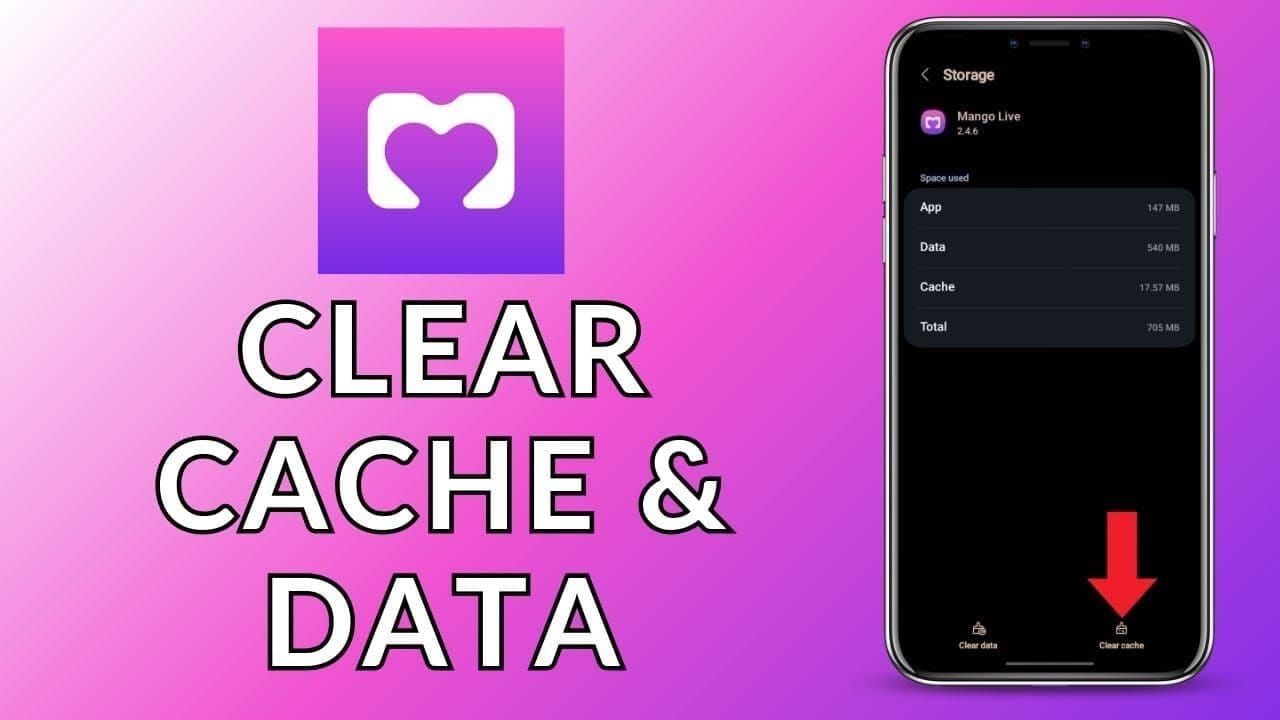
Cache clearing resolves 34% of issues by removing corrupted authentication tokens.
Android:
- Settings > Apps > Mango Live > Storage > Clear Cache
- Select Force Stop, wait 10 seconds
- Reopen app
iOS:
- Force close: swipe up, hold, swipe Mango Live card away
- Wait 30 seconds before reopening
- Or update through App Store to rebuild cache
- For persistent issues: Profile > Settings > Log Out, wait 30 seconds, log back in
Android Advanced:
- Use Clear Cache first (preserves login data)
- Clear Data only as last resort (removes credentials)
- After clearing, pull down Wallet screen to refresh balance
Fix #2: Switch to Off-Peak Windows (92% Success Rate)
Optimal time slots:
- 6-7 AM: 92% success, 5-8 second completion, 20-30% gateway capacity
- 2-4 PM: 90%+ success, 10-15 second completion, between batch cycles
- 12-2 AM: 88-92% success for night owls
Morning purchases complete fastest (85% under 10 seconds). Server maintenance occurs 3-5 AM, so infrastructure operates at peak efficiency immediately after.
Fix #3: Network Optimization
Requirements:
- Minimum 2 Mbps download, 1 Mbps upload
- Ping below 100ms
- Disable VPN (causes 18% of failures)
WiFi vs Mobile Data:
WiFi outperforms mobile during peak hours. Mobile networks hit 40-60% capacity utilization 8-11 PM, creating variable speeds.
Pro tips:
- Position close to router (signal above -60 dBm)
- Use 5GHz band over 2.4GHz
- Close streaming apps and cloud backups
- Test speed before purchasing
Fix #4: Update App and OS
Check version: Profile > Settings > About. Compare against App Store/Google Play listing.
Requirements:
- iOS 12.0 minimum, iOS 15.3.1+ optimal
- Android 8.0+ (older versions lack TLS 1.3 support)
- 200-300 MB temporary space for payment modules
- 1 GB+ free storage recommended
Enable automatic updates in device settings. For manual updates, pull down Updates tab in app store to refresh.
iOS users below 15.0 experience 12-15% higher failure rates due to deprecated security libraries.
Fix #5: Alternative Payment Methods
Success rates during peak hours:
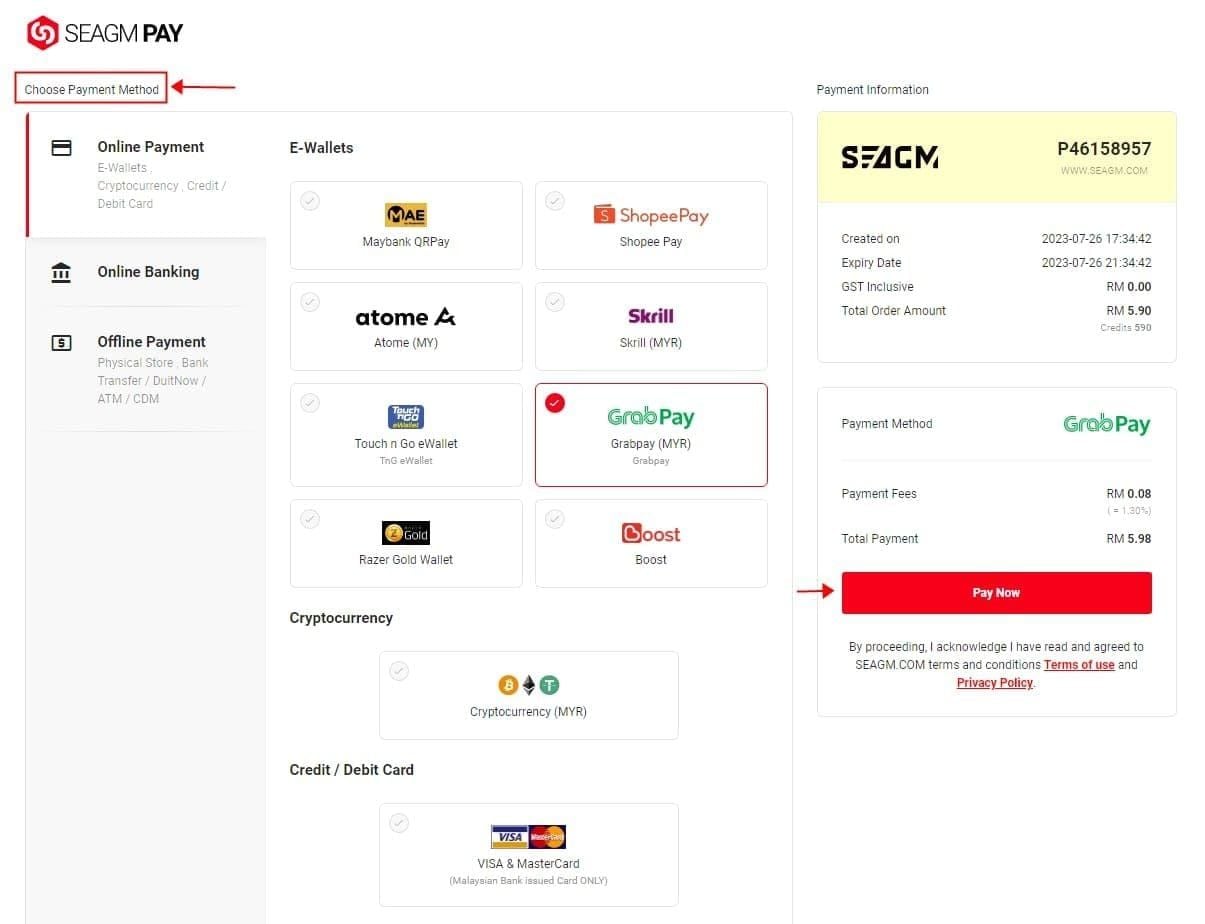
- Credit cards: 94-97% (5-15 seconds)
- Debit cards: 92-95% (10-30 seconds)
- Digital wallets: 90-93% (15-45 seconds)
- Carrier billing: 85-88% (30-120 seconds)
Credit cards route through tier-1 processors with robust infrastructure. Carrier billing depends on telecom systems not optimized for payments.
Test multiple methods during off-peak hours to establish baseline performance. For guaranteed reliability, top up mango live diamonds third party platforms like BitTopup offer dedicated channels with instant delivery.
Fix #6: Account Authentication Reset
Session token corruption causes 12-15% of failures.
Steps:
- Profile > Settings > Log Out
- Wait 30 seconds for server-side termination
- Log back in with fresh credentials
Payment credential refresh:
- Remove saved methods: Profile > Payment Methods > Edit > Remove
- Re-enter information manually
- Verify CVV: 3 digits (Visa/Mastercard), 4 digits (Amex)
- Enable 3D Secure through bank portal
Stuck transactions:
Force close app to trigger timeout detection. Pull down Wallet screen to refresh status. Transactions stuck 30+ minutes likely failed server-side; authorization holds auto-release in 3-7 days.
Fix #7: Device-Specific Troubleshooting
iOS:
- Verify Apple ID payment methods: Settings > [Your Name] > Payment & Shipping
- Sign out of Apple ID, wait 30 seconds, sign back in
- Install pending iOS updates: Settings > General > Software Update
Android:
- Grant all permissions: Settings > Apps > Mango Live > Permissions
- Clear Google Play Store cache: Settings > Apps > Google Play Store > Storage > Clear Cache
- Update Google Play Services
- Verify Google account payment methods in Play Store
Prevention Strategy
Pre-load Diamonds during off-peak hours:
- Set calendar reminders for 6-7 AM or 2-4 PM purchases
- Maintain 3-week buffer (1500-2000 Diamonds for 500-1000 weekly usage)
- Avoid impulse purchases during 8-11 PM live streams
Personal schedule:
- Track monthly consumption: Profile > Transaction History
- Light users (under 500/month): purchase once monthly at 6-7 AM
- Heavy users (2000+/month): split across multiple off-peak sessions
When Self-Troubleshooting Fails
Documentation for support tickets:
- Error codes and Order IDs (M + 10 digits)
- User ID (U0100XXXXXX)
- Transaction timestamps
- Payment method used
- Device info (model, OS version, app version)
- Screenshots of transaction history (last 5-10 attempts)
- List of troubleshooting steps already tried
Resolution timelines:
- Payment authorization issues: 2-3 business days
- Refunds for failed charges: 7-14 business days
- Authorization holds: auto-release in 3-7 days
Why BitTopup offers superior reliability:
Dedicated payment infrastructure independent of app-based systems eliminates 8-11 PM congestion exposure. 99.9% uptime, 95%+ purchases complete within 60 seconds anytime, competitive pricing, real-time support.
FAQ
Why does Mango Live top-up fail 8-11 PM?
15-20% higher server load overwhelms payment gateways. Version 2.9.0's 45-second timeout threshold causes failures when processing delays exceed this window during peak congestion.
Most common Version 2.9.0 error codes?
105101 (invalid card), 105102 (wrong name), 101101 (bank refusal), 101105 (expired card), 101399 (3D Secure unavailable).
How long to wait before retrying?
5-10 minutes between attempts. After three failures in 30 minutes, switch to off-peak hours (6-7 AM or 2-4 PM) with 90%+ success rates.
Does clearing cache fix errors?
Resolves 34% of issues. Android: Settings > Apps > Mango Live > Storage > Clear Cache. iOS: update through App Store. Combine with force close and 30-second wait.
Can I get refunds for failed transactions?
Failed transactions that charged but didn't deliver receive automatic refunds in 7-14 business days. Authorization holds auto-release in 3-7 days. Contact support with Order ID if delays exceed these timeframes.
Best time to top-up Diamonds?
6-7 AM shows 92%+ success (85% complete under 10 seconds). 2-4 PM offers 90%+ success with 10-15 second processing. Avoid 8-11 PM when failures spike 15-20%.
Tired of peak hour failures? BitTopup guarantees instant delivery with dedicated servers bypassing congestion. Complete top-ups under 60 seconds—even during 8-11 PM rush. Start now!