120 FPS in a fight
120 FPS draws a frame every 8.33 ms. 90 FPS is 11.11 ms. 60 FPS is 16.67 ms. You see recoil steps and peek motion sooner. The gain you keep is the one that stays flat. A locked 90 through the third circle beats a 120 that hitches when two squads collapse.
Your display has to match. A 90 Hz or 60 Hz panel cannot show 120 unique frames. Input still updates a bit faster on some SoCs, but the picture stays at the panel cap.
The lobby and pre-match stay near 90. A 90 reading on the home screen is normal. Combat is where Ultra Extreme runs.
Version 4.2 set the graphics budget on select devices:
Graphics preset | Frame rate cap |
|---|
Smooth | 90 or 120 FPS |
HD / HDR | 90 FPS |
Ultra HDR | 60 FPS |
Smooth is the only preset that can open Ultra Extreme. PUBG Mobile 120 FPS settings covers the rest of the Combat tab.

Hardware you need
Krafton never shipped a spec sheet that guarantees Ultra Extreme. Phones that stay on the list share a flagship chip, a 120 Hz panel, and cooling that lasts more than one match.
Requirement | Minimum | Better for a full session |
|---|
Display | 120 Hz, locked to 120 Hz in system settings | 120 Hz+ LTPO AMOLED, high touch sampling |
Chipset | Snapdragon 8 Gen 2, Dimensity 9200 / 9300, or Apple A15 + ProMotion | Snapdragon 8 Elite, Dimensity 9300+, A17 Pro or newer |
RAM | 8 GB | 12 GB+ |
Storage | UFS 3.1, about 20 GB free | UFS 4.0, 20 GB+ free |
OS | Android 11+ / iOS 17+ | Current Android / iOS |
Cooling | Vapor chamber | Internal fan or clip-on cooler |
Game version | 3.2+ | 4.5.0 or newer |
iPhone 13 Pro is the oldest iPhone on the list. Base iPhone 14 / 15 / 16 stay at 60 Hz, so they cannot show 120 FPS. iPad Pro 2020 uses A12Z. M1 starts in 2021.
POCO F5 Pro is Snapdragon 8+ Gen 1. Older write-ups put it under Dimensity 9300. That chip note is wrong.
How to check support
Update PUBG Mobile from Google Play or the App Store to 4.5.0 or newer.
Lock the system display to 120 Hz (or the highest fixed rate). Auto or 90 Hz hides Ultra Extreme on many Androids.
Open the game → Settings → Graphics & Audio.
Set Graphics to Smooth.
Open Frame Rate. Ultra Extreme means the SKU is on the whitelist. Extreme or Extreme+ means you cap at 60 or 90.
Android: Settings → About phone → processor. iOS: Settings → General → About. The chip is a hint. The menu is the test.
How to enable Ultra Extreme
Update to 4.5.0+.
Set system refresh to 120 Hz.
Close background apps. Leave battery above 25%.
Settings → Graphics & Audio → Combat.
Graphics = Smooth.
Frame Rate = Ultra Extreme. There is no 120 slider. The row is the switch.
Style = Classic or Colorful. Shadows off. Anti-aliasing off. Auto-adjust graphics off.
Full restart. Force-close, then launch again.
iOS
Turn off Settings → Accessibility → Motion → Limit Frame Rate.
If combat still feels capped after Ultra Extreme, start a screen recording from Control Center, then return to the match. Some ProMotion units hold 120 only while that session is open. Stop the recording when you are done.
Android
Turn on Game Booster / Game Turbo / performance mode. On Galaxy, set Game Booster to performance and turn off auto-optimize. On OnePlus, use High Performance Mode and turn off Adaptive Brightness and Smart Resolution.

Graphics preset for stable 120
Setting | Value |
|---|
Graphics | Smooth |
Frame Rate | Ultra Extreme |
Style | Classic or Colorful |
Shadows | Off |
Anti-aliasing | Off |
Auto-adjust graphics | Off |
Show FPS | On |
HD and HDR look sharper. They also lock you at 90 on the devices that allow that pair. Ultra HDR stops at 60. If you want 120, stay on Smooth.
Turn on Show FPS. Watch a Training Ground spray and a real Erangel rotate. A steady 120 that drops to 90 in a compound is heat or scene cost. Drop optional effects before you blame the whitelist.
Battery and heat
120 FPS draws more GPU time than 60. Plan on about 40–50% more drain. A 30-minute match on a 5,000 mAh Android often lands near 25–30% at 120 versus 15–18% at 60. iPhone 13 Pro (3,095 mAh) runs hotter and empties faster. Two to two and a half hours of continuous 120 is a common ceiling.
Most sealed flagships hit the mid-40s °C after 15–45 minutes and fall to 90–100 FPS. ROG Phone and RedMagic units with a fan hold 120 longer, often past 30 minutes. Remove the case. Skip charging in-match. Drop brightness if the SoC climbs. Take a short break between ranked games.
Airplane mode helps only in offline modes. Classic still needs a network.

Close-range and spray
Faster frames help you see the first recoil kick on M416, Beryl M762, and AKM past 50 m. You pull the same pattern. You see the next step sooner.
Shotgun timing and SMG tracking in compounds gain more than a 200 m DMR hold. If 120 hitches in those compounds, lock 90. A flat 90 reads cleaner than a bouncing 110.
Tournament queues lean on ROG / RedMagic fans and iPhone Pro for back-to-back maps. Same preset: Smooth, effects off.
Maps in Version 4.5
Erangel still has the longest view distances and a 100-player lobby. Frames sag more here, often into the 100–110 range on a warm glass flagship. Livik (52 players) holds 120 more often.
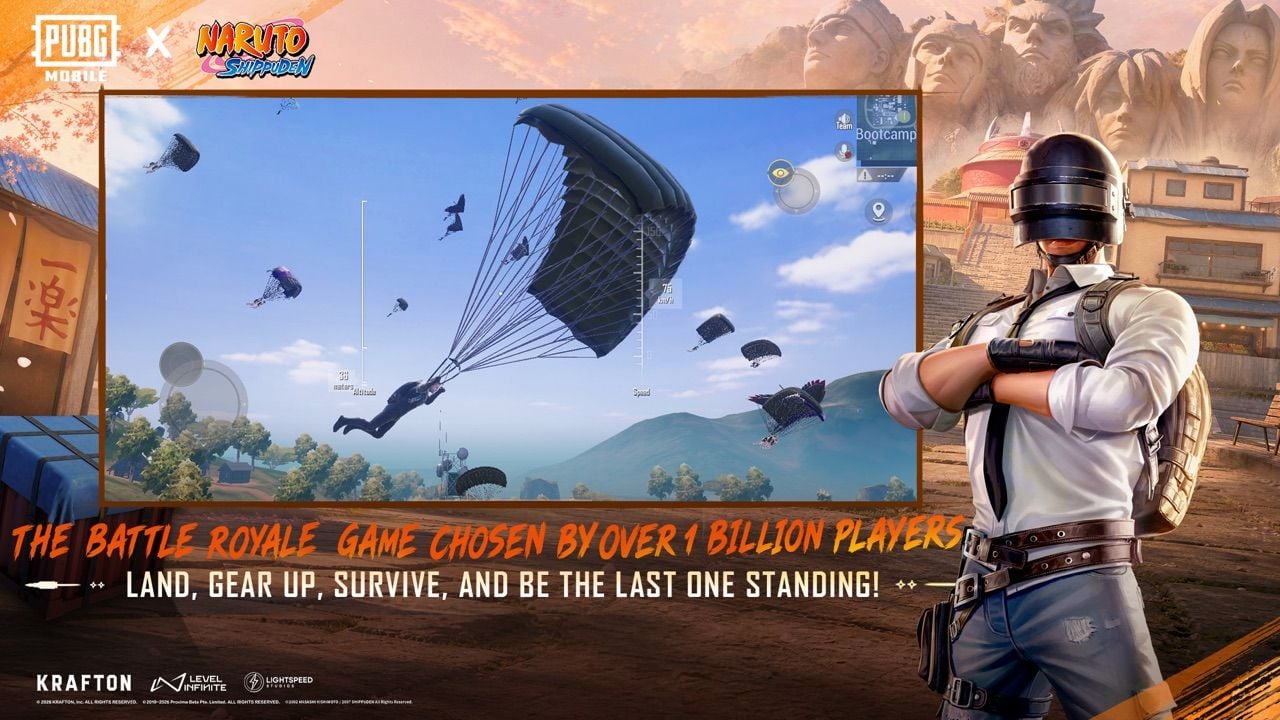
Version 4.5 runs NARUTO: Ninjas Assemble on Erangel, Livik, and Sanhok through 7 September 2026. Hidden Leaf Village, Ninja Academy, Valley of the End, and ninjutsu effects add scene cost on those maps. If Ultra Extreme hitches in Konoha, drop brightness and keep shadows off before you switch to 90.

Ultra Extreme greyed out or missing
Game below 4.5.0 (120 FPS first shipped in 3.2; 4.5 has the wider list).
SKU not on the whitelist, even if the chip looks right.
Graphics not set to Smooth.
System refresh below 120 Hz.
Under about 20 GB free. Older guides said 5 GB. The 4.5 client needs more room.
Region can lag a build. If the row is still missing after an update and a restart, Krafton has not enabled that model yet.
Frame drops after it unlocks
Close background apps. Disable anti-aliasing and shadows. Turn off Auto-adjust. Enable the maker's game mode. Keep 20 GB free. Update the OS. Android: system update for GPU drivers. iOS: current iOS.
Do not use GFX tools, Magisk modules, or custom configs to force 120. Those break the Terms of Service and can ban the account.
What changed since the old 50-phone list
The old page stopped at S24, OnePlus 12, ROG 8, RedMagic 9, Pixel 8 Pro, and iPhone 16 Pro. It treated Version 4.1 as current and called the list "official 50+."
4.5 lists now include Galaxy S25 / S26, Z Fold 6 / 7, OnePlus 13 / 15, Xiaomi 15 / 16, Pixel 9 / 10 Pro, ROG 9, RedMagic 10 / 11, and iQOO 15. The count is past 50. The menu on your phone is still the source of truth.
"Snapdragon 8 Gen 4" and "S25 coming in early 2026" are outdated. Qualcomm ships Snapdragon 8 Elite. S25 and S26 are already on the table.
Mid-range chips (Snapdragon 7+ Gen 3, Dimensity 8300) still sit below the GPU budget for a locked 120. Wait for a patch note that names your model.
FAQ
Which phones support PUBG Mobile 120 FPS in 2026?
Flagships with Snapdragon 8 Gen 2 or newer, Dimensity 9200 / 9300 or newer, or Apple A15 + ProMotion, plus 8 GB RAM and a 120 Hz panel. The core 4.5 list is iPhone 13–16 Pro / Pro Max, Galaxy S23–S26 and Z Fold 5–7, OnePlus 11–15, Pixel 8–10 Pro, ROG 7–9, RedMagic 9–11, and Xiaomi 13–16. Open Smooth → Frame Rate after you update.
How do I enable 120 FPS?
Update to 4.5.0+. Lock 120 Hz in system settings. Settings → Graphics & Audio → Smooth → Ultra Extreme. Restart. iOS: turn off Limit Frame Rate. Android: turn on Game Booster.
Does 120 FPS drain battery faster?
Yes. About 40–50% more than 60 FPS. A 5,000 mAh pack often uses 25–30% in 30 minutes at 120 versus 15–18% at 60.
Why is Ultra Extreme greyed out?
Old client, SKU not whitelisted, Graphics not Smooth, refresh below 120 Hz, or low free storage. Hardware that "should" work can still wait on Krafton.
Does 120 FPS help aim?
You get a new frame every 8.33 ms instead of 11.11 ms at 90. Recoil and tracking are easier to read. The gun pattern does not change.
Will 120 FPS overheat the phone?
Sealed flagships often climb into the mid-40s °C after 15–45 minutes and drop to 90–100 FPS. Fan phones hold 120 longer. Pull the case and skip charging in-match.
Conclusion
PUBG Mobile 120 FPS in August 2026 is Ultra Extreme on Smooth, on a whitelisted phone, on Version 4.5 or newer. Check the table, lock 120 Hz, then confirm the row in Frame Rate. Keep 90 if 120 hitches. The list grows with each major patch.
When you need UC for Pass or crates, buy PUBG Mobile UC on BitTopup. Player ID only. How to top up PUBG UC on BitTopup walks through the ID step.