To see your active tier immediately on Windows without a browser, open Word or Excel and go to File > Account; the Product Information pane displays your subscription name and licensing state. For your exact billing schedule or renewal deadline, visit the Microsoft Account Services & Subscriptions dashboard, where accounts on auto-renew display a circular arrow with upcoming charge dates, while prepaid accounts show an explicit "Expires on [date]" banner. If you manage a work or school tenant instead, your assigned seat details live separately inside the organizational portal or admin center.
The Fastest Desktop Route: Word and Excel Account Menus
When your goal is simply confirming whether desktop apps recognize your license, skip the web browser. The desktop client gives you an instant verdict.
Launch any installed desktop app—such as Word or Excel—and look at the bottom-left corner of the window. Click File, then select Account (listed as Office Account in certain software builds). Focus on the right side of the screen labeled Product Information.
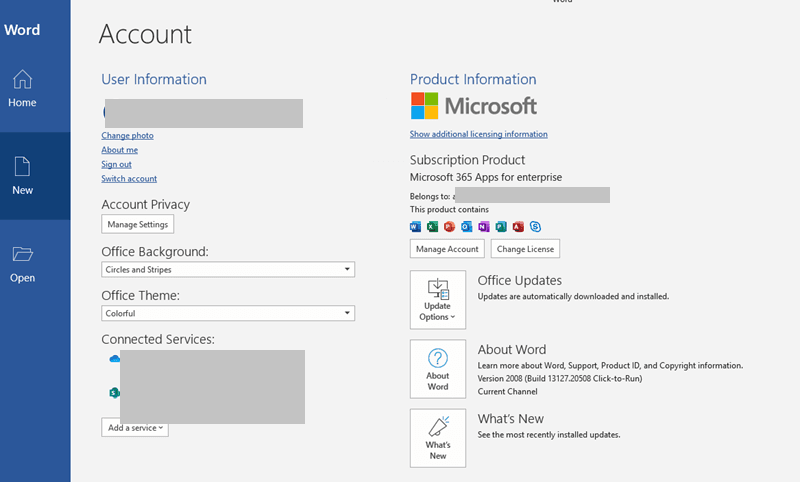
This pane confirms whether the application is linked to an active Microsoft 365 subscription, as documented by WPS Office tutorials. What won't it tell you? It skips your renewal date, price tier, and past-due alerts. If you need dates or payment details, you must head online.
| Interface / Portal | Menu Path | What It Shows | Visual Preview |
|---|
| Desktop Office Apps | File > Account > Product Information | Subscription tier name and active license validation | 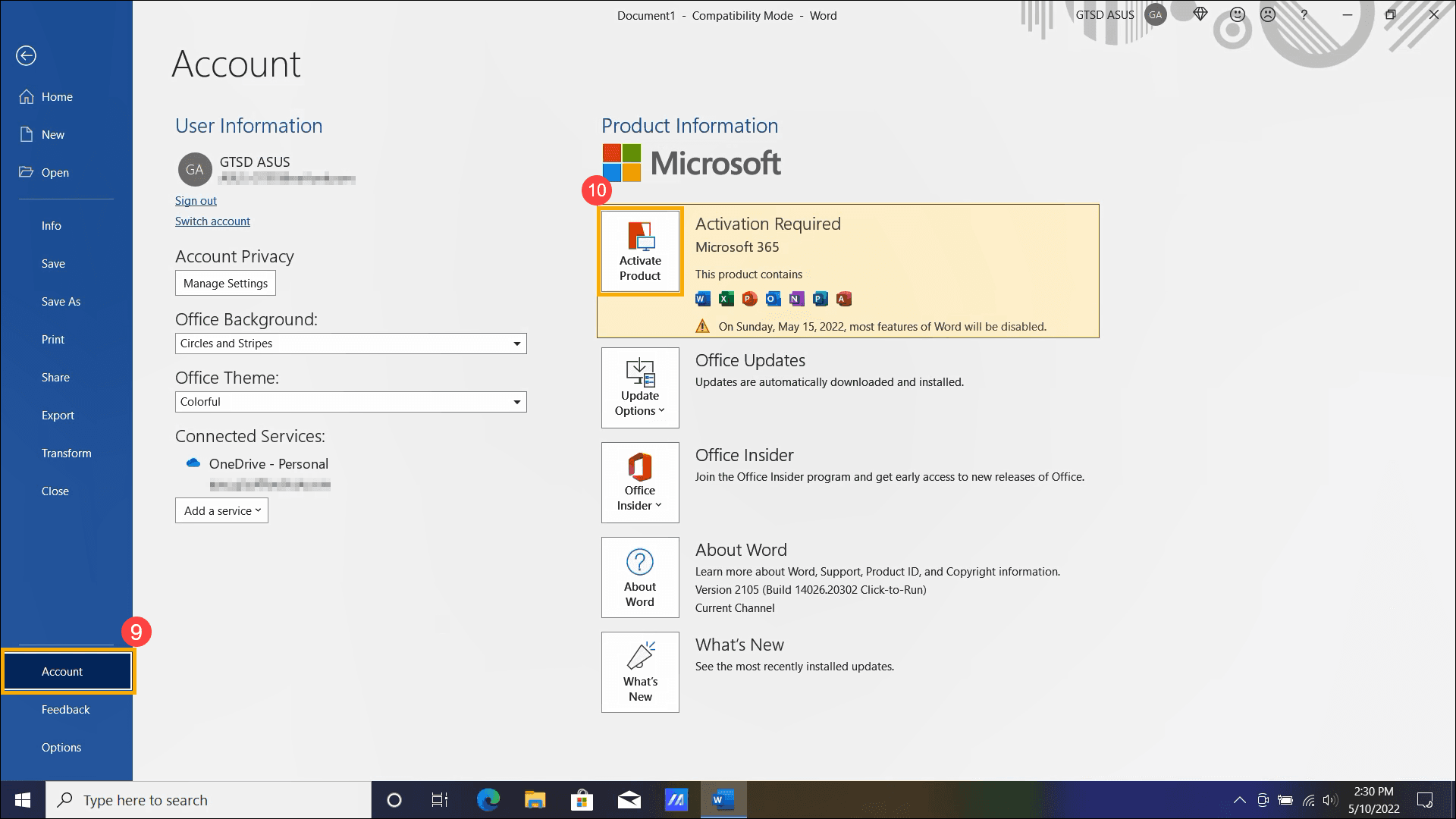 |
| Personal Account Hub | account.microsoft.com/services | Expiration date, recurring billing status, upcoming price | 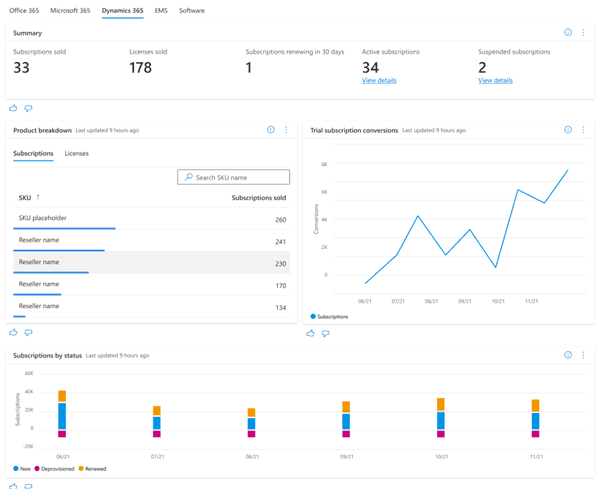 |
| Work & School Portal | portal.office.com/account/?ref=Harmony > Subscriptions | Assigned organization licenses, billing status, renewal date | 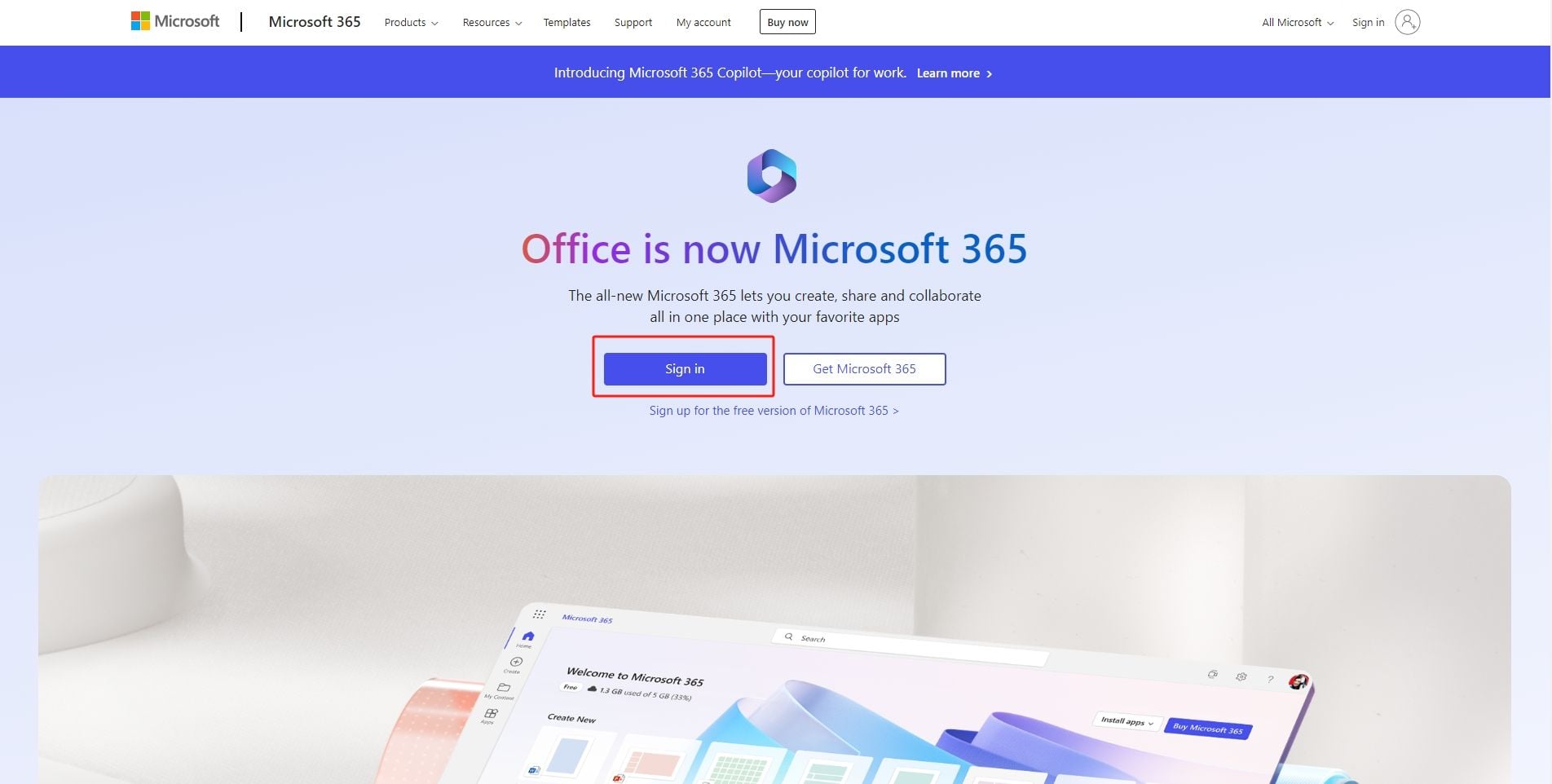 |
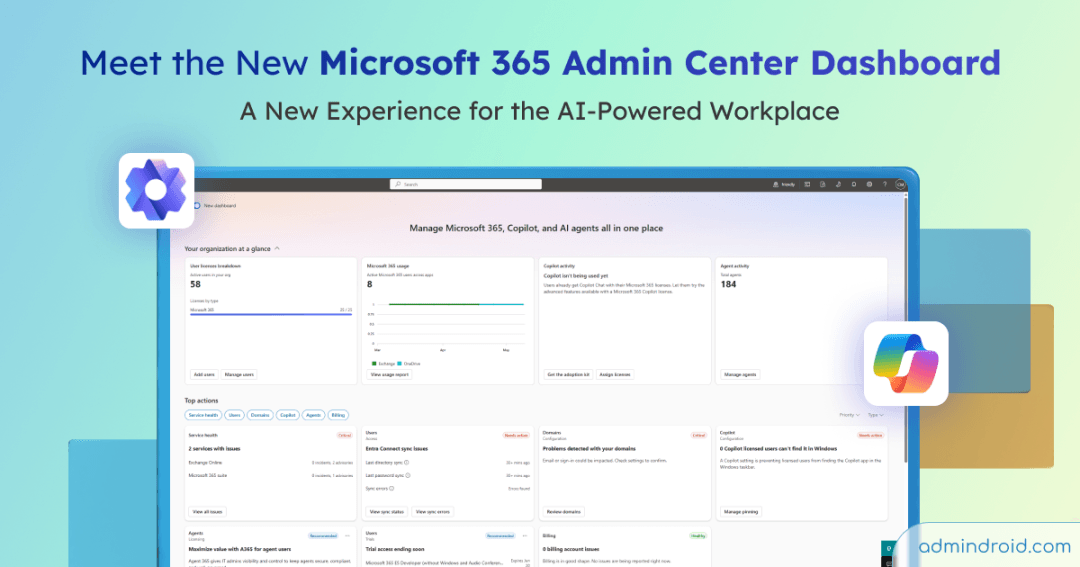
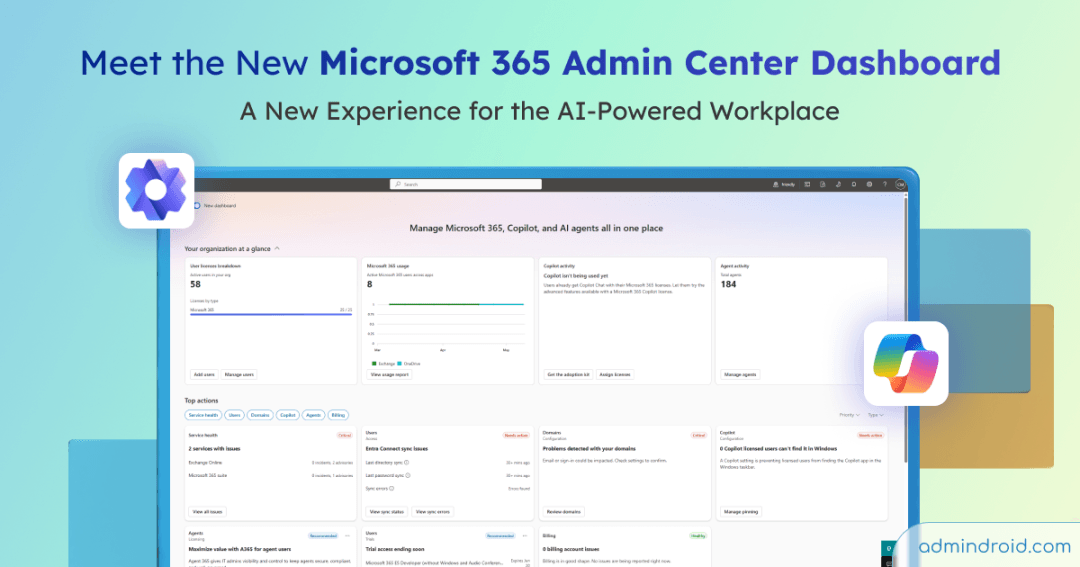
| Admin Center | admin.microsoft.com > Billing > Your products | Tenant-wide expiration dates, recurring cycle schedules | 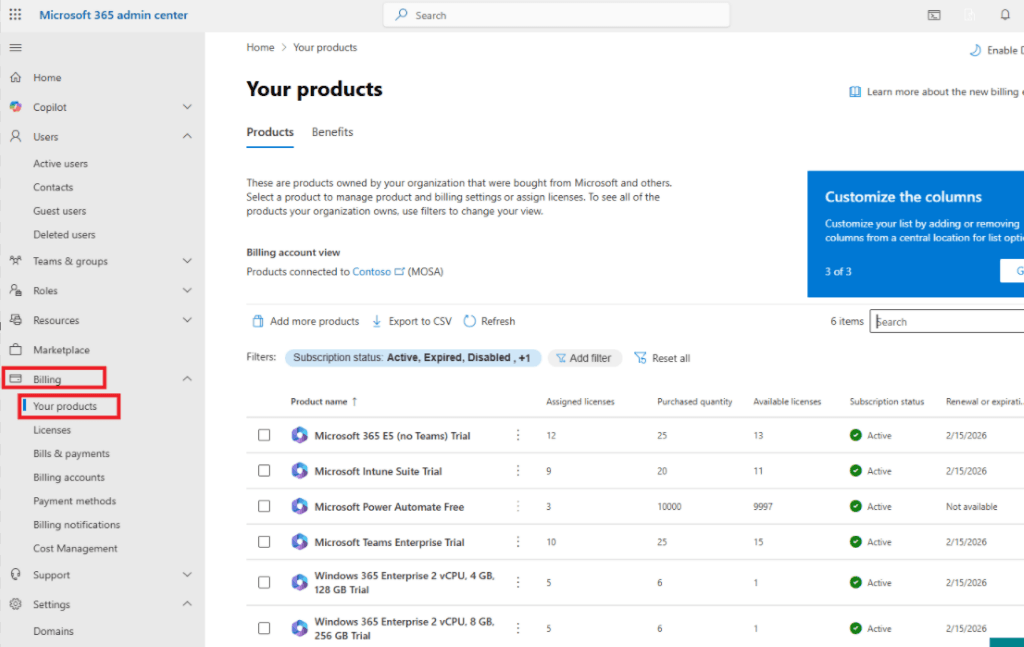 |
Inspecting Dates on the Personal Services & Subscriptions Dashboard
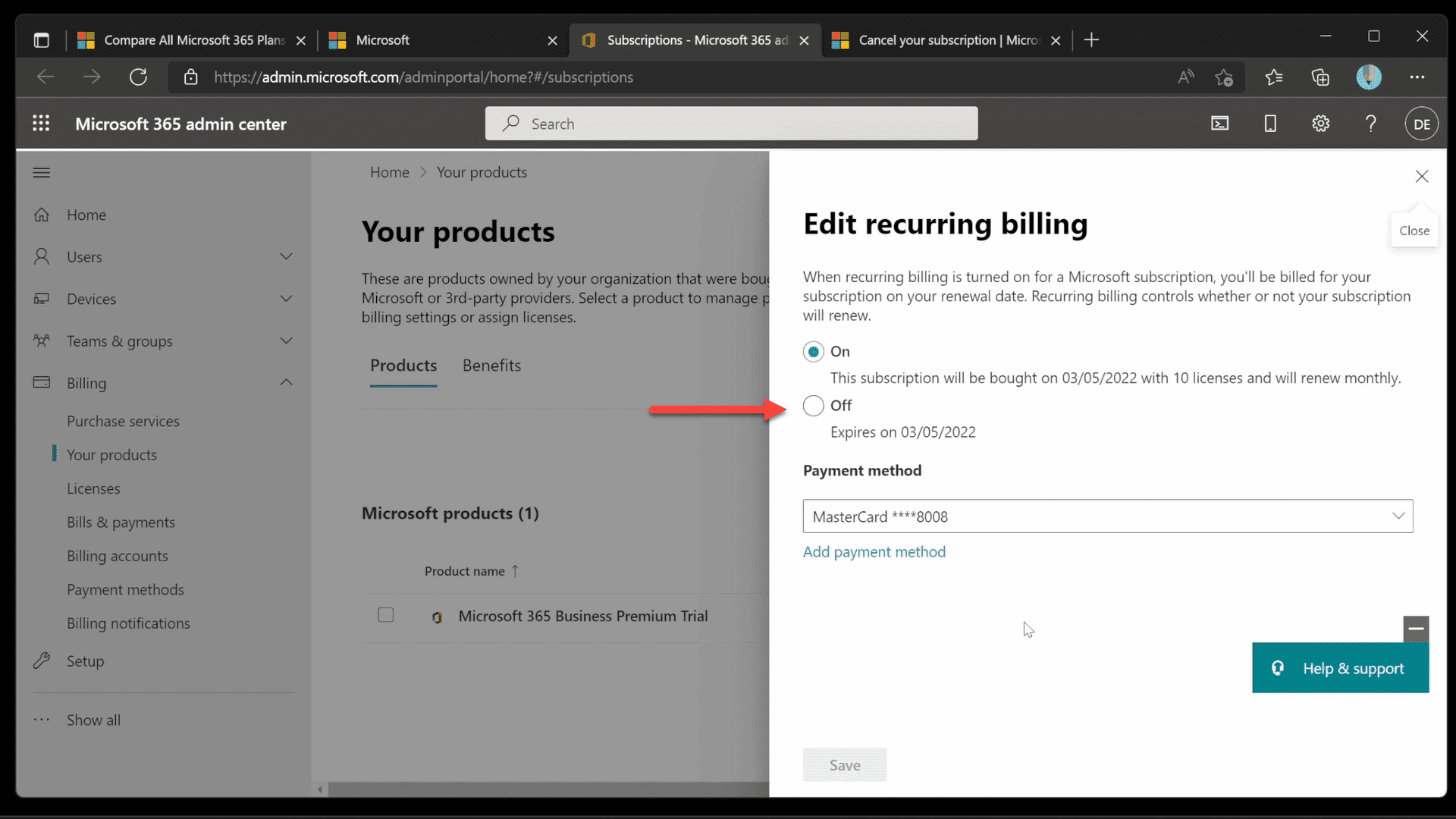
To inspect billing cycles, card details, or exact cutoff points, sign in directly to the Microsoft Account Services dashboard. Look directly beneath the Services & subscriptions heading.
The interface uses two distinct visual indicators to explain how your account renews:
- A circular arrow icon: Your account is enrolled in recurring billing. The page displays the precise date you will be charged next and the exact currency amount.
- "Expires on [date]" text: Recurring billing is disabled. Your access terminates cleanly on that calendar date unless extended manually.
This dashboard is also where third-party purchases reveal themselves. If your subscription originated outside Microsoft's direct billing engine, selecting Manage directs you to that provider. According to Microsoft Support, subscriptions purchased through Apple, Google, or designated retail merchants must be renewed, modified, or canceled through the original merchant's platform rather than Microsoft's native settings.
The Organizational Split: Work, School, and Tenant Admin Centers
A frequent trap catches enterprise and student users: searching for a university or workplace account inside account.microsoft.com/services. Personal consumer dashboards will not display organizational licenses.
If your login credentials belong to an employer or school, sign in to the Office harmony account portal. Navigate straight to the Subscriptions section. This directory lists your active plan tier, billing state, linked seat licenses, and designated renewal parameters.
For administrators overseeing whole fleets, tracking individual workstations is inefficient. IT staff holding Billing Administrator or Global Administrator privileges can audit overall license lifecycles through the admin console. Open the Microsoft 365 admin center and navigate to Billing > Your products, as outlined in ManageEngine's administrative guide. Set the subscription status filter pill to encompass Active, Pending, Scheduled, Expired, and Disabled entries:
- Manual plans without auto-renew display a distinct Renewal or expiration date.
- Subscriptions configured for automated renewal state a Next invoice date, marking the final day of your active billing period.
Family Sharing Quirks and Payment Failure Indicators
What if your desktop shows a verified install, but the web portal looks empty? You are likely on a shared Microsoft 365 Family plan.
Family members who receive an invitation get full desktop application rights, but WPS documentation notes that member profiles lack billing and seat-management visibility by design. Only the primary family group organizer who owns the subscription can view billing terms, upcoming renewals, and active seats under their personal dashboard.
When a payment slips through the cracks, your dashboard flags the account immediately. A failed renewal places a noticeable past-due banner over the subscription card on account.microsoft.com/services. According to Microsoft community troubleshooting guidelines, you do not need to rebuild your plan from scratch: select Pay now on the alert banner, assign a fresh payment method or update card details, and submit to reinstate clean billing standing.
| Issue or Account Type | Visual Indicator on Windows / Web | Root Cause | Supported Fix |
|---|
| Family Plan Member | No subscription listed on personal web dashboard | Microsoft restricts billing screens to plan organizers | Ask the group organizer to verify renewal dates | WPS Office Guide |
| Expired Plan | "Reduced Functionality Mode" / 5 GB storage limit | Renewal failed or term concluded | Pay balance or renew license | Microsoft Support |
| Failed Card Charge | Past-due banner on web Services hub | Expired card or processor decline | Select Pay now and assign valid card | Microsoft Community |
| Third-Party Vendor | Manage button routes to external storefront | Purchased via partner (Apple, Google, retail) | Manage or alter plan through the vendor hub | Microsoft Support |
Extending Validity: Vouchers, Limits, and What Happens on Expiry
If you prefer avoiding credit card recurring charges, applying prepaid digital activation codes lets you top up duration manually. Redeeming an identical 12-month voucher—such as a Microsoft 365 (AE) key—adds an exact 365 days to your active end date without triggering auto-debit cycles.
Keep the hard ceiling in mind: Microsoft enforces a strict cumulative stacking cap of 5 years (60 months) total. If your existing subscription end date is already more than 4 years out, adding another annual key will fail until your current balance drops below that threshold.
Ignoring your expiration date comes with immediate practical consequences. As confirmed by Microsoft Support, allowing a subscription to lapse triggers two structural restrictions:
- Reduced Functionality Mode: Desktop apps like Word, Excel, and Outlook stay open, but block creating, editing, and saving files. You can only view and print existing documents.
- Cloud Storage Downgrade: Your cloud allowance drops from the subscription tier back to the free baseline of 5 GB. If your current file volume exceeds 5 GB, file syncing stops entirely and new uploads are rejected until you clear space or renew.
Frequently Asked Questions
Why can't I see the renewal date on my shared Microsoft 365 Family account?
Secondary accounts attached to a shared Family plan cannot see billing dates or seat controls by design. Only the primary account owner who pays for the plan can view upcoming charges at account.microsoft.com/services (source).
What happens if my Microsoft 365 subscription status shows as expired?
Your desktop applications enter Reduced Functionality Mode, restricting access to viewing and printing documents while barring editing and saving. Your OneDrive cloud storage limit also drops down to the standard 5 GB baseline, which freezes syncing if your stored files exceed that quota (source).
How can I switch or refresh the active license in my Windows Office apps?
Open Word or Excel on Windows and head to File > Account. Under the Product Information section, click Switch license, or sign out and log back in using your updated Microsoft account credentials (source).
Follow BitTopup for more Microsoft 365 (AE) news~