Configuring Whiteout Survival notification settings for war requires prioritizing combat pings—such as rally calls, incoming attacks, and scouting reports—while suppressing alliance mail clutter and routine chat. Adjusting in-game alert toggles alongside device background permissions keeps critical defense alerts active without overwhelming your phone with non-stop farm notifications.
Recognizing Visual War Alerts in the Alliance War Interface
Push alerts wake your phone, but visual clarity inside the client determines how quickly you reinforce a burning ally. Updates to the Alliance War interface directly highlight your active combat commitments:
- Green Chief Count Icons: The Chief count icon turns green for rallies you initiate, rallies you join, defenses where an enemy targets your city, and garrisoned structures you reinforce.
- Highlighted Detail Screens: Opening the specific rally or reinforcement screen displays your own deployed squads against a distinct green background.
These visual cues let rally leaders and defenders instantly distinguish their personal commitments from other concurrent alliance marches (Century Games Patch Notes). When multiple rallies fire during Sunfire Castle or Foundry battles, glancing at the green squad indicators eliminates the risk of recalling the wrong march.

Timing Combat Marches Using the March Speedup Display
Joining a rally is only half the battle; landing your troops before the leader departs is mandatory. The March Speedup interface displays a live rally preparation countdown timer directly on screen (Century Games Patch Notes).
When you open the march interface to apply speedups:
- Check the live rally preparation timer at the top of the interface.
- Compare your squad's remaining travel time against the rally departure clock.
- Apply precise 1-minute or 5-minute speedups until your arrival time precedes the preparation deadline.
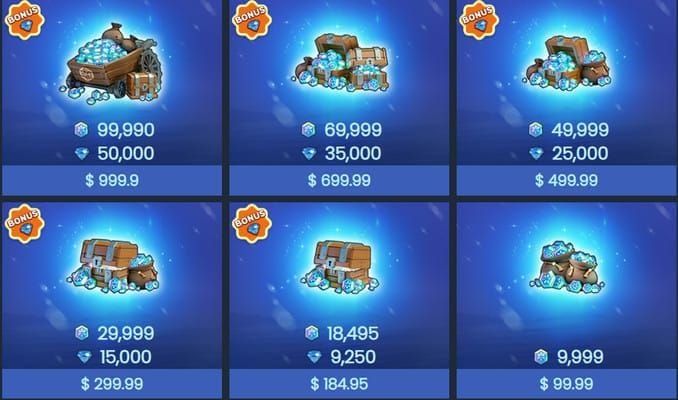
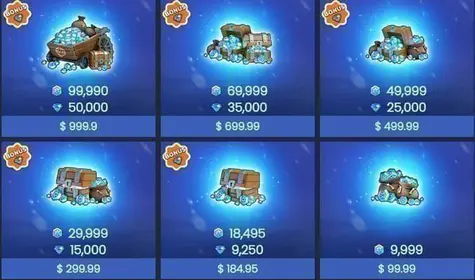
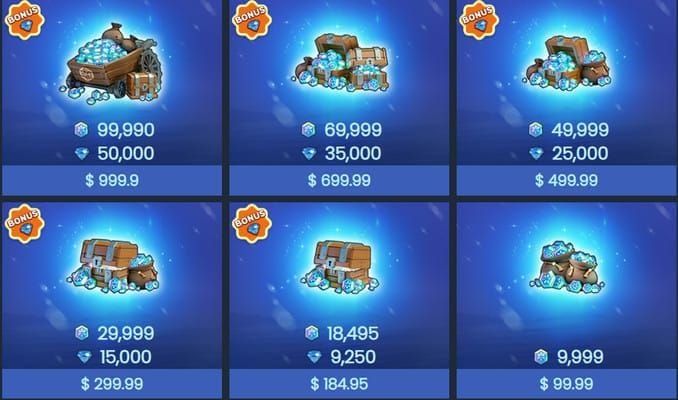
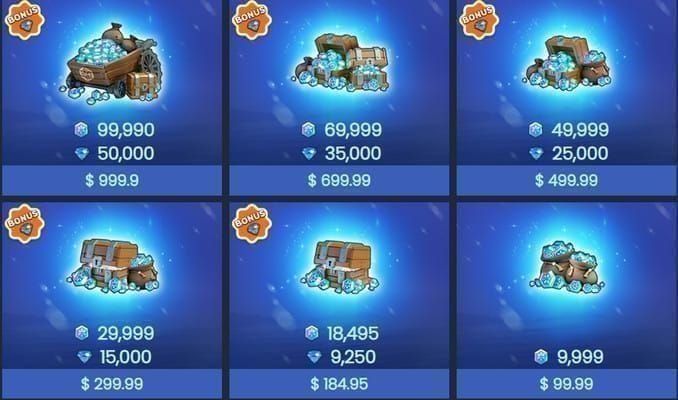
During prolonged wars, players running low on speedups can acquire extra march speedups and combat packs using Frost Stars, the premium alternative currency in Whiteout Survival.
Silencing Mail Spam: Leadership Alert Controls
Alliance leaders (R5) and officers (R4) often face severe alert fatigue caused by diplomacy notifications. When lower-tier alliances repeatedly alter their pacts or rivalries, notification inboxes fill with low-priority relationship mail.
To clean up your alerts, alliance leadership can configure relationship notification thresholds:
- Open the Alliance menu and select the Alliance Power Leaderboard.
- Access the relationship requirements settings tab.
- Establish an alliance power threshold to filter out smaller alliances.
Once set, the game suppresses notification mails generated by relationship changes from any alliance below that designated power requirement (Century Games Patch Notes). High-ranking alliances still trigger critical updates, but minor diplomacy spam stops cluttering officer inboxes.
Isolating War Coordination in the Leadership Channel
Routine alliance chat moves fast, burying combat orders under resource requests and casual banter. To protect strategic calls during server-wide battles, officers should route commands through the Alliance Leadership Management Channel (R4/5), which restricts messaging privileges exclusively to rank 4 and rank 5 leaders (Century Games Patch Notes).
Handling Attack and Scout Alerts on the World Map
Incoming hostility demands an immediate response. When an enemy scouts or marches against your city on the World Map, the game provides context-sensitive quick phrase recommendations inside private messaging (Century Games Patch Notes).
Instead of typing an SOS while under fire, tap recommended quick phrases to ping nearby alliance members or message the attacking Chief directly. These prompts appear automatically during emergency World Map encounters, eliminating manual typing when an enemy scouts your city.
Recommended Settings Profile for War
Balancing urgent alarms against daily battery preservation requires different profiles for standard alliance members and rally leaders.
| Setting Category | Combat Member Configuration | Leadership / Rally Leader Configuration | Purpose | Source |
|---|
| Alliance Relationship Mail | Filtered by Officer settings | Configured via Power Leaderboard requirements | Stops inbox flooding from micro-alliance status changes | Century Games |
| Alliance War Display | Monitor green icons on joined marches | Track green markers on initiated and defended rallies | Distinguishes personal squads from general alliance movements | Century Games |
| March Speedup Timer | Match travel time to rally countdown | Ensure all joining squads beat departure clock | Synchronizes speedup usage with live rally launches | Century Games |
| Chat Priority | Standard Alliance Chat active | R4/5 Leadership Channel pinned | Isolates strategic instructions from casual player conversation | Century Games |
For standard members, keeping personal rally markers clear and utilizing quick phrase alerts during hostile scouts prevents disastrous city burns. For leaders, adjusting power thresholds on the alliance leaderboard remains the single most effective way to eliminate notification fatigue while preserving war-critical alarms.