

Nintendo Switch Online UK Top Up: Membership Plans (2026)
A Nintendo Switch Online subscription is required to access online multiplayer, cloud save backups, exclusive member offers, and retro game catalogues on Nintendo consoles. UK membership options are divided by subscription size (Individual or Family) and feature tier (Standard or Standard + Expansion Pack).
| Plan Type | Accounts Supported | Duration Options | Included Catalogues & Features |
|---|---|---|---|
| Individual Standard | 1 Account | 3 Months, 12 Months | NES, SNES, Game Boy, Online Play, Cloud Saves, Special Offers |
| Individual + Expansion Pack | 1 Account | 12 Months | Standard Perks + N64, Game Boy Advance, Sega Mega Drive, DLC Access |
| Family Standard | Up to 8 Accounts | 12 Months | Standard Perks shared across all connected family group members |
| Family + Expansion Pack | Up to 8 Accounts | 12 Months | All Standard & Expansion Pack perks shared across up to 8 accounts |
Individual plans apply strictly to the single Nintendo Account that redeems the digital code. Family memberships allow the admin account to link up to 7 additional Nintendo Accounts into a family group, giving each user independent online access and cloud backup saves on their own profile.
How to Recharge and Redeem Nintendo Switch Online Membership Digital Codes on UK eShop
When you buy a digital code on BitTopup, you receive a 16-character alphanumeric redemption key. You can apply this code directly on your console or through a web browser.
Method 1: Redeem on Your Nintendo Switch Console
- Turn on your console and select the user profile linked to your UK Nintendo Account.
- Open the Nintendo eShop from the HOME Menu.
- Scroll down the left-hand navigation sidebar and select Redeem Code (or Enter Code).
- Enter the 16-character digital code received from BitTopup.
- Select Confirm or OK. The membership activates instantly on your account.
Method 2: Redeem via Web Browser
- Visit the official Nintendo code redemption portal (
ec.nintendo.com/redeem). - Log in using your UK Nintendo Account credentials.
- Type your 16-character digital code into the entry box.
- Click Next, verify the plan details displayed on screen, and select Confirm.
How to Check Your UK Nintendo Account Region Before Redeeming
Nintendo digital membership codes are region-locked. A UK code requires a Nintendo Account set to the United Kingdom (GBP region). If your account is registered to another country, the eShop will display an error during code redemption.
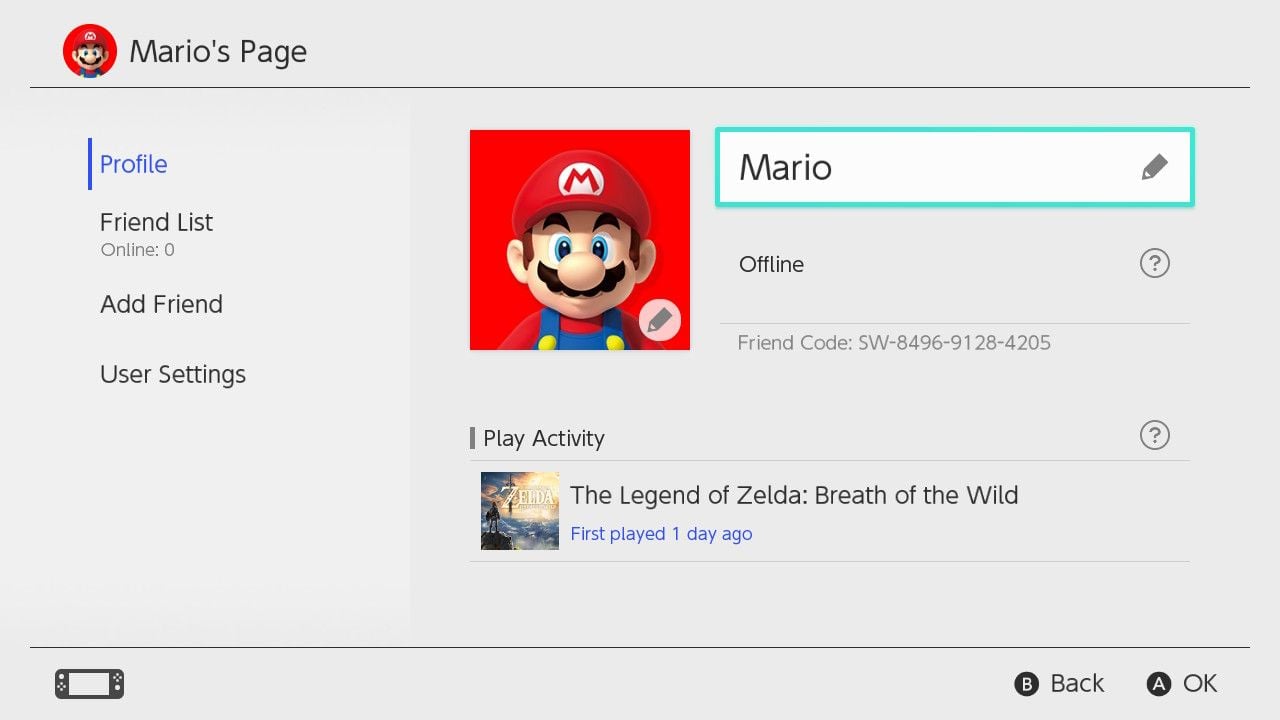
Verifying Your Account Country/Region:
- Open a browser and sign in at
account.nintendo.com. - In the User Info section, select Profile.
- Check the Country/Region of residence field.
- If the field does not display United Kingdom, select Edit, change your region to United Kingdom, and save changes.
- Note: You cannot switch your account region if you have an active eShop wallet balance in another currency, an active Nintendo Network ID link, or an active automated pass from certain regions.
Managing Subscription Renewal, Code Stacking, and Auto-Renew Settings
Understanding code stacking rules helps you extend your subscription without losing paid time.
- Stacking Individual Plans: You can stack multiple 3-month or 12-month Individual Standard membership codes on the same account up to a maximum total remaining time of 36 months (3 years).
- Upgrading to Expansion Pack: If you hold an active Individual Standard plan and redeem an Expansion Pack code, your remaining Standard time is automatically credited or converted toward the upgraded tier at a pro-rated rate specified on screen.
- Managing Auto-Renewal: When you redeem a subscription code on the UK eShop, Nintendo may turn on automated renewal by default using stored payment methods. To avoid unexpected charges, open the eShop, select your user icon in the top right corner, choose Nintendo Switch Online, and select Turn Off Automatic Renewal.
Core Features: Multiplayer, Cloud Saves, Classic Libraries, and Switch 2 Support
Activating your UK membership provides full access to key network services:
- Online Multiplayer: Play co-op and competitive modes in titles like Mario Kart 8 Deluxe, Super Smash Bros. Ultimate, Splatoon 3, and Pokémon.
- Save Data Cloud: Automatically backs up game save data to Nintendo servers. If you switch consoles or lose your device, your progress can be restored upon logging in (compatible titles only).
- Classic Game Libraries: Access curated libraries of retro games with added online multiplayer and save states. Standard plans include NES, SNES, and Game Boy games. Expansion Pack plans add Nintendo 64, Game Boy Advance, and Sega Mega Drive titles.
- Hardware Compatibility (2026): Your UK Nintendo Switch Online subscription is tied to your Nintendo Account, ensuring ongoing compatibility across original Nintendo Switch hardware, Nintendo Switch OLED, Nintendo Switch Lite, and Nintendo Switch 2 systems.
Troubleshooting Common eShop Redemption and Region Mismatch Errors
- Error Code 2813-0055: This code indicates that the entered voucher is not recognized or belongs to a different country. Verify that you typed all 16 characters correctly (excluding hyphens) and confirm your Nintendo Account region is set to the United Kingdom.
- Error Code 2811-6058: Occurs when attempting to redeem an Individual membership code on an account that is already an active member of a Family group subscription. You must leave the Family group or let the group pass expire before redeeming an Individual code.
- Code Already Used: Refresh your membership status in your account profile. If the subscription does not show, restart your console and verify that the code was not redeemed on a secondary profile on your device.
Why Choose BitTopup for Nintendo Switch Online UK Recharges
BitTopup provides an efficient, transparent way to top up your UK Nintendo Switch Online subscription:
- No Password or Account Sharing: You receive an unredeemed 16-digit official digital key. You never need to share your Nintendo Account email, password, or login credentials.
- Alternative Payment Access: Purchase UK digital memberships without needing a UK-issued credit or debit card, using international and local payment options at checkout.
- Clear Pricing & Live Tiers: All available durations (3-month, 12-month, Individual, Family, and Expansion Pack) are displayed with real-time checkout pricing.
- 24/7 Dedicated Support: If you encounter any redemption question, customer support is available around the clock to assist you.
Frequently Asked Questions
How much is a Nintendo Switch Online subscription in the UK?
Standard UK pricing depends on the tier and duration selected (such as 3-month or 12-month Individual, or 12-month Family). Live prices and current product availability are clearly listed on the BitTopup checkout selection menu.
How do I redeem my Nintendo Switch Online UK digital code?
Open the Nintendo eShop on your console, scroll to Redeem Code, enter your 16-character key, and confirm. Alternatively, enter the code at ec.nintendo.com/redeem while signed into your UK Nintendo Account.
Can I use a UK Nintendo Switch Online code on an account registered to another region?
No. Nintendo digital codes are region-locked. The code can only be redeemed on a Nintendo Account whose country of residence is set to the United Kingdom.
How do I renew or extend an active Nintendo Switch Online membership?
Simply redeem a new UK membership code on your account before your current subscription ends. The new duration is added to your remaining time, up to a maximum cap of 36 months for Individual plans.
Is there a 12-month Nintendo Switch Online + Expansion Pack Family membership available?
Yes. The 12-month Family + Expansion Pack plan covers up to 8 Nintendo Accounts within the same family group and provides access to N64, Game Boy Advance, and Sega Mega Drive titles alongside standard online features.
Will a Nintendo Switch Online membership work on Nintendo Switch 2 in 2026?
Yes. Nintendo Switch Online subscriptions are attached directly to your Nintendo Account profile, allowing active memberships, cloud saves, and digital library benefits to carry over across compatible Nintendo hardware platforms in 2026.