

Dika Top Up: What Is Dika and What Are Dika Coins Used For?
Dika is an interactive voice chat, live streaming, and social entertainment app where users from around the world gather in audio rooms, participate in community parties, and interact with live broadcasters. Whether you are hosting a themed party room, singing karaoke with friends, or supporting your favorite content creators during competitive PK battles, virtual currency is central to the Dika experience.
Dika coins serve as the primary in-app currency across the platform. When you hold Dika coins in your account wallet, you can:
- Send Virtual Gifts: Reward broadcasters and audio room hosts with animated gifts, luxury vehicle entrances, and themed particle effects.
- Access Exclusive Room Features: Unlock VIP badges, customized chat bubbles, special profile frames, and premium entry announcements.
- Participate in Live Events: Support room creators during seasonal ranking ladders, community PK tournaments, and special 2026 festival celebrations.
- Activate Interactive Mini-Games: Join community games hosted inside party rooms to compete with fellow room members.
To maintain an active profile and support the creators you enjoy, performing a regular Dika top up ensures your coin balance is ready whenever you join a live stream or host an event.
How to Find Your Dika Player ID
To process your Dika recharge on BitTopup, you only need to provide your numeric Player ID. You do not need to share passwords or link third-party social accounts. Follow these steps to locate your ID inside the mobile app:
- Launch the Dika app on your iOS or Android device.
- Tap the Profile or Me icon located in the bottom-right corner of the main screen.
- Locate your profile avatar at the top of the personal center.
- Your unique numeric Player ID is displayed directly beneath your display nickname.
- Tap the Copy icon next to the digits to copy the ID directly to your clipboard.
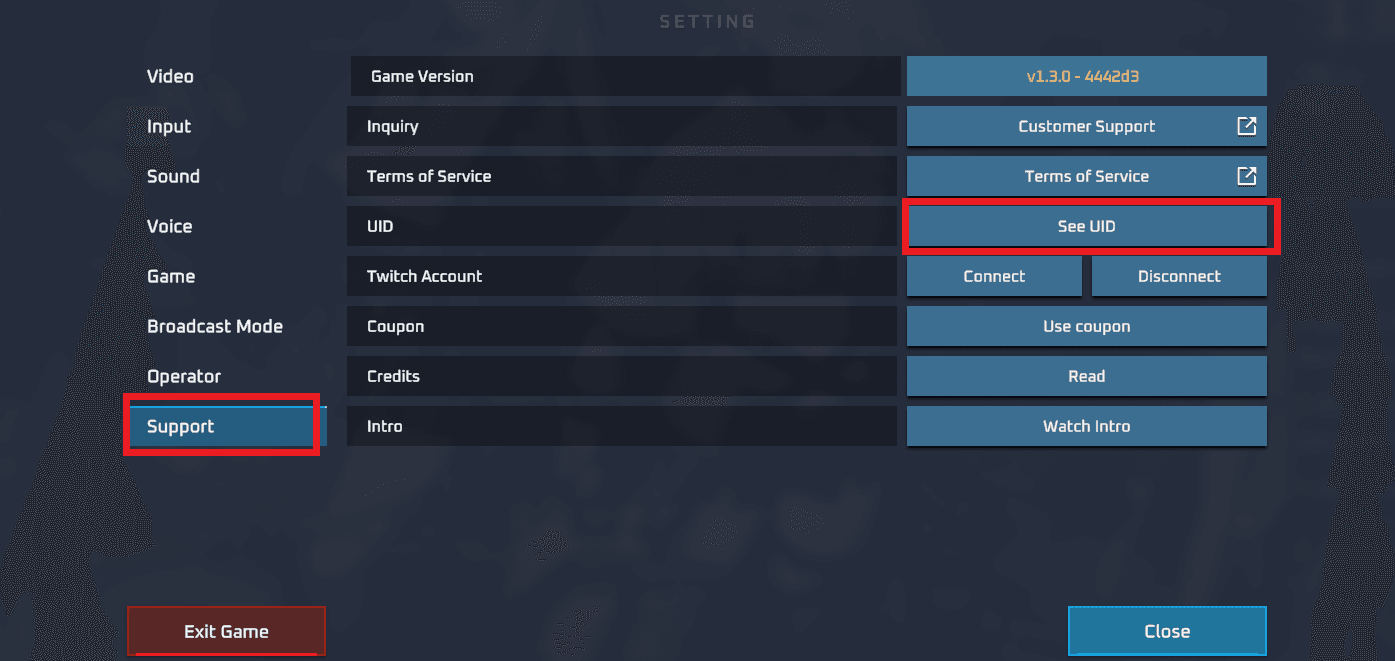
Always double-check that you copy the exact numeric ID string rather than your display name. Because user nicknames can contain special characters, spaces, and emojis, the numeric Player ID is the only unique identifier used to credit your coins accurately.
Step-by-Step Guide: How to Recharge Dika Coins with Player ID
Completing a Dika online top up on BitTopup takes only a few simple steps:
- Select Your Coin Package: Browse the available Dika coin denominations on this page and choose the package that matches your gifting and entertainment needs.
- Enter Your Dika Player ID: Paste your numeric Player ID into the designated input field. Check the digits carefully before proceeding.
- Choose Your Payment Method: Pick your preferred payment option from the available global and local checkout methods.
- Complete the Payment: Finalize the checkout process through the secure payment gateway.
- Receive Your Coins: Once payment verification completes, your Dika coins are delivered directly to your in-app account balance. Open the Dika app and check your wallet to confirm the updated balance.
Safe Web Recharge vs. Unverified Offline Chat Top-Ups
Many social app users encounter informal sellers offering offline top-ups through messenger groups, forum threads, or direct chat transfers. These unverified offline transactions carry substantial risks, including payment fraud, stolen account credentials, and permanent account suspensions due to unauthorized recharge channels.
Using an established, direct Player ID web recharge platform like BitTopup gives you full transaction security without compromising your personal data:
| Feature | BitTopup Web Recharge | Unverified Offline Chat Sellers |
|---|---|---|
| Account Privacy | ID Only — No passwords or login credentials required | Frequently demand account passwords or login SMS codes |
| Payment Security | Encrypted checkout with verified global payment gateways | Direct peer-to-peer transfers with zero buyer protection |
| Order Tracking | Real-time automated status updates and digital receipts | Manual confirmation with high risk of non-delivery |
| Customer Service | Dedicated 24/7 support ready to resolve delivery queries | Untraceable contacts who can block you after payment |
| Account Safety | Standard API processing keeping your Dika account safe | Risk of account bans from disputed credit card transactions |
Available Dika Coin Packages and Payment Options
BitTopup provides a comprehensive range of Dika coin packages designed for casual chatters, regular room participants, and top event gifters alike. Whether you need a small bundle of coins for a quick chat gift or a large package to push your favorite host up the live ranking board, you will find suitable options on the live checkout interface.
Exact pricing, available bundle sizes, and currency conversions are updated dynamically on the BitTopup product page. You can choose from multiple secure international and regional payment methods, including major credit and debit cards, secure e-wallets, and regional banking options. Review the checkout screen to see the real-time conversion rate for your local currency.
Troubleshooting Dika Recharge Issues and Balance Verification
If you have completed your Dika top up but do not see your updated coin balance immediately, follow these troubleshooting checks:
- Refresh the Dika Wallet Page: Exit the Dika application completely, clear it from your active background apps, and reopen it. Head to your profile wallet to refresh the balance display.
- Verify Your Order Status: Log in to your BitTopup account and check the order history tab. Ensure that your transaction status shows as completed rather than pending payment processing.
- Confirm the Submitted Player ID: Review the order confirmation email or receipt to ensure the Player ID submitted matches your in-app ID digits exactly.
- Check In-App System Messages: Occasionally, certain bonus rewards or event coins are delivered through the Dika in-app system mail instead of directly to the numeric balance counter.
- Contact Support: If your order status is marked complete on BitTopup but your balance has not refreshed after a brief wait, reach out directly to the BitTopup 24/7 customer support team with your Order ID and Dika Player ID. Our team will verify the delivery status with the processing network.
Frequently Asked Questions About Dika Top Up
What is Dika and what are Dika coins used for?
Dika is a social entertainment and live voice room platform. Dika coins are the in-app virtual currency used to purchase animated gifts for broadcasters, unlock room entry effects, acquire VIP badges, and enter interactive community activities.
Where can I find my Dika Player ID to top up?
Open the Dika app, tap the profile icon in the bottom-right corner, and look right below your avatar and nickname. Your numeric Player ID is displayed there with a convenient one-tap copy button.
Do I need to provide my Dika password for coin recharge?
No. BitTopup only requires your numeric Dika Player ID to process your coin recharge. You should never share your account password, SMS verification codes, or social login credentials with anyone.
How long does it take for Dika coins to credit to my account?
Once your payment is confirmed on BitTopup, the system processes your order automatically and credits the coins directly to your Dika account balance in a short period. You can monitor progress on your order details page.
What should I do if I entered an incorrect Dika Player ID?
Because digital coin deliveries are automated and sent directly to the ID submitted, orders fulfilled to an incorrect but active Player ID cannot be reversed. If you notice an error immediately before the order has been processed, contact BitTopup customer support right away with your Order ID to request a correction.
Which payment methods are accepted for Dika top up on BitTopup?
BitTopup supports a wide selection of payment options, including major international credit/debit cards, regional e-wallets, and localized online banking options. Check the live checkout panel to view all available payment methods for your region.