



Ifun Top Up: How to Recharge Ifun Coins Online
Topping up your Ifun account on BitTopup is designed to be quick, straightforward, and secure. Ifun coins allow you to interact across the platform, send virtual gifts to your favorite creators, access special room privileges, and enjoy premium features without interruption. With direct Player ID processing, you never have to share login credentials or hand over account access.
Follow these simple steps to complete your Ifun recharge online:
- Select Your Coin Package: Browse the list of available Ifun coin bundles on the BitTopup product page and choose the amount that fits your needs.
- Enter Your Player ID: Input your accurate Ifun Player ID in the designated field. Double-check the digits to ensure direct delivery to your specific profile.
- Select Your Payment Method: Pick from a variety of trusted global and local payment options available at the live checkout.
- Complete the Transaction: Follow the payment prompts to finalize your purchase securely.
- Receive Your Coins: Once payment verification is complete, the coins will be credited directly to your Ifun account balance.
Step-by-Step Guide: How to Find Your Ifun Player ID
Your Ifun Player ID is a unique numeric identifier linked directly to your user profile. Providing the correct ID is essential because top-ups are credited automatically based on this number alone.
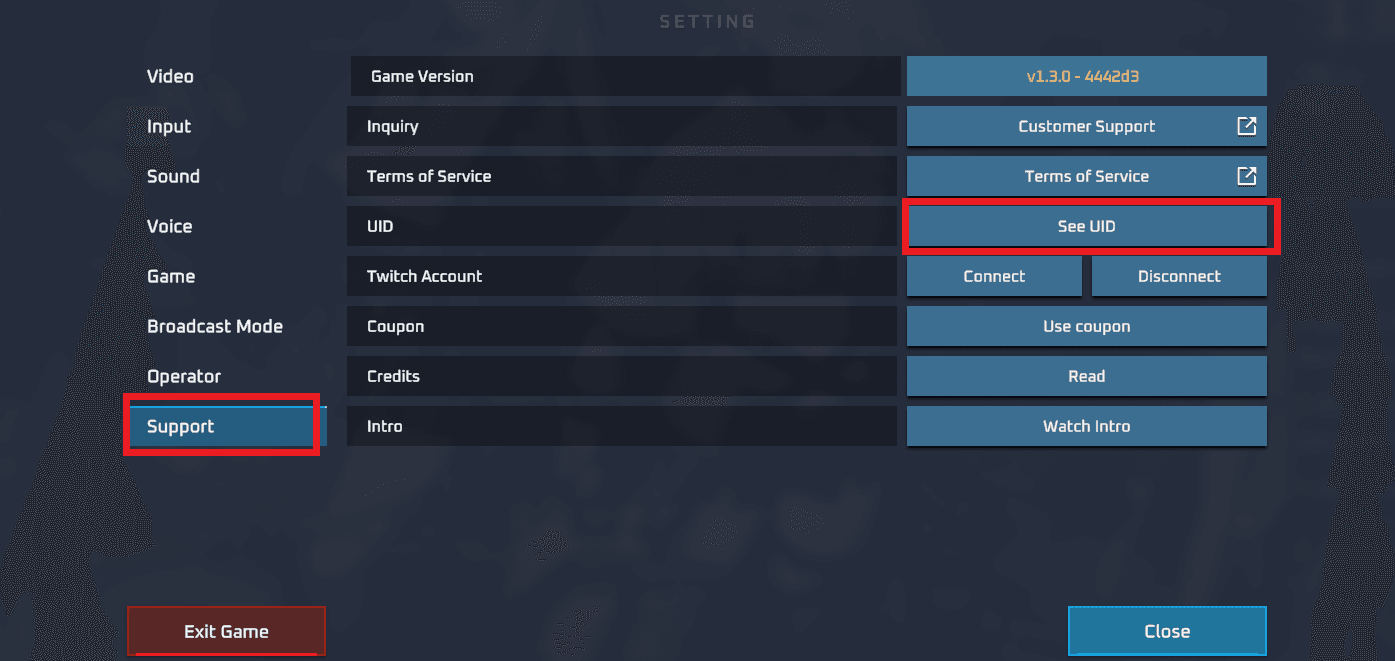
Follow these steps inside the Ifun mobile app to locate your ID:
- Launch the App: Open the Ifun application on your mobile device and log in to your account.
- Go to Your Profile: Tap on the Profile or Me icon located in the bottom-right corner of the main screen.
- Locate Your ID: On your personal profile dashboard, look beneath your display name and profile avatar. You will see a dedicated row labeled ID followed by a string of numbers.
- Copy the ID: Tap the copy icon next to the number or write it down carefully to paste it directly into the BitTopup order form.
Tip: Always copy and paste your Player ID rather than typing it manually to prevent typos that could delay your order.
Available Ifun Coin Packages and Payment Options
BitTopup offers a versatile range of Ifun coin packages suitable for casual users and frequent platform spenders alike. Live rates, currency conversions, and special promotions are dynamically calculated on the live checkout page to give you transparent pricing before you confirm your order.
Ifun Recharge Overview
| Feature | Details |
|---|---|
| Service Type | Direct Account Top-Up |
| Required Account Info | Ifun Player ID only |
| Password Required? | No (Never required) |
| Region Coverage | Global |
| Delivery Speed | Instant to a few minutes after payment confirmation |
| Supported Devices | iOS and Android app users |
Flexible and Secure Payment Methods
When buying Ifun coins on BitTopup, you can choose from multiple secure international and regional payment methods at checkout. Depending on your location, options include credit and debit cards, secure digital wallets, local bank transfers, and regional payment channels. All transactions are encrypted to safeguard your financial details.
Account Safety: Secure Direct ID Recharge Without Password
Account safety is a top priority when recharging digital entertainment accounts. BitTopup uses direct ID recharge processing, which connects to platform systems using only your public Player ID.
- Zero Password Sharing: You will never be asked for your Ifun password, email login, or two-factor authentication codes. Keep your login credentials private at all times.
- No Account Handover: The entire transaction takes place externally. No third party needs access to your device or your account dashboard.
- Encrypted Checkout: Every transaction is processed through secure, encrypted payment gateways to prevent unauthorized access or data leaks.
Why Choose BitTopup for Ifun Top-Up
Recharging through BitTopup gives you a reliable, hassle-free experience with clear benefits:
- Instant Digital Delivery: Orders process automatically as soon as payment is confirmed, minimizing wait times so you can jump back into your live streams immediately.
- Competitive Pricing: Transparent pricing with clear package selections visible on the live checkout screen.
- Simple User Interface: Clear input fields and concise instructions make placing an order easy on both mobile and desktop browsers.
- 24/7 Customer Support: If you ever have a question about your order status, delivery, or payment verification, dedicated customer service agents are available around the clock to assist you.
Troubleshooting Delivery and Refreshing Your Ifun Coin Balance
In most cases, Ifun coins appear in your account balance within minutes of completing payment. If you experience a slight delay, follow these troubleshooting steps:
- Refresh the Ifun App: Fully close the Ifun app from your device's recent apps menu and restart it. This forces the app to fetch an updated balance from the server.
- Check Your Network Connection: Ensure your mobile device has a stable internet connection so the in-app wallet can refresh properly.
- Check Order Status on BitTopup: Verify in your order history that your payment went through successfully and the order status is marked as completed.
- Verify the Player ID Submitted: Check your receipt to confirm that the Player ID you entered matches your current in-app ID.
- Contact Support: If your balance does not update within 15 minutes of payment completion, reach out to BitTopup 24/7 customer support with your Order Number and Player ID. Our team will verify the transaction status and ensure your recharge is resolved promptly.
Frequently Asked Questions
How do I top up coins on Ifun?
Select your preferred Ifun coin package on BitTopup, enter your Ifun Player ID, choose your payment method, and complete the payment. The coins will be delivered directly to your account balance.
Where can I find my Ifun Player ID?
Open the Ifun app, tap on the Profile or Me tab at the bottom right of the screen, and locate the numeric ID displayed under your profile avatar and username.
Do I need to share my Ifun password to recharge coins?
No. BitTopup only requires your Ifun Player ID. You should never share your account password or login credentials with anyone.
How long does it take for Ifun coins to be credited to my account?
Most orders are processed and credited immediately after successful payment verification. During peak network periods, it may take a few minutes.
What payment methods are supported for Ifun top-ups?
BitTopup supports major credit and debit cards, digital wallets, and various local payment solutions. Available payment channels will be displayed on the checkout page based on your region.
What should I do if my Ifun coin recharge is delayed?
Restart the Ifun application to refresh your account wallet. If the coins do not appear after several minutes, check your order confirmation details and contact BitTopup 24/7 customer support with your order ID for immediate assistance.
Can I buy Ifun coins for a friend using their Player ID?
Yes. As long as you have your friend's correct Ifun Player ID, you can enter it in the Player ID field at checkout and complete the purchase. The coins will be delivered directly to their Ifun account.