

Infun Top Up: What is Infun and How Does In-App Recharge Work?
Infun is a popular social entertainment platform designed around real-time interactive voice chat rooms, casual mini-games, and vibrant community interaction. Users from across the globe join audio rooms to meet new friends, host talent shows, broadcast discussions, and celebrate community events.
Inside the Infun ecosystem, virtual coins serve as the central currency. Recharging Infun coins allows you to participate fully in audio room activities by sending animated gifts to hosts, unlocking exclusive room decorations, activating entrance effects, and building your personal prestige rank.
Direct digital recharge through BitTopup functions via your unique Infun Player ID. Instead of logging into your personal social account or handing over sensitive login credentials, you only need to provide your public account ID. Once payment is confirmed, the system transfers the selected coin package directly to your Infun account balance, ensuring quick processing without compromising your security.
How to Find Your Infun Player ID in 3 Easy Steps
To ensure your coins reach your profile without delay, you must provide your exact numeric Player ID. Follow these steps on your mobile device to retrieve it:
- Launch the Infun application on your Android or iOS device and log into your account.
- Tap the Profile (or Me) icon located in the bottom-right corner of the main navigation bar.
- Locate your numeric Player ID displayed directly below your username and avatar. Tap the small copy icon next to the numbers to copy your ID directly to your clipboard.
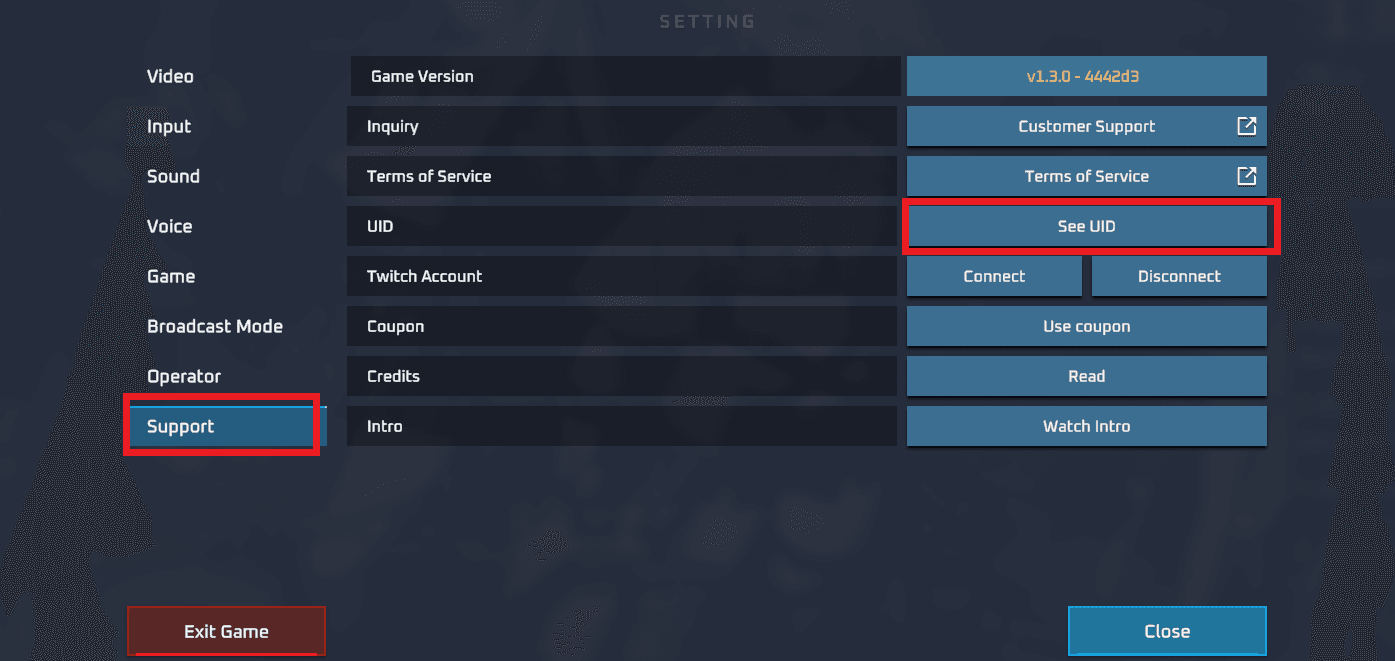
Tip: Always use the built-in copy button rather than typing numbers manually. Entering an incorrect Player ID may result in coins being credited to another user's profile.
How to Recharge Infun Coins on BitTopup
Recharging your Infun balance on BitTopup is quick and straightforward. Follow this step-by-step guide to complete your order:
- Select Product Amount: Choose the Infun coin package that matches your spending needs from the available catalog options.
- Enter Player ID: Paste your numeric Infun Player ID into the designated input field on the order page.
- Review Order Details: Double-check that your entered ID is accurate and matches your in-app profile.
- Proceed to Checkout: Select your preferred payment option from the live checkout menu.
- Complete Payment: Finalize the transaction through the secure payment portal.
- Receive Coins: Your Infun coins will be delivered straight to your account balance automatically.
Benefits of Infun Recharge: Voice Gifts, Room Upgrades, and Prestige Levels
Recharging your Infun account unlocks a wide range of social features that enrich your voice room experience. Here is an overview of how in-app coins enhance your participation:
| Feature | Function | In-App Impact |
|---|---|---|
| Animated Virtual Gifts | Send gifts to room hosts and speakers | Shows support, triggers screen-wide animations, and boosts host ranking |
| VIP & Prestige Badges | Display exclusive profile icons | Highlights your status across chat rooms and community leaderboards |
| Custom Entrance Effects | Special audio-visual entry when entering rooms | Draws attention and alerts all room members of your arrival |
| Voice Room Upgrades | Expand room capacity and mic slots | Empowers room owners to host larger events, games, and broadcasts |
| Interactive Mini-Games | Participate in in-room social activities | Enables friendly competition and community bonding |
Supporting Your Favorite Creators
Sending gifts during live voice streams directly supports your favorite room hosts. Higher gift volumes increase the host's room popularity score, helping the room trend on the Infun discovery page.
Boosting Profile Prestige and Status
Every coin spent on gifts and room activities contributes experience points toward your user wealth level. Higher wealth levels grant distinguished chat bubbles, custom profile frames, and priority placement on room participant lists.
Accepted Payment Methods and Currency Options in 2026
BitTopup supports a wide selection of international and regional payment methods to make purchasing Infun coins convenient for users worldwide. Available options displayed at checkout include:
- Credit and Debit Cards: Major global payment networks for direct card processing.
- Digital Wallets: Leading international and localized e-wallets for frictionless mobile payments.
- Bank Transfers & Local Gateways: Regional banking options tailored to your local currency.
Prices and local currency conversions are calculated in real time. The exact payable total and available payment processors for your region are presented clearly at the live checkout page prior to payment confirmation.
Safe Top-Up Practices: Protecting Your Account Credentials
Account safety is essential when purchasing digital goods online. BitTopup adheres to strict privacy and account safety standards:
- No Password Required: You never need to share your Infun password, phone verification code, or linked social media login. Only your public numeric Player ID is required.
- Secure Payment Processing: All payment transactions are encrypted using modern industry protocols to safeguard your financial details.
- Zero Third-Party Account Access: Because direct ID top-ups work entirely through standard system crediting, no external party ever logs into your private account.
To keep your profile secure, never share your verification codes or personal login credentials with third parties promising free currency.
Infun Top-Up Delivery Time and Balance Verification
BitTopup utilizes an automated order routing system to process Infun top ups promptly after payment verification.
How to Verify Your Updated Coin Balance
- Open your Infun application.
- Tap the Profile tab in the bottom navigation bar.
- Open your in-app Wallet or Coins balance section.
- If your balance has not refreshed immediately, pull down on the screen to refresh the page or restart the app to clear the local cache.
- Check your in-app transaction history to confirm the credit details.
If you experience any delays or have questions regarding your order, BitTopup provides 24/7 customer support ready to assist with order tracking and verification.
Frequently Asked Questions About Infun Top Up
How do I find my Infun Player ID?
Open the Infun app, tap the Profile/Me icon in the lower-right corner, and locate the numeric ID displayed under your profile picture and username. Tap the copy icon next to the number to copy your ID.
Do I need to provide my Infun password to recharge?
No. BitTopup only requires your public numeric Player ID. You should never disclose your password, SMS verification codes, or login credentials to anyone.
Is InFun available on Android and iOS?
Yes, Infun is available across mobile platforms. You can download the official application from authorized mobile app stores or the official Infun distribution channels.
How quickly will my Infun top up be delivered?
Top-up orders on BitTopup are processed automatically once your payment is confirmed. In most cases, the coins reflect in your in-app wallet shortly after transaction completion.
What can I use Infun coins and currency for?
Infun coins can be used to send animated gifts to room hosts, purchase dynamic entrance effects, unlock custom profile frames, level up your VIP prestige status, and participate in community activities.
What should I do if my Infun recharge does not appear?
First, restart your Infun app and check your in-app wallet balance and transaction logs. If the coins do not display after a short period, contact the BitTopup 24/7 customer support team with your order number and Player ID for prompt assistance.