What Does 'Apple Gift Card Code Invalid' Mean in 2025?
Picture this: you grab your 16-digit 'X' code for the App Store or iTunes, punch it in, and bam—Card not valid. These don't play nice with Apple Store cards (you know, the gray, white, silver, or gold ones). Serials kick off with GCA, PBH, or EPY. And get this—in 2025 Black Friday chaos, 70% of headaches trace back to input flubs: B/8, D/O, E/3, G/6, O/Q/0, S/5, U/V, Z/2.
Quick checklist before panic sets in:
- Double-check it's labeled for App Store/iTunes.
- Snap a photo of the 16-digit code, serial, and receipt.
- Pre-redeem peek: hit secure.store.apple.com/shop/giftcard/balance—plug in the 'X' code or serial, no login needed.
Ever wonder why it feels so random? Often, it's not the card—it's us humans fumbling the details.
Real Reasons Your Apple Gift Card Code is Invalid
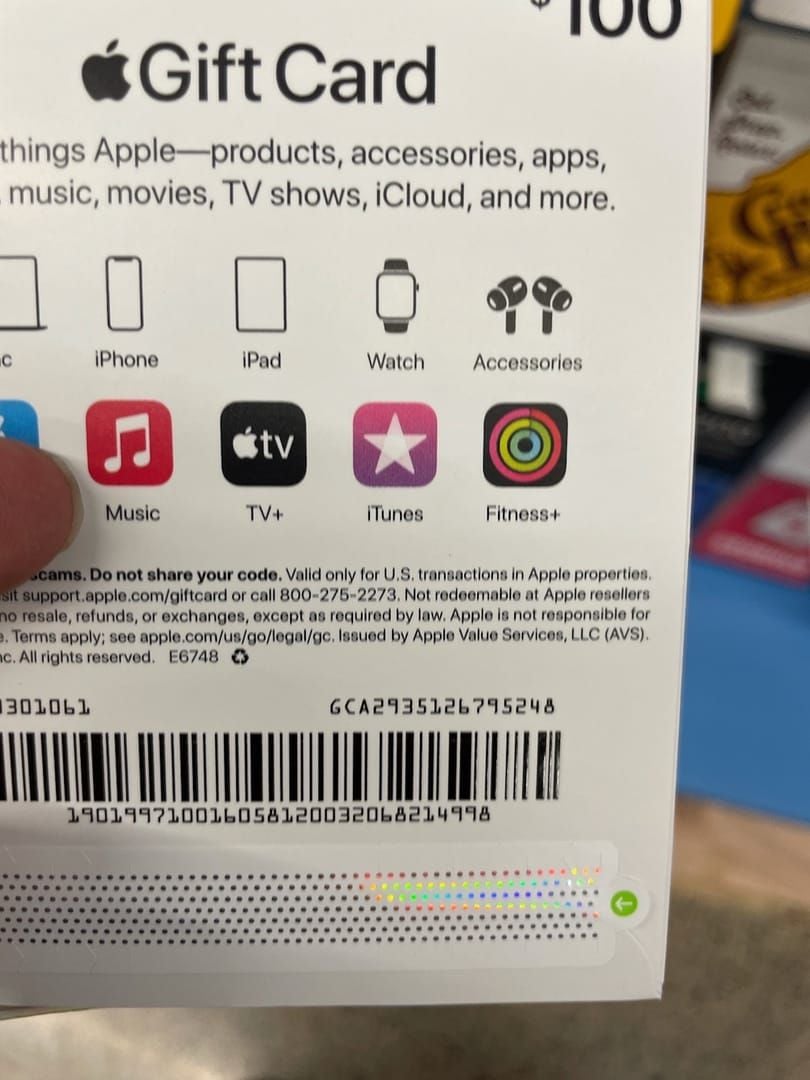
Let's cut through the noise. Top culprits? Input mistakes (70%—think typing B as 8 on a $100 card), region locks (US cards demand US Apple IDs), activation delays, iOS 26 quirks, wrong card type, or just plain unreadable scratches. Switching regions? You'll need a payment method handy (takes 1-3 days). Good news: these cards never expire.
Pro tip—verify your setup: Settings > [Name] > Media & Purchases > View Account > Country/Region.
Delays hit hard post-purchase at POS or digital drops—wait 24-48 hours normally, longer during Black Friday 2025 (Nov 28-Dec 1). Still nada? Return that physical card to the retailer with your receipt for activation.
Region mismatches rank high too, especially US cards on non-US IDs. Seasonal delays spike with iOS 26 (launched Nov 11). (As an editor who's combed countless forums, I'd bet input errors snag more noobs than anything—data backs it at 70%.)
Quick Diagnostic Steps Before Fixes
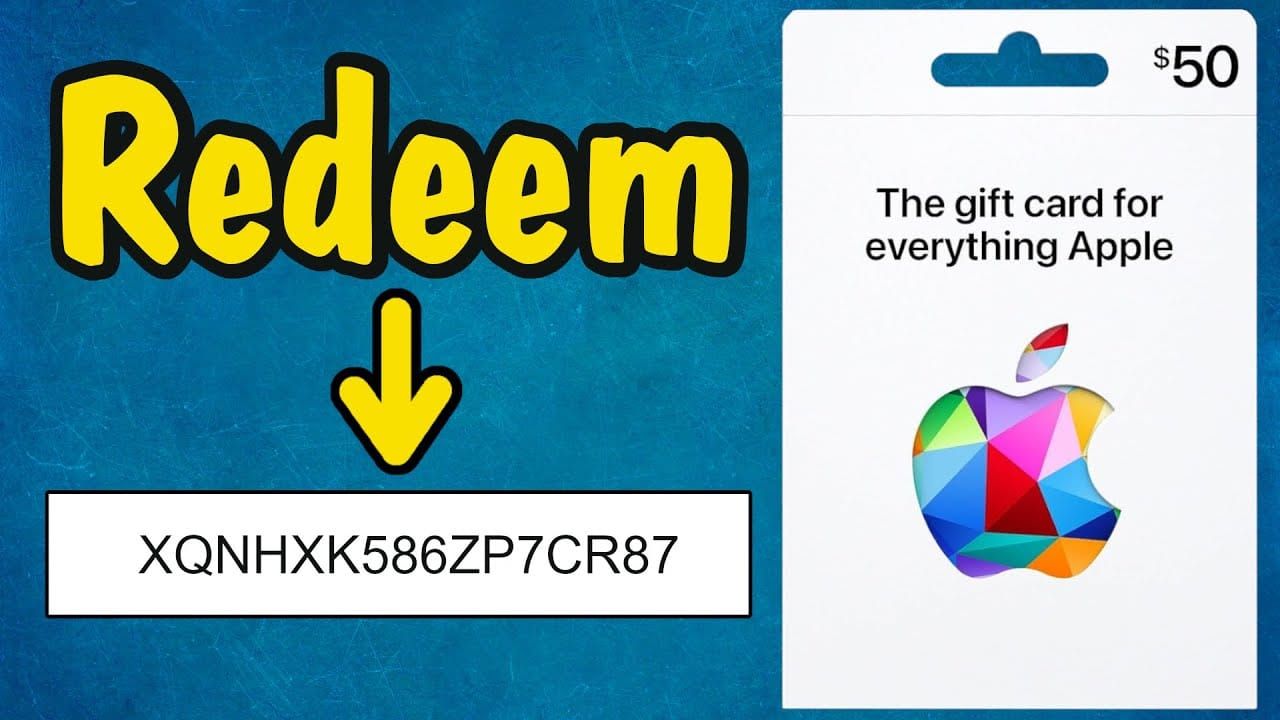
First things first: confirm it's an App Store/iTunes card, code/serial looks pristine, receipt lines up. 2025 server syncs can lag up to 48 hours—patience, gamer.
- Balance check: Settings > Apple Account > Balance, or secure.store.apple.com/shop/giftcard/balance.
- Region match: Align your Apple ID country—no VPNs sneaking around.
- Test redeem: iPhone/iPad App Store > profile > Redeem; Mac App Store > profile; or apple.com/redeem (stable Wi-Fi is key).
Error sticks? Skip the headache—grab one from a safe site to buy valid apple gift card like BitTopup. Instant digital delivery, sharp prices, full compliance, killer US iTunes support, 24/7 help, and glowing user reviews.
Step-by-Step Fixes for Invalid Code Error
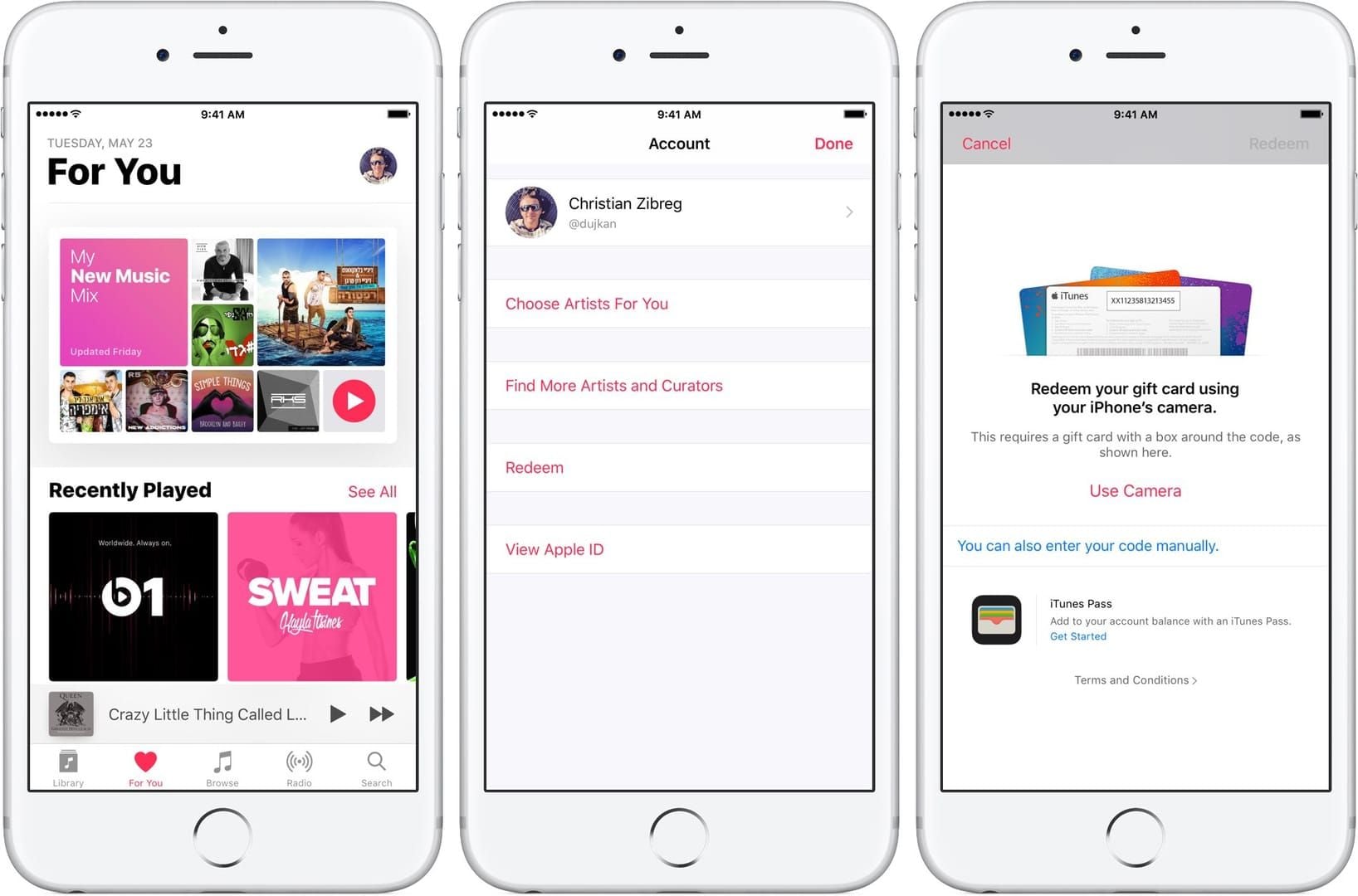
Manual entry nails 70% of these. Key: no spaces, no dashes on that 16-digit 'X' code. On iPhone? App Store > profile > Redeem—type it manually, skip the camera. Wallet app? + > Add to Apple Account (US IDs only).
Here's the playbook:
- Sign out/in across all devices; refresh App Store, eyeball balance and history.
- iPhone/iPad: App Store > profile > Redeem—scrutinize those confusable chars.
- Mac: App Store > profile > Redeem; refresh Media & Purchases.
- Web warrior: apple.com/redeem—log in, manual type, clear cache, restart browser.
Final verify: Settings > Apple Account > Balance. Boom—funds appear.
Advanced Fixes and Workarounds
Already redeemed? Classic server hiccup. Sign out/in everywhere, chill 24-48 hours, toss in a payment method (iOS 26 workaround). Code faded? Shoot photos of front/back, serial, receipt to support.apple.com/HT202359.
Deeper dives:
- Network reset: Clear cache, reinstall App Store, test on an iPhone 13 Pro Max.
- Family Sharing snag? Sync your personal balance—no sharing codes.
- Apple Support: getsupport.apple.com > chat > Gift Cards—send photos, receipt, serial, screenshots.
Ditch autocorrect. And steer clear of unsealed display cards—post-activation scams love 'em.
2025-Specific Changes Affecting Codes
Black Friday (Nov 28-Dec 1) means 24-48 hour US server lags. iOS 26 (Nov 11 onward)? Demands a payment method.
Lock it down:
- Update iOS/macOS pronto.
- Peak times: Receipt-proof it, wait 48 hours.
- Test sequence: iPhone redeem first, then web.
Echoes those 2022 forum threads with 1314 Me too votes. Still busted? BitTopup's your trusted us itunes gift card digital seller: activates in seconds, budget-friendly rates, ironclad security, full App Store coverage, responsive support, sky-high satisfaction.
When to Buy a New Apple Gift Card
Ditch it if unactivated (retailer won't budge), hit by unauthorized redeem (scam alert), region deadlock, or damage beyond repair. You've exhausted manual entry, region swaps, support tickets?
Red flags:
- Zero balance after 48 hours.
- Opt for sealed physical or instant digital.
- Post-buy: Balance check right away.
No expiration date—ever.
Prevention Tips for Apple Gift Card Users
Snap photos of codes ASAP. Manual entry every time. Stash securely. VPNs and autocorrect? Hard pass.
- Pre-redeem: Balance tool first.
- After: History check; Family Sharing demands care.
- Storage smarts: No code shares; keep sealed.
Simple habits save headaches.
Case Studies: Real Fixes in Action
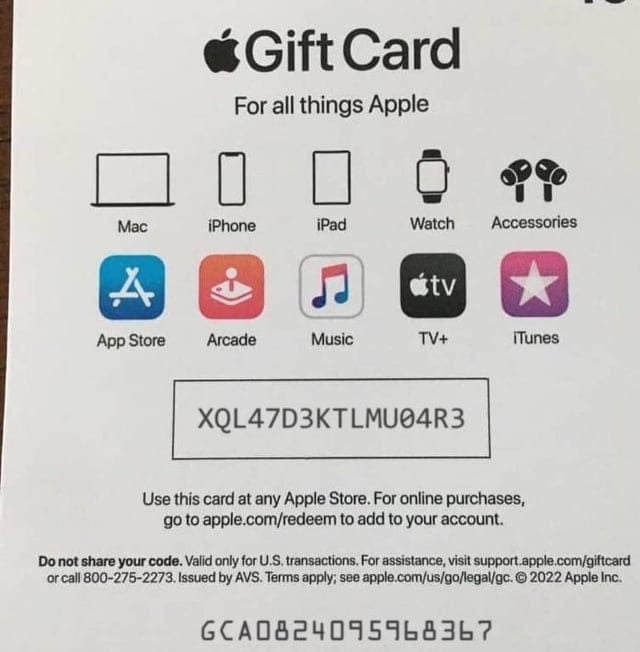
Flashback to 2022 (Sep 22): 1314 Me too votes on a thread—manual entry fixed a $100 card (those confusable chars again). 2025 $150 drama: Sign out/in plus receipt sorted already redeemed after 48 hours. iOS 26 on Nov 11? Payment method on iPhone 13 Pro Max did the trick. Region woes: iPhone 12 on iOS 18 nailed US storefront switch.
Forums confirm: 70% fixed by input tweaks.
FAQ: Apple Gift Card Invalid Code
Why is my Apple Gift Card code invalid?
70% input errors (confusable chars); verify 16-digit 'X' code, type, region.
How do I fix an invalid Apple Gift Card code?
Manual entry, no spaces; sign out/in; wait 24-48h; sync region.
What does 'code already redeemed' mean?
Server delay—sign out/in, check balance/history, wait 48h.
Is my Apple Gift Card expired in 2025?
No—valid indefinitely.
How to check Apple Gift Card balance before redeem?
secure.store.apple.com/shop/giftcard/balance (code/serial) or Settings > Apple Account > Balance.
Apple Gift Card not working on different region?
Match country; add payment temporarily, redeem, revert (1-3 days).



























































































































