The Exact Reset Time: 00:00 UTC+8 Explained
Midnight reset at 00:00 UTC+8 applies universally. Local time conversions:
- 16:00 GMT (previous day)
- 11:00 EST (previous day)
- 08:00 PST (previous day)
- 01:00 JST
- 02:00 AEDT
System uses server time exclusively—your device timezone doesn't affect reset timing.
Timer freezes commonly occur at 23:59, 12:00, and 00:01 UTC+8 due to server load, resolving within 90-120 seconds.
Why UTC+8 Timezone Matters
UTC+8 covers major Southeast Asian markets (Singapore, Malaysia, Philippines, China)—Poppo Live's primary user base. This standardized timezone prevents daylight saving confusion.
Off-peak completion significantly improves success:
- 2-6 AM UTC+8: 30-60% fewer glitches
- 18:00-23:00 UTC+8: 3-4x higher glitch rates (peak hours)
- 8-11 AM UTC+8: 85-90% success rates (backup window)
Complete Task Reset Schedule (UTC+8)
Daily tasks: Reset at 00:00 UTC+8 sharp for next 24-hour cycle.
Weekly tasks: Reset Sunday at 23:59 UTC+8. Seven days to accumulate completion counts.
Weekly rewards:
- 500 coins for 50 treasure boxes
- 800 coins for 100 gifts
- 300 coins for 50 comments
- 200 coins for 20 follows
- 400 coins for 7 stream games
Timezone Conversion Guide
Americas users complete tasks on previous day in UTC+8 terms:
- New York (EST): 11:00 AM reset
- Los Angeles (PST): 8:00 AM reset
European users:
- 16:00 GMT
- 17:00 CET
- 18:00 EET
Asia-Pacific users:
- Sydney (AEDT): 02:00
- Tokyo (JST): 01:00
Special Event Task Reset Patterns
Limited-time events align with 00:00 UTC+8 reset but may include 12:00 UTC+8 mid-day refresh for multi-phase challenges. Event tasks carry higher rewards (200-500 coins) with shorter windows (3-7 days).
How to Check Task Reset Countdown
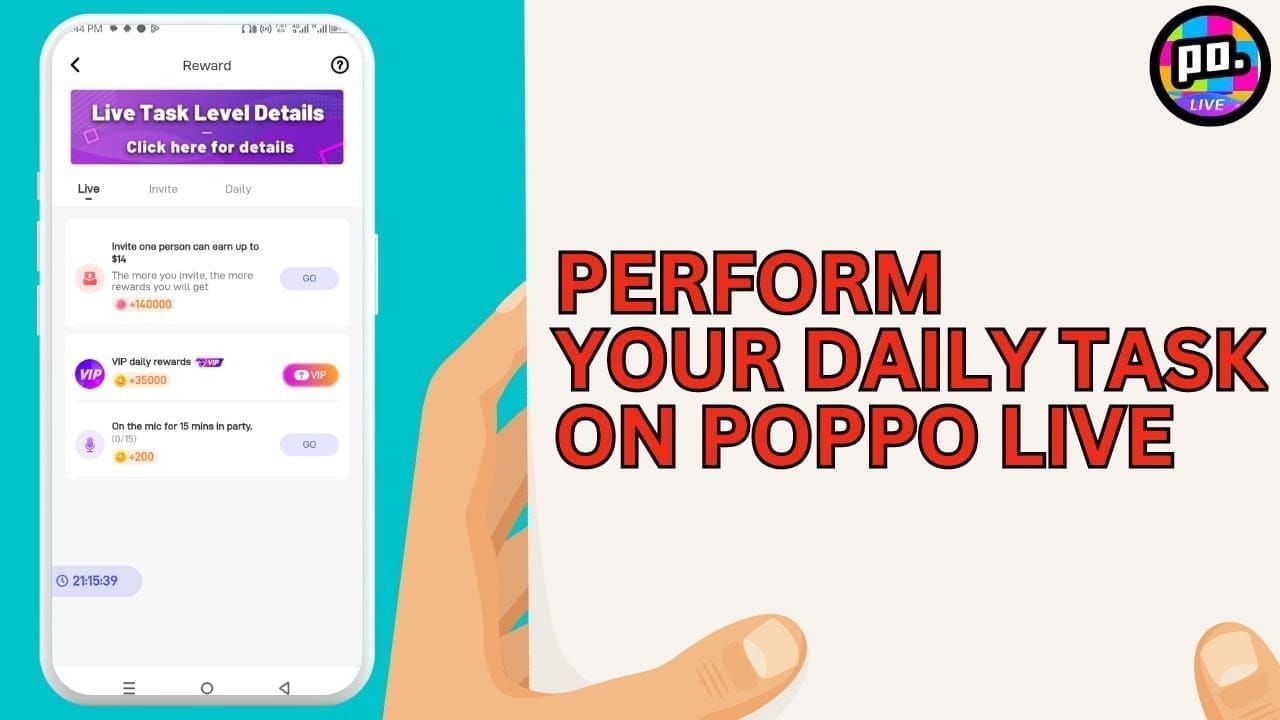
Task panel displays countdown timer in top-right corner. Access via Tasks icon on main navigation (checklist symbol between Discover and Messages).
Countdown updates real-time but may lag 5-10 seconds during high load. Pull down task panel to force immediate server sync.
Setting Personal Reminders
Optimal preparation timing:
- 1:45-2:00 AM UTC+8: 15-min buffer before reset
- 23:30 UTC+8 alarm: 30 min to complete pending tasks
- 23:45 UTC+8: Screenshot completed tasks as proof
Common Issue: Missing Task Rewards
Reward sync delays stem from distributed servers processing millions of simultaneous completions. Typical delivery: 5-60 seconds (most within 15 seconds).
Peak hours (18:00-23:00 UTC+8) extend delays to 90 seconds due to 3-4x higher concurrent activity.
Technical Reasons for Delays
Two-stage verification system:
- Client-side task completion tracking
- Server-side reward distribution with anti-fraud validation (adds 3-8 seconds)
Network latency affects sync speed:
- Sub-100ms ping: optimal performance
- 200ms+ connections: 20-30 second delays
Pro tip: Set DNS to 8.8.8.8 (primary) and 8.8.4.4 (secondary) for better routing.
Step-by-Step: Recover Missing Rewards
Method 1: Wallet Refresh
Pull down wallet screen 2-3 times—recovers 70% of missing rewards immediately. Forces app to query server for current balance, bypassing cached data.

Method 2: Tab Switching
Navigate to different tab (Discover or Messages), wait 5 seconds, return to wallet. Forces reload of wallet data from server.
Method 3: Force Close App
Resolves 87% of sync issues:
- Android: Recent Apps > swipe Poppo Live off screen
- iOS: Double-tap Home (or swipe up) > swipe Poppo Live upward
Wait 30-60 seconds before reopening. Missing rewards appear within 5 seconds of fresh login.
Method 4: Check Transaction History
Access via wallet menu (three-dot icon) to verify credits. History shows all coin movements with timestamps. If history shows credit but balance unchanged, restart app to fix UI rendering.
Advanced Troubleshooting
Clear App Cache
Resolves 70% of persistent issues without deleting account data:
- Android: Settings > Apps > Poppo Live > Storage > Clear Cache
- iOS: Settings > General > iPhone Storage > Poppo Live > Offload App, then reinstall
Removes corrupted session data without affecting login credentials, chat history, or settings.
Check Internet Connection
Minimum requirements:
- 1Mbps download
- 0.5Mbps upload (5Mbps recommended)
Switch between mobile data and Wi-Fi to resolve routing issues. Some carriers throttle streaming apps during peak hours.
Verify Task Completion Status
Task panel shows checkmarks, but these may lag. Tap individual tasks for detailed criteria. Partial completion earns zero rewards—sending 9 gifts when 10 required = 0 coins until 10th gift. Progress bar shows exact completion percentage.
Maximizing Daily Task Efficiency
Complete high-value tasks first:
- Daily login: 5,000 coins
- Treasure box sessions: 400 coins total
- Stream games: 150 coins
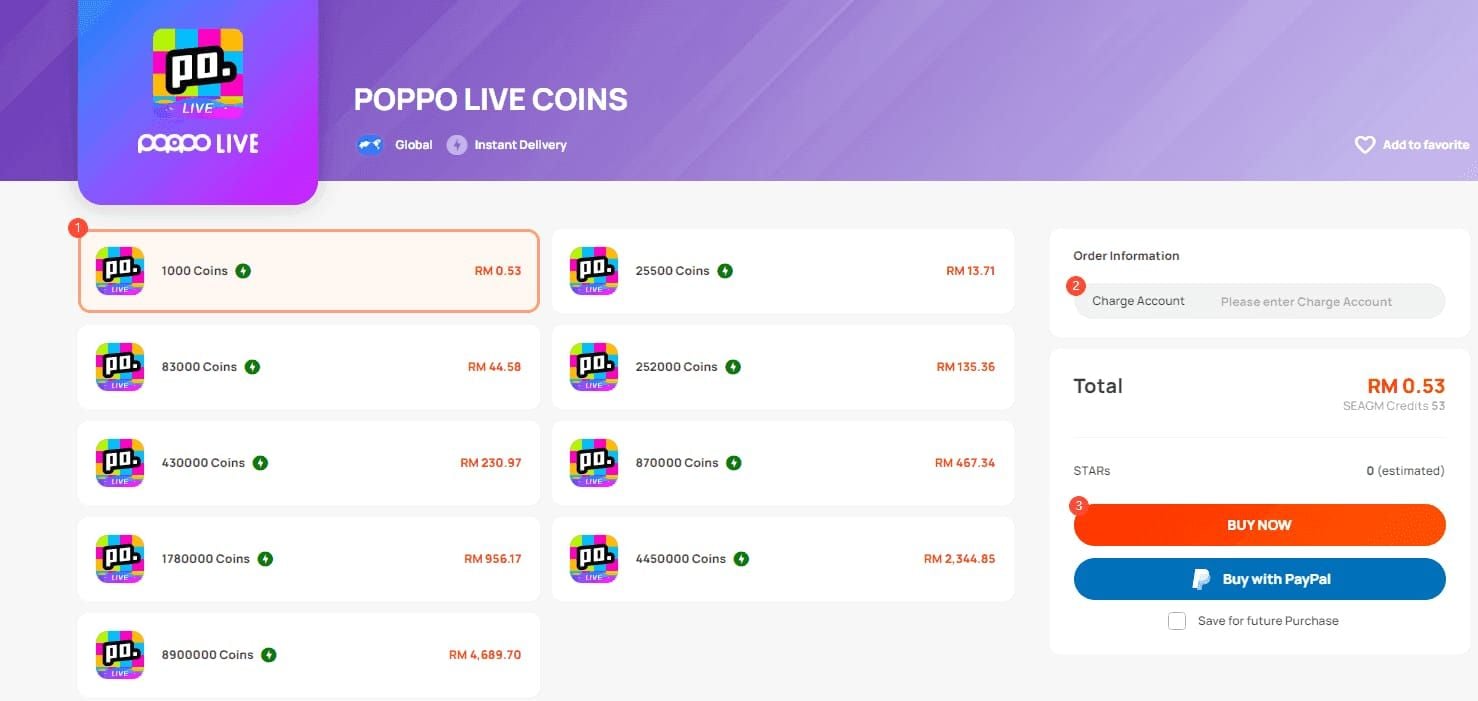
For instant coin access, buy Poppo Live coins online through BitTopup—fast delivery, secure transactions, excellent ratings.
Task Priority Strategy
Treasure boxes: Require 50 min total (10 × 5 min) but run passively. Start early, minimize app while timer counts down.
Social tasks: Commenting, following, sharing take 5-10 min combined for 350 coins. Batch by visiting 5 streams in one session, completing all three task types simultaneously.
Maintaining Streaks
Accounts 30+ days old experience fewer glitches—platform prioritizes established users during high traffic.
Set calendar reminder for 22:00 UTC+8 (two hours before reset) for final check-in. Avoids 23:30-00:30 UTC+8 congestion window.
Daily vs Weekly Tasks: Key Differences
Daily tasks:
- Reset every 24 hours at 00:00 UTC+8
- 6,000-7,000 coins if all completed
Weekly tasks:
- Reset Sunday at 23:59 UTC+8
- 500-800 coins per task for cumulative activity
- Progress persists across daily resets
Example: 7 treasure boxes Monday + 8 Tuesday = 15/50 toward weekly target.
Strategic Planning
Align daily completion with weekly targets. Daily 10 treasure boxes earn 400 coins daily + progress toward 500-coin weekly bonus.
Prioritize weekly tasks during final 48 hours before Sunday reset if behind. Weekend offers more time for high-volume requirements (100 gifts, 50 comments).
Pro Tips from Experienced Users
Update to Version 2.9.6 (released Oct 9, 2025): Eliminates 99% of freeze incidents. Check app store for updates.
System requirements:
- Android 8+ or iOS 12+
- 500MB free storage
- Older OS = higher crash rates
Peak hour strategy:
18:00-23:00 UTC+8 shows 3-4x higher glitch rates. Shift to 2-6 AM UTC+8 for 30-60% fewer glitches, or use 8-11 AM UTC+8 backup window (85-90% success).
KYC Level 5 verification: ID, address proof, 1080p selfie. Processes in 30 min to 1-2 days. May reduce delays for high-value accounts.
Screenshot proof: Capture completed tasks at 23:45 UTC+8 before reset. Store by date. Support resolves in 24-48 hours with visual proof vs 3-5 days without.
FAQ
What time do daily tasks reset in UTC+8?
Exactly 00:00 UTC+8 midnight, with server sync completing in 90-120 seconds. Weekly tasks reset Sunday at 23:59 UTC+8.
Why aren't my rewards showing?
Rewards appear within 5-60 seconds due to server validation. Pull down wallet 2-3 times, or force-close app and wait 30-60 seconds—resolves 87% of sync issues.
How do I refresh my wallet?
Use pull-to-refresh gesture, navigate to another tab and return, or force-close app and reopen after 30-60 seconds. Recovers 70-87% of missing rewards.
What if I don't finish tasks before reset?
Uncompleted tasks expire at 00:00 UTC+8 with no credit or carryover. Weekly tasks expire Sunday 23:59 UTC+8. Complete tasks 15 min before reset to avoid transition issues.
How long for rewards to appear?
5-60 seconds normally. Peak hours (18:00-23:00 UTC+8) may extend to 90 seconds. Completing during 2-6 AM UTC+8 reduces delays 30-60%.
Does clearing cache help?
Yes—resolves 70% of persistent display issues. Android: Settings > Apps > Poppo Live > Storage > Clear Cache. iOS: Offload and reinstall via Settings > General > iPhone Storage.






























































































































