No transferring balances between IDs or regions. Spot the serials: GCA, PBH, EPY. Codes are case-sensitive—watch B vs. 8, O vs. 0/Q, S vs. 5. Peek at your balance in Wallet or the App Store profile.
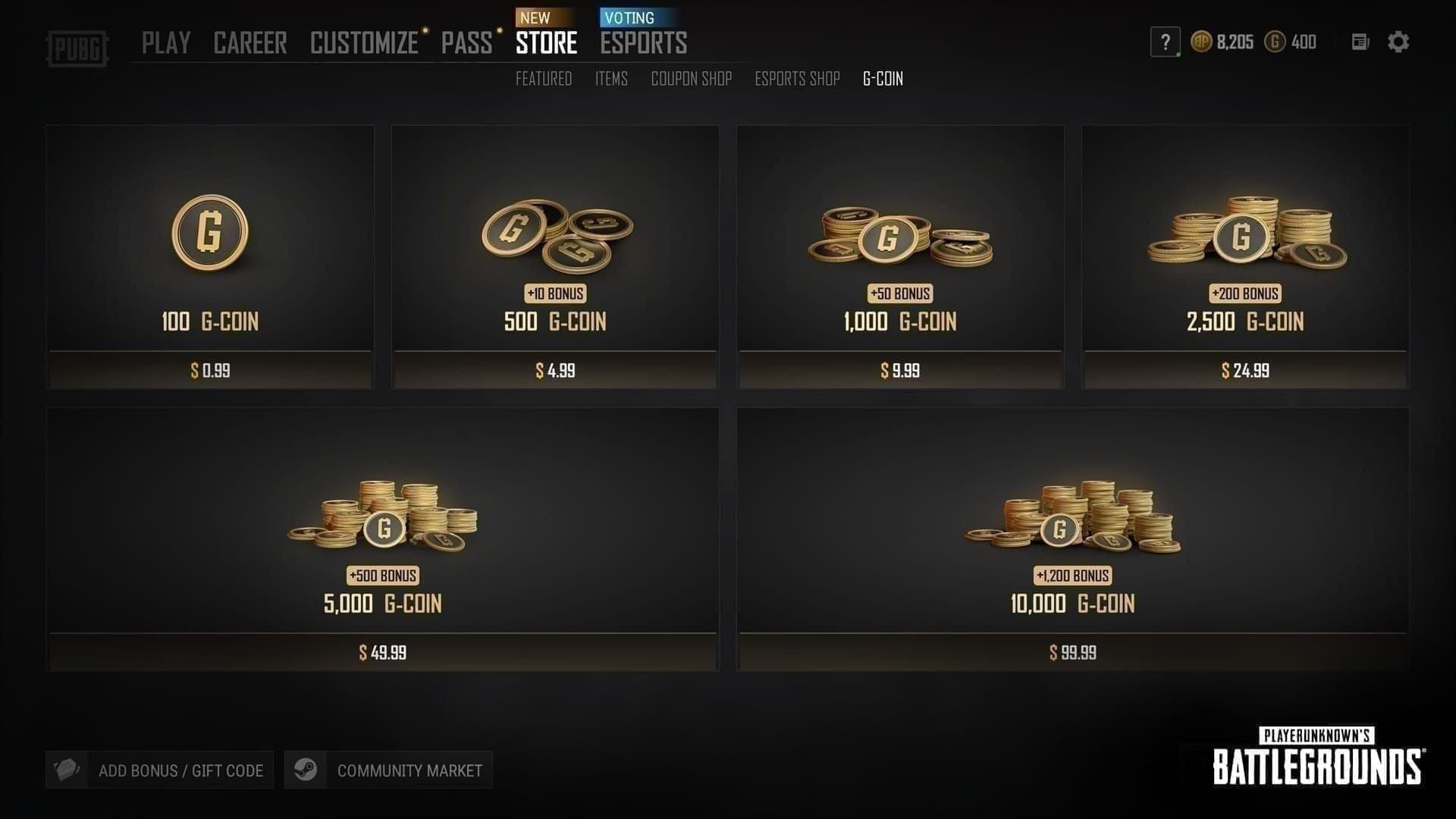
Gamers stuck overseas? Grab a buy global apple gift card code from BitTopup. Competitive prices, instant delivery, rock-solid security, and killer user ratings (4.9/5). They cover a ton of regions too.
Proven Ways to Redeem That Actually Work from Anywhere
Fire it up on a US Apple ID—works on iPhone, iPad, Mac, even Windows. Here's the play: 1. Whip up a fresh US ID (skip the payment method). 2. Hit App Store > profile icon > Redeem. 3. Scan with camera or type it in for those game top-ups or subs.
On iPhone? App Store > profile > Redeem, or Wallet > Apple Account > Redeem. Mac users: App Store sidebar > Redeem (it'll flash your region right there). Simple. Reliable.
Step-by-Step: Switching Your Non-US Apple ID to US Region
First, prerequisites—zero balance, no active subs or pre-orders, all refunds cleared, and a valid US payment method lined up (credit cards usually do the trick; no PO boxes).
iPhone/iPad flow: 1. Settings > [your name] > Media & Purchases > Country/Region > Change > pick United States > Agree to terms > add US billing. Redownload apps beforehand to avoid hiccups.

Mac or Windows? Apple Music or TV app > Account > Settings > Change Country/Region > United States > slap in payment. Heads up: Apple's got a once-every-90-days limit. Sign out and back in on all your devices after.
Need to top up us apple id balance safely? BitTopup nails it—credits in under 5 minutes, fully compliant, every device covered, and after-sales support that resolves 98% of issues. Game-changer for mid-session top-ups.
What Straight-Up Doesn't Work: Pitfalls Gamers Hit Hard
VPNs? Total bust—they don't fool the region lock, and switching back? Kiss your balance goodbye (212 Me too votes, Aug 11, 2021).
Quick hits:
- US card on US ID? ✅ Golden.
- US card on non-US ID? ❌ Nope.
- Reverting regions after? ❌ Balance vanishes.
- Cross-region transfers? ❌ Dream on.
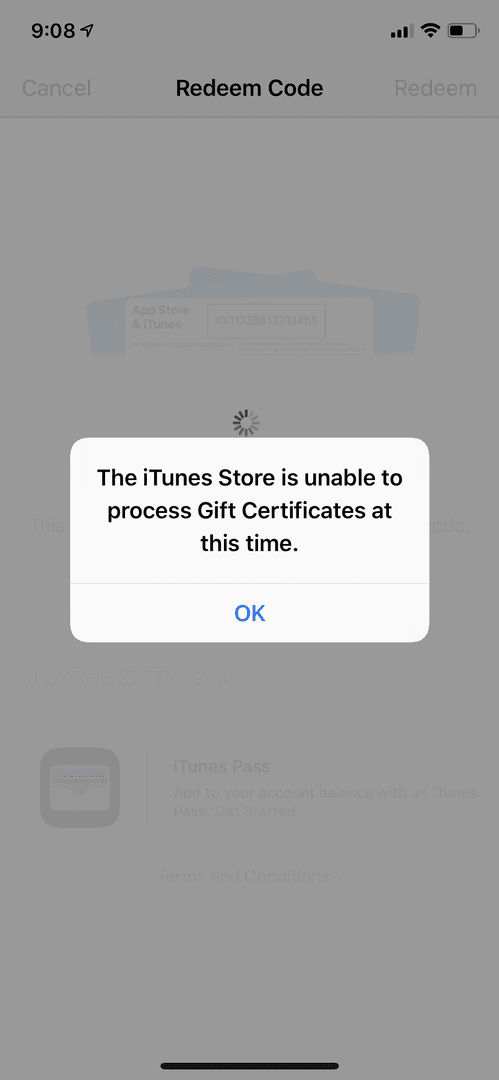
Common errors: Card not valid,Already redeemed,Not activated. Fixes? Sign out/in across devices. Manual code entry. Or hit Support with screenshots, receipt, and serial (GCA/PBH/EPY).
Troubleshooting for Gamers Abroad: Get Back in the Game Fast
Region mismatch is the big one (check Apple's HT201195). Balance hunt: Wallet, App Store, or dial 1-800-MY-APPLE. For Support, snap front/back of card, receipt, serial (GCA/PBH/EPY); go chat or phone.
Prep checklist before any switch:
- Burn that balance.
- Cancel subs (wait 'em out).
- Clear refunds.
- US payment at the ready.
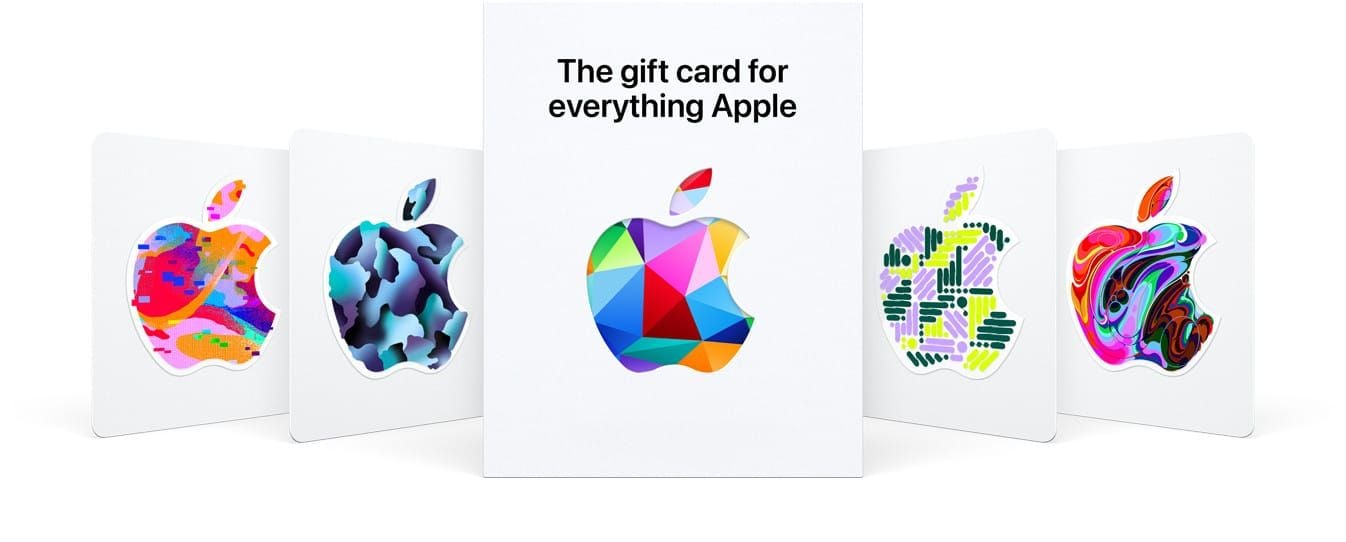
Ever wonder why this feels like a raid boss? Apple's policies—unyielding, but beatable with prep.
Smarter Alternatives and 2025 Best Practices
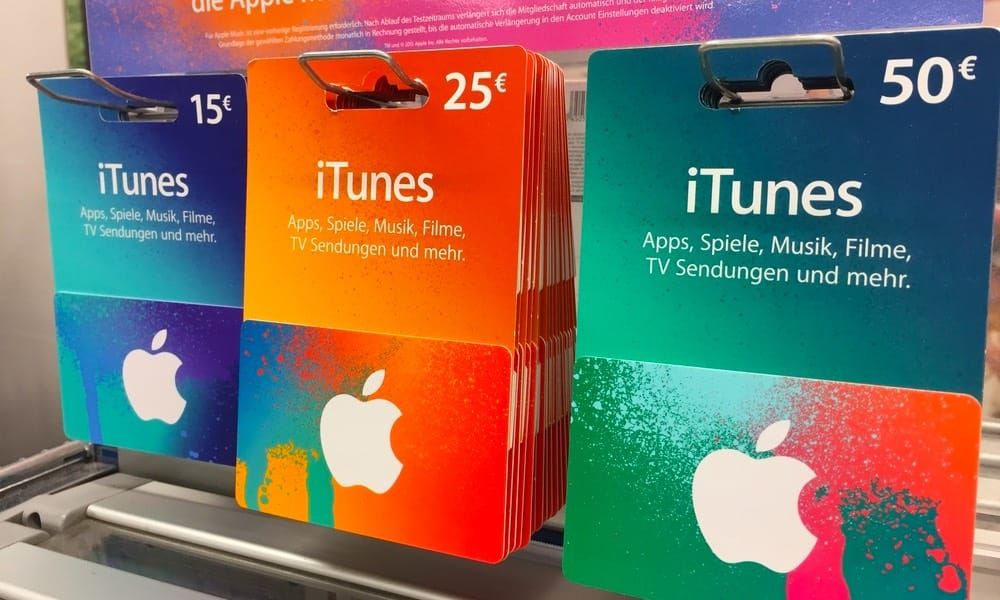
Gift it to a buddy with a US ID. No magic universal cards exist. Verify activation first. Spend on US-only apps, games, in-app purchases. New US ID? Easy on iPhone/iPad/Mac—no Android love there.
(Editor's take: For gamers, BitTopup's my go-to now—feels like having a guildmate handle the grind.)
FAQs: Real Answers for Gamers Grinding Abroad
Can I redeem a US Apple Gift Card in another country?
Nope—needs a US-region Apple ID. Switch it over with zero balance and no subs.
Why's my US Apple Gift Card invalid abroad?
Region mismatch. VPNs won't save you.
How do I change my Apple ID country for gift cards?
Zero out balance, kill subs; then Settings > [your name] > Media & Purchases > Country/Region > United States + payment method.
Do Apple Gift Cards work internationally in 2025?
Only on matching-region IDs. Policies? Same as ever.
What if I try redeeming US on a non-US account?
Error city: Code must be redeemed in a different country or region. Zero credit added.
Fix for already redeemed abroad?
Sign out/in on devices. Check redemption history or ping Support.