Zenless Zone Zero Steam transfer uses your HoYoverse ID, so the Steam client loads the same Agents, Polychrome, Bangboo, and Inter-Knot level you already have on HoYoPlay, mobile, PS5, or Xbox. This page stays current with the official login labels, the Version 2.6–3.1 systems Steam players inherit, and the two mistakes that still create a blank save.
Updated on 2026-08-26: Steam launched with Version 3.0 on June 17. Version 3.1 "The Long Goodbye" is the live patch through 2026/09/09 06:00 (UTC+8). Wishlist codeZZZSTEAM expired on 2026/07/29.
If Steam Wallet conversion looks high in your region, Zenless Zone Zero top up on BitTopup credits the same HoYoverse account.
ZZZ on Steam: Status Snapshot (August 2026)
Item | Current status |
|---|
Steam client | Live. HoYoverse set launch after the Version 3.0 update on 2026/06/17. The Steam store lists June 16. |
Cross-save | Confirmed for America, Europe, Asia, and TW/HK/MO. Progress follows the HoYoverse ID, not the client. |
Live version | 3.1 "The Long Goodbye" (2026/07/29–2026/09/09 06:00 UTC+8) |
Next official beat | Version 3.2 "Their Secret Histories" Special Program on 2026/08/28 19:30 (UTC+8) |
First-login fork | Login with existing HoYoverse ID keeps your save. Create HoYoverse ID now starts a new character. |
Disk space | 75 GB. Steam downloads the full client. Resource Management is unavailable. |
Wishlist codeZZZSTEAM | Expired 2026/07/29 04:00 (UTC+8). Polychrome ×60, Denny ×6,666, plus materials. |
Steam Client Value After Launch
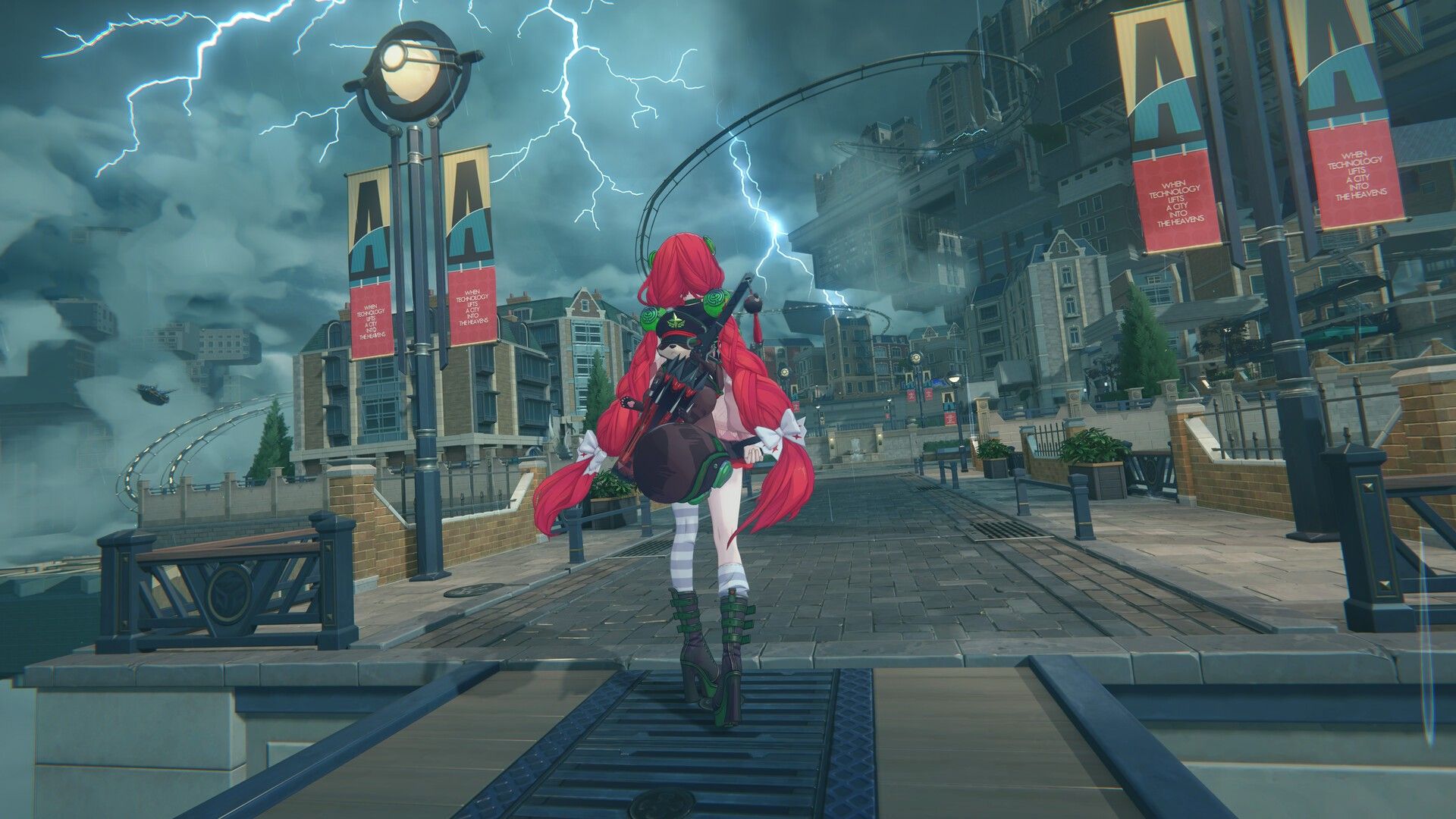
Steam is a second PC front end on the same servers as HoYoPlay and mobile. New players who found ZZZ through the store page sit in the same America, Europe, Asia, and TW/HK/MO pools. You keep one roster and one Polychrome balance across every linked client.
The client change you feel day to day is update and session handling. Steam owns the download after first install. Overlay, playtime, and library updates sit in one window, so you can close HoYoPlay if Steam is the PC copy you use.
Steam Deck carries a Playable badge. Testers lock 30 FPS on lower presets for stable combat. HoYoverse did not ship Deck-specific optimizations at launch. The store page lists Windows only; Deck and Linux sessions run through Proton.
Steam purchases of Monochrome, Inter-Knot Membership, and the New Eridu City Fund work in the client. After you link accounts, those items show up on mobile and console. Where to buy Zenless Zone Zero top up for Steam walks through Steam Wallet versus UID top-up if regional pricing works against you.
5 Changes Steam Players Inherit (Versions 2.6–3.1)
These patches landed on every platform. A Steam install on Version 3.0 launch day included them. Version 3.1 is the live layer on top.
Change 1: Hollow Zero Operation Matrix (Version 2.6, February 6)
Version 2.6 "Encore for an Old Dream" added Operation Matrix as a Hollow Zero mode. You run three Primary Agents plus one Auxiliary Agent who stays off the field until you call Auxiliary Assist. Weekly environments and Initial Supplies rotate. Sweep landed in the same patch, so Hollow Zero grinding takes fewer repeat clears.
Change 2: Agent Roster From 2.7 Through 3.1
Version | Date | Agents you should know |
|---|
2.7 Phase 1 | March 24 | Nangong Yu (Ether, Stun), Yidhari (Ice, Rupture) |
2.7 Phase 2 | April 15 | Cissia (Electric, Attack) |
2.8 | May 6 | Promeia, Starlight-Billy |
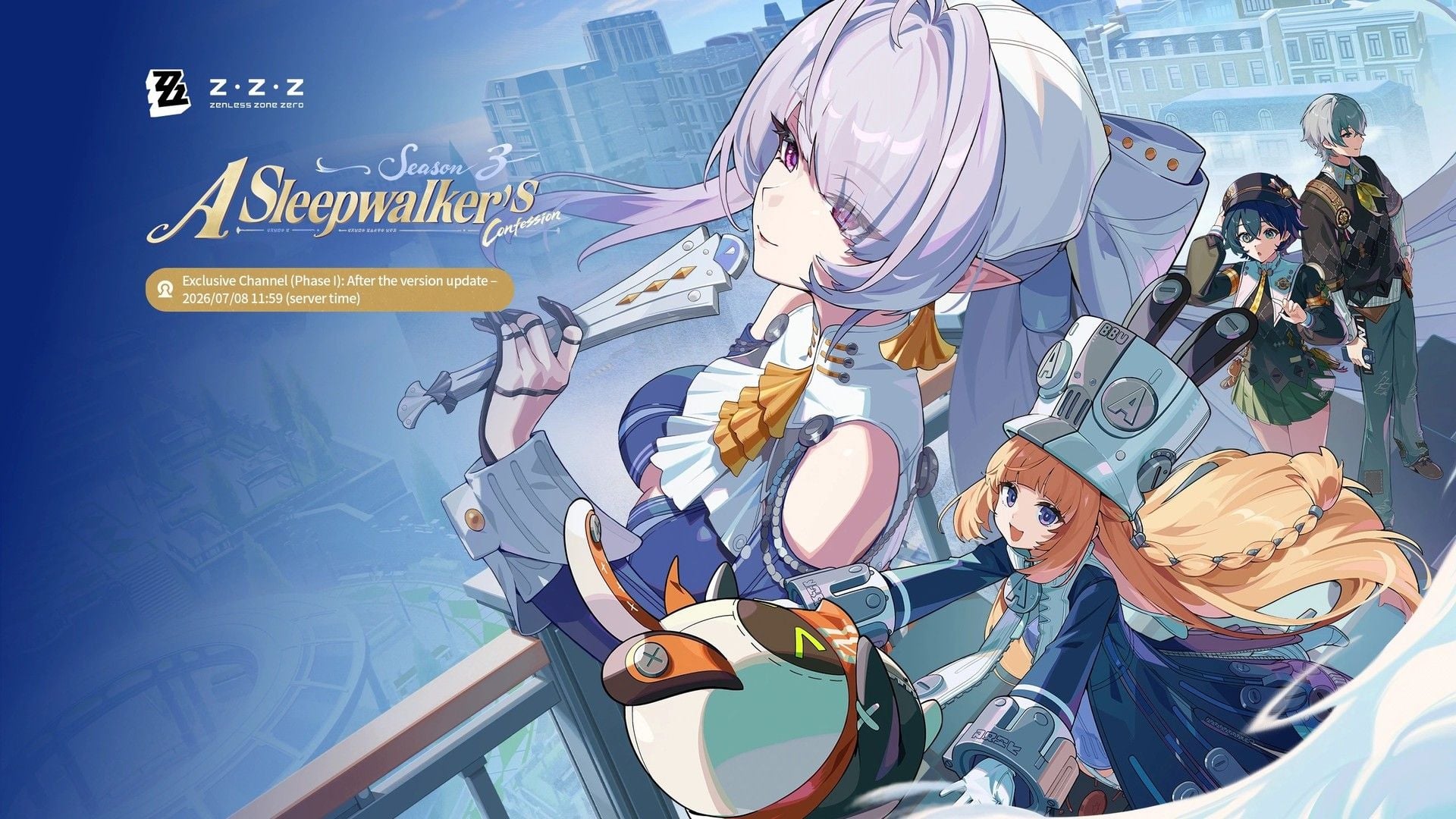
3.0 | June 17 | Velina (Wind, Anomaly) and Norma (Fire, Stun) on Exclusive Channel. Pyrois is a story gift, not a banner. |
3.1 | July 29 | Remielle (Lumiflux, Anomaly), Sigrid (Ice, Attack) |
Older guides treated Pyrois as the Version 3.0 pull target. HoYoverse gifts the Phaethon-faction Agent through the Version 3.0 main story, plus 1,600 Polychromes (600 on launch day, 1,000 on July 4). Coming versions gift Pyrois Mindscapes and the exclusive W-Engine. Save Polychrome for Velina, Norma, Remielle, or Sigrid, then check the ZZZ pity system before you tap Encrypted Master Tapes.
Change 3: Season 2 Story Close (Versions 2.7–2.8)
Version 2.7 added Main Story Season 2 Epilogue "New: Eridan Sunset (A)" plus new achievements inside existing groups (Phaethon's Story, Agent Trust, and others). Trust events for Nangong Yu and Cissia unlocked with those Agents. Achievements, Phaethon's Story, and Trust predate Version 2.7.
Version 2.8 "New: Eridan Sunset" (May 6) shipped part (B) and closed Season 2. Prior chapters stay in the archive. Play (A) then (B) if you care about the handoff into Season 3.
Change 4: Wind Attribute Combat (Version 2.8)
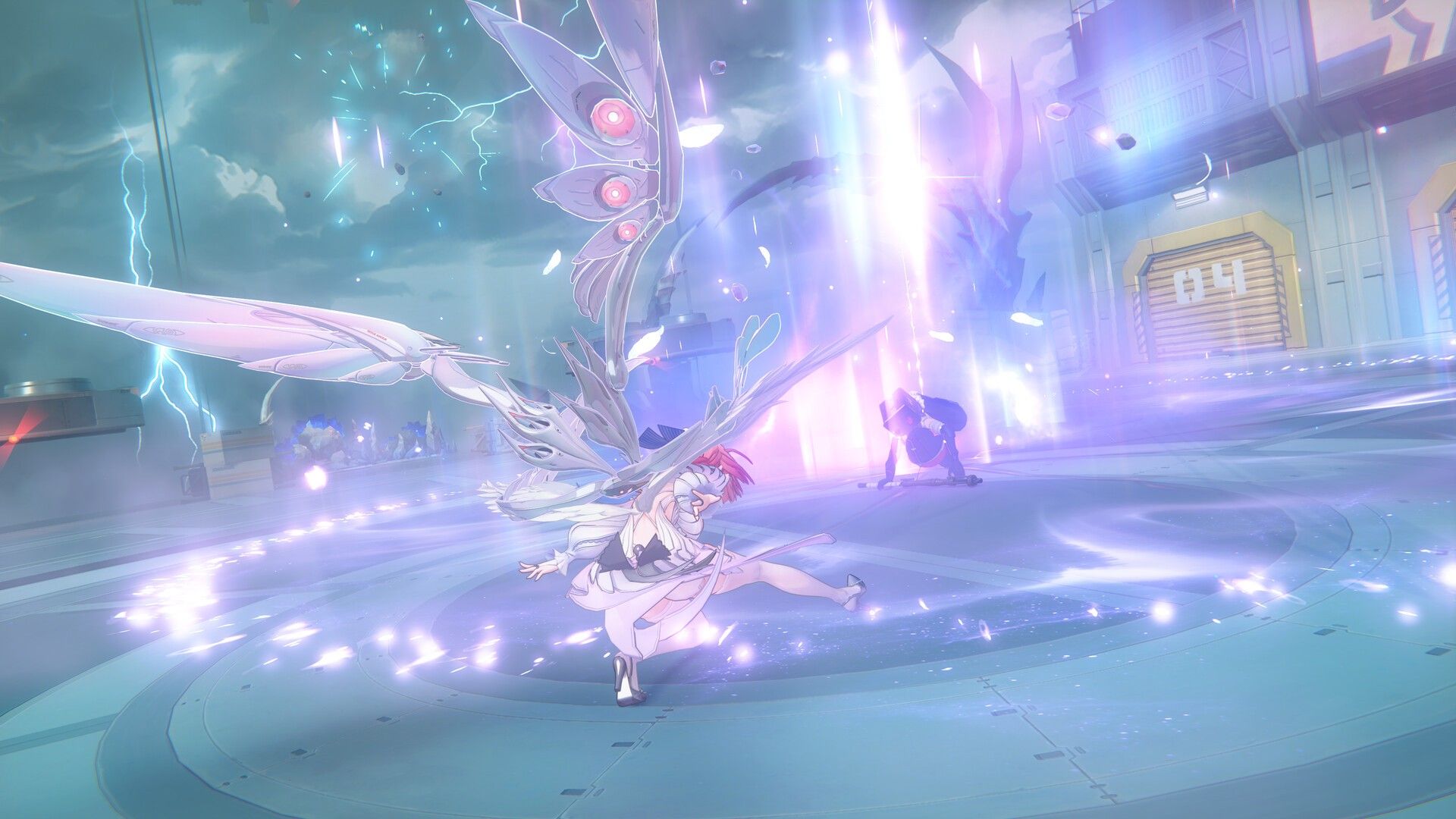
Version 2.8 added Wind-attribute enemies and Vortex. Apply Wind Anomaly, then another Attribute Anomaly, and Vortex replaces Disorder for that hit. Version 3.0 made Velina the first Wind Agent. Team-building for Shiyu Defense and Deadly Assault now has to account for Wind resistance and Vortex setups.
Change 5: Season 3 Systems That Landed With Steam
Version 3.0 "A Sleepwalker's Confession" opened Roscaelifer and started Season 3 on the same day as Steam. Permanent additions include "Bangbang! The Genius and the Miracle Chip" and Annihilation Simulacrum (boss fights with no elemental weaknesses). Drive Disc Smart discard, outfit accessory mixing, and optional PC ray tracing also arrived in 3.0.
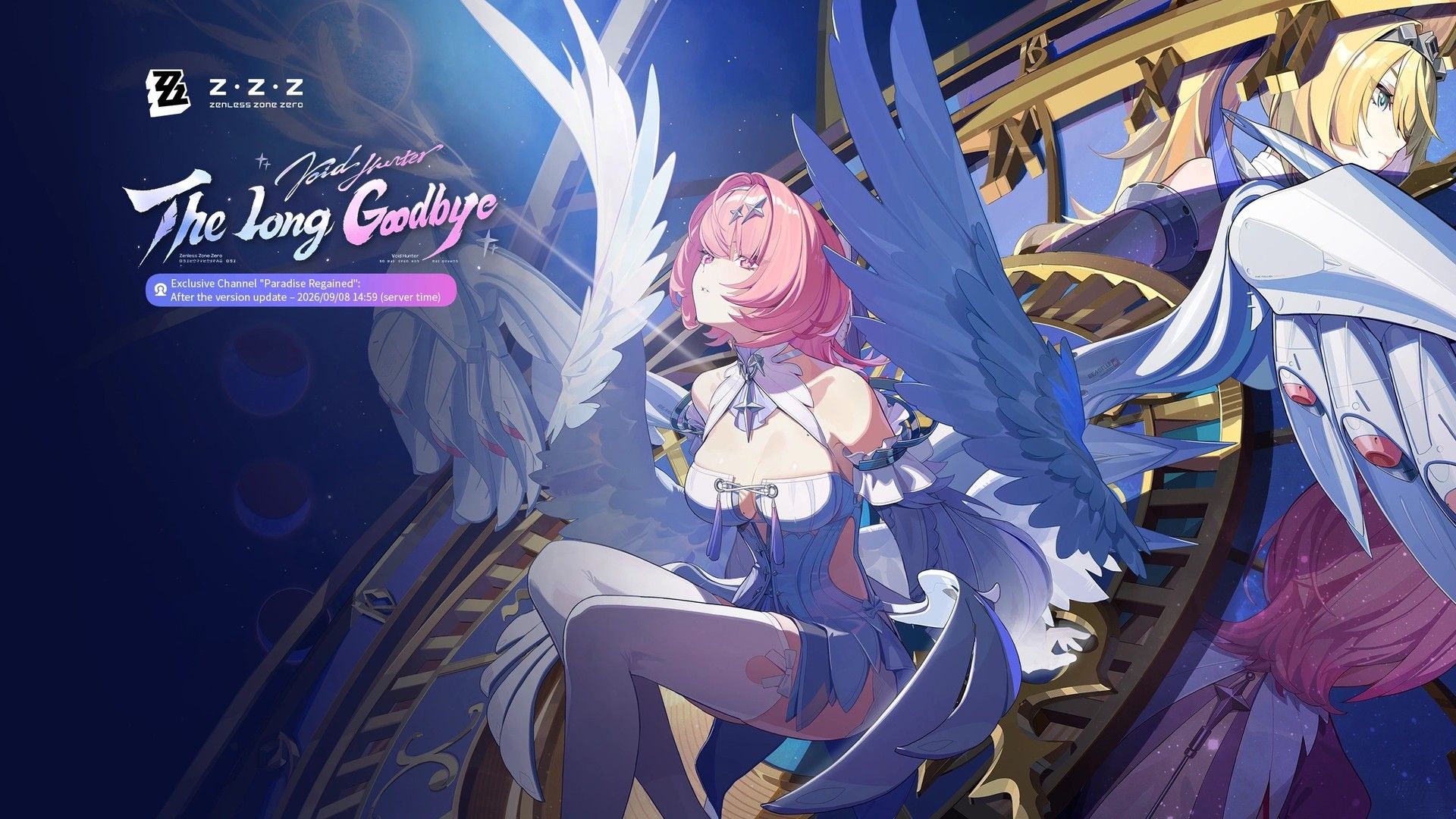
Version 3.1 continues that map in Booastrum - Gear Street and Main Story Season 3 Chapter 2 "The Long Goodbye."
ZZZ Progress Safety on Steam
HoYoverse stores progress on your ID. Steam is a login point. Use the same email and password you use on HoYoPlay or mobile, pick the same server, and the roster loads.
Risk | Cause | Fix |
|---|
Inter-Knot Lv. 1, empty roster | You chose Create HoYoverse ID now | Close the client. Launch again and choose Login with existing HoYoverse ID. |
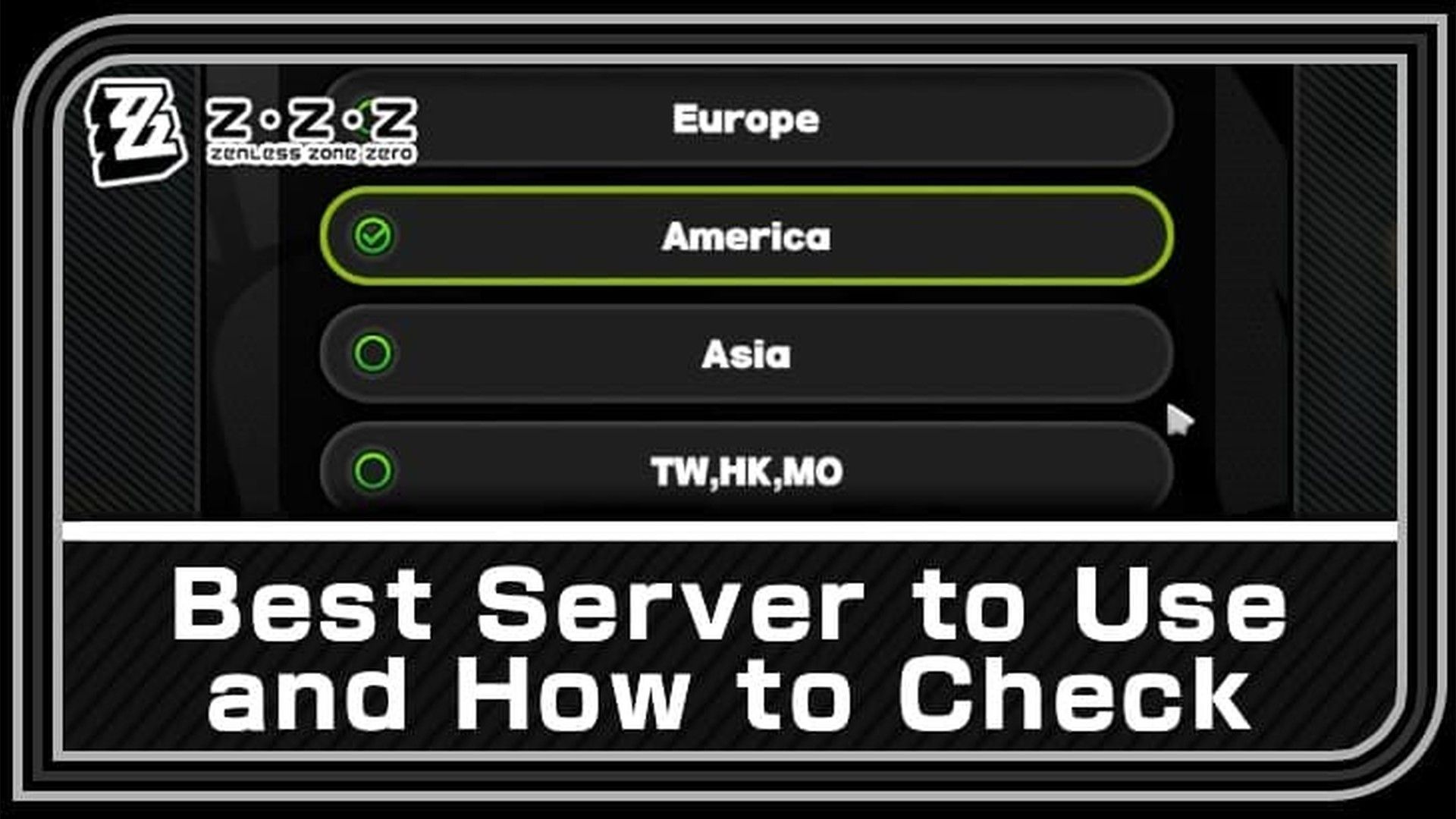
Familiar email, unfamiliar Agents | Wrong region on first confirm | Match America, Europe, Asia, or TW/HK/MO to the server on your other client. You cannot move a character between regions later. |
Link or email errors | An extra platform bind on the HoYoverse ID | Open HoYoverse User Center, unlink the extra bind, then retry Steam. Support handles cases the page cannot clear. |
Wrong region is the error that costs time. Your original data stays on the correct server. Steam opened a second character on the region you confirmed.
HoYoverse published the login labels, server list, and unlink steps in the official Steam launch FAQ.
How to Transfer Your ZZZ Account to Steam
Step 1: Verify the HoYoverse email
Log into HoYoverse User Center and confirm the email on the account. An unverified inbox can still pass first login, then block recovery if the link fails mid-process.
Step 2: Install from Steam
Add Zenless Zone Zero from the Steam store and let Steam finish the 75 GB client. Later version downloads also go through the Steam library. The Steam build does not preload new versions through HoYoPlay.
Step 3: Choose Login with existing HoYoverse ID
First launch asks you to bind Steam to a HoYoverse ID. Pick Login with existing HoYoverse ID. Create HoYoverse ID now opens a new game character on Steam. Both buttons sit on the same screen, which is why people start fresh by accident.
Step 4: Enter credentials and lock the region
Type the same email and password you use on HoYoPlay or mobile. Confirm America, Europe, Asia, or TW/HK/MO against the region shown in your current client. That choice is permanent for that character.
Step 5: Check roster, Polychrome, and Inter-Knot level
Open the Agent list, the Polychrome balance, and Inter-Knot rank before you spend currency. Matching numbers mean the bind worked. New Polychrome on mobile appears on Steam after the next sync.
Step 6: Skip the expired wishlist code
ZZZSTEAM ran 2026/06/11 12:00–2026/07/29 04:00 (UTC+8). In-game mail is the only place a leftover claim would sit. Do not wait on a new wishlist drop.
Steam Wallet prices follow Steam's regional table. For a UID top-up that lands on the same account, use Zenless Zone Zero top up.
Expired: Steam Wishlist Rewards
Code | Rewards | Window |
|---|
ZZZSTEAM
| Polychrome ×60, Denny ×6,666, W-Engine Energy Module ×2, Senior Investigator Log ×2 | 2026/06/11 12:00–2026/07/29 04:00 (UTC+8) |
The 300K wishlist milestone unlocked that package for every Proxy during the window. The code is closed.
FAQ: ZZZ on Steam in August 2026
Is Zenless Zone Zero on Steam in 2026?
Yes. The Steam client launched with Version 3.0 on June 17, 2026. You can download it now. For disk space and first-install timing, see the Steam release and pre-download guide.
Will I lose characters or Polychrome on Steam?
No. Agents, Polychrome, Bangboo, and Signal Search history stay on the HoYoverse ID. The empty-save cases come from Create HoYoverse ID now or the wrong region.
Can I play ZZZ on Steam Deck?
Steam marks the build Playable. Testers cap 30 FPS and drop presets to keep combat stable. HoYoverse invited Deck feedback and did not promise Deck-specific work at launch.
Does ZZZ have cross-save between Steam and mobile?
Yes. PC (HoYoPlay and Steam), iOS, Android, PS5, and Xbox share progress after you bind the same HoYoverse ID and server. Cross-play in the "one party across platforms" sense remains unconfirmed. ZZZ is a single-player client with shared progression.
Are there Steam-exclusive rewards or Steam achievements?
The wishlist package was the Steam-tied in-game reward, and that code expired. Steam's store schema lists no Steam achievements. Overlay and library features do not change combat. In-game achievements still grant Polychrome on every platform.
Can I top up Polychrome through Steam?
You can buy Monochrome, Inter-Knot Membership, and the City Fund inside the Steam client. Linked items work on other platforms. If Steam's regional price is worse than a UID top-up, buy Zenless Zone Zero Polychrome on BitTopup and convert Monochrome 1:1 in-game.
Do This Week
Confirm the HoYoverse email and write down your server (America, Europe, Asia, or TW/HK/MO) before you touch Steam login.
On first Steam launch, pick Login with existing HoYoverse ID.
Clear Version 3.1 events before 2026/09/09 06:00 (UTC+8). The 3.2 Special Program airs 2026/08/28 19:30 (UTC+8).
Skip a Pyrois banner plan. You claim that Agent in the Season 3 story. Spend saved Polychrome on the live Exclusive Channel after you check pity.
HoYoLAB and the ZZZ Discord carry patch notes. Treat anything outside those notes as unverified.
The Steam bind is a login choice plus a region confirm. Get those two screens right and the Version 3.1 client opens on the same Inter-Knot level you left on mobile. Bookmark this page for the next version window, and use Zenless Zone Zero top up when Steam Wallet rates work against your region.