Learn how to convert Appota Coin to Gamota game currency without losing your balance. Master the two-tier character and server allocation process today.
How to Move Balance from Appota ID to Your In-Game Character
Redeeming an Appota voucher does not automatically deposit gold, gems, or Lá into your character's bag. Gamota uses an umbrella wallet system where redeemed credit sits at the master account level until you manually push it to a specific server. If you open your game client immediately after funding your account, your balance will still show zero.
To complete the conversion and direct your funds to the right character, follow this exact sequence on the official web portal:
- Open your browser and go directly to
nap.gamota.com. - Click the login button and sign in using your master Appota ID credentials.
- Locate and select the specific Gamota game title you are currently playing.
- Open the Nạp lá section on the dashboard to access balance allocations.
- Select your active server region and exact server UID from the drop-down selector.
- Select your in-game character name from the populated list.
- Pick the specific game currency package or denomination you wish to convert.
- Confirm the transaction to instantly deduct your Appota balance and push the currency into your character's mail or balance.
Skipping the server selection step is the primary reason players assume their top-up failed. When funding your master profile with Appota ID balance cards, the credit sits at the account tier first. The portal requires explicit character binding before virtual assets can be minted on a live server.
Understanding Gamota's Two-Tier Publisher Wallet Architecture
The separation between publisher balance and character inventory exists because of Gamota's multi-title infrastructure. Your Appota ID is a single sign-on credential connecting to every mobile and web game across the publisher's catalogue. Because one account can hold dozens of characters across hundreds of servers, the system cannot guess where you want your funds deployed.
When you fund your account, the money enters a central holding state managed under your unique Appota ID code. This master balance has no server context. It does not exist in any game engine database until you run the conversion flow on the recharge portal.
The table below outlines how value transitions from an umbrella account balance into server-bound currency.
| Conversion Stage | Storage Location | Accessible In-Game? | Reversible? |
|---|
| Tier 1: Master Balance | Appota ID Profile (nap.gamota.com) | No | N/A (Holds master balance) |
| Tier 2: Pending Allocation | Gamota Web Portal Checkout | No | Yes (Can cancel selection) |
| Tier 3: Server Minting | Selected Server & Character UID | Yes (Instant delivery) | No (Permanent binding) |
Takeaway: Funds sitting in Tier 1 remain flexible across all Gamota titles, but once converted to Tier 3, they become locked assets on a single server.
Keep unspent balances at the Appota ID tier until you are ready to purchase a package. Once you confirm a conversion in the Nạp lá menu, those coins convert permanently into game-specific currency. You cannot reverse the process or transfer the balance to another character or game.
Server Selection and the Permanent UID Binding Trap
Selecting the wrong server during conversion is unrecoverable. Many cross-platform games use account-wide inventories or dynamic server routing, but Gamota's localized architecture binds transactions strictly to a static server index.
External gaming platforms sometimes feature paid server transfer tokens that carry inventories across worlds. Gamota does not support this mechanic for converted currencies. Once you finalize a conversion on nap.gamota.com, the server database creates the virtual items exclusively for that character ID. Support staff will not migrate game currency to a new server if you misclick.

To protect your funds during conversion, run through this checklist before confirming:
- Log into the game client first to read your exact server number from the loading screen.
- Check your exact character spelling, including special characters or clan tags.
- Confirm that the character level displayed on the web portal matches your active profile.
- Avoid converting currency during scheduled server maintenance windows to prevent delivery delays.
If you choose to buy Appota card online to top up your umbrella account, always verify that your target server is actively populated. Converting your balance onto a dead server leaves your assets stranded without transfer options.
Direct Funding Tiers and Conversion Values on the Portal
Gamota supports direct funding channels on its recharge gateway, each with strict transaction floors and ceilings. Knowing these limits prevents checkout errors when topping up your master wallet.
SMS gateway channels operate with rigid, lower-tier pricing through shortcode 9029 on local networks such as Viettel. These micro-transactions require sending a syntax SMS or scanning a generated QR code. For larger currency conversions, domestic bank transfers and international cards provide significantly higher balance caps.
The table below details the official denomination boundaries available on the Gamota payment gateway.
| Payment Channel | Transaction Range | Processing Mechanism |
|---|
| SMS Viettel (Shortcode 9029) | 8,000 VND – 160,000 VND | Syntax SMS code or portal-generated QR scan |
| Domestic ATM / iBanking | 50,000 VND – 5,000,000 VND | Direct domestic bank transfer routing |
| Credit Card (Visa/Mastercard) | 100,000 VND – 300,000+ VND | Gateway card checkout with USD/VND support |
Takeaway: SMS routes are capped at low amounts for emergency top-ups, while bank and card channels handle larger master balance conversions.
Exchange rates between real-world currency and in-game packages fluctuate based on seasonal publisher promotions and localized game packages. Always check the live conversion table on nap.gamota.com before finalizing a bank transfer to ensure your intended pack tier is fully covered.
Securing Your Appota ID Profile Before Initiating Conversions
Unverified Appota IDs often trigger security holds during large balance allocations. When an allocation triggers an anti-fraud flag, the portal suspends balance transfers until ownership is confirmed.
Account ownership verification is handled through the profile management hub at id.gamota.com/profile. Registering security credentials before funding your wallet ensures transactions clear without manual reviews.
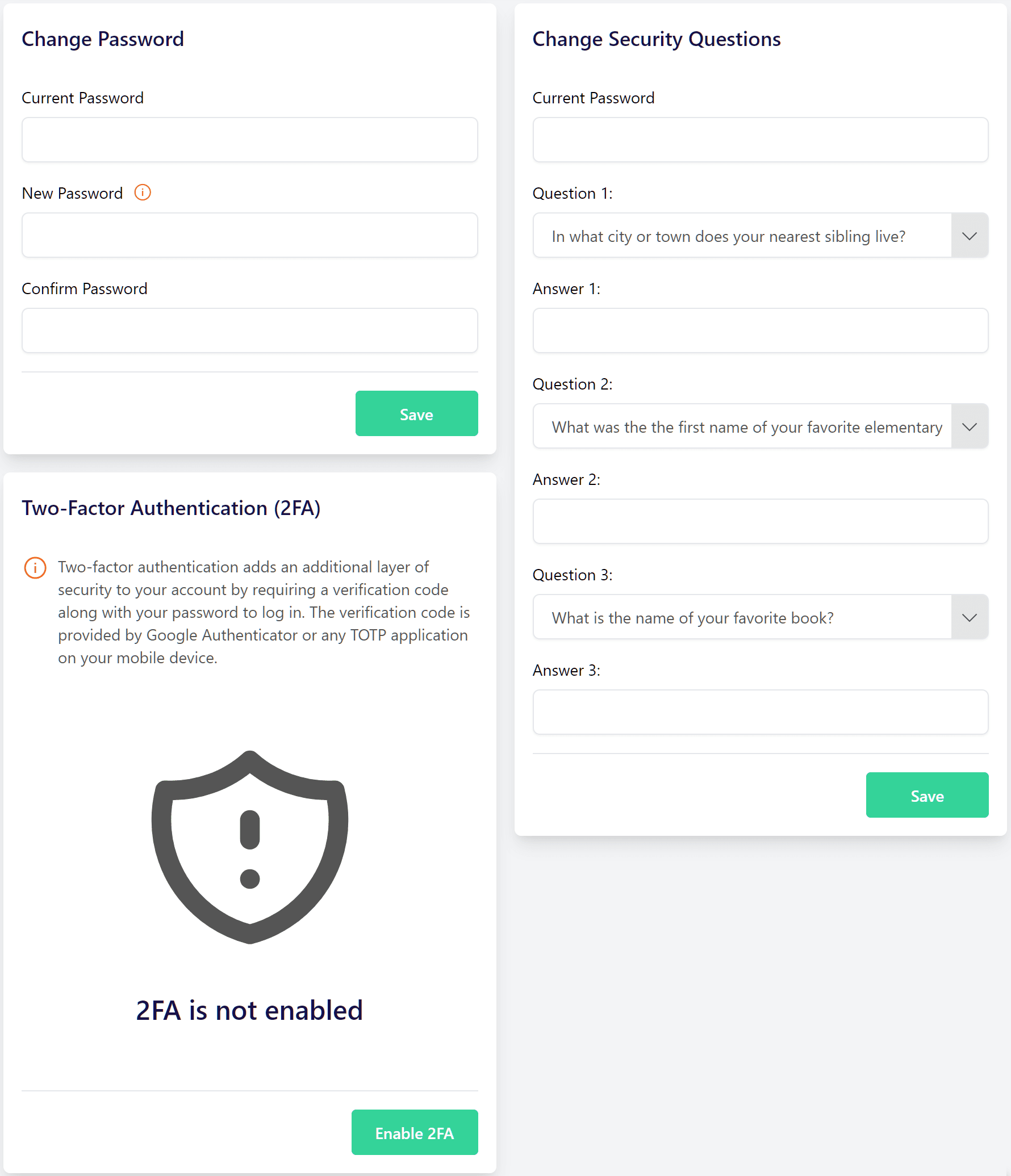
Complete these verification steps on your profile portal:
- Visit
id.gamota.com/profile and log in with your primary game credentials. - Bind an active personal phone number to receive temporary one-time security codes.
- Enter your national citizen identity details to establish legal account ownership.
- Set up secondary recovery methods to protect against unauthorized password changes.
Cross-device account transfers and security authorizations rely on temporary authentication codes that expire within 5 minutes. If logging into the recharge portal from a new device, keep your recovery phone nearby so the login token does not time out mid-transaction.
Players picking up Appota digital game cards should ensure their security profile is verified at id.gamota.com/profile. An authenticated profile prevents lockouts if you redeem multiple high-value codes in a single session.
Isolated Regional Servers vs Global Client Migrations
Gamota titles operate on regional infrastructure isolated from international counterparts. Localized editions like Gamota Rise of Kingdoms run on dedicated regional server clusters completely separate from global builds.
You cannot transfer accounts, VIP progression, or unconverted Appota currency between a global game client and a Gamota client. The databases do not communicate, and currency purchased through Gamota channels cannot be minted inside international versions.
The table below highlights the operational boundaries between Gamota's ecosystem and global servers.
| Infrastructure Element | Gamota Localized Environment | Global / International Environment |
|---|
| Account Management | Master Appota ID (id.gamota.com) | Third-party developer SSO |
| Payment Gateway | nap.gamota.com Web Portal | International client storefronts |
| Server Ecosystem | Dedicated regional game servers | Global server clusters |
| Currency Portability | Locked to Gamota database | Non-transferable to Gamota |
Takeaway: Always ensure your game client is the official Gamota-published edition before purchasing Appota Coins or attempting conversions.
If you accidentally download an international APK or global client from an external source, your Appota ID will not log in. You must install the regional Gamota build from an authorized source to access your balance and bind converted game currency.
Diagnosing Stalled Conversions and Balance Desync Issues
If the portal shows that your Appota Coins were deducted but your in-game balance remains unchanged after five minutes, your session is experiencing a balance desync. This happens when the web portal processes the deduction before the game server finishes writing the asset to your character's mailbox.

Follow these troubleshooting steps to force a client-side update:
- Completely close the game application on your mobile device or emulator.
- Clear the game cache through your device settings to purge stale state data.
- Re-open the game and check your in-game mailbox; some packages arrive as claimable mail rather than direct balance increases.
- Return to
nap.gamota.com and open your transaction history tab. - Verify that the order status shows as completed rather than pending or refunded.
- If the transaction shows completed but no mail arrives within 30 minutes, capture a screenshot of the Transaction ID and submit a ticket via Gamota customer support.
Do not attempt to repeat the transaction while a previous order is marked as pending. Submitting multiple duplicate conversions during a gateway lag spike can drain your master Appota ID balance multiple times once the server catches up.
Rules on Account Trading and In-Game Secondary Markets
Converting Appota Coins onto another player's account in exchange for cash violates Gamota's terms of service. Real-money trading (RMT) and secondary market transactions are strictly banned across all published titles.
The publisher uses automated tracking on nap.gamota.com to monitor balance allocations. When an Appota ID suddenly funnels currency into high-level characters on unrelated IPs, the account flags for investigation. Penalties include:
- Permanent balance confiscation from the master Appota ID.
- Immediate rollback of the recipient character's currency balance.
- Negative balance locks on the recipient character, preventing further gameplay.
- Hardware and IP bans on both the funding account and the recipient.
Every conversion should remain strictly between your personal Appota ID and your own verified characters. Converting currency to engage in third-party market trading puts your entire account investment at risk.
FAQ
Why is my in-game balance still zero after funding my Appota ID wallet?
Your funds stay in your Appota ID master balance until you manually select your game, server, and character on the Gamota portal. Unallocated wallet funds do not automatically transfer to individual game characters.
Where do I convert Appota wallet funds to Gamota game currency?
Go directly to the official Gamota top-up portal at nap.gamota.com and sign in with your Appota ID. Select your game title, target server UID, and character name, then choose your currency package.
What happens if I allocate currency to the wrong server or character?
Gamota character and server currency allocations are permanent and cannot be reversed or transferred across different servers. Always double-check your server number and character name before confirming any package conversion.
How do I secure my Appota ID before converting currency?
Visit id.gamota.com/profile to verify your account protection details, including your mobile phone number and citizen identity information. This prevents anti-fraud locks during high-value conversions.
Can I transfer Gamota game currency between different game accounts?
No, Gamota strictly prohibits the transfer, trade, or sale of in-game currency between separate player accounts. Currency conversions are bound directly to the recipient character on the selected server.
Can I transfer currency from an international game version to Gamota?
No, Gamota operates an independent, localized publishing environment with separate servers and account databases. Accounts and currencies from global versions cannot be migrated or merged into Gamota accounts.
What should I do if the portal deducts my balance but the game currency does not arrive?
Restart your game client, clear your application cache, and check your in-game mailbox for a claimable delivery attachment. If the items do not appear after 30 minutes, check your transaction history on nap.gamota.com and contact Gamota support with your Order ID.
Master the Manual Allocation Flow
Gamota's two-tier wallet system provides flexibility across multiple game titles, but requires an extra manual allocation step. Topping up your Appota ID is only step one. The transaction is complete only when you open nap.gamota.com, enter the Nạp lá menu, and explicitly bind your balance to your active server UID. Keep your profile verified, confirm your character details before clicking submit, and your funds will land in your game inventory every time.