Find out why the ZEPETO gift button is greyed out. Account age gates, privacy toggles, and inventory limits often block checkout. Here is how to fix them.
The Exact Reasons Your ZEPETO Gift Button Is Greyed Out
You picked an outfit in the Item Shop, opened a friend's profile to send it, and hit a dead end: the Gift button is dull grey and unresponsive. The interface offers no explanation and rejects the tap.
ZEPETO evaluates strict backend validation rules before clearing any gifting transaction. If one rule fails, the client locks the checkout button immediately. Five primary scenarios cause this lock:
- Your account is under 30 days old. The platform enforces a mandatory waiting period for new profiles before unlocking the gifting API.
- The recipient already owns the cosmetic. ZEPETO does not allow duplicate items in an avatar's closet.
- The recipient disabled gift reception in their privacy settings. Inbound interactions are rejected at the server level.
- You selected your own avatar. Self-gifting is blocked through this menu.
- The item is undergoing a live price change or is non-giftable. Delisted creator items, locked event cosmetics, and items with shifting database prices grey out on the spot.
Every gift transaction pulls directly from your live balance of Coins or ZEMs. If you need to top up before picking a different cosmetic, you can restock your ZEPETO ZEMs & Coins to ensure your account holds the necessary funds when the button reactivates.
Below is the exact matrix of backend error conditions that trigger a disabled button or a failed gift prompt.
| Issue Trigger | API Error Response | Functional Consequence |
|---|---|---|
| Account Under 30 Days Old | Gifting is only possible after 30 days | Gift button remains greyed out or tap throws a calendar restriction popup. |
| Recipient Already Owns Item | giving a gift receiver already have | Interface blocks checkout to prevent unwearable cosmetic inventory duplicates. |
| Self-Gifting Selection | giving a gift can not send yourself | Checkout button locks when the sender enters their own User ID. |
| Inbound Privacy Restricted | receiver not allowed to accept gift | System halts transfer because the receiving account opted out of gifts. |
| Real-Time Shop Price Shift | giving a gift item price changed | Transaction halts instantly until the client reloads the updated catalog price. |
| Delisted or Banned Item | giving a gift item is not exist / item is not valid | Item remains visible in cache but cannot be processed through the payment queue. |
Reviewing these API triggers reveals that most gifting failures are safety barriers rather than random bugs in the mobile app.
The 30-Day Account Age Gate: ZEPETO Gifting Requirements Explained
The most frequent cause of an unclickable Gift button is a brand-new profile. ZEPETO requires every account to exist for at least 30 full days before granting permission to dispatch gifts.
This backend restriction prevents automated account farming and illicit currency dumping. Accounts created two weeks ago cannot bypass the rule. There is no manual verification ticket, support override, or hidden setting to skip the wait. The API rejects outbound gift calls until the 720-hour mark clears.
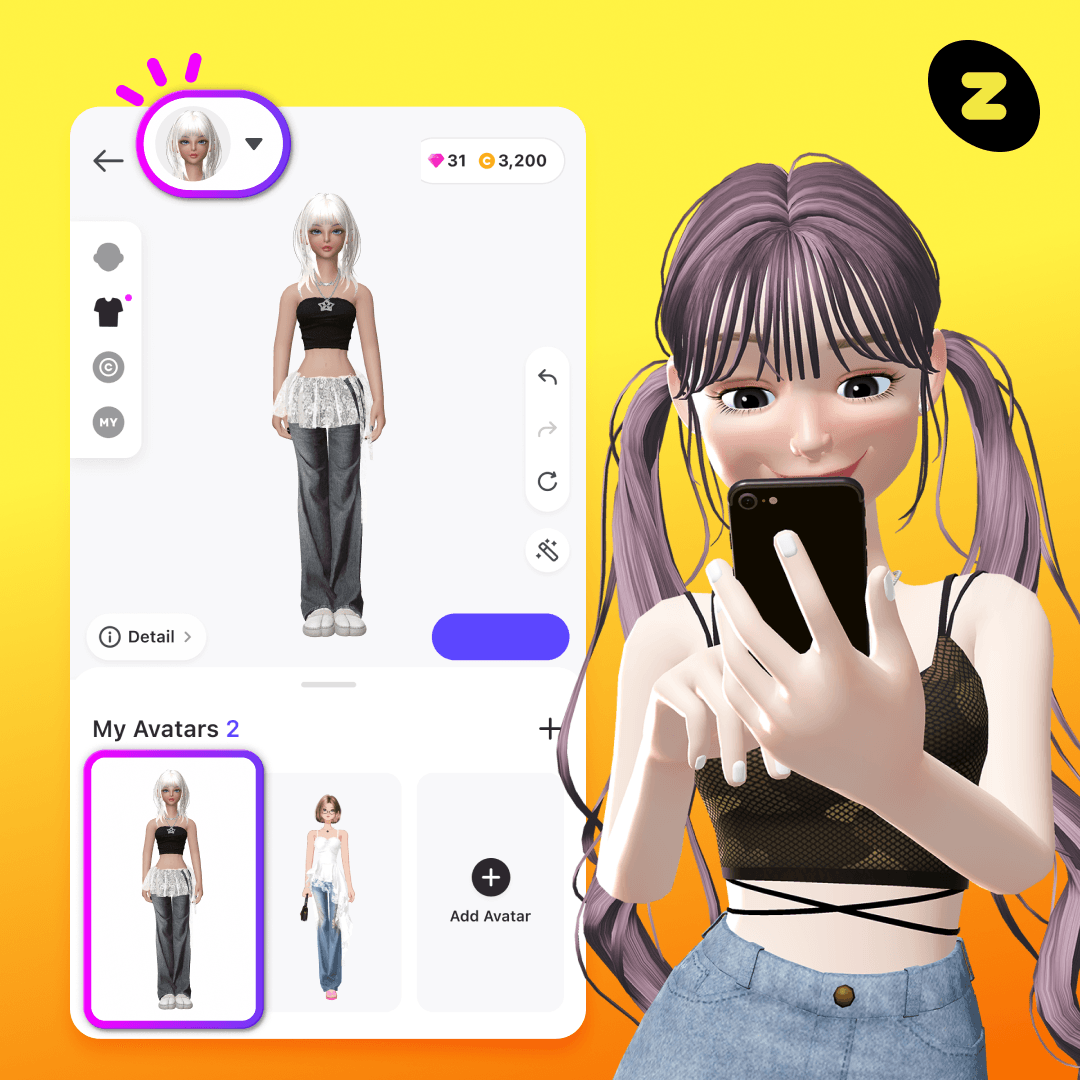
If your account is under 30 days old:
- Log in daily to track account age.
- Save Coins and ZEMs earned from quests and events.
- Wait until day 31 to attempt the transfer.
Do not use third-party client modifications or automated scripts to force a transaction. Account flags for abnormal transaction activity trigger automated suspensions that permanently disable store and gifting features.
Recipient Inventory Conflicts: When They Already Own the Item
ZEPETO's cosmetic inventory system prevents duplicate items in individual closets. If you attempt to purchase a dress, hairstyle, or accessory your friend already owns, checkout freezes.
The client queries the recipient's inventory database using their User ID before approving payment. When the item identifier matches an owned item, the server returns the error giving a gift receiver already have.
Some app builds display an explicit notification explaining the conflict. Other builds fail to parse the response cleanly, leaving the button grey and unresponsive.
To resolve this conflict:
- Ask your friend to inspect their closet inventory.
- View their public avatar profile to see if the piece is equipped.
- Have them put preferred alternatives onto their public Wishlist.
Curating a Wishlist first prevents wasted currency and locked checkout screens.
Privacy Settings and Blocked Inbound Gifts
Even on aged accounts without inventory conflicts, recipient privacy settings can stop a delivery. ZEPETO provides granular controls governing who can message, tag, or gift a profile.
If the recipient restricts incoming gifts, the backend drops the request with the code receiver not allowed to accept gift. The store overlay then halts.
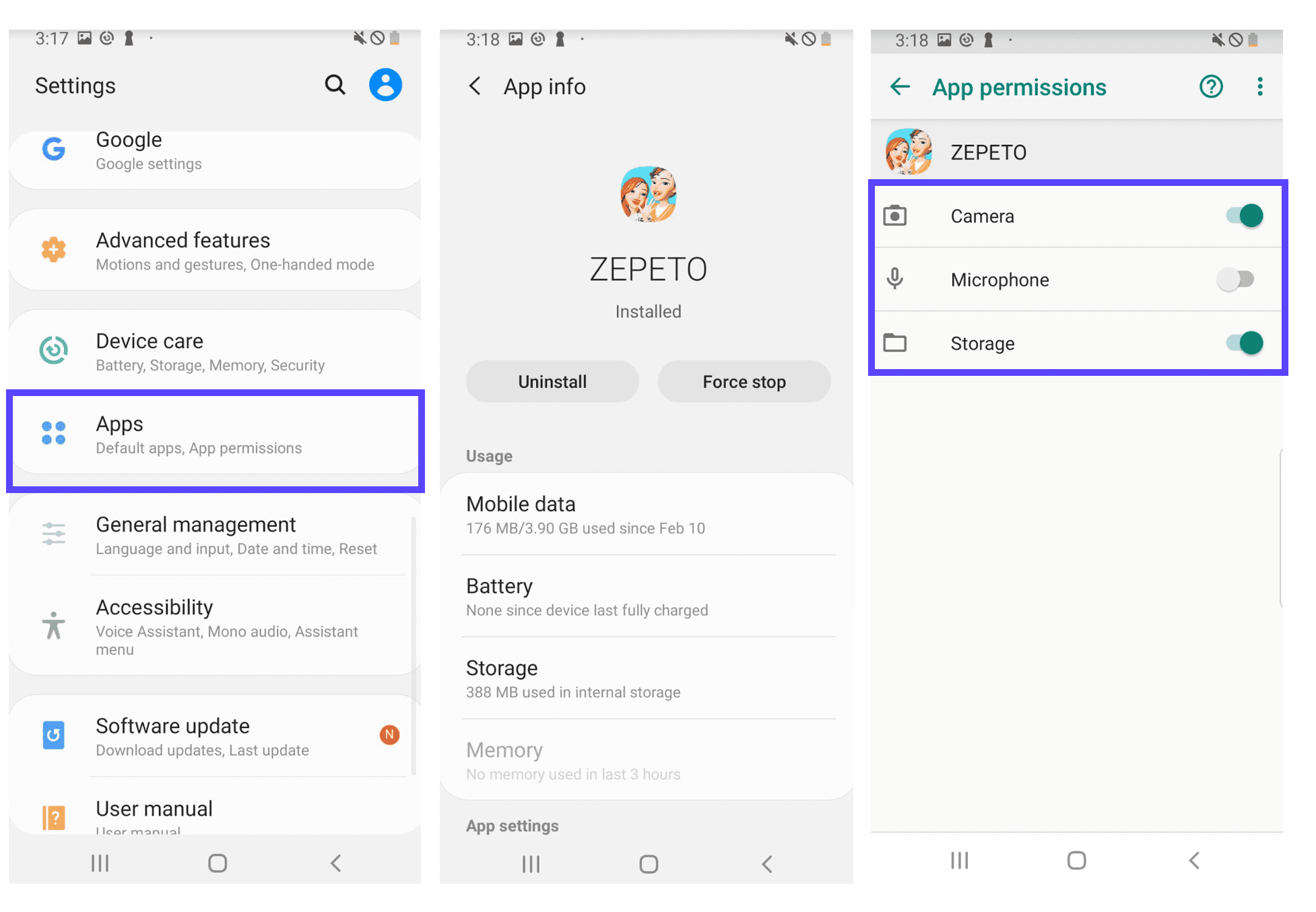
ZEPETO provides four interaction tiers for user communication and inbound content:
| Setting Level | Inbound Gift Permission | Best Use Case |
|---|---|---|
| Everyone | Unrestricted | Public creators and streamers accepting presents from all community members. |
| Following | Accounts They Follow Only | Friends-only setups where the recipient must follow you back to receive gifts. |
| Followers | Accounts Following Them | Broad permission allowing any fan or contact to send items freely. |
| None | Completely Disabled | Total privacy lock; no avatar can send gifts, messages, or tags. |
If your recipient selects None or restricts incoming gifts to Following while not following your account back, your gift attempts will fail every single time.
How the Recipient Can Fix Their Privacy Settings
When a permission error halts checkout, the recipient must update permissions on their end:
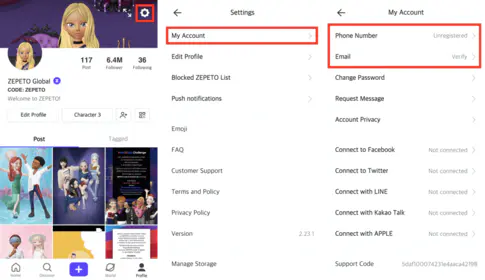
- Open ZEPETO and tap the profile icon in the bottom right corner.
- Tap the Gear icon in the top right to open Settings.
- Navigate to Privacy.
- Open interaction permissions for messages and gifts.
- Change the setting from None to Everyone, or make sure both accounts follow each other if set to Following.
After they update this setting, force close ZEPETO, reopen the catalog, and retry the checkout.
Delisted Outfits, Price Adjustments, and Non-Giftable Catalog Items
Not every piece of apparel in ZEPETO can be gifted. The catalog holds millions of items, including base assets and community creations from ZEPETO Studio. Specific catalog conditions strip an item's gifting eligibility.
Delisted and Inactive Creator Items
Creator items built from 2D templates—which require textures between 256x256 and 512x512 pixels—must pass continuous moderation reviews. If a creator removes an item from sale, or if moderators flag an asset for policy violations, the catalog entry often lingers in local device cache despite being dead on the server.
Selecting a delisted item triggers giving a gift item is not exist or giving a gift item is not valid the item cannot be sent as a gift right now. The buy button will either grey out or return a failure prompt.
The Mid-Transaction Price Shift Error
Creator items and promotional outfits frequently undergo price edits during store updates. If a creator raises an item's price from 5 ZEMs to 7 ZEMs while your purchase overlay is open, the server drops checkout with the error giving a gift item price changed.
This mechanism stops players from being overcharged. Exit the item preview, refresh the shop tab, and confirm the new price before retrying.
API Rate Limits and Character Restrictions on Gift Messages
Sometimes the block stems from how you filled out the gift form rather than the item or recipient profile. Two technical bottlenecks trigger this state.
The 80-Character Note Limit
ZEPETO lets senders attach a note to delivered gift boxes, but the gifting API enforces a strict limit of 80 characters. Pasting an essay or inserting non-standard characters causes the checkout button to disable, returning message not appropriate or an overflow error.
Keep notes short. Avoid profanity or filtered words, which cause automated filters to drop the entire payload.
API Request Caps (300 Requests Per Minute)
Sending multiple gifts rapidly during giveaways or community events can hit ZEPETO's Open API rate limit. The platform caps user requests at 300 calls per 60-second window.
Crossing this limit returns an HTTP 429 status code ("Too Many Requests") and freezes store interactions. If buttons stop responding during continuous gifting, wait two full minutes for the rate-limit window to clear.
The table below outlines the core technical rules governing the gifting pipeline:
| Operational Parameter | Platform Limit | Consequence of Exceeding Limit |
|---|---|---|
| Sender Account Age | Minimum 30 Days | Gifting functionality locked until 30-day age requirement is met. |
| Minimum User Age | 13 Years Old | Platform registration safety threshold governing account capabilities. |
| Gift Message Length | Maximum 80 Characters | Send button fails or flags message as invalid/inappropriate. |
| API Request Frequency | 300 Requests per Minute | Triggers HTTP 429 Too Many Requests; temporarily blocks interactions. |
| 2D Template Texture Bounds | 256x256 to 512x512 Pixels | Invalid creator templates fail review and are excluded from the gift catalog. |
Staying inside these technical parameters guarantees that your gift orders process smoothly without triggering security flags.
Account Status: Age Limits, Creator Guidelines, and Suspensions
Profile standing directly controls feature access. When an account violates safety rules, gifting is usually disabled first.
ZEPETO enforces a platform-wide minimum registration age of 13. Accounts flagged under child protection policies or restricted through linked parental controls often have peer-to-peer gifting disabled to block unauthorized digital purchases.
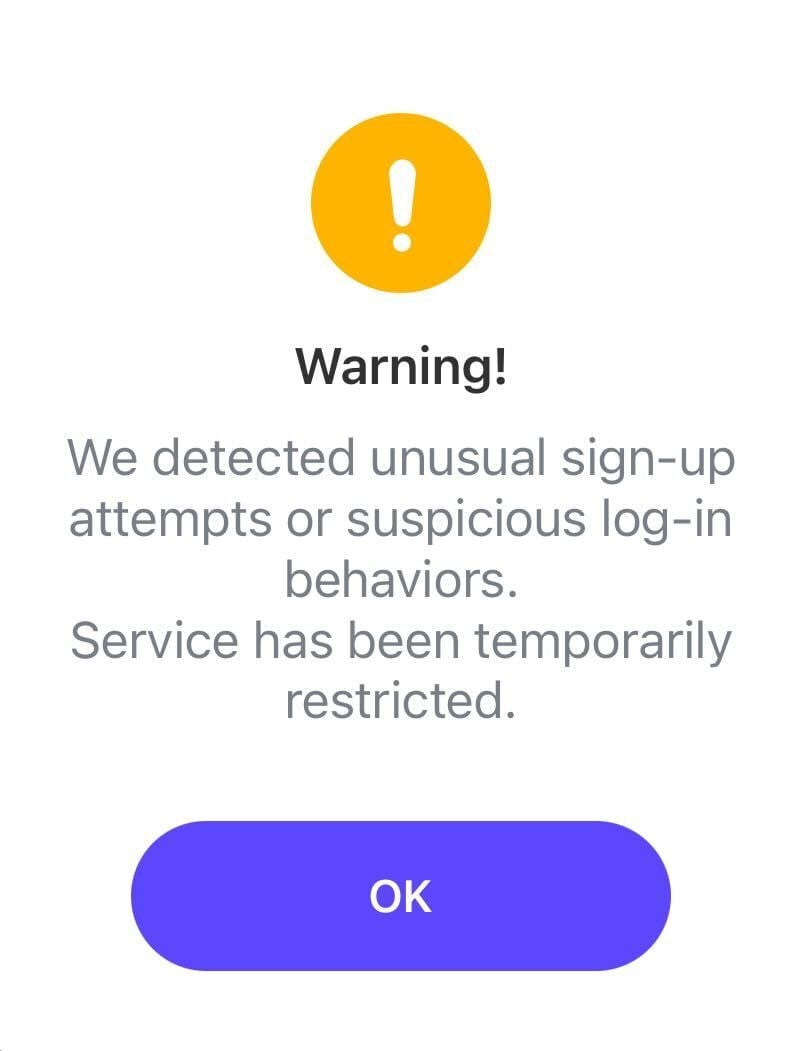
Policy suspensions also revoke item catalog access. Accounts investigated for terms-of-service infractions—such as inappropriate world behavior, prohibited texture uploads via ZEPETO Studio, or payment chargebacks—have all item dispatch features locked.
If you suspect an account suspension, check your registered email for official safety notices or appeal the action directly through customer support.
Alternative Ways to Send Presents: Wishlists and Live Streams
When the standard Item Shop Gift button remains disabled for a friend, two alternative delivery routes bypass the issue.
Gifting Directly Through Live Streams
If your friend hosts live broadcasts, you can bypass the standard shop checkout entirely. During an active stream, viewers can purchase and dispatch real-time virtual gifts directly to the host using ZEMs.
Live creators can also review viewer Wishlists and gift items directly to audience members during broadcasts. If direct shop gifting fails from client glitches, sending gifts during a live stream circumvents the standard item checkout screen.
Currency Delivery for Independent Shopping
If you want to avoid inventory checks and delisted catalog errors entirely, deliver currency instead. You can secure direct ZEPETO currency top-ups by supplying your friend's User ID.
This deposits Coins or ZEMs directly into their balance. They can then browse the catalog and purchase items independently without running into recipient privacy blocks.
Step-by-Step Troubleshooting Checklist for Broken Gifting
Work through this sequential checklist to diagnose and resolve the issue:
- Verify Sender Account Age: Confirm your profile is older than 30 days. If not, wait until day 31.
- Check Recipient Ownership: Ask the recipient whether they already have that exact item equipped or stored in their closet.
- Inspect the Target User ID: Ensure you did not accidentally tap your own avatar profile or enter your own ID.
- Audit the Recipient's Privacy Settings: Have the recipient confirm their gift settings are set to "Everyone" or mutual "Following".
- Review the Gift Note: Delete your custom text message entirely or shorten it to under 80 characters using simple words.
- Test a Standard Base Item: Try gifting a low-cost, official base item. If that works, the original item you selected is likely delisted, invalid, or undergoing a price shift.
- Check In-Game Wallet Funds: Ensure you have enough Coins or ZEMs to cover the full purchase price; if short, get Coins and ZEMs delivered to your balance before re-attempting.
- Restart and Clear App Cache: Force quit the ZEPETO client, clear your temporary mobile app cache, and relaunch to purge outdated shop listings.
Following these steps eliminates guesswork and pinpoints the exact constraint blocking your transaction.
Final Verdict: What to Do When the Gift Option Refuses to Work
A greyed-out Gift button in ZEPETO rarely points to a random client bug. In almost every case, you hit one of three backend safeguards: the 30-day age gate, duplicate inventory rules, or recipient privacy toggles.
New accounts must wait out the 30-day timer. For older profiles facing an unresponsive button, stop re-tapping the screen on that specific item. Have your recipient check their privacy toggles and clear duplicate items from their Wishlist.
Taking two minutes to confirm these eligibility requirements will save you endless frustration and ensure your virtual gifts actually make it to your friends' avatars.
FAQ
Why is the Gift button greyed out on a new ZEPETO account?
ZEPETO requires your account to be at least 30 days old before sending gifts is unlocked. The system enforces this via its backend API to stop spam and fraudulent transfers. You must wait until your profile reaches the 30-day mark to use the feature.
Why can't I send a gift to a specific friend in ZEPETO?
Your friend likely has gift reception disabled in their privacy settings, or they already own the item you picked. Ask them to verify their inventory closet or switch their interaction settings to allow gifts from everyone.
Can I send a ZEPETO gift item to myself?
No, ZEPETO's system explicitly blocks self-gifting and throws an error if you target your own User ID. To acquire an item for your own avatar, purchase it directly through the main Item Shop interface.
What happens if an item's price changes while I am gifting?
The transaction will halt immediately with an error stating that the price has changed. This safety measure prevents you from overpaying if a creator adjusts an item's price mid-checkout. Refresh the catalog page and try sending it again at the updated rate.
Is there a character limit on ZEPETO gift messages?
Yes, gift notes cannot exceed 80 characters in length. Entering more than 80 characters or using words flagged by the automated content moderation filter will disable the send button.
Can I send Coins or ZEMs as gifts directly without buying an item?
ZEPETO does not offer a direct peer-to-peer wallet transfer feature inside the basic avatar shop menu. However, you can send real-time virtual gifts using ZEMs during live streams or arrange a top-up directly to a friend's User ID.
Why does the app say the item cannot be sent as a gift right now?
This notification indicates that the item has been delisted, flagged for moderation review, or restricted from gifting by the creator. When this error occurs, you must pick a different approved item from the catalog.