

Cyberpunk 2077 Top Up: Available Digital Editions and Platform Codes
Acquiring Cyberpunk 2077 digitally gives you instant access to Night City across your preferred gaming platforms. When selecting a product for your Cyberpunk 2077 recharge or purchase, choose the edition and platform key that matches your gaming setup. Digital codes distributed via BitTopup provide direct activation without physical media delays.
Platform Code Options
- PC Digital Edition (GOG.com Key): Direct activation key registered to your GOG account. Provides full DRM-free access to the base game and direct integration with the GOG Galaxy launcher.
- Xbox Series X|S & Xbox One Digital Code: A 25-character digital redeem code applied directly to your Microsoft account. Grants digital ownership across compatible Xbox console systems.
- Phantom Liberty Expansion Code: Digital DLC codes designed to expand the base game with the Dogtown district storyline, available per specific platform (PC GOG or Xbox Series X|S).
| Product / Edition | Platform | Activation Method | Key Format |
|---|---|---|---|
| Cyberpunk 2077 Standard Edition | PC (GOG) | GOG Galaxy / GOG.com | Alphanumeric Key |
| Cyberpunk 2077 Standard Edition | Xbox Series X|S / One | Microsoft Store / Console | 25-character code |
| Phantom Liberty DLC | PC (GOG) | GOG Galaxy / GOG.com | Alphanumeric Key |
| Phantom Liberty DLC | Xbox Series X|S | Microsoft Store / Console | 25-character code |
| Ultimate Edition (Base + DLC) | PC / Xbox | Platform Launcher / Store | Platform Digital Key |
All live product pricing, discounts, and regional currency conversions are displayed directly on the BitTopup checkout interface prior to payment confirmation.
How to Recharge and Redeem Cyberpunk 2077 Digital Keys Step-by-Step
Follow these precise steps to purchase your digital code on BitTopup and activate it directly on your designated gaming platform.
Step 1: Purchasing on BitTopup
- Select the required platform edition (PC GOG or Xbox Console) from the product catalog.
- Confirm the regional compatibility matching your platform account region.
- Enter your contact email address to receive your order receipt and digital redemption voucher.
- Complete the transaction using your preferred payment method on the secure checkout screen.
- Access your digital code instantly on your order completion screen or via your email confirmation.
Step 2: Activating PC Codes on GOG.com / GOG Galaxy
- Open the GOG Galaxy client on your PC (or visit
gog.com/redeemin a web browser). - Log in to your personal GOG account.
- Click on the Settings/Gear icon in the top left corner of GOG Galaxy.
- Select Add games & friends > Redeem GOG code.
- Enter the digital key provided by BitTopup exactly as shown.
- Click Continue to bind Cyberpunk 2077 permanently to your GOG game library.
- Begin downloading the game assets to your local drive.
Step 3: Activating Xbox Codes on Console and Web
On Xbox Series X|S or Xbox One:1. Power on your console and sign in to the Microsoft account where you want the game registered.2. Press the Xbox button on your controller to open the guide, then navigate to the Store app.3. Press the View button to open the side menu, then select Redeem.4. Type the 25-character digital key and select Check Code.5. Confirm the prompt to add Cyberpunk 2077 to your digital game library.
Via Web Browser:1. Go to redeem.microsoft.com and log in with your Microsoft/Xbox account.2. Input the 25-digit code and click Next to confirm redemption.
Finding Your Platform Account Details for Cyberpunk 2077
When buying digital game keys on BitTopup, you receive a direct product code rather than an in-game UID currency delivery. However, confirming your platform account profile ensures you activate the game on the correct profile.
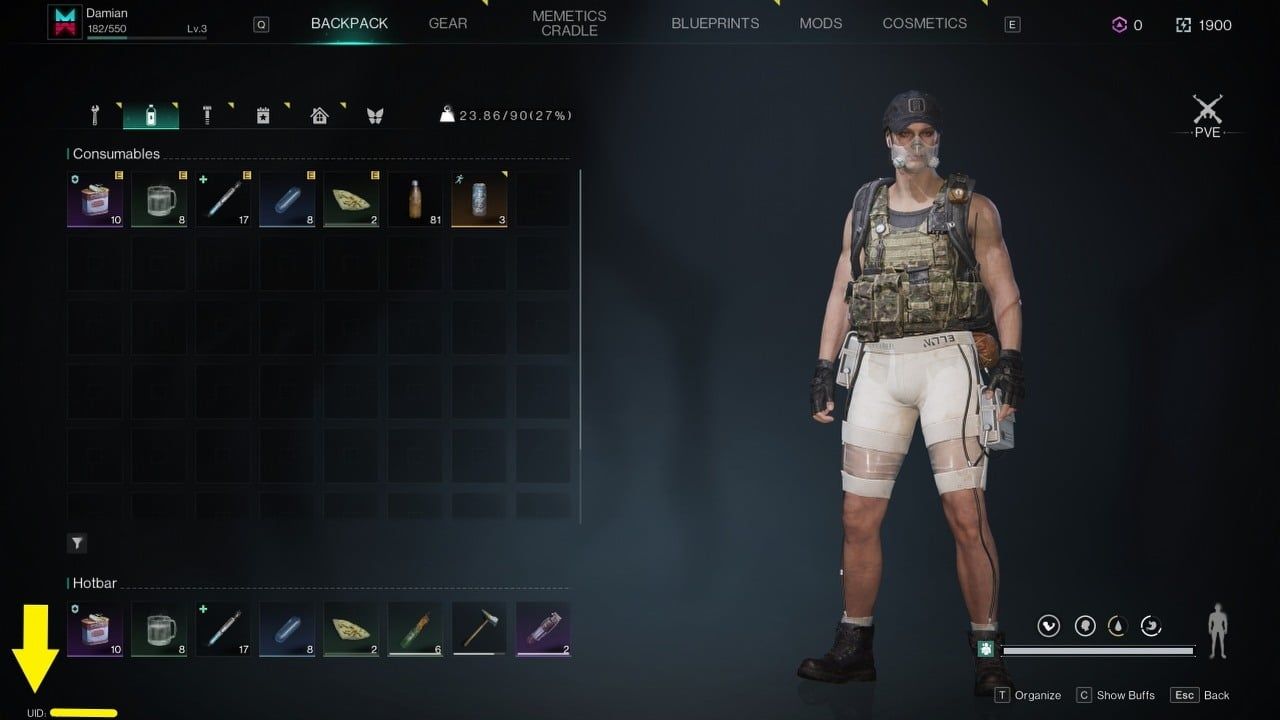
- PC (GOG): Your GOG Account Username or associated email address appears in the top-right profile avatar section of the GOG Galaxy launcher.
- Xbox: Your Xbox Gamertag and linked Microsoft Account email display on the top-left of the Xbox home dashboard.
Double-check that you are signed into the exact platform account you intend to play on before entering your redemption code.
Phantom Liberty Expansion and Compatibility with Digital Base Games
Before purchasing a digital code for the Phantom Liberty spy-thriller expansion, verify base game ownership and hardware compatibility:
- Base Game Requirement:Phantom Liberty is downloadable content (DLC) and requires the base Cyberpunk 2077 game registered on the exact same platform account.
- Matching Platform Ecosystems: A PC GOG expansion code will not activate or work with an Xbox base game. You must match PC keys to PC libraries and Xbox keys to Xbox consoles.
- Hardware Generation Check:Phantom Liberty was developed specifically for next-gen hardware. It is fully compatible with PC and Xbox Series X|S. It is not supported on older legacy Xbox One consoles.
Secure Digital Delivery on BitTopup Without Password Sharing
BitTopup safeguards your gaming privacy and account safety by utilizing direct key distribution:
- No Login Required: You will never be asked for your GOG password, Microsoft account credentials, or two-factor authentication codes.
- Direct Key Ownership: You receive an unredeemed, official digital alphanumeric code that you redeem yourself directly on the platform's official client.
- Protected Transactions: Checkout sessions use standard encryption protocols to process payments securely.
- Reliable Support: Customer service is available 24/7 to resolve code delivery inquiries or redemption questions.
Troubleshooting Common Digital Activation Errors and Region Restrictions
If you encounter an issue when activating your digital code, review these standard troubleshooting steps:
- Region Mismatch Error: Digital codes may be regional (such as Global, North America, or Europe). Ensure your platform account's store region matches the region of the purchased code.
- Typo and Character Confusion: Ensure characters like
0(number) andO(letter), or1,I, andLare entered accurately. Copying and pasting the key directly eliminates input errors. - Code Already Redeemed: Refresh your game library. On GOG Galaxy, click the library filter and verify if Cyberpunk 2077 is already listed under owned titles. On Xbox, check your "Full Library > Owned Games" menu.
- Expansion Not Showing In-Game: Ensure the expansion files are fully downloaded alongside the base game files in your platform's download manager.
Cyberpunk 2077 Core Updates and Night City Gameplay in 2026
Playing Cyberpunk 2077 in 2026 offers the definitive open-world action RPG experience. Running on the overhauled 2.0+ framework, the game features redesigned cyberware mechanics, revamped skill progression trees, advanced vehicular combat, and smart police response systems across the Night City metropolitan area.
Whether exploring the neon streets of Watson, navigating corporate politics in City Center, or venturing into the lawless combat zone of Dogtown in Phantom Liberty, purchasing your digital key via BitTopup gets you straight into the action with immediate activation.
Frequently Asked Questions About Cyberpunk 2077 Top Up
Where can I buy Cyberpunk 2077 digital codes safely?
You can buy official digital codes for Cyberpunk 2077 safely on BitTopup. BitTopup provides secure payment gateways, direct digital key delivery, and transparent transactions without asking for your personal account passwords.
How do I redeem my Cyberpunk 2077 code on GOG.com or Xbox?
For PC GOG keys, open the GOG Galaxy launcher, click the gear icon, select "Add games & friends" > "Redeem GOG code", and enter your key. For Xbox codes, navigate to the Store on your Xbox console, select "Redeem", and enter the 25-character digital code.
Do I need to share my account login or password to recharge Cyberpunk 2077 on BitTopup?
No. BitTopup does not require your account login or password. You receive an official digital activation code that you redeem personally inside your own GOG or Microsoft account.
Are Cyberpunk 2077 digital codes region-locked?
Some digital codes carry regional restrictions (such as Global, US/North America, or EU). Always check the region tag on the BitTopup product selection page to make sure it matches your platform account's designated country.
Do I need the base Cyberpunk 2077 game to play Phantom Liberty?
Yes. Phantom Liberty is an expansion pack and requires the Cyberpunk 2077 base game registered to the same platform account to install and run.
What should I do if my Cyberpunk 2077 activation code fails to work?
First, verify that there are no typing mistakes and that your account store region matches the code. If the problem persists, reach out to BitTopup customer support with your order number for quick verification and assistance.