

StarCraft: Remastered Top Up and Digital Key Overview
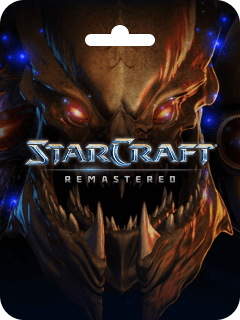
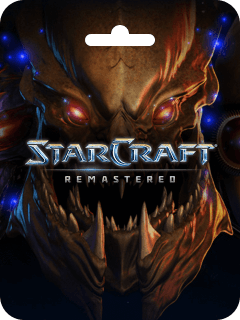
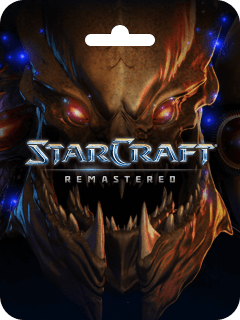
StarCraft: Remastered revitalizes Blizzard Entertainment's iconic sci-fi real-time strategy experience while preserving the exact gameplay mechanics, pathing, and unit balance that defined competitive RTS gaming. Purchasing a digital code gives you full access to both the original StarCraft campaign and the Brood War expansion, upgraded with widescreen 4K Ultra HD graphics, refreshed audio, and modern Battle.net online matchmaking infrastructure.
Securing your StarCraft: Remastered top up through BitTopup delivers an authentic digital activation key directly to you. You can register the code to your personal Battle.net account without sharing passwords or sensitive login credentials.
Overview of StarCraft: Remastered PC Features and Campaign Content
The remastered edition brings substantial visual and functional improvements to the classic 1998 title while keeping the underlying simulation engine intact:
- 4K Ultra HD Visuals: High-resolution unit models, building structures, visual effects, and environmental textures built for modern monitors.
- Complete Single-Player Saga: Over 50 campaign missions spanning the Terran, Zerg, and Protoss storylines from the original game and the Brood War expansion.
- Re-Recorded Audio and Dialogue: High-fidelity sound effects, an updated musical score, and newly recorded character dialogue in multiple languages.
- Stylized Narrative Interludes: Comic-style illustrated interludes between campaign missions that expand the lore and character story arcs.
- Competitive Ladder and Matchmaking: Automated matchmaking with skill-based MMR ratings, global leaderboards, and seasonal rankings.
- Cloud Profiles and Custom Keybinds: Cloud storage for campaign saves, custom hotkey setups, and replay tracking directly within your Battle.net profile.
StarCraft: Remastered vs. Original Brood War: Comparison
Understanding the differences between the free legacy client and the Remastered upgrade helps clarify what you unlock upon purchase:
| Feature | Classic StarCraft (Free Client) | StarCraft: Remastered | StarCraft: Cartooned (Add-on) |
|---|---|---|---|
| Resolution | 4:3 Standard Def (640x480) | Widescreen UHD up to 4K | Widescreen UHD up to 4K (Cartoon Style) |
| Visual Toggle | Fixed Classic Graphics | Instant Switch via F5 Key | Full Carbot Animation Skin |
| Matchmaking | Custom Gateway Lobbies Only | Automated Ladder & MMR System | Automated Ladder & MMR System |
| Leaderboards | None | Global & Regional Ranked Ladders | Global & Regional Ranked Ladders |
| Hotkeys & Saves | Local Files Only | Cloud-Synced Saves & Keybind Profiles | Cloud-Synced Saves & Keybind Profiles |
| Campaign Content | Full Original + Brood War | Full Original + Brood War (4K) | Full Original + Brood War (Cartoon) |
How to Buy and Recharge StarCraft: Remastered on BitTopup
Ordering your digital code on BitTopup is fast and straightforward:
- Select the StarCraft: Remastered product edition on BitTopup.
- Review the live pricing displayed on the product checkout page.
- Choose your preferred secure payment method from the available options.
- Complete the transaction securely.
- Copy your digital code from your order confirmation screen or confirmation email.
- Redeem the key on your Battle.net account to bind the game permanently to your library.
How to Find Your Battle.net Account Details and UID
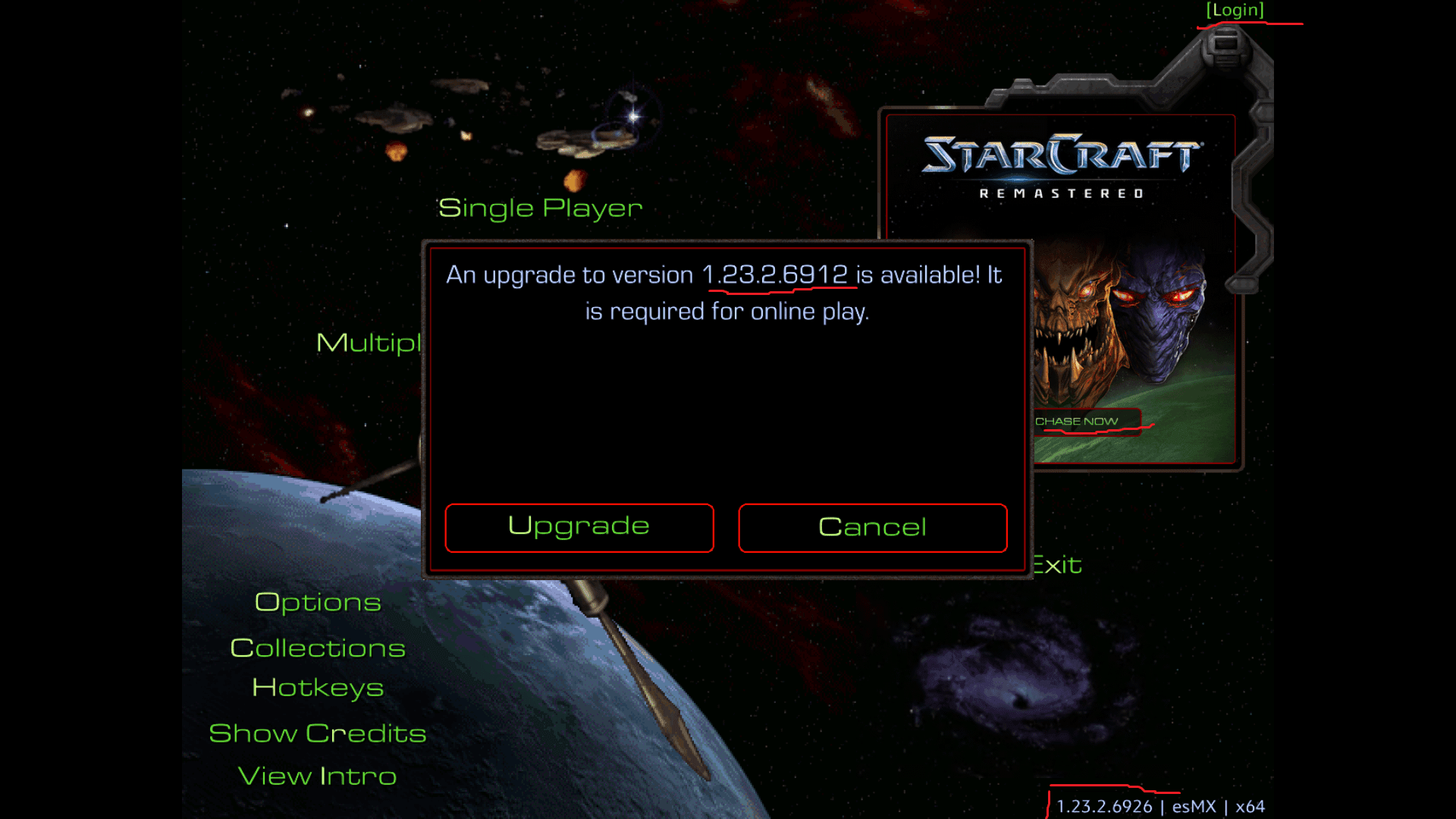
To activate your digital code or verify your account region before redemption, locate your Battle.net details as shown below:
- Open the Battle.net Desktop App on your PC.
- Click on your profile avatar located in the top-right corner of the launcher.
- View your full BattleTag (e.g.,
PlayerName#1234), which acts as your unique identifier. - To check account region details, select View Account to open your account settings page in your web browser.
BitTopup never asks for your Battle.net password. You receive a digital code that you activate directly on your personal account.
Step-by-Step Battle.net Digital Code Redemption Guide
Follow these steps to activate your key once your purchase is complete:
Method 1: Via the Battle.net Desktop App
- Launch the Battle.net Desktop Application on your Windows PC.
- Click your account name or avatar in the upper-right corner.
- Click Redeem a Code.
- Paste your digital code into the input field and click Redeem Code.
- Navigate to the Games tab, select StarCraft, and click Install.
Method 2: Via Web Browser
- Visit
account.battle.netin your browser and log in with your Battle.net credentials. - In the Account Overview tab, locate the Redeem a Code text box.
- Enter your activation key and click Redeem Code.
- Open your Battle.net desktop client to download and launch the game.
Is StarCraft: Remastered Worth Buying in 2026?
StarCraft: Remastered remains a premier competitive real-time strategy title in 2026. The game maintains an active global multiplayer community, supported by active competitive circuits such as the AfreecaTV StarCraft League (ASL) and community-driven ladder seasons.
Because the mechanical balance remains identical to classic Brood War patch 1.16.1, the high skill ceiling and competitive purity remain intact. The 4K graphics upgrade, modernized netcode, and widescreen support make it accessible on modern high-refresh-rate displays without losing the micro-management precision that players expect.
System Requirements and Compatibility for Microsoft Windows
StarCraft: Remastered runs smoothly across a broad spectrum of hardware configurations:
| Hardware Component | Minimum System Requirements | Recommended System Requirements |
|---|---|---|
| Operating System | Windows 10 64-bit | Windows 10 / Windows 11 64-bit |
| Processor | Intel Pentium D or AMD Athlon 64 X2 | Intel Core 2 Duo E6600 (2.4 GHz) or AMD Athlon 64 X2 5400+ |
| Graphics Card | NVIDIA GeForce 6800 (256 MB) or ATI Radeon X1600 Pro (256 MB) | NVIDIA GeForce 8800 GT (512 MB) or ATI Radeon HD 3850 (512 MB) |
| System RAM | 2 GB RAM | 4 GB RAM |
| Storage Space | 8 GB available hard drive space | 8 GB available SSD space |
| Display Resolution | 1024 x 768 minimum display resolution | 1920 x 1080 or 4K display resolution |
| Internet | Broadband internet connection | Broadband internet connection |
Troubleshooting Common Activation and Installation Issues
- Code Already Claimed: Ensure you are logged into the intended Battle.net account before claiming the key. Digital codes can only be attached to a single account once.
- Graphics Mode Toggle: If the game launches in original SD graphics, press the
F5key during gameplay or navigate to Options > Video to enable Remastered graphics settings. - Launcher Download Initialization: If the installation download gets stuck during initialization, close Battle.net, right-click the shortcut, select Run as Administrator, and retry the download.
- High DPI Display Scaling: If text or UI elements appear misaligned on high-resolution screens, right-click
StarCraft.exe, go to Properties > Compatibility > Change high DPI settings, and check Override high DPI scaling behavior.
Why Choose BitTopup for StarCraft: Remastered Purchases
- Zero Account Sharing: We provide direct digital codes. You never need to hand over your login credentials, password, or security answers.
- Fast Digital Delivery: Your activation key is processed and generated immediately upon successful transaction completion.
- Secure Payment Processing: Multiple verified payment gateways ensure that all checkout data is protected.
- Customer Support Availability: Dedicated customer service staff are available 24/7 to assist with order status and code delivery inquiries.
Frequently Asked Questions
How much does StarCraft: Remastered cost in 2026?
Product pricing can change based on current catalog promotions and seasonal discounts. Please check the live product price directly on the BitTopup checkout page above for the most up-to-date rate.
Is StarCraft: Remastered free to play or do I need to purchase it?
The base original StarCraft (SD graphics, custom lobbies only) is available for free through Battle.net. However, StarCraft: Remastered is a paid product required to unlock 4K Ultra HD graphics, modern ranked ladder matchmaking, leaderboards, and cloud profiles.
Can you still play StarCraft: Remastered online multiplayer in 2026?
Yes. The official Battle.net multiplayer servers and competitive ranked matchmaking ladders are fully active in 2026, featuring cross-play compatibility between Remastered players and classic free client players.
Is it worth buying StarCraft: Remastered if I already have the classic version?
Yes. Remastered adds high-resolution 4K asset scaling, 16:9 widescreen viewports, improved sound and voice assets, cloud profile saving, custom hotkey configurability, and official ranked matchmaking that are not available in the classic standalone release.
How do I activate my StarCraft: Remastered code on Battle.net?
Log into the Battle.net desktop app or visit account.battle.net, select Redeem a Code, enter the key received from BitTopup, and confirm. The game will automatically unlock in your Battle.net library for download.
Does StarCraft: Remastered include the Brood War expansion?
Yes. StarCraft: Remastered includes all campaign content, units, and features from both the original base game and the Brood War expansion pack in a single combined installation.










![ToGather: Island CD-Key [STEAM] - Top Up](https://pic.bittopup.com/apiUpload/a3e30e5c466353a03be69541b03285a5.png?imageView2/0/w/120/h/120/format/webp/ignore-error/1 "ToGather: Island CD-Key [STEAM] - Top Up")